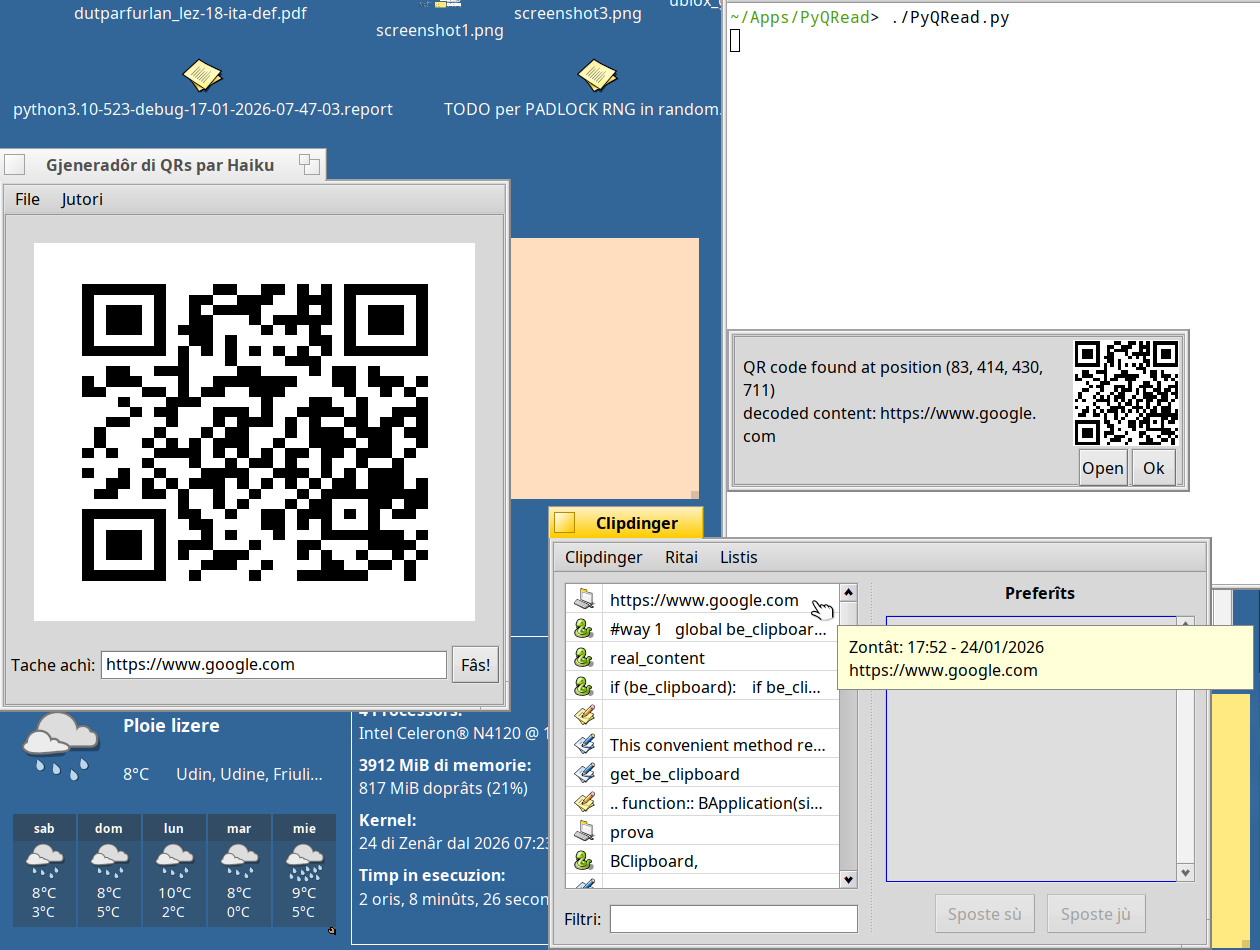
It would be handy to have a Translator add-on that can convert any image containing a QRCode (or any barcode zbar can detect, as zbar support far more than just QRCode IIRC) into text , allowing any app to support such “barcode decoding” feature.
ShowImage , save as… (or via Drag and Drop + shift key pressed) > Barcode > text file from the code.
work in progress… I’m currently applying an open button for BUrls and BEntries.
For clipboard I need to work on the Haiku-PyAPI wrapper as there’s a problem getting the be_clipboard clipboard (but I’ve just found a solution for this problem, I’m just discussing it with @coolcoder613 and @Zardshard ).
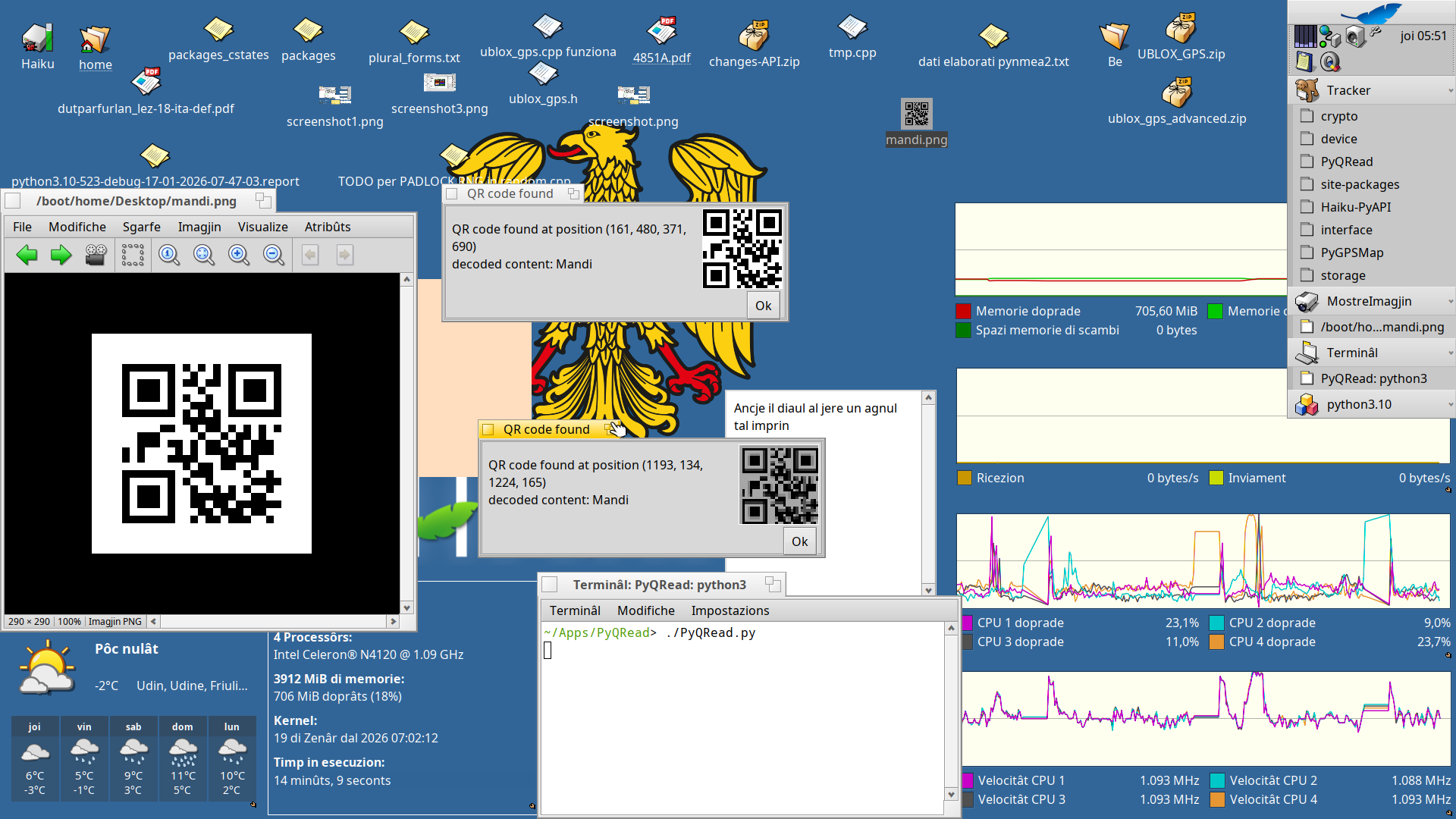
 work in progress… I’m currently applying an open button for BUrls and BEntries.