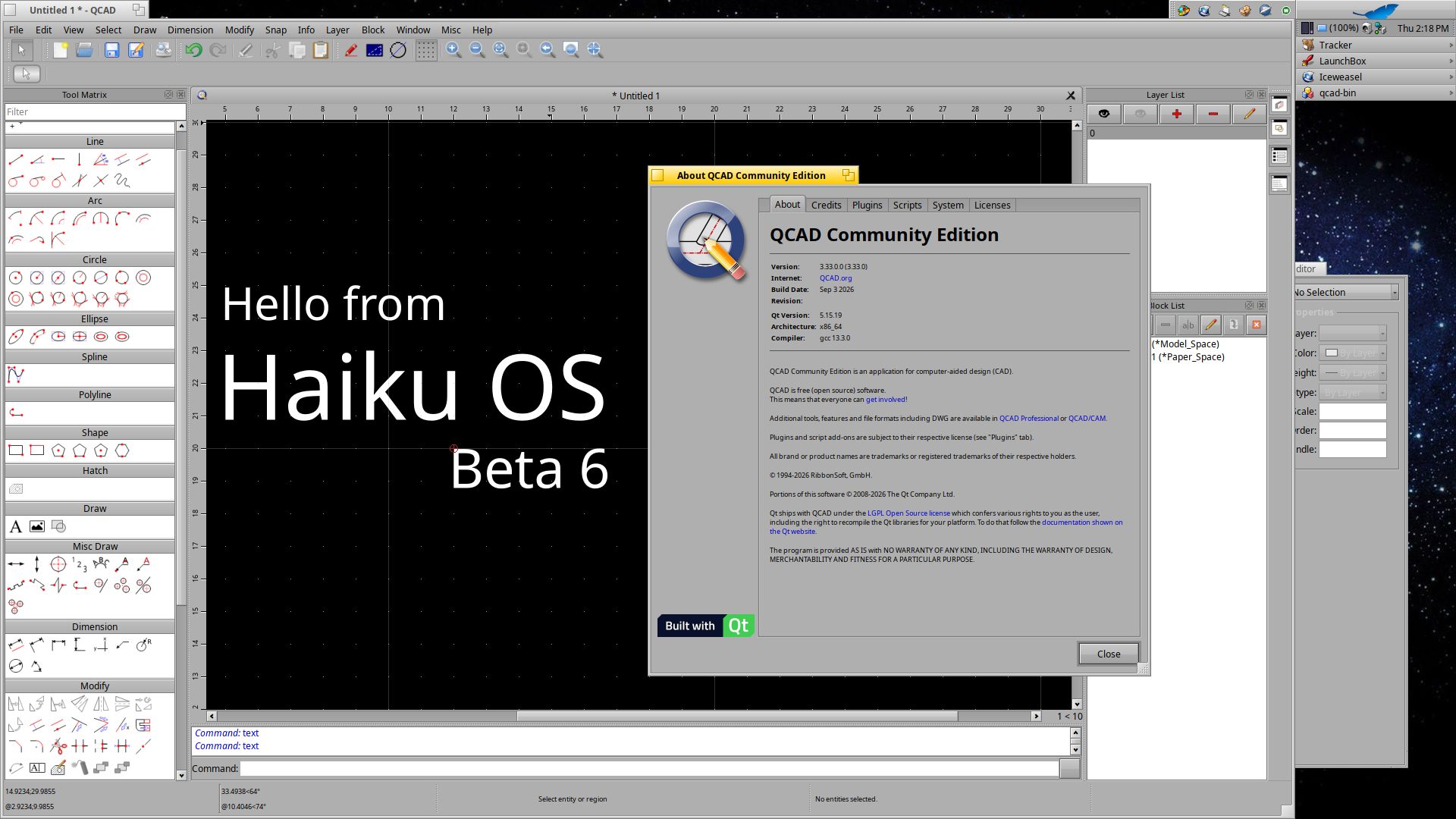
There was new QCAD version available, so i tried to compile it too and managed to get it work. 
Notes to myself:
Download sources from QCAD:
Extract zip and cd to it.
Install following packages:
qt5_script
qt5_script_devel
It needs qt-labs-qtscriptgenerator-5.15.19 , so i copied newest version which were included in sources, 5.15.8
cp -R src/3rdparty/qt-labs-qtscriptgenerator-5.15.8 src/3rdparty/qt-labs-qtscriptgenerator-5.15.19
Renamed .pro file to match version:
mv src/3rdparty/qt-labs-qtscriptgenerator-5.15.19/qt-labs-qtscriptgenerator-5.15.8.pro src/3rdparty/qt-labs-qtscriptgenerator-5.15.19/qt-labs-qtscriptgenerator-5.15.19.pro
Open src/core/RDebug.cpp file and find..
#if !defined(Q_OS_WIN) && !defined(Q_OS_ANDROID)
#include <execinfo.h>
#endif
Change it to:
#if !defined(Q_OS_WIN) && !defined(Q_OS_ANDROID) && !defined(Q_OS_HAIKU)
#include <execinfo.h>
#endif
..find another:
void RDebug::printBacktrace(const QString& prefix) {
#if !defined(Q_OS_WIN) && !defined(Q_OS_ANDROID)
void *array[20];
size_t size;
char **strings;
int i;
Changed it to:
void RDebug::printBacktrace(const QString& prefix) {
#if !defined(Q_OS_WIN) && !defined(Q_OS_ANDROID) && !defined(Q_OS_HAIKU)
void *array[20];
size_t size;
char **strings;
int i;
Open qcad-pro and comment out following, otherwise it goes infinite loop:
#else {
#SUBDIRS += $$system(“ls -d ../qcad?* 2>/dev/null | grep -v $(basename $(pwd))$”)
#}
Compile, use -j1 because 8gb of ram. With -j2 it starts to use swap and slows down a lot:
qmake -r
make -j1 release
Start QCAD:
cd “/MyStuff/compiled_apps/qcad-3.33.0.0”
export LIBRARY_PATH=./release:/boot/system/lib
./release/qcad-bin
And voila..