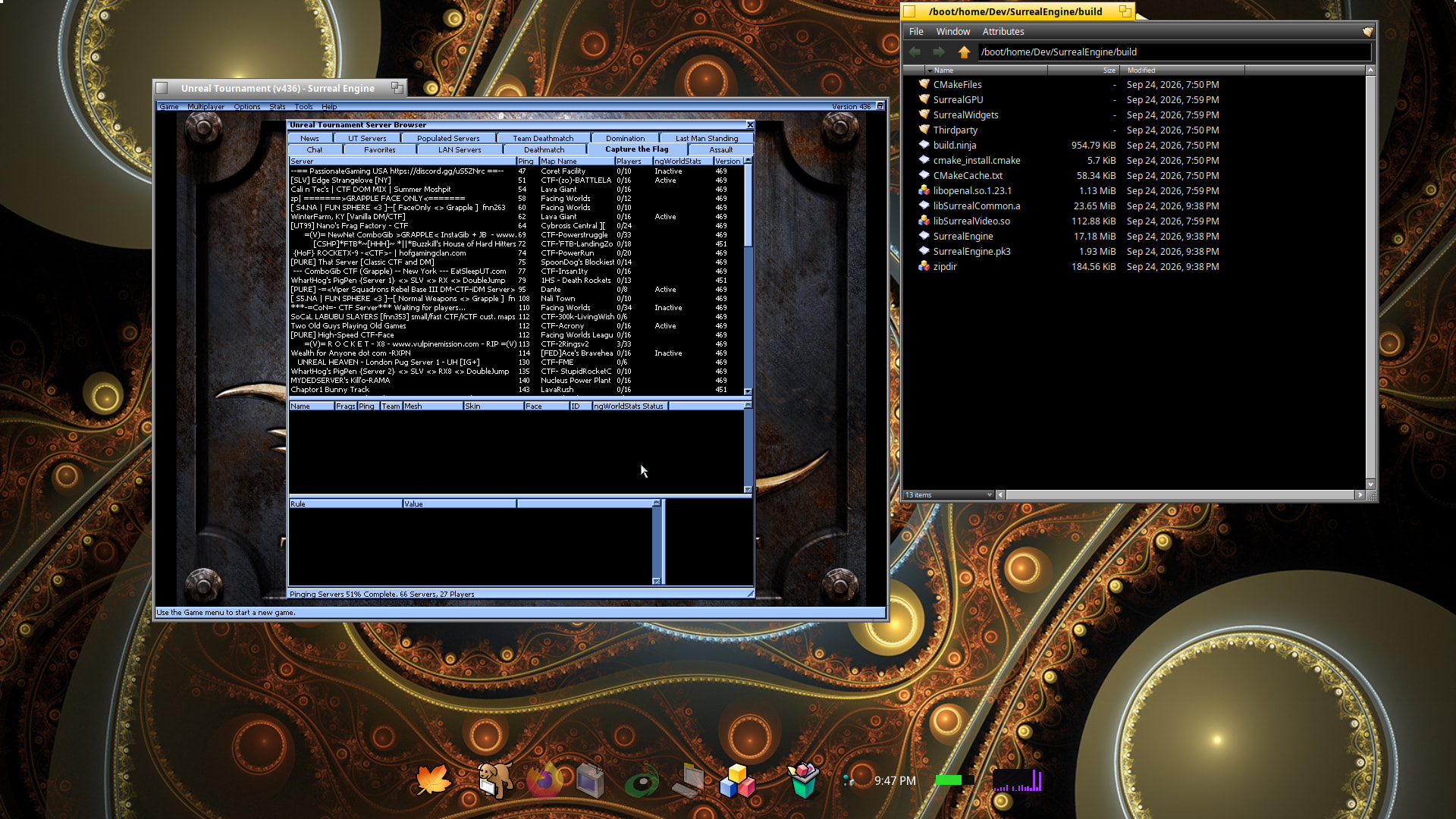
This installs all the necssary files in /boot/system/apps/SurrealEngine
Map and UT binary files required
To Play:
Notes: v436 works really well. Anything higher may not work as well. Works really well with nebula graphics stack. Runs okay with default Mesa stack when not in fullscreen mode.
Place UnrealTournament99 Game Folder in /boot/home/UnrealTournament_cd_436_patch as so
Open Terminal to /boot/system/apps/SurrealEngine/bin
Copy and Paste this into Terminal: SE_DEBUG_FORCE_NULLTEX_WORLD=1 ./SurrealEngine /boot/home/UnrealTournament_cd_436_patch/
Replace “UnrealTournament_cd_436_patch/” with the actual directory you use.
Main Issue:
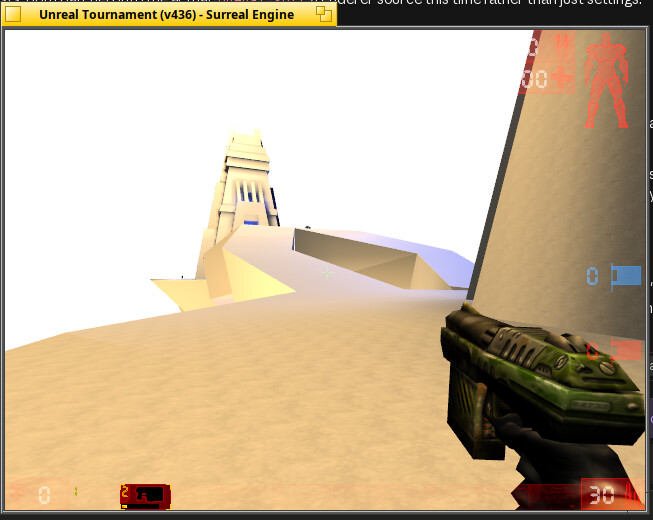
Currently, map lighting textures is broken and that’s why SE_DEBUG_FORCE_NULLTEX_WORLD=1 is used.
But hopefully will get that fixed soon
Other known issues:
The main startup SDL window appears blank. Moving the mouse around or resizing window fixes that.
Exiting fullscreen and trying to move the game window sometimes jumps to bottom right corner.
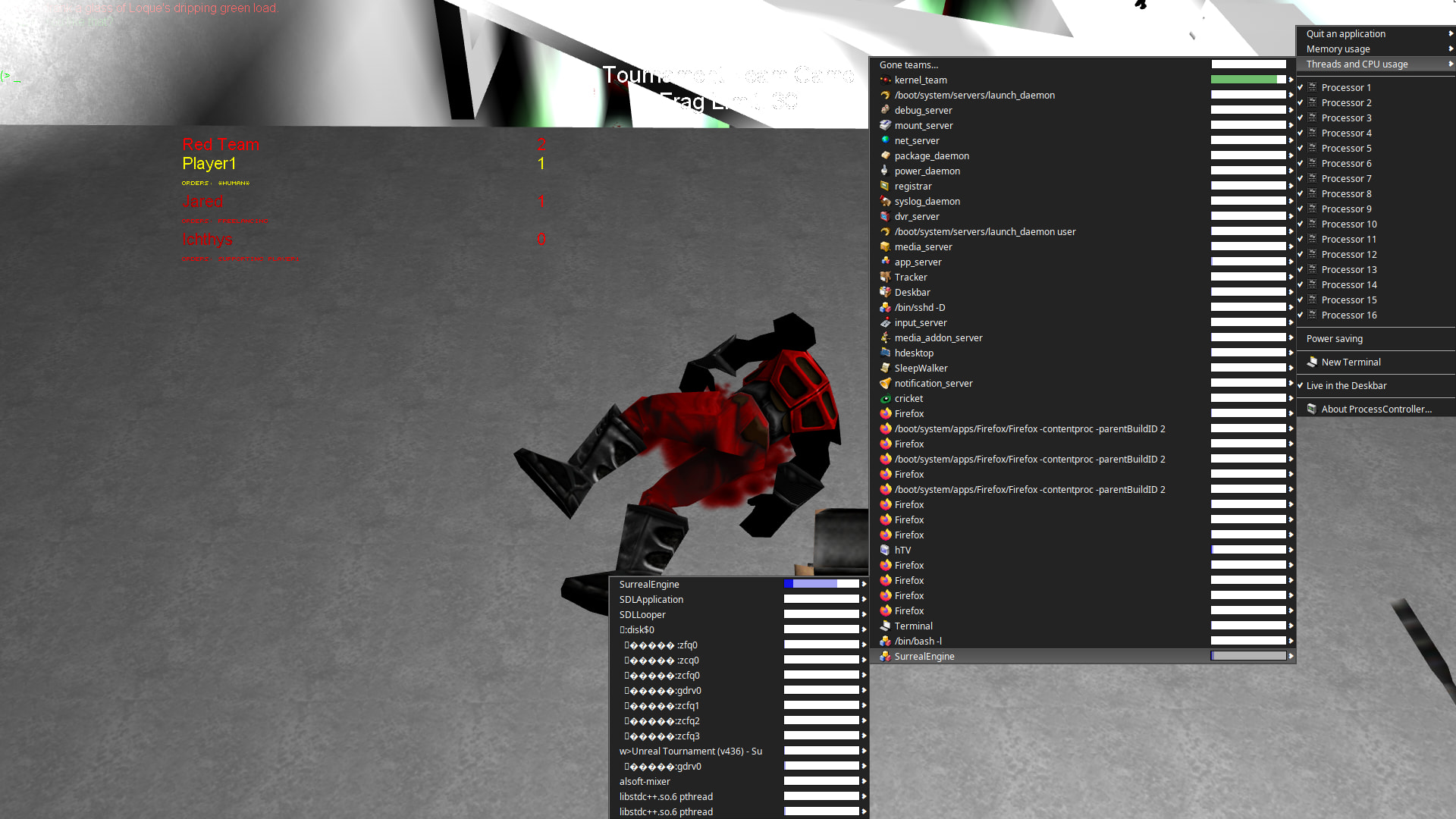
Characters appear dark.
Networking is missing.
Fullscreen mode with default Haiku Mesa is a bit sluggish
honestly, if I’d maintain the upstream project, I’d be pissed after writing a certain md file. Anyways, I’m pretty much finished with a patchset and recipe. I’ll only have to check some licensing related stuff. I’ve already done a PR on haikuports for it.
fixed the texture bug. Probably related to opengl. My port doesn’t use vulkan. May test vulkan later, low priority.
texture bug fix also fixed the bots showing dark.
fixed the normal window resize bug.
In case any one is wondering about this project of mine. and the message above regarding the merge request I accidentally sent to the upstream maintainer, here is a detail list of events. Hopefully, it will help others to avoid similar mistakes.
First thing I did was create a fork of the project.
Started my project and as Claude sent updates, I would go to github create a merge request, than manually set the main repo that automatically tags the upstream as default, to my forked repo.
Merge and repeat the process for any new code updates.
Some where on step three, there must of been a slip up in the browser and a merge request was sent to the main upstream maintainer. I happen to see the email merge request rejected status and promptly replied to the upstream maintainer, as you can see in the link.
So, to circumvent this ever happening again, I told Claude to skip asking me to merge new updates, and to directly edit my main repo fork. This saves me from having to manually switch back and forth in Firefox with github, claude, and other tabs, accepting the merge request, and potentially making a mistake when pointing which repo to merge to. Now all I do is enter the command line and type git pull and build the updates.