I understand you, but parallel-port printers are still present in many places. Also, specialized equipment that is costly or not produced anymore use that port.
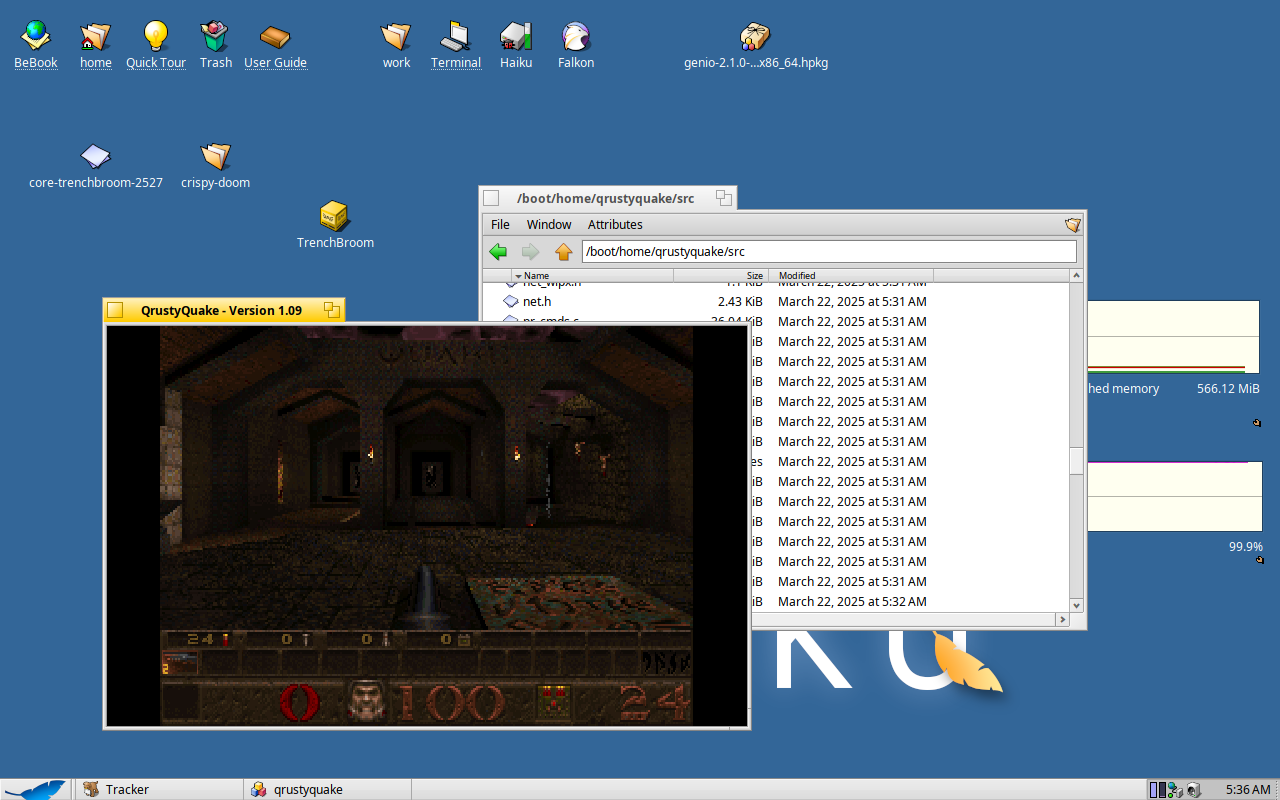
the “Qrusty Quake” sourceport for Quake (1996). only took a small patch to bring it in. the mouse input (using SDL2) is a bit weird, though… it might be QEMU’s fault. will test on hardware soon enough.
6 Likes
Like that!!! I am so Happy right now.
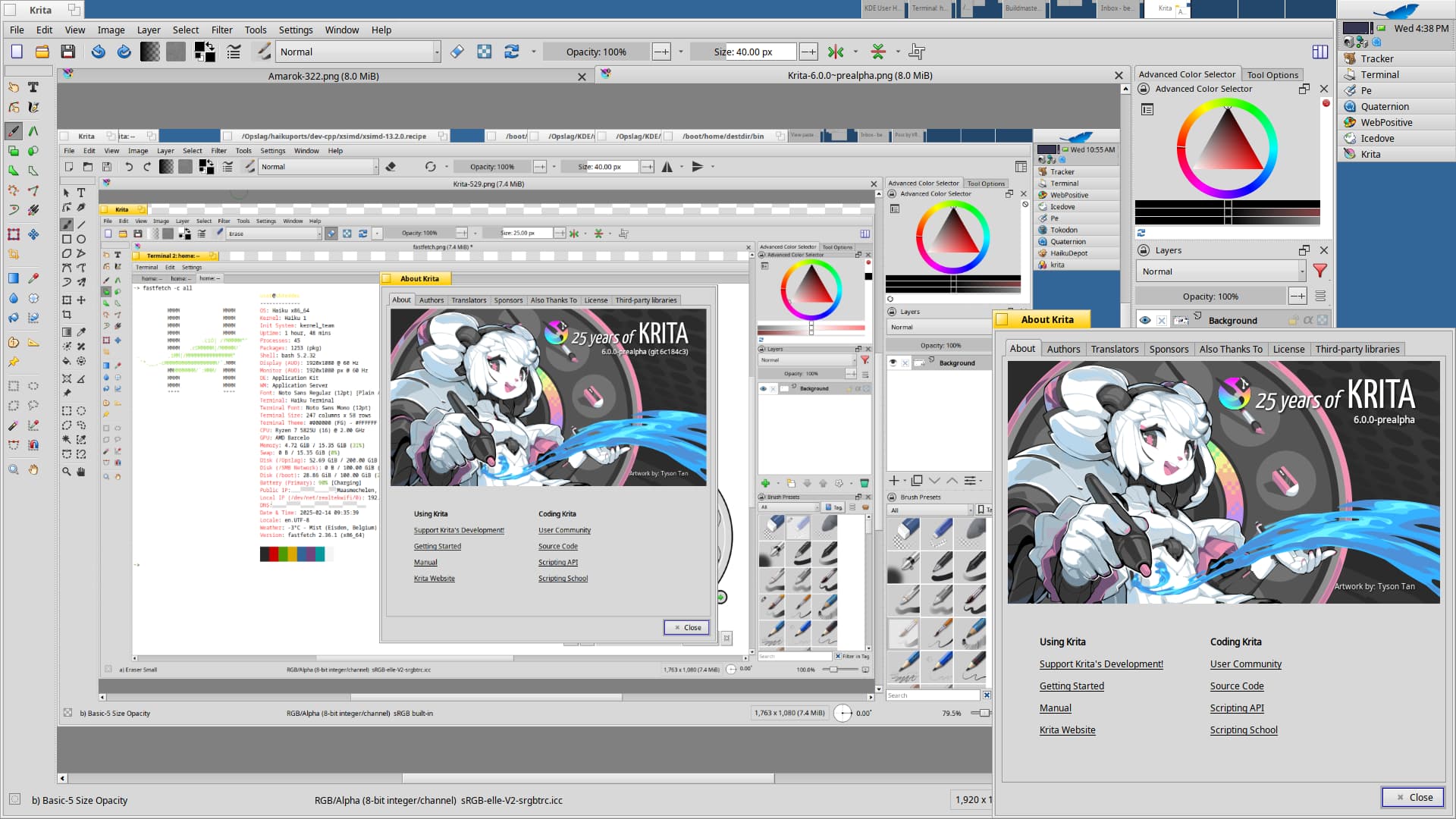
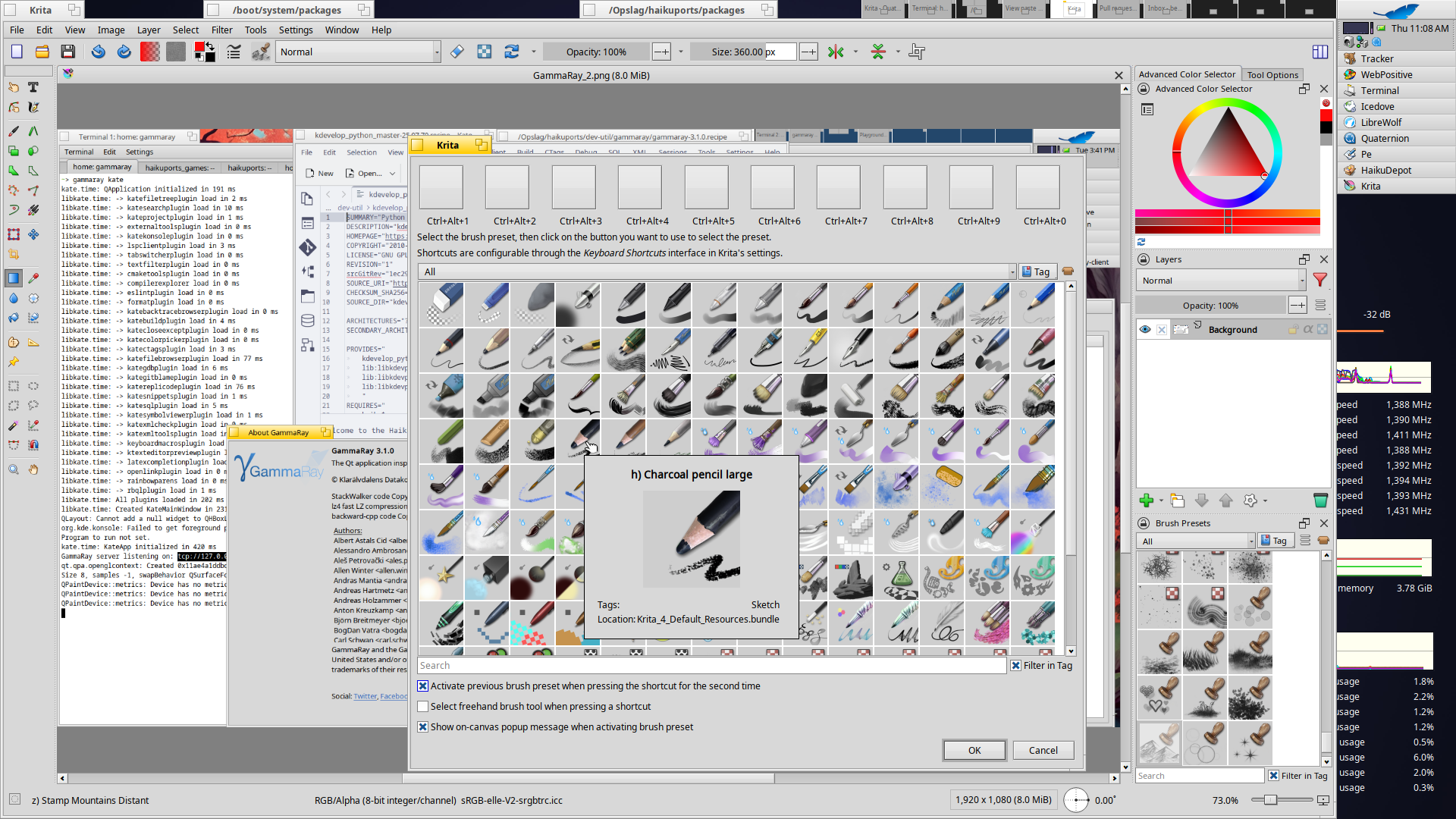
Krita 6.0.0~prealpha, build with Qt6/KF6 (a few patches upstreamed to build this from master branch), we’re good when it hits the ground. 
6 Likes
Will be needed to adapt for automount on haiku? Well the floppy drivers on the pc aren’t like the older Mac ones.
Why not? Centronics are used in core i5 2nd 3rd generation.
On real hw IS better always to test
Currently sitting in Haikuports awaiting evaluation and testers on 32bit systems:
Chocolate Doom and GZDoom updated to their latest versions along with some of the free game data packaged with scripts for ease of install/play:
(Doom source port updates + ZMusic & Doom data recipes by Peppersawce · Pull Request #12084 · haikuports/haikuports · GitHub)
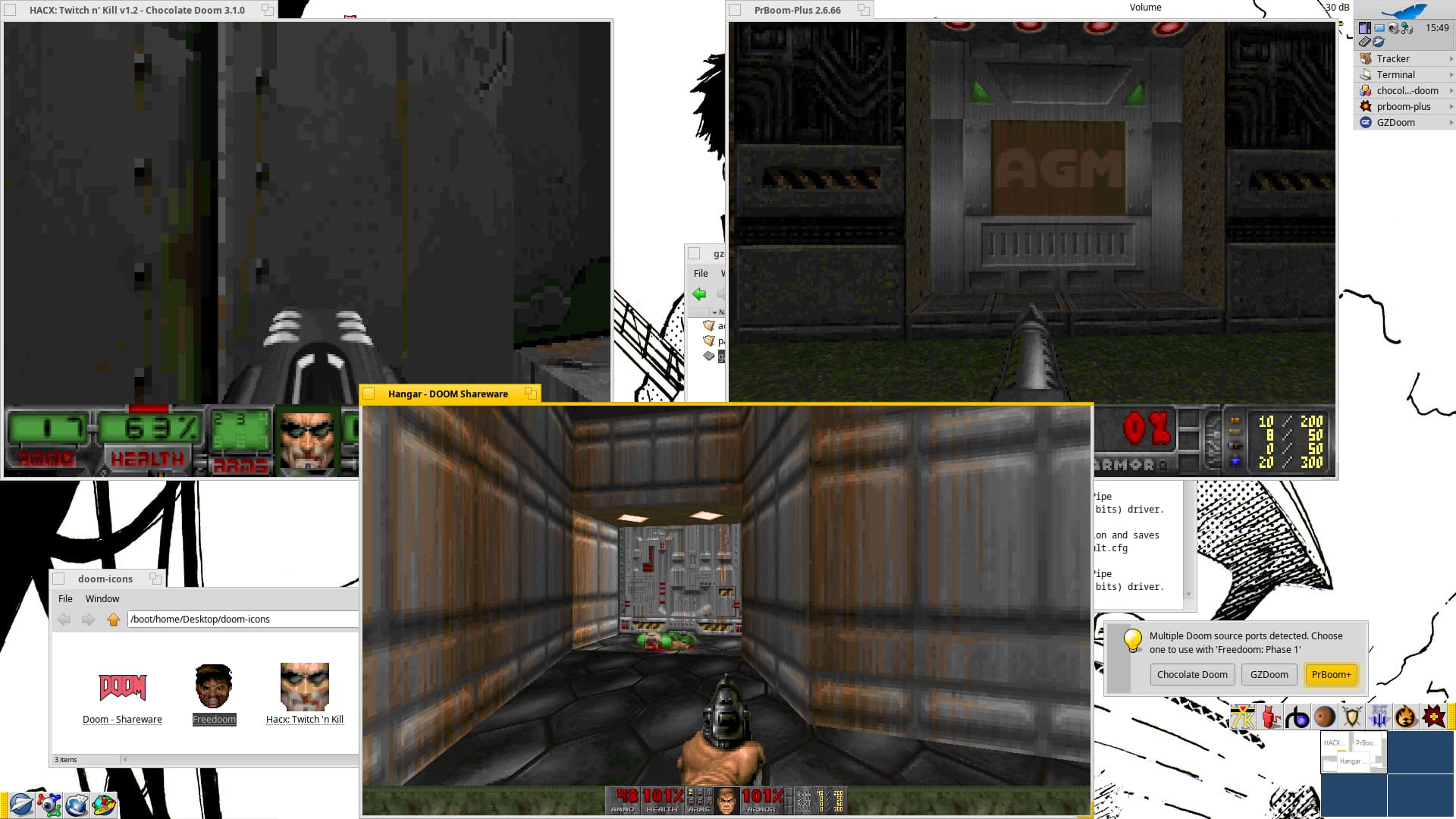
GZDoom has some issues rendering its start menu window but after some time (and maybe some playing with its window) it shows up:

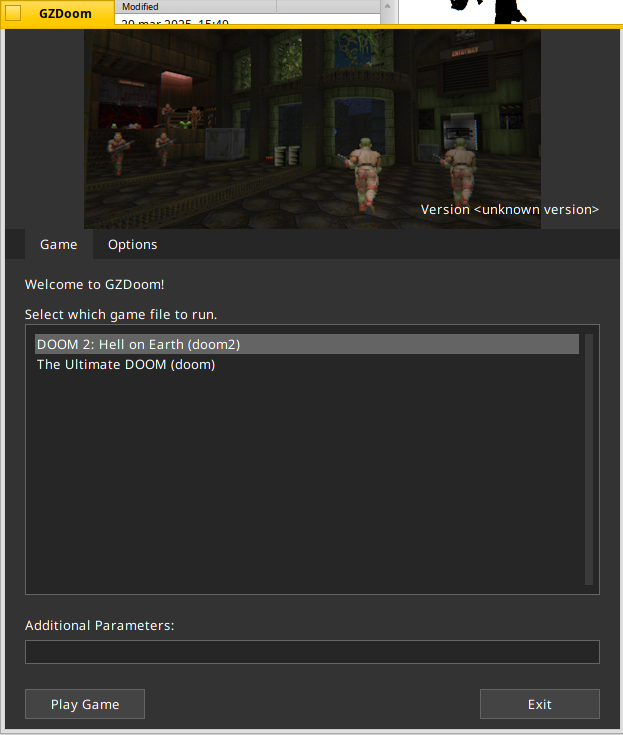
This window can be avoided by using the port with “-iwad” via command line.
(This window thingy also affects GZDoomLauncher)
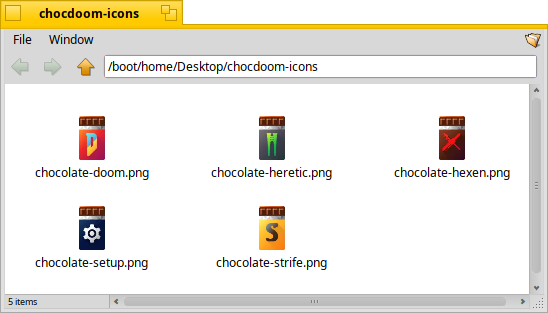
It would be nice to have vector/Haiku icons for the bitmap ones, freedoom, hacx but especially chocolate doom, since it currently has no icon and they have a nice icon set bundled in:
Omnispeak, an open-source reimplementation of Commander Keen episodes 4, 5, and 6.
(Omnispeak port by Peppersawce · Pull Request #12080 · haikuports/haikuports · GitHub)
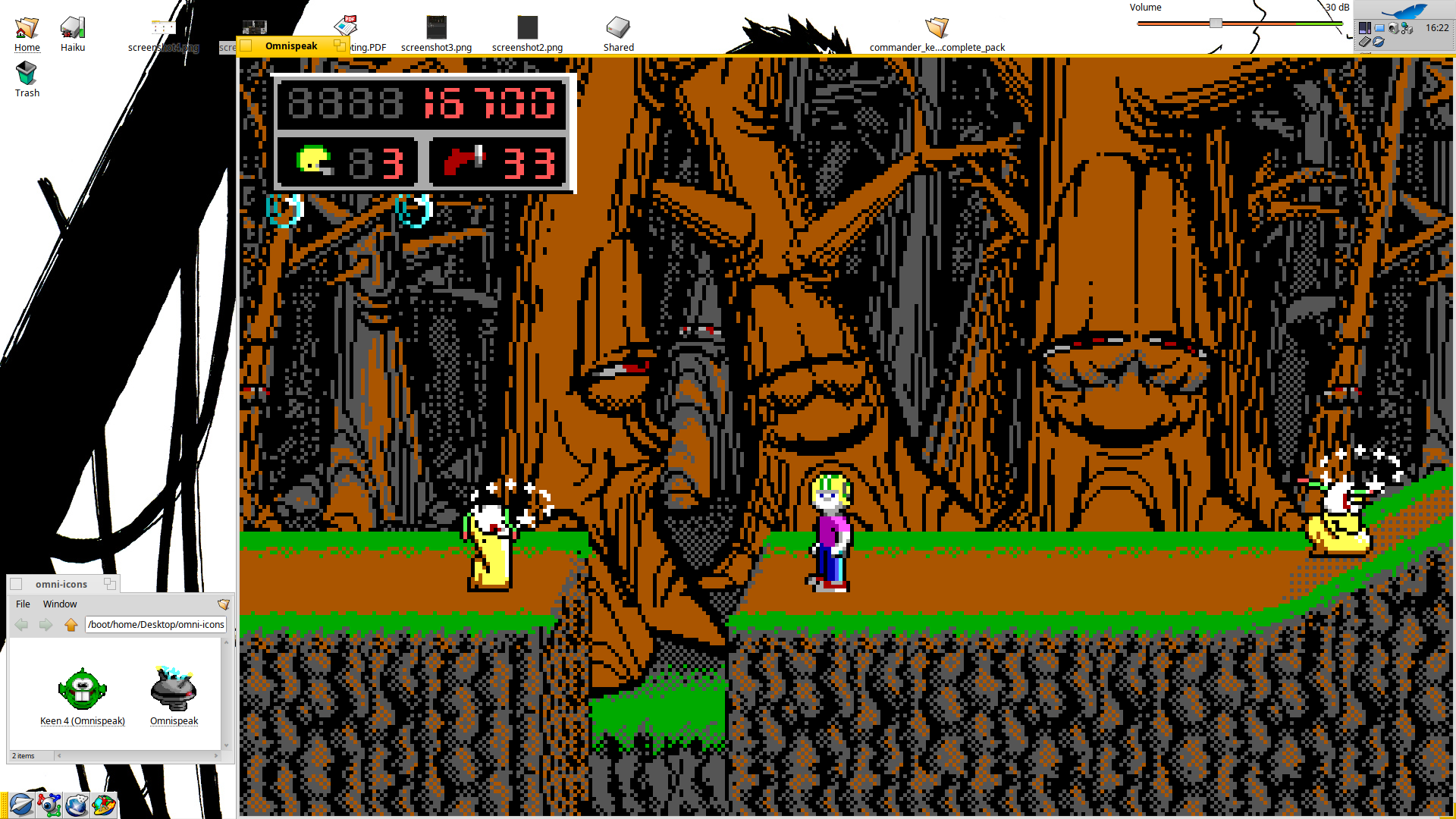
Played a bunch of it and it seems pretty accurate, version is dev, in other words built against the latest current source. Other than some strange behavior with “home/config/setting” it works fine.
It also includes an extra package to install Keen 4, the shareware episode for this part of the saga.
FreeSynd, an open-source reimplementation of Syndicate.
(Freesynd port by Peppersawce · Pull Request #12053 · haikuports/haikuports · GitHub)
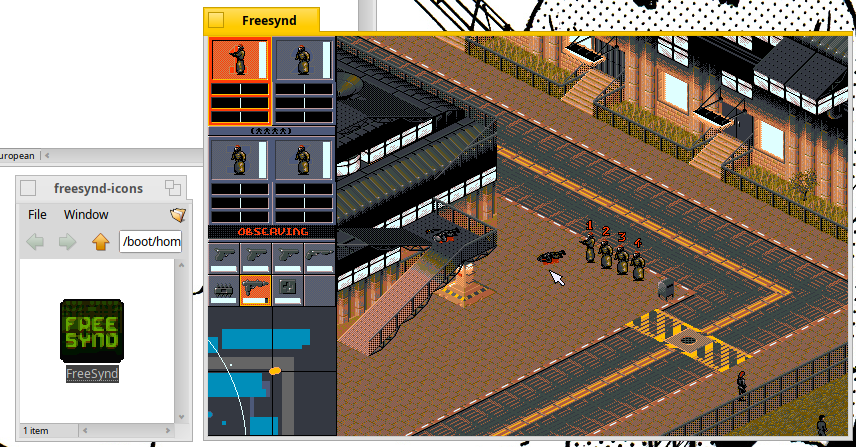
It is the latest release, version 0.8, which means friendly fire is active
 , some things seem unimplemented (eg: the 3 bars’ effects), trying to compile the latest sources (where friendly fire is disabled) requires a few more dependencies and we miss some iirc.
Also, yet another stalled Hedgewars recipe attempt:
(Hedgewars port by Peppersawce · Pull Request #12064 · haikuports/haikuports · GitHub)
6 Likes
xoreos: an Aurora Engine re-implementation (in the early stages)
(Recipe for xoreos by Peppersawce · Pull Request #12127 · haikuports/haikuports · GitHub)
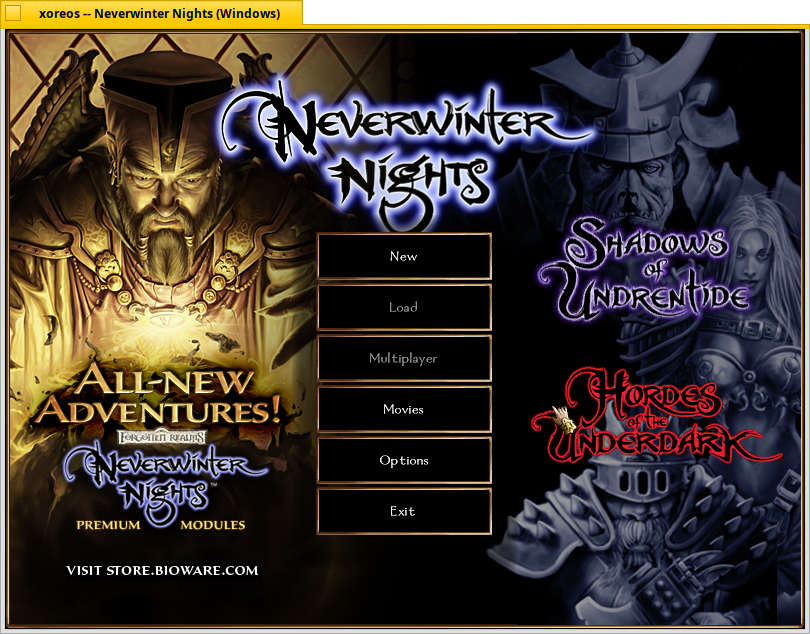
The Good: Runs with no issues, decent performance on software rendering, audio is there, assets work, compiles and builds cleanly as-is
The Bad: Only command-line, no actual gameplay has been implemented yet
Contest: Run KOTOR on Haiku and squash a bug!
(KOTOR: Error: unable to detect the game in Haiku_Os · Issue #594 · xoreos/xoreos · GitHub)
6 Likes
Probably the best reason to go digging for that old Win XP install disc:
(Space Cadet Pinball: Haiku port by Peppersawce · Pull Request #12142 · haikuports/haikuports · GitHub)
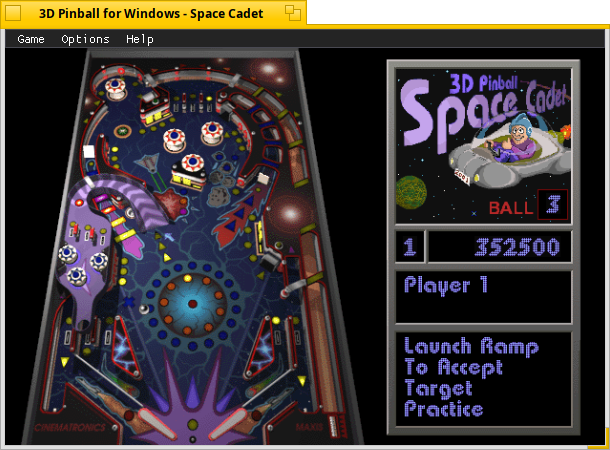
Edit: Adding stuff here because of forum rules about spam-posting 
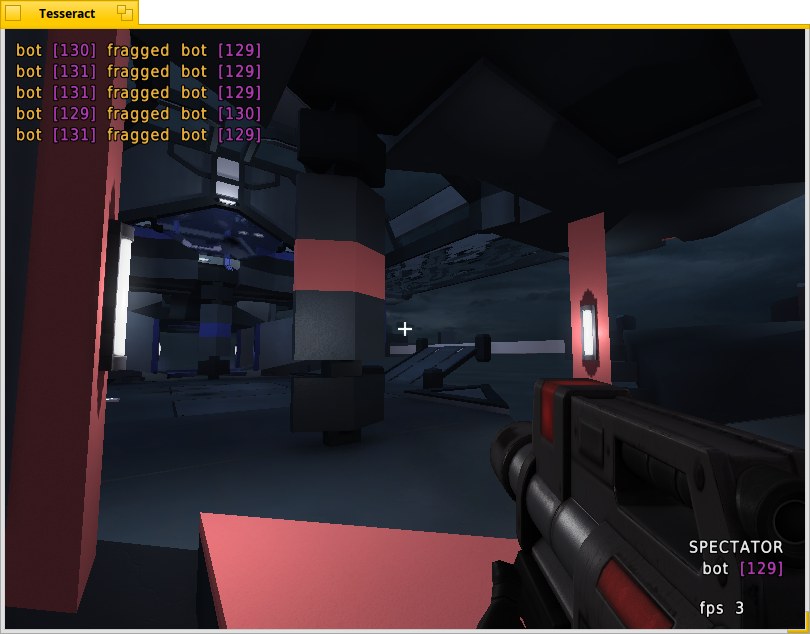
Been poking around with Cube/Cube2 based games, the results so far:
(Recipe for AssaultCube 1.3.0.2 by Peppersawce · Pull Request #12150 · haikuports/haikuports · GitHub)
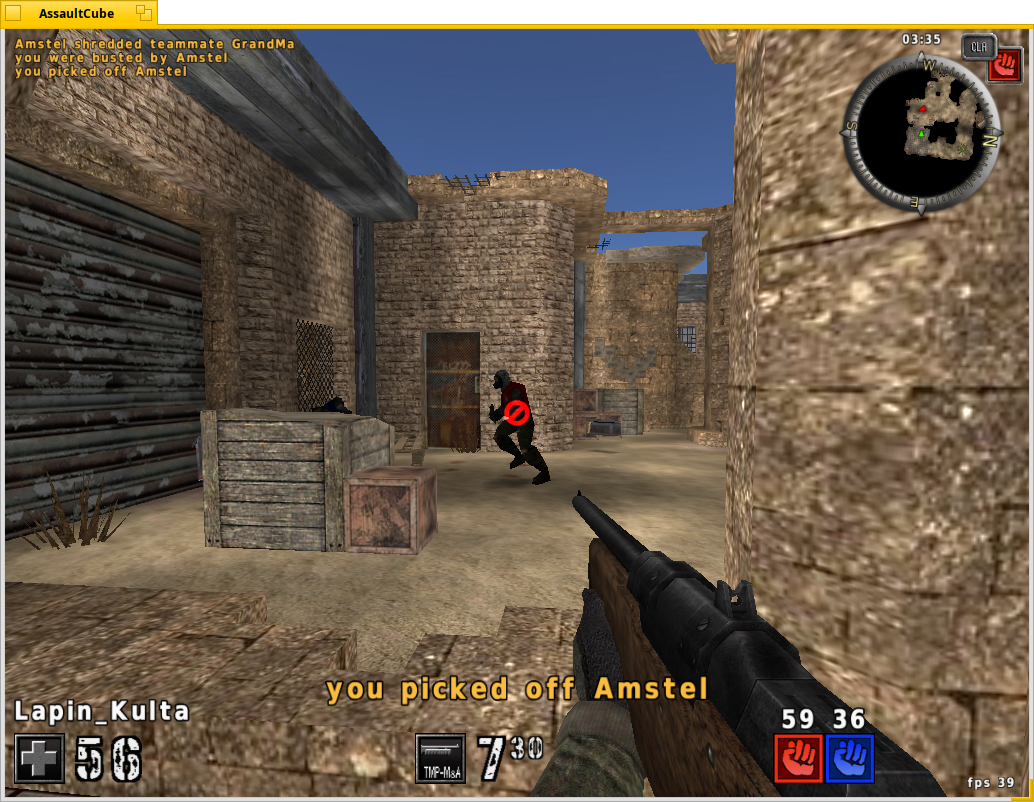
AssaultCube is pretty much playable on my end, as long as it’s in a 1024x768 window. It does have a quirk though, it saves most settings just fine but not video settings.
Looking this up online it seems… Common? Normal, maybe?
Making a .cfg file (named 0.cfg) in “/boot/home/config/settings/assaultcube/config/autostart” is how I solved it, the file just needs to include this line:
fullscreen 0; screenres 1024 768; resetgl;
(Cube 2: Sauerbraten port by Peppersawce · Pull Request #12164 · haikuports/haikuports · GitHub)

Sauerbraten remembers all settings fortunately, too bad it’s barely playable on my poor laptop at 640x480 with a whole lot of gfx improvements disabled.
8 Likes
Keeping on track with upstream developers for Krita and Qt6, with PyQt6 enabled the python scripts are showing up also.
9 Likes
(OpenRCT2 port by Peppersawce · Pull Request #12189 · haikuports/haikuports · GitHub)
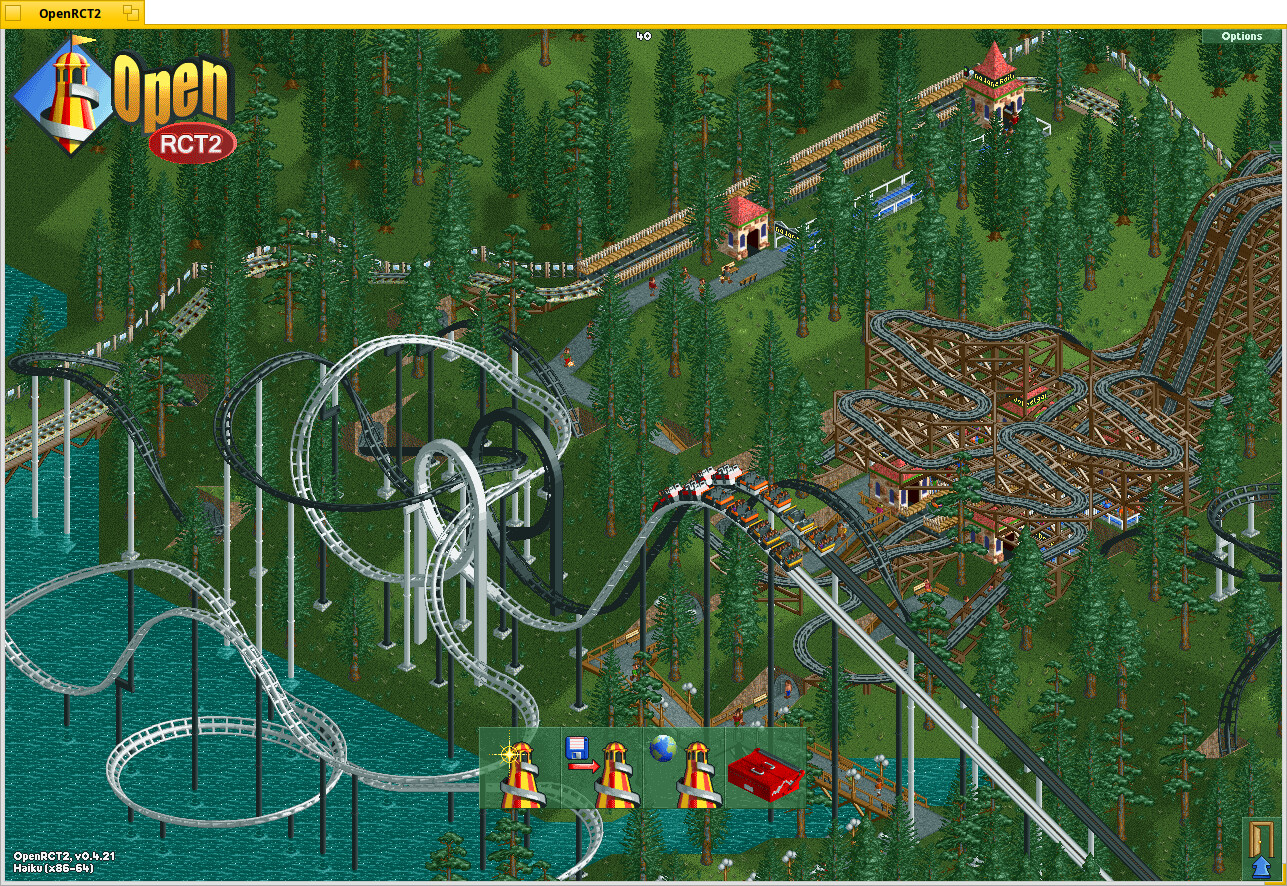
OpenRCT2 is an engine for Rollercoaster Tycoon 2 that can also play RCT1’s scenarios. It crashes in various places in various ways and I don’t know what to do about it

Also discussed here:
(Some crashes on Haiku OS · Issue #24249 · OpenRCT2/OpenRCT2 · GitHub)
But most scenarios shouldn’t crash (easily).
6 Likes
Your debug reports contain assembly, normally this should have the source code of whatever code is crashing instead.
Maybe you can make a debug build to get more usefull debug reports.
(also the -1 for the line numbers also points to some problem with debug info)
EDIT: I see you said you compiled it with clang, have you tried gcc instead? perhaps the debug segments differ for them in some way our debugger has issues with. Could be worth a try.
Debug builds of the main binary crash earlier and fail to load assets for some reason, I’m not sure how helpful they can be, but I never took a proper look at their output either.
Debug builds crashing earlier can be a good thing, that could be the “original” problem popping up/beeing catched sooner.
If there is a way to build with more debug symbols, but in the release build try that first (I think RelWithDebInfo or something for cmake).
Otherwise investigating the crashes in the debug build can be good aswell, if you need help opening a ticket with those reports at hikuports might be wort a shot.
1 Like
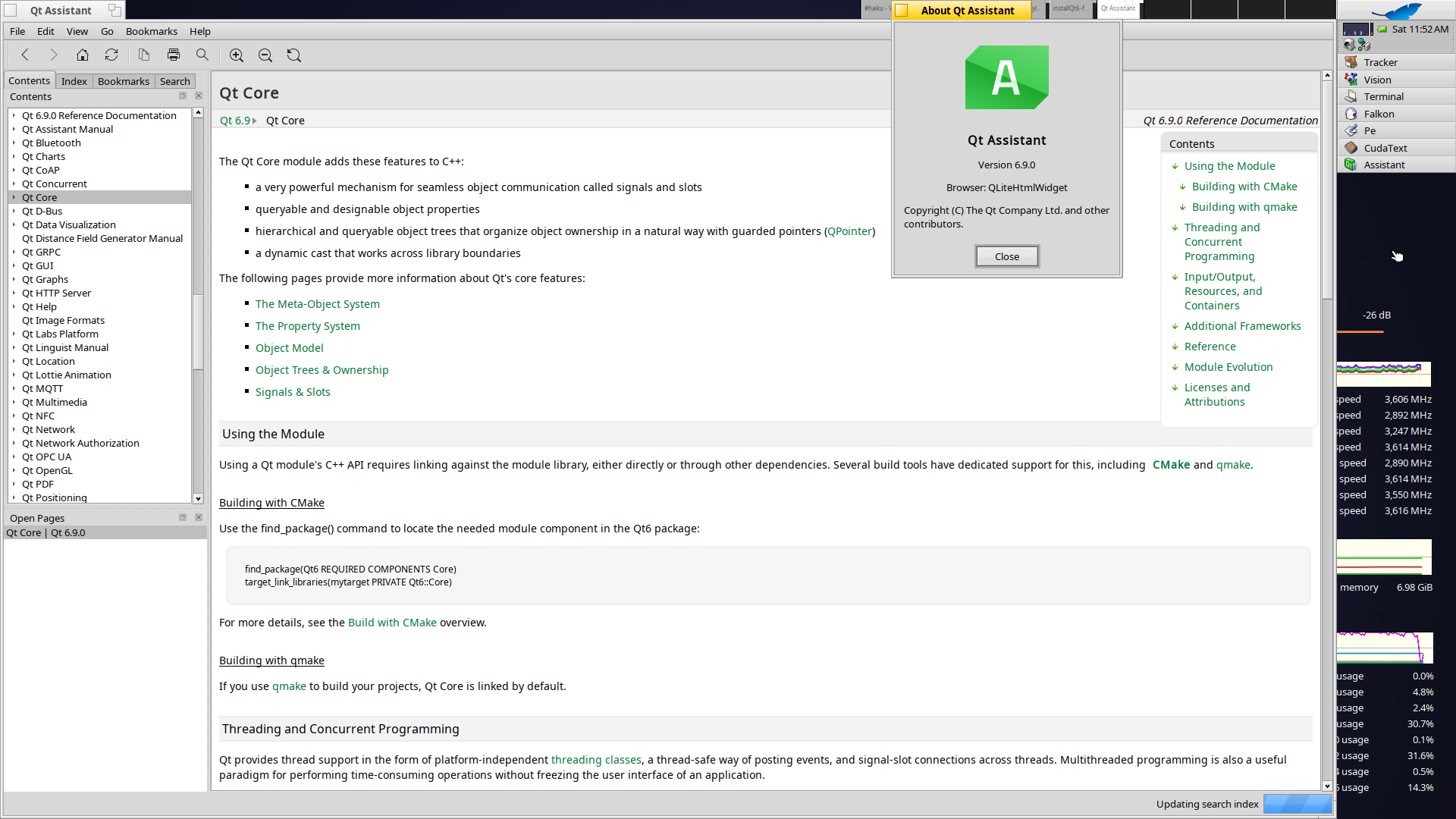
Been playing around in Qt as some of you probably noticed, latest update here is after the 6.8.* versions I now got 6.9.0 up and running.
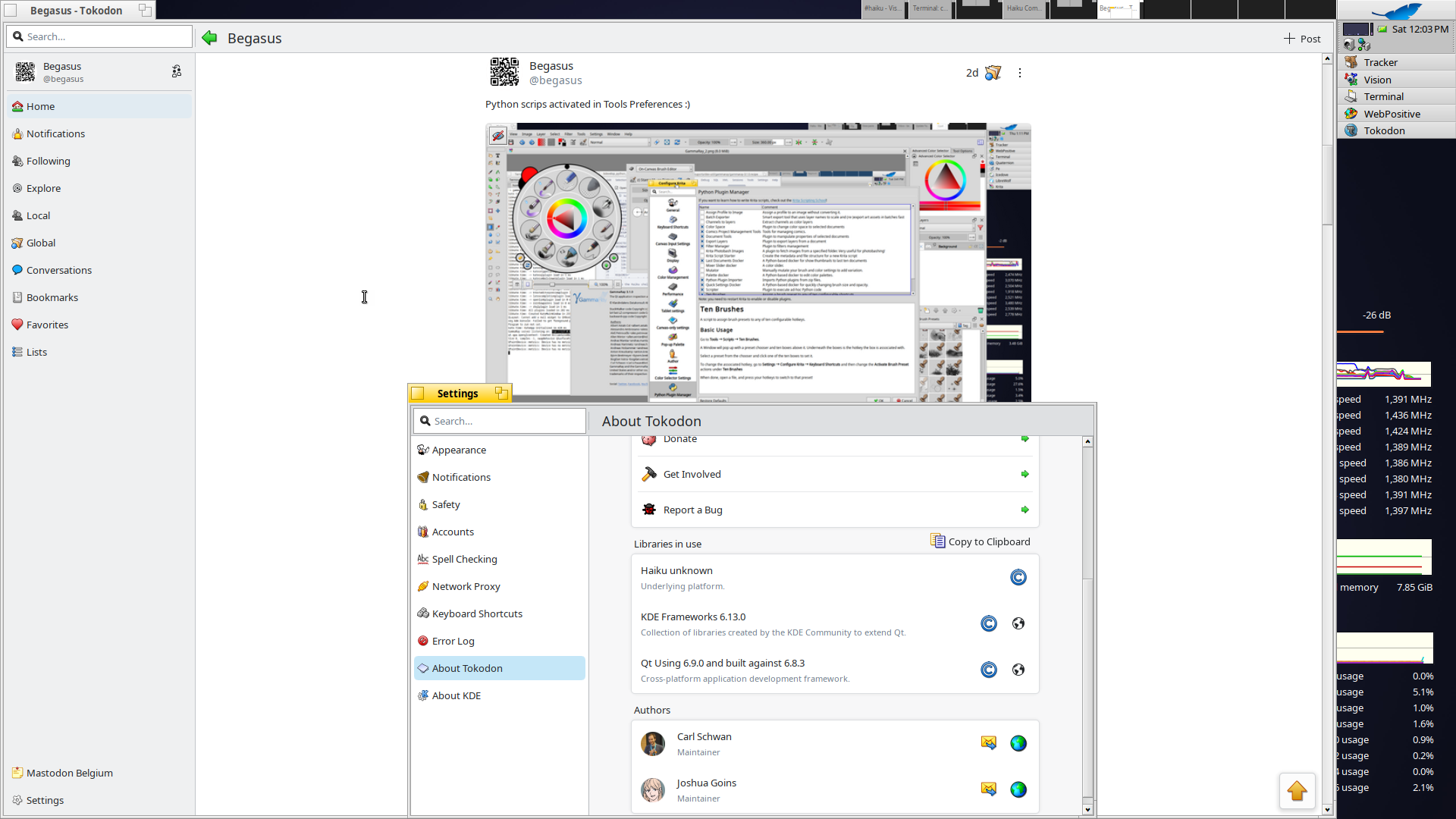
Tokodon_master (no rebuild), build with Qt6.8.3 running with Qt6.9.0
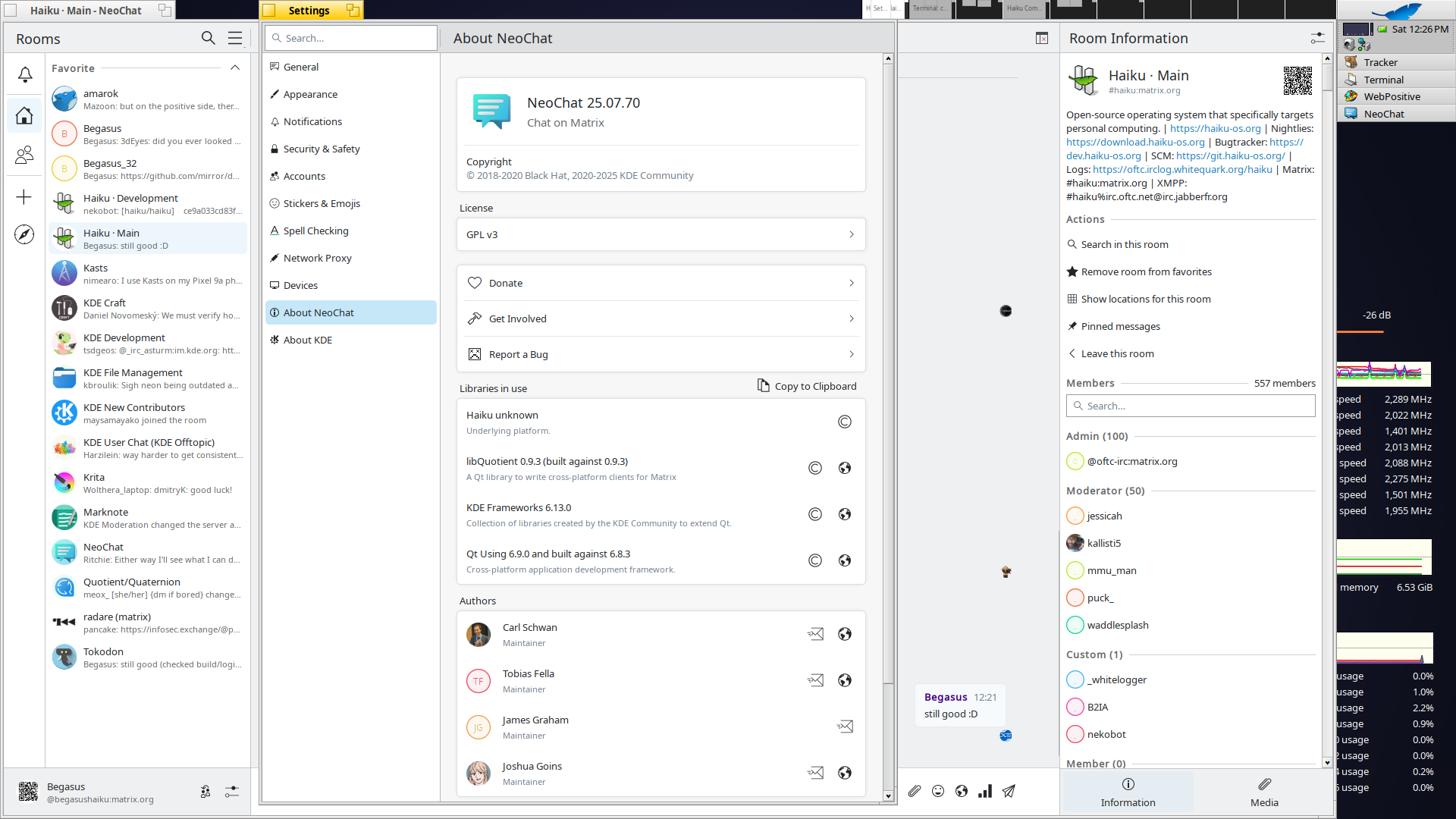
NeoChat_master build with Qt6.9.0
5 Likes
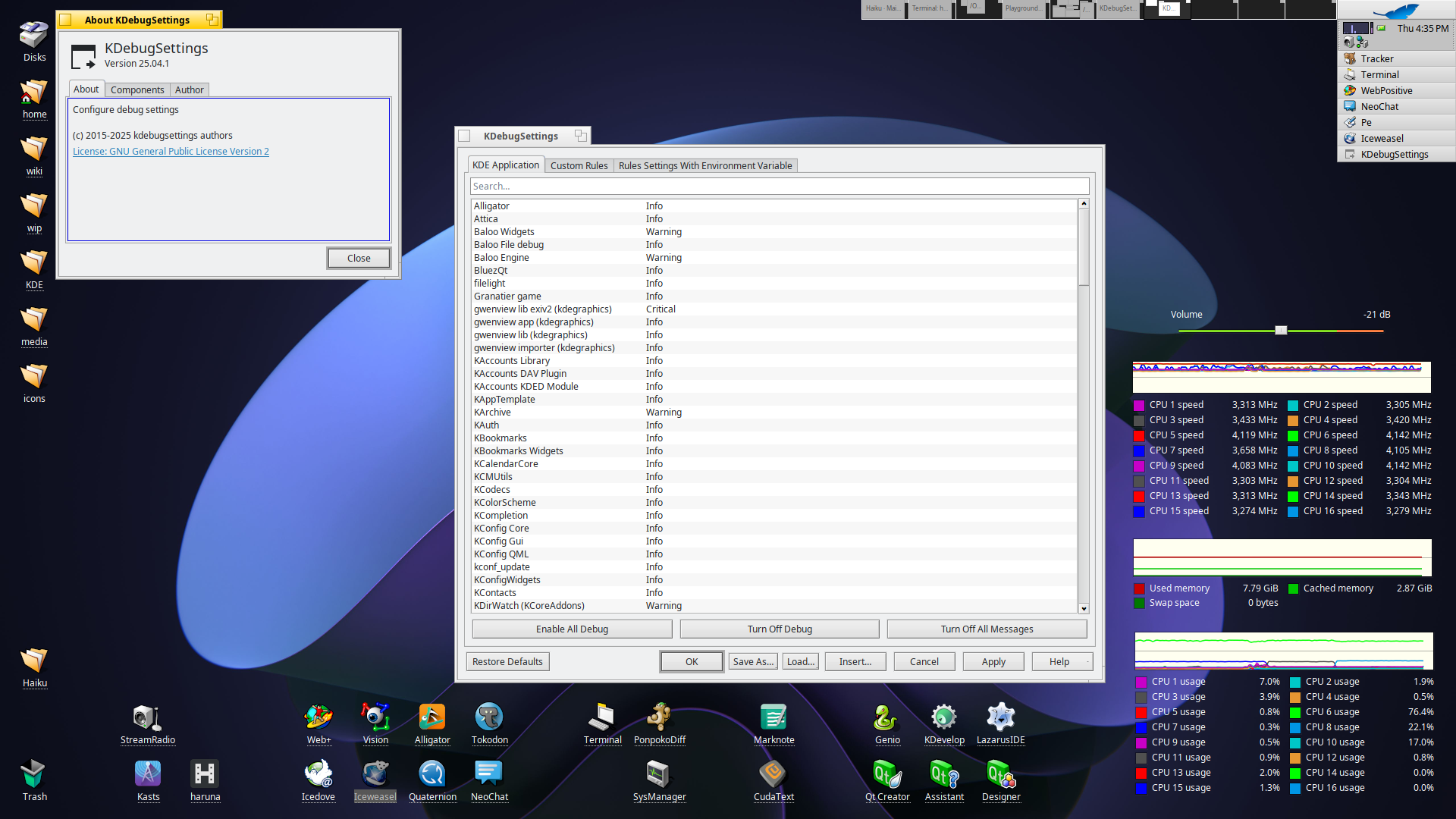
KDebugSettings, an application to enable/disable qCDebug.
Running 25.04.1 here (requires Qt >= 8.0.0 so can’t push that to haikuports), 24.12.3 should be ok, so I’ll look into that tomorrow.
1 Like
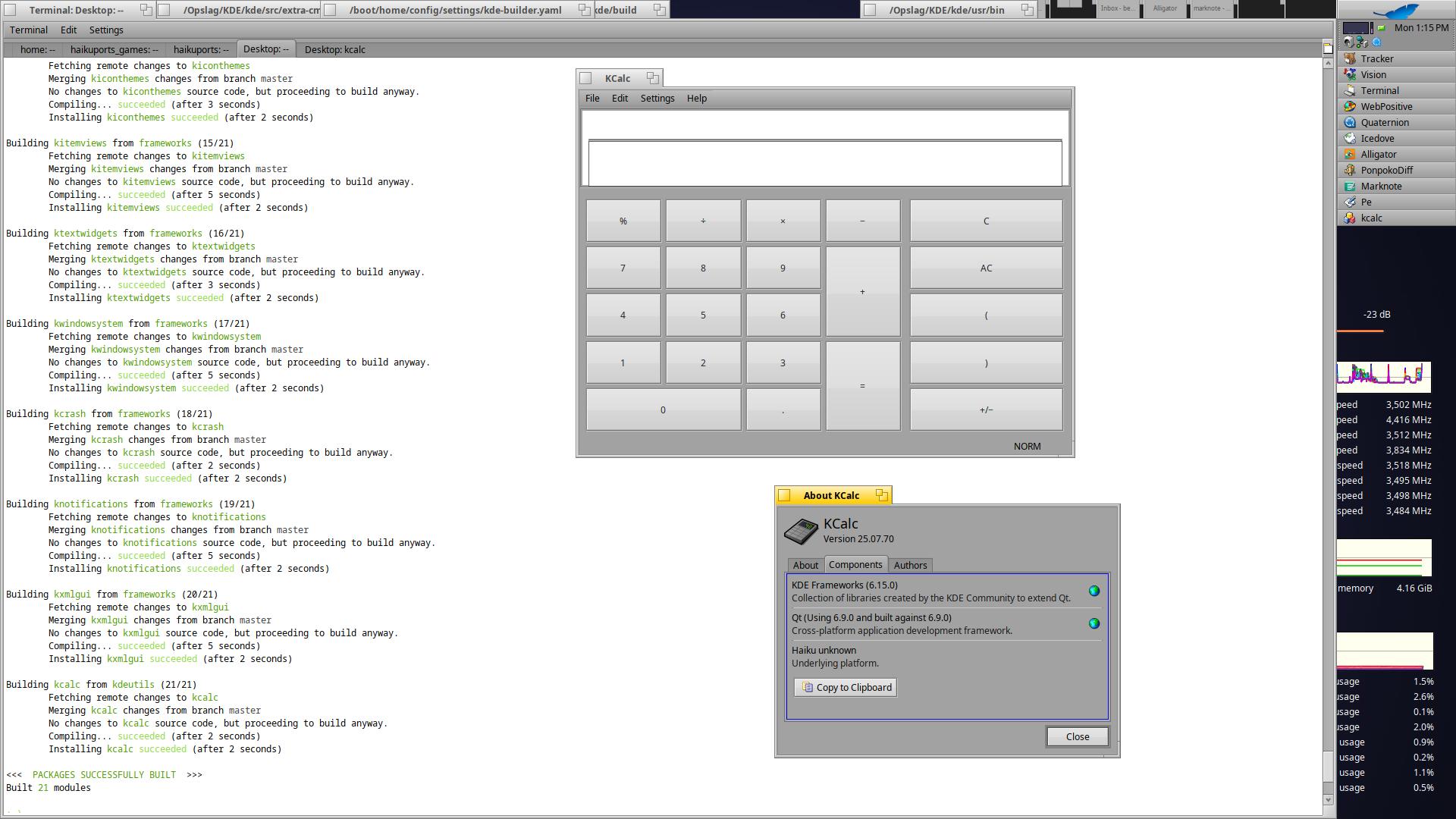
kde-builder is a script/tool to build frameworks/tools from sources, it want be included in haikuports, but for someone living on the edge it’s something nice to check into.
Grab the sources from: SDK / KDE Builder · GitLab and link/copy kde-builder to ~/config/non-packaged/bin
On the first run it will create the ~/config/settings/kde-builder.yaml file, adjust paths for source-dir, build-dir, install-dir and log-dir to your liking.
You can add some configuration in the for cmake (eg disable tests …) like:
  cmake-options: >
    -DCMAKE_BUILD_TYPE=Release
    -DECM_DIR=/Opslag/KDE/kde/usr/share/ECM/cmake
    -DBUILD_TESTING=OFF
    -DBUILD_QTHELP_DOCS=OFF
    -DBUILD_QCH=OFF
    -DBUILD_HTML_DOCS=OFF
    -DBUILD_MAN_DOCS=OFF
    -DDocBookXSL_DIR=/system/data/xml/docbook/xsl-stylesheets-1.79.2
    -DDocBookXML4_DTD_DIR=/boot/system/data/xml/docbook/xml-dtd-4.5
    -DCMAKE_AUTOGEN_PARALLEL=1
Some packages/modules are not supported by Haiku, you can disable them in the yaml file so you don’t have to type/copy these on every call in Terminal like:
  # ignore projects not supported by Haiku
  ignore-projects:
    - wayland
    - plasma-wayland-protocols
    - wayland-protocols
    - kglobalaccel
    - bluezqt
    - kpipewire
    - kf6-workspace-modules
    - extragear-sdk
    - selenium-webdriver-at-spi
    - polkit-qt-1
    - custom-qt6-lib
Then in Terminal run kde-builder kcalc, and if things go well you will get a kcalc version as uptodate as it can.
EDIT: at least a small patch is needed for ECM to disable the error on the platform check and turn this into a warning (simular on how Debian (iirc) does):
diff --git a/kde-modules/KDEMetaInfoPlatformCheck.cmake b/kde-modules/KDEMetaInfoPlatformCheck.cmake
index 7e354ddc..3be6a372 100644
--- a/kde-modules/KDEMetaInfoPlatformCheck.cmake
+++ b/kde-modules/KDEMetaInfoPlatformCheck.cmake
@@ -74,6 +74,6 @@ if (NOT "${KF_IGNORE_PLATFORM_CHECK}")
     endforeach()

     if (NOT _MetainfoFoundSupportedPlatform)
-        message(FATAL_ERROR "Your current platform '${CMAKE_SYSTEM_NAME}' is not supported. The list of supported platorms is '${_MetainfoSupportedPlatforms}'.If you think this is a mistake or you are working on enabling the platform please build with the KF_IGNORE_PLATFORM_CHECK variable set to true")
+        message(WARNING "Your current platform '${CMAKE_SYSTEM_NAME}' is not supported. The list of supported platorms is '${_MetainfoSupportedPlatforms}'.If you think this is a mistake or you are working on enabling the platform please build with the KF_IGNORE_PLATFORM_CHECK variable set to true")
     endif()
 endif()
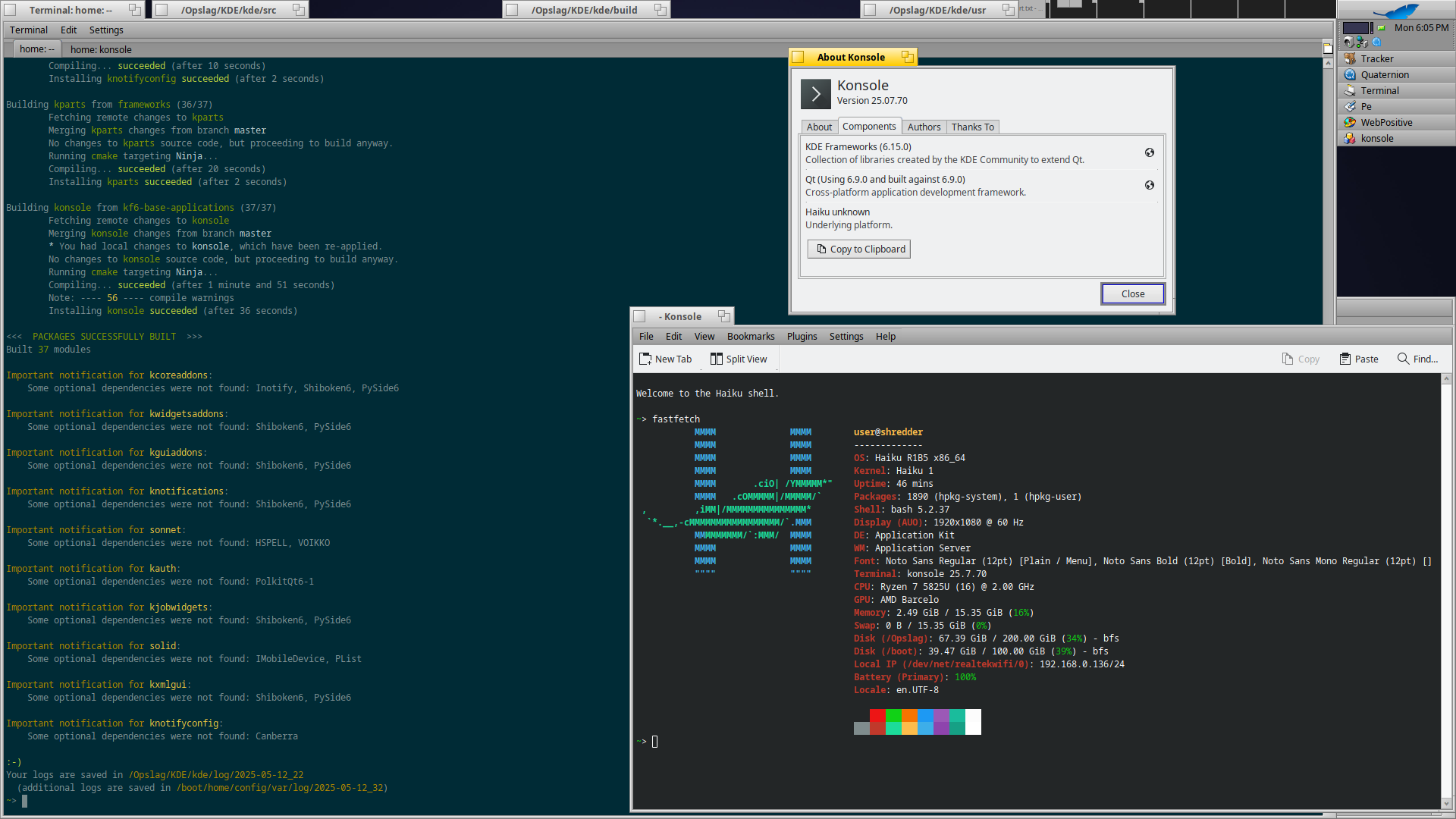
Second one build with the tool: Konsole
Added the information here (wip) at:
1 Like
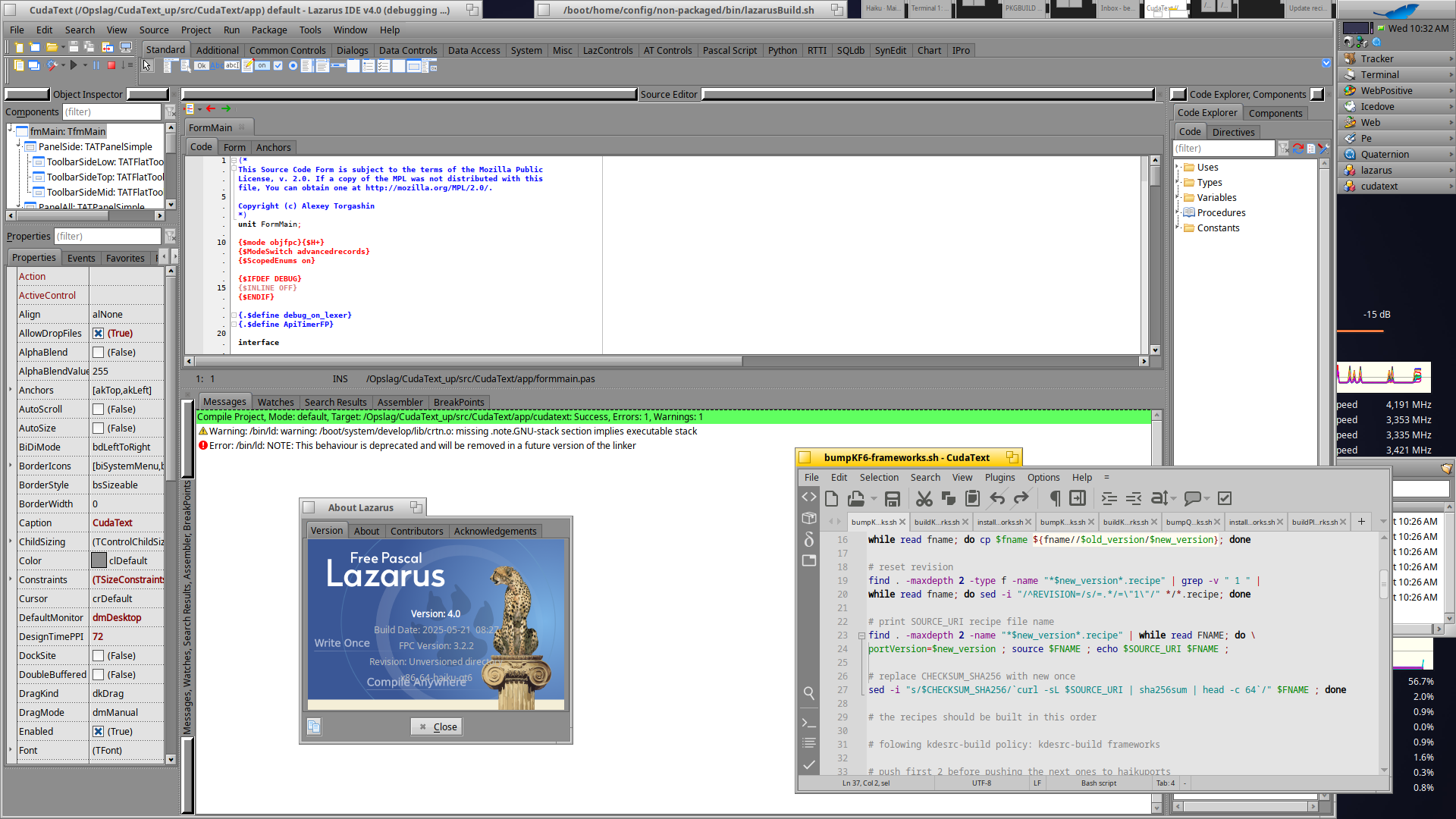
Lazarus 4.0 (been trying to build this with fpcupdeluxe but somehow it ends there with version 3.6), build from source with a local script.
Source archive is about 47MB, installed it takes up over 1GB so not going to package this.
1 Like