Has anyone tried to get PTS running under Beta 4? I recall trying a year ago or so, but ran into PHP issues.
1 Like
I tried with latest version yesterday…The CPU and the file system is reported as Uknnown so all tests fail to start. I tried to modify pts-core directory contents but nothing improved.
1 Like
Glad someone else tried. Too bad there hasn’t been any improvements here.
https://github.com/phoronix-test-suite/phoronix-test-suite/issues/443
The pts uses a library called phodevi which detects cpu and filesystem phoronix-test-suite/pts-core/objects/phodevi/components at master · phoronix-test-suite/phoronix-test-suite · GitHub It does it the Linux way which fails.E.g for Haiku the correct way to detect cpu is sysinfo. Someone with php experience should be able to patch things easily.
1 Like
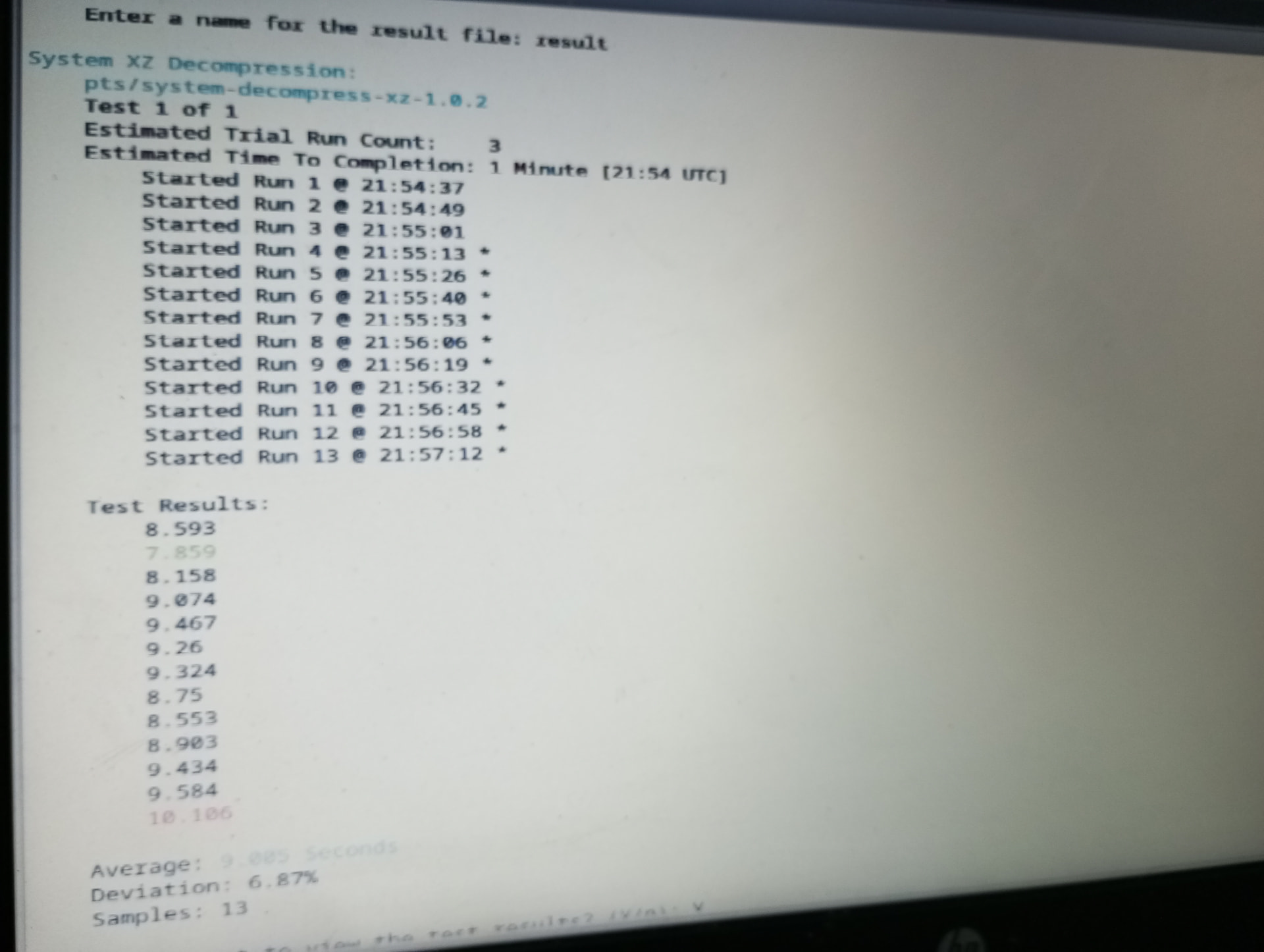
I was able to trick pts to download tests and i also see high cpu activity….i don’t see results yet in terminal (maybe i am impatient) but that’s a progress anyway….i modified /boot/home/phoronix-test-suite/pts-core/objects/pts_test_profile.php by commenting out $error = $this→get_identifier and next line (lines 309 310)
Each downloaded test on a suite fails for its own specific reason….All tests do some sort of compilation after downloading…but i found a simple and successful one
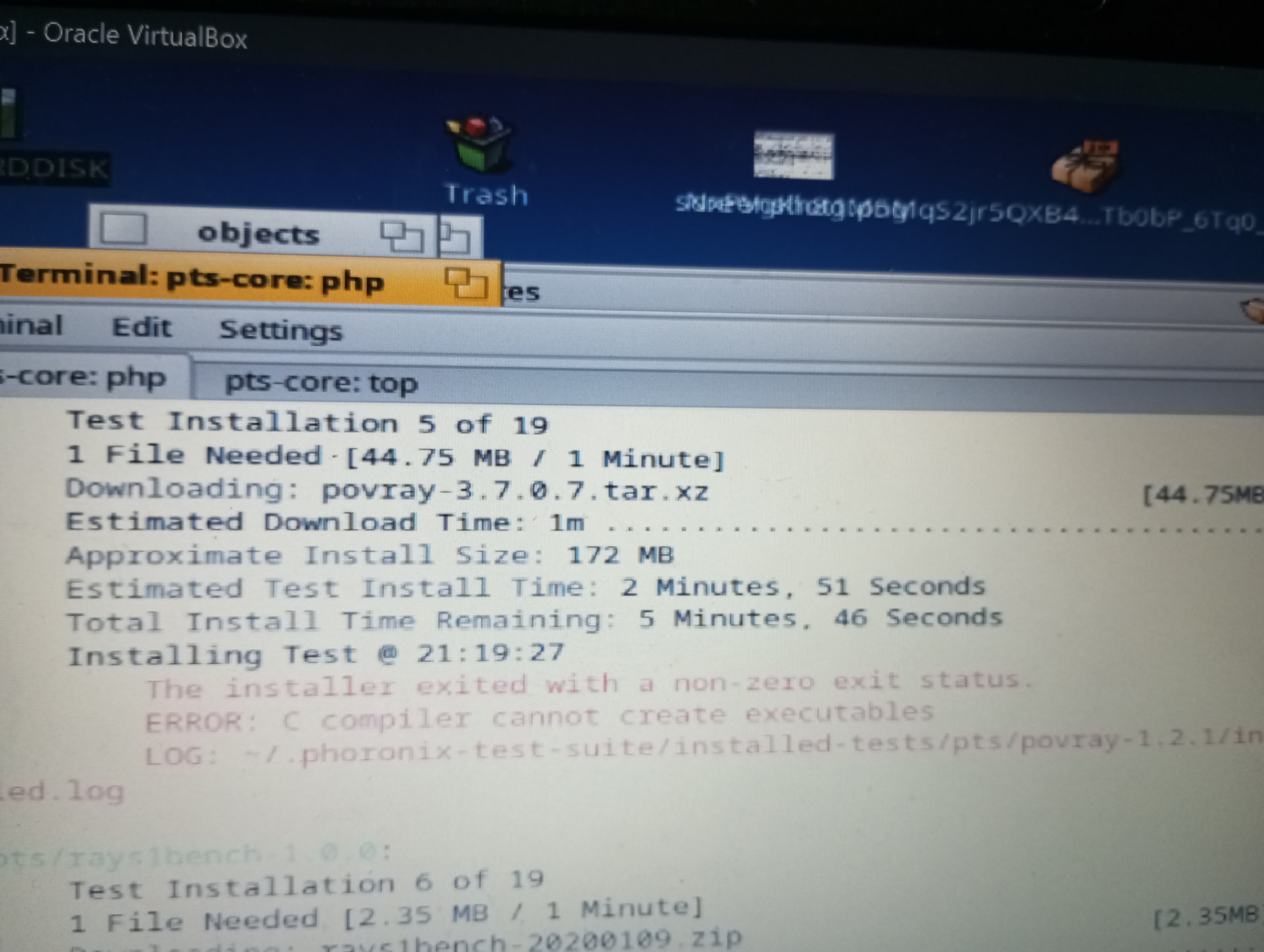
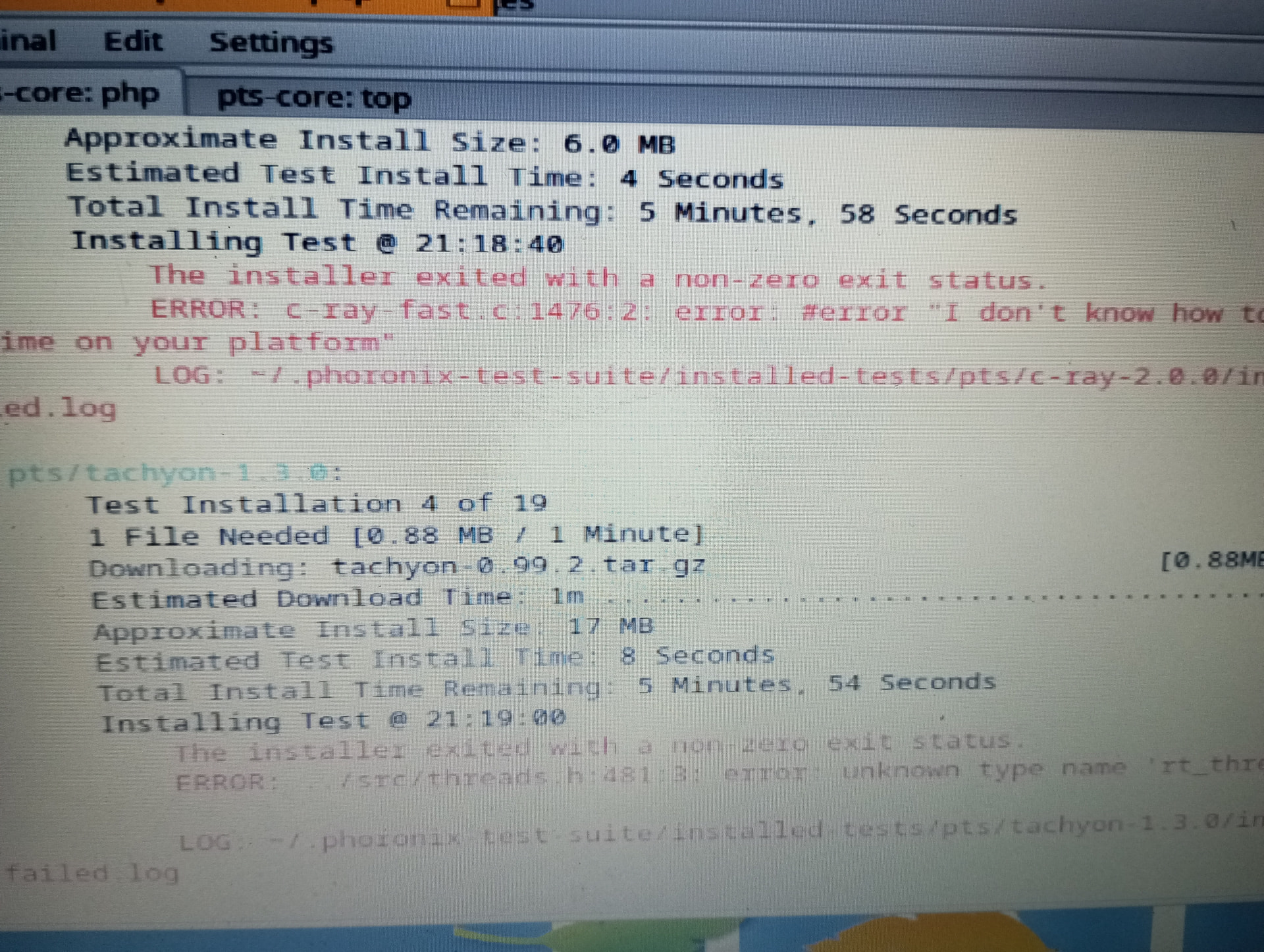
If one tweaks /boot/home/phoronix-test-suite/pts-core/objects/client/pts_test_run_manager.php by commenting out lines 1948 and 1949 (regarding display server detection) then few graphics tests run successfully. (Most still fail e.g regarding opengl detection)
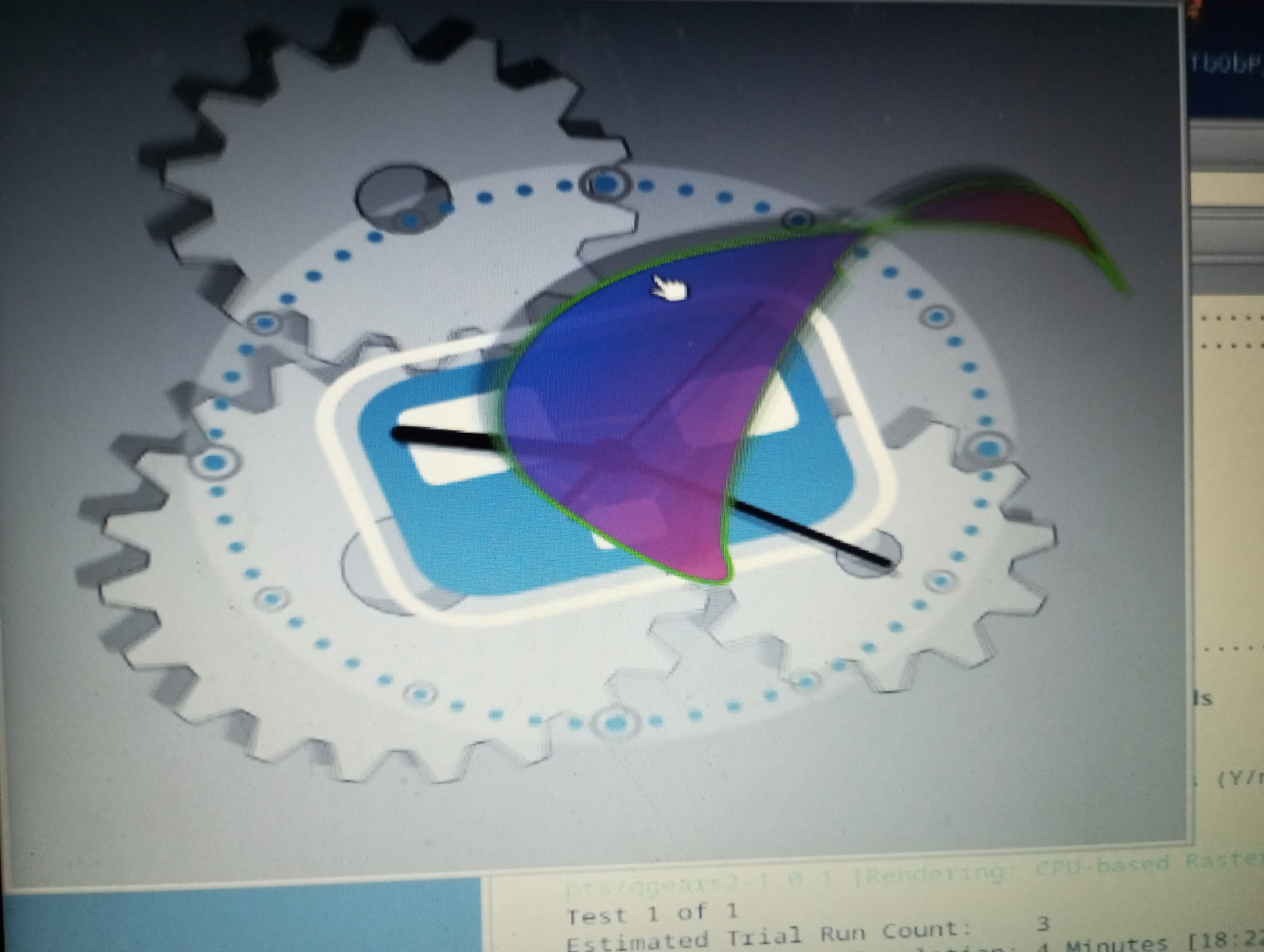
Again the proper way is fixing the detection, not bypassing it…If one wants to play around with the tests that work currently then do the following:
git clone GitHub - phoronix-test-suite/phoronix-test-suite: The Phoronix Test Suite open-source, cross-platform automated testing/benchmarking software. · GitHub and then git apply the following patch file (after copying it to installation directory).
After that do
cd pts-core/
and
php phoronix-test-suite.php interactive
for interactive menu….if php is missing install it with pkgman.
2 Likes