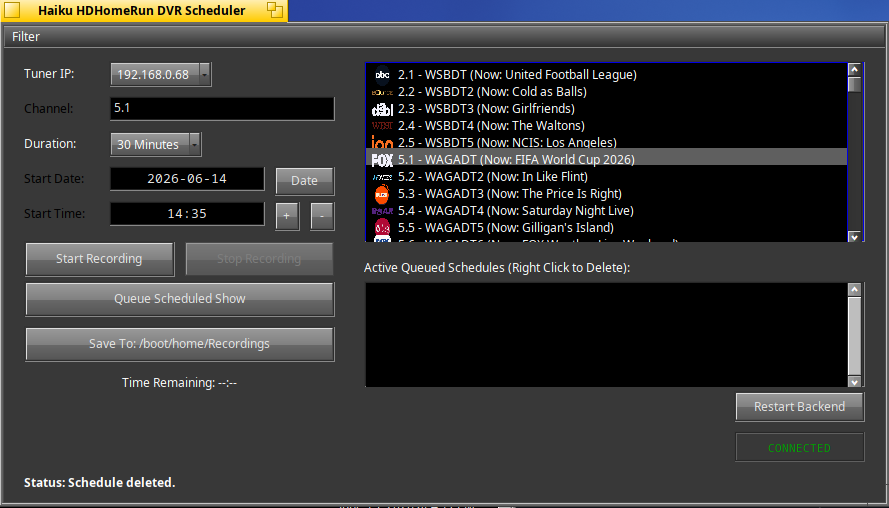
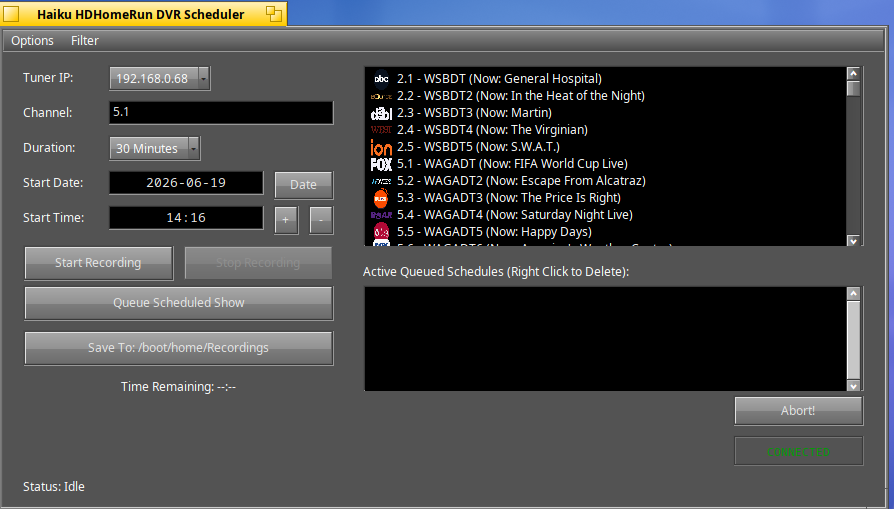
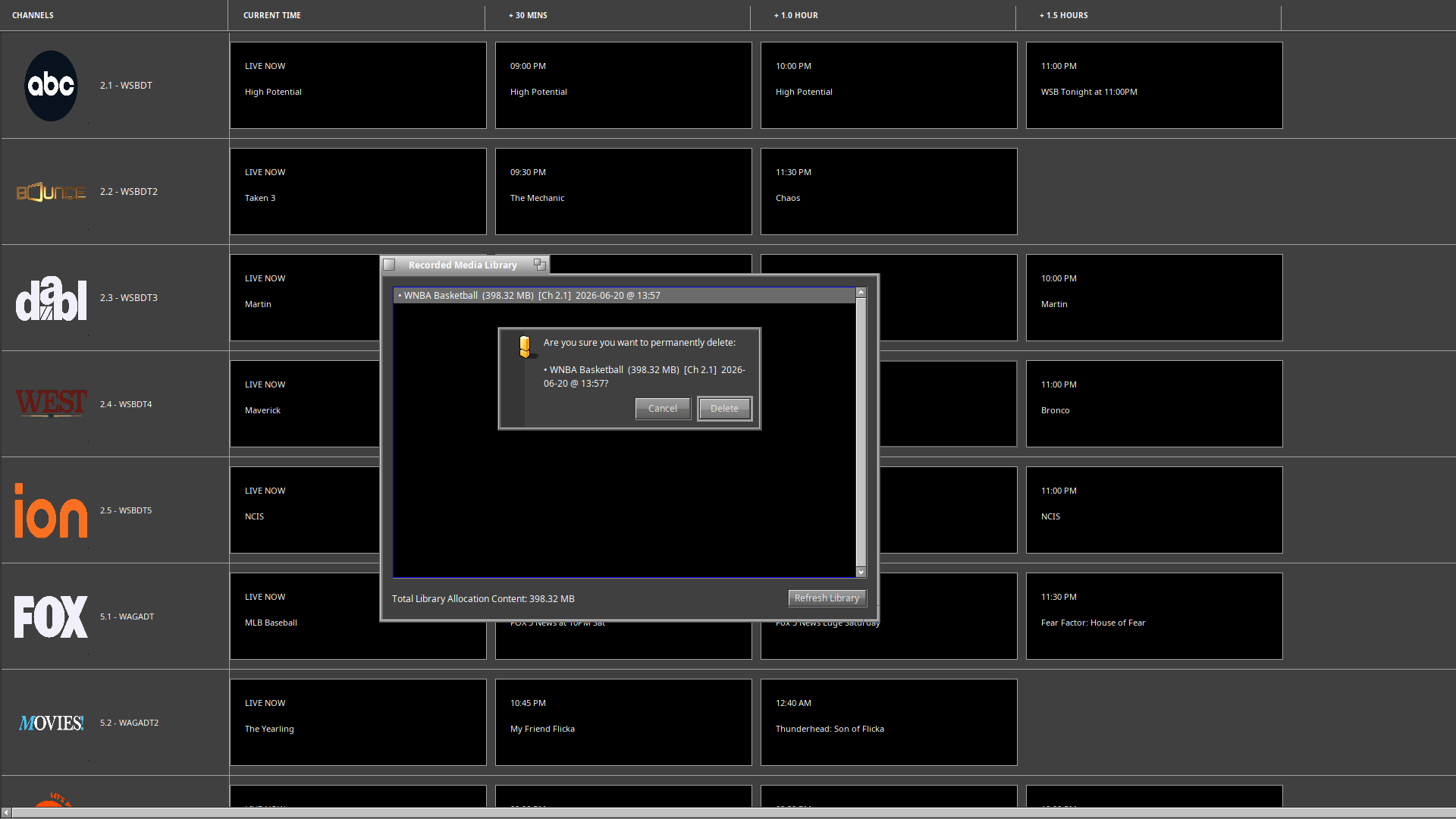
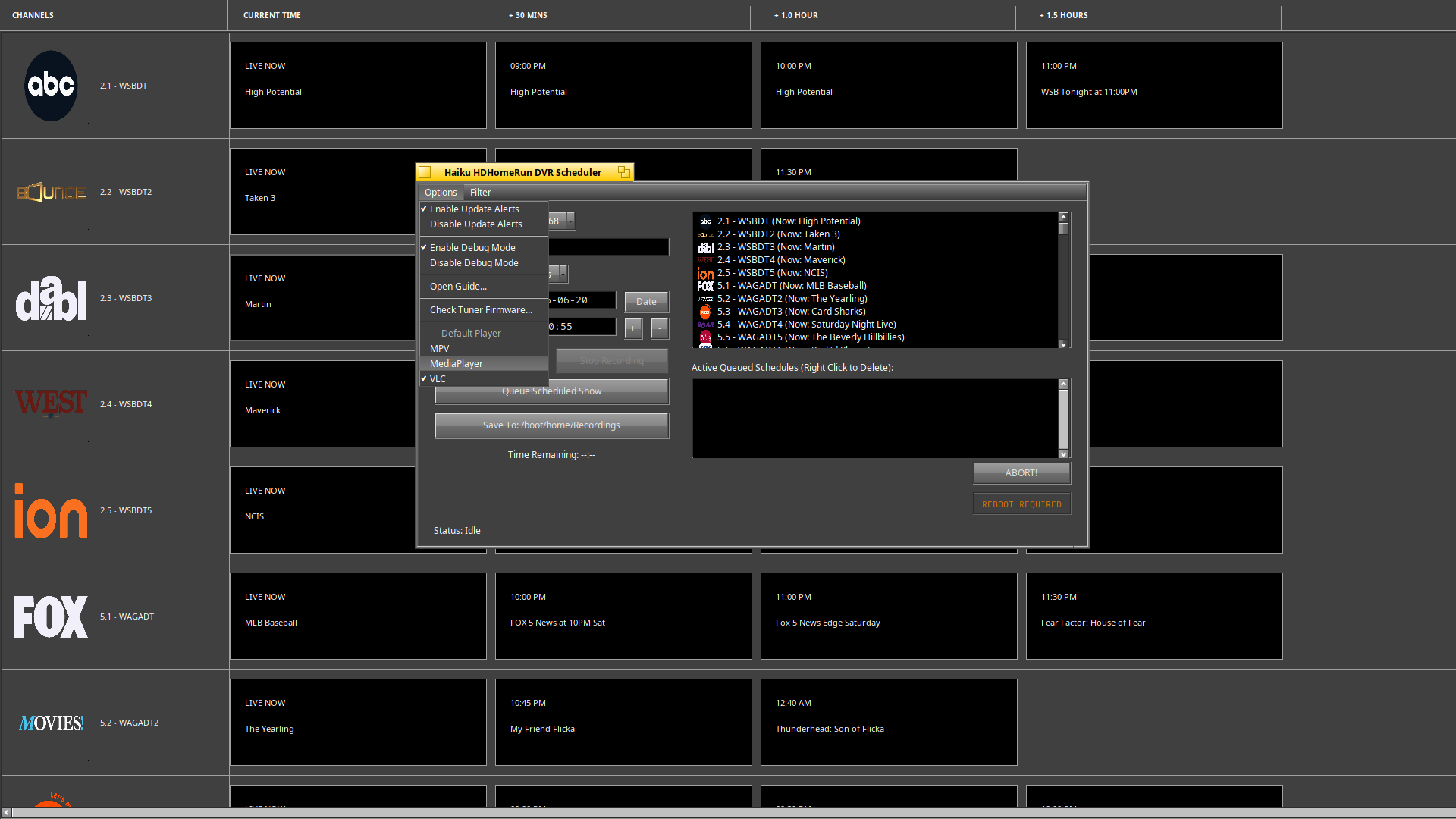
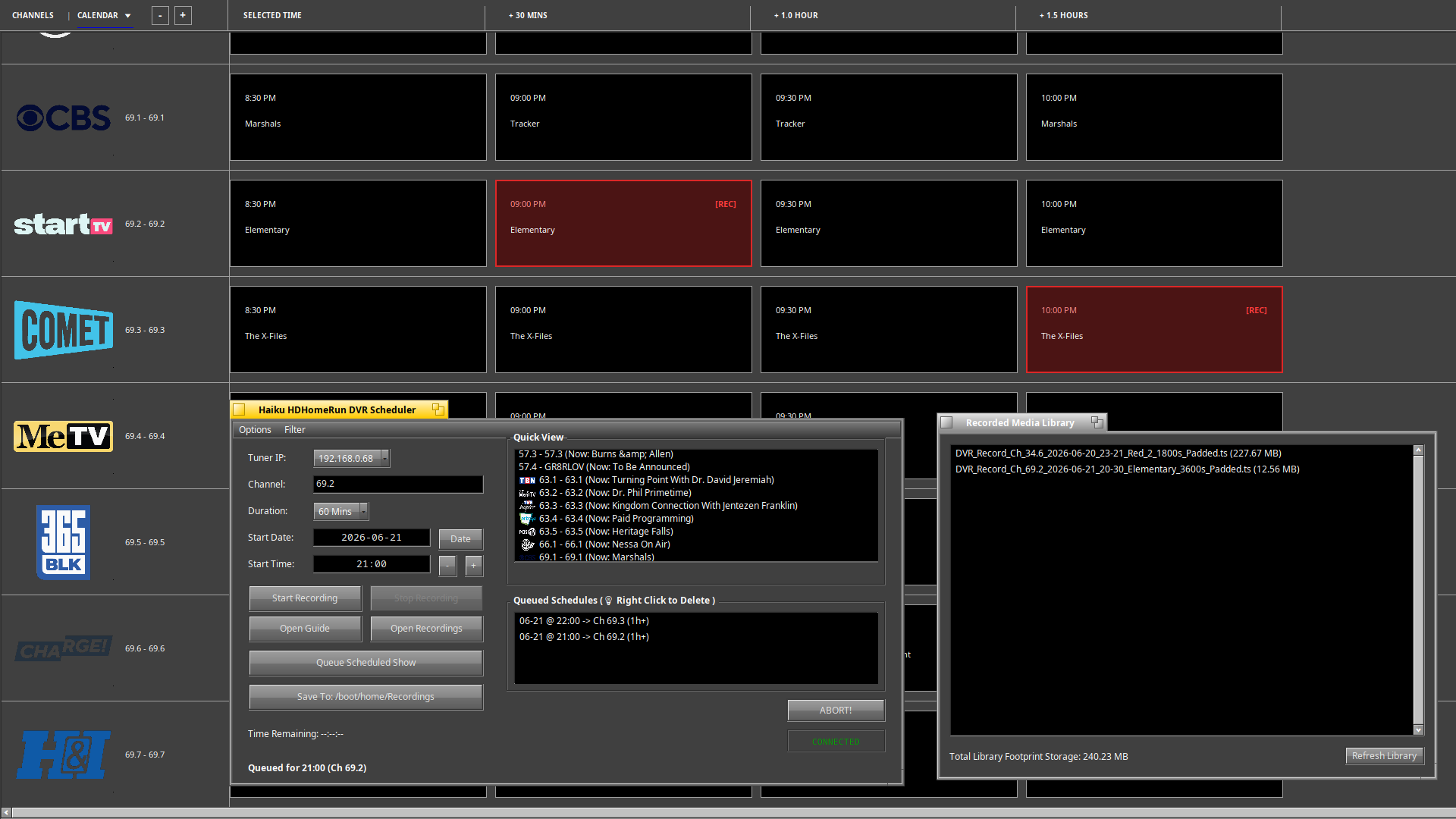
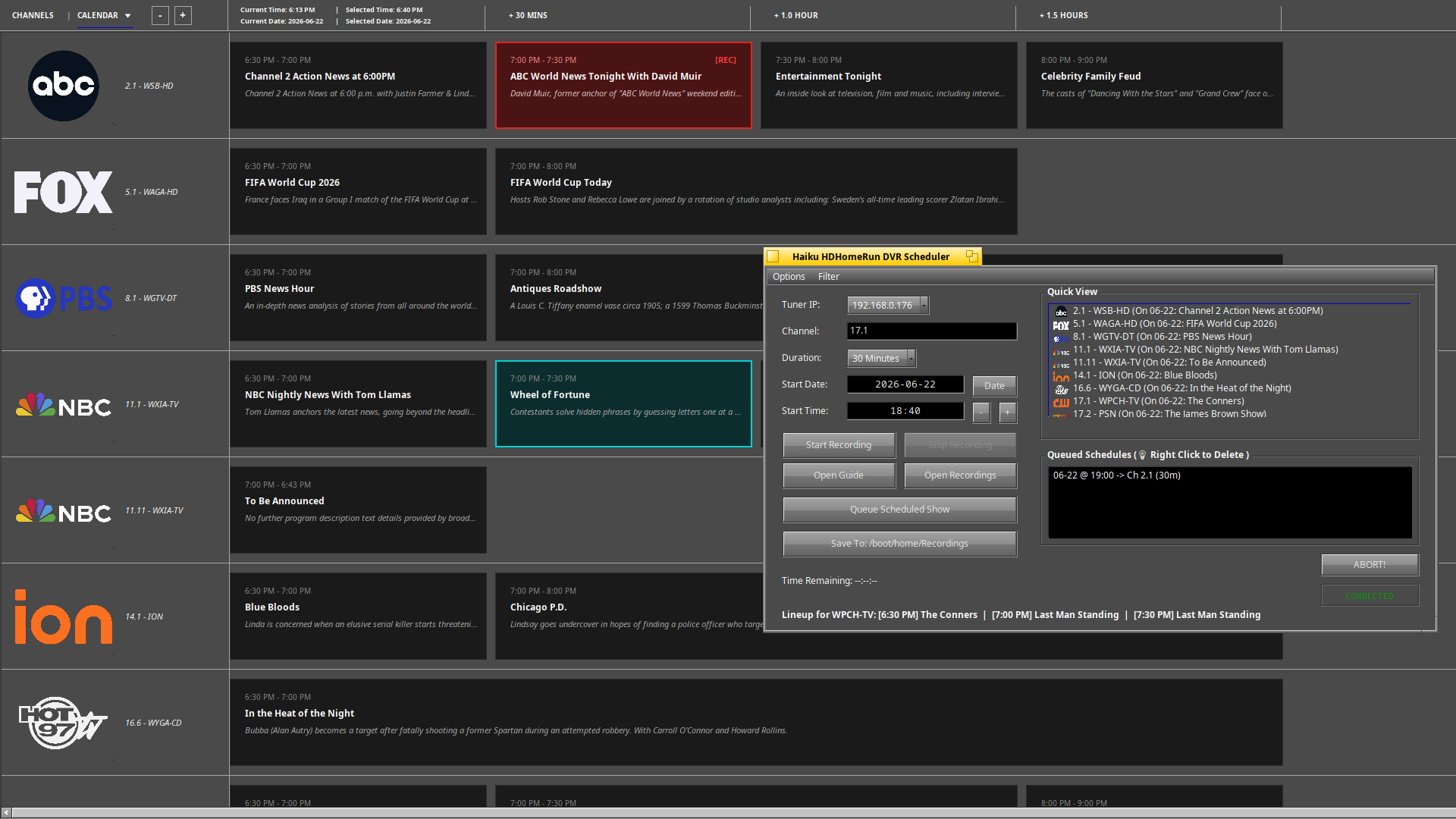
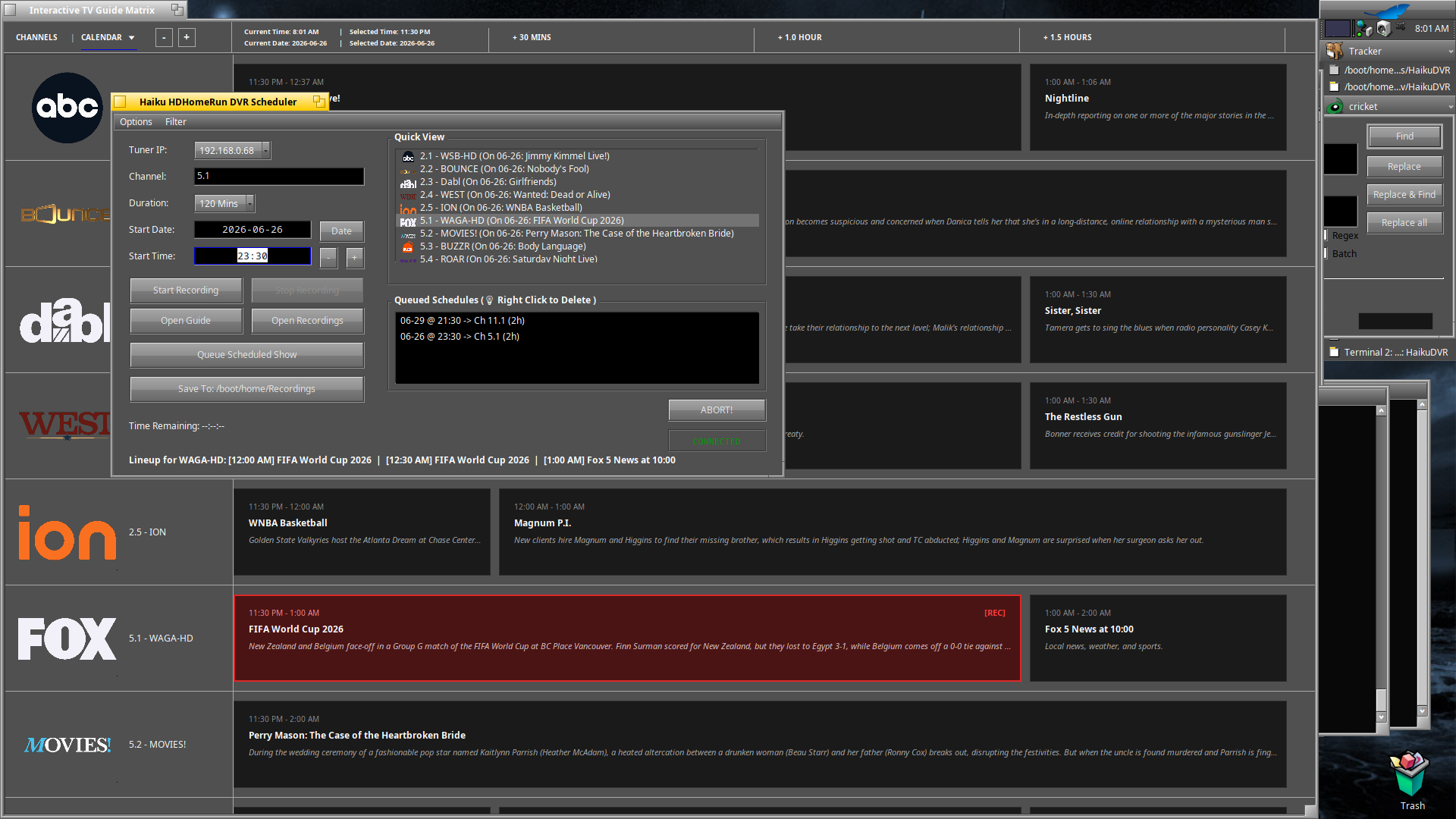
I’m very pleased to offer the community this little DVR app if you don’t mind all the AI assistance. The code is fresh but hopefully some of my hard work in coding over the past months has made me a little better.
Here’s the fine print
Be sure to read it all before downloading.
HaikuDVR is a native GUI digital video recorder application and background scheduling service designed explicitly for Haiku.
Hardware Requirement: This software strictly requires an active SiliconDust HDHomeRun Network Tuner connected to your local network to scan channels and record video streams.
The project is split into a lightweight, headless background recorder daemon and an intuitive graphical desktop frontend packed with advanced diagnostic instrumentation.
Key Architecture Highlights
Dual-Layer Guide Parsing Engine – Leverages a unified local hardware parser (lineup.json) for absolute 100% accurate HD/SD stream filtering, seamlessly combined with SiliconDust’s cloud EPG API for deep, look-ahead program scheduling lineups.
Asynchronous Vector Icon Cache – Automatically downloads station logos on an isolated background serial thread queue. Images are cached in-memory and rendered at 60 FPS using high-quality bilinear blending.
Real-Time Bandwidth Instrumentation – Features a non-blocking libcurl transfer info callback that calculates and prints live file download size metrics right to your dashboard status panel as streams write to disk.
Proactive Storage Protection – An automated background disk monitor queries Haiku Storage Kit partition volumes every 5 seconds, flashing high-visibility warnings if storage space drops below 5GB.
Decoupled Lifecycle Architecture – Cleanly separates process ownership using setsid(). Hitting the Restart Backend toggle recycles the background daemon instantly while letting you close or manage the GUI client completely independently without interrupting active streams.
Adaptive Theme Contrast – Utilizes YIQ brightness calculations and native Haiku system color tokens (ui_color) to hot-swap background layers and layout text contrast instantly when switching desktop system appearances.
Licensing & Intellectual Property
HaikuDVR Application & Service – Released under the permissive MIT License. You are free to modify, distribute, and utilize the source code for personal or commercial application suites.
HDHomeRun Interface Layer (libhdhomerun) – This project dynamically links against SiliconDust’s official device interface library, which is governed under the GNU Lesser General Public License (LGPL v2.1).
Disclaimer: HaikuDVR is a third-party open-source application and is not officially affiliated with or endorsed by Silicondust.
System Compatibility
Operating System Baseline – This software was built and verified exclusively on Haiku Beta x86_64 hrev59783. Compatibility with older revisions or nightly builds is not guaranteed.
After installing, reboot is required for the backend service worker to register with the Haiku Launcher Roster.
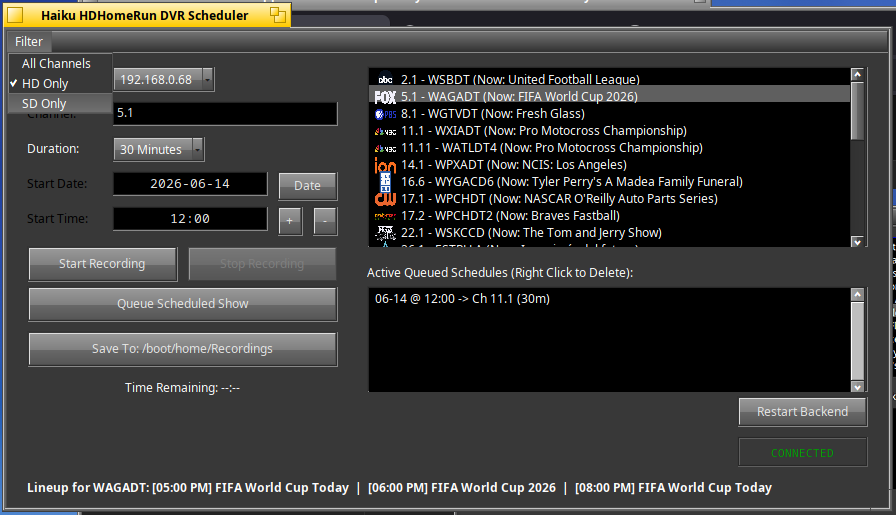
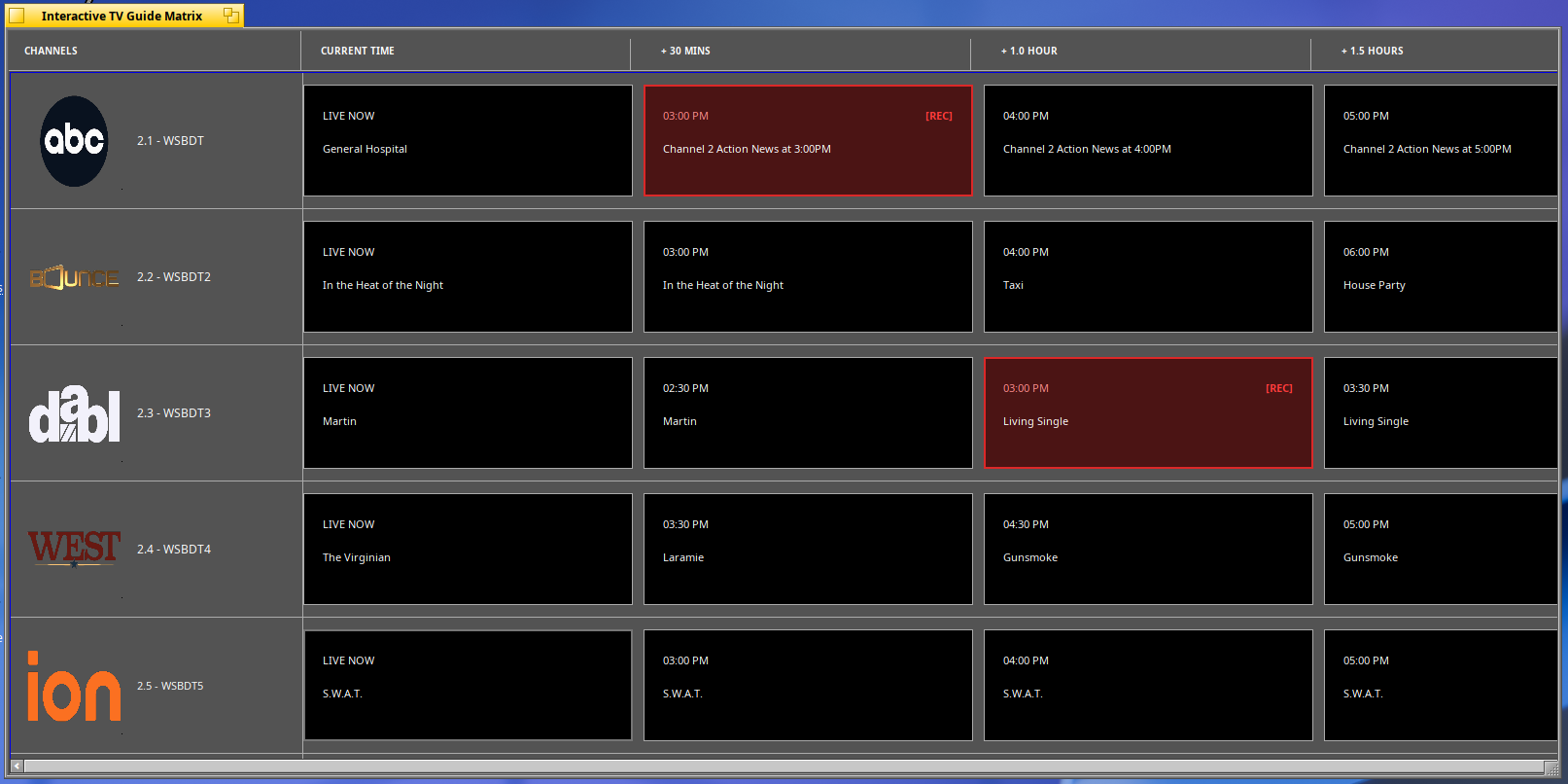
Also, here’s another screenshot showing the TV look-ahead Guide at the bottom, a channel waiting to be recorded in the queue, and the filter drop down top left…
Added calendar look ahead scheduling to the code. Non subscription users by default can see up to 2 days of guide data provided by silicondust. A subscription provides up to 14 days of guide data. See XMLTV Guide Data · Silicondust/documentation Wiki · GitHub
Record Window now shows realtime file size changes.
Fixed Guide icons sizes not proportioned correctly.
Add bbox code to the main scheduler window.
Reversed the plus and minus time buttons to fit the order of operations.
I think it’s a (multi)tuner attached to an antenna, that reinject dvbt streams to your local network, so you can watch them with a dedicated app or using their DVR service to grab some contents
HDHomerun is a little black box that you power up with a little 5v adapter. It connects to your local home network and then to a coaxial HD antenna.
While connected to your network, you can scan available channels from the builtin web interface, and fine tune which channels you want as favorite, hidden etc…
Then from any computer on the same network, you can view up to 4 ( or 2 ) concurrent streams. You can connect as many boxes to your network as your want, adding to the available streams, e.g., 3 boxes with 4 tuners each would allow to record 12 shows concurrently. Probably a little excessive unless that’s your thing.
Their DVR subscription is optional. With the subscription you get up to 14 days of TV guide info and without only 2 days.
Their DVR App is nice but is proprietary and only runs on Linux and Window. It acts as a headless server that listens on the local network for special API flags from the frontend app to record shows.
The Haiku App I made has its own custom dvr server, It is not as feature rich as theirs, but does the job. You can schedule, record, delete shows but it does all this from a central computer. Basically, as long as Haiku is running, the schedules will record.
Updated code to timestamp the xml data and to only download new data if older than 4 hours. This really helps save on CPU and bandwidth usage.
Updated Guide Window with better elements, show descriptions and better table rendering between 30m and 1hr time slots. Also added current date and current time to the top bar for convenience.
Fixed bbox alignment glitch in scheduler window Quick View
Updated makefile with optimizations.
Added code to refresh the Guide data when Filters and/or Tuner IP was changed.
Added DLNA server to the backend. Haiku will now stream recordings to another smart device like VLC, or other Media Devices that have a DLNA brower, and can make the handshake with the HaikuDVR custom DLNA server.
Database now only shows info for present and future schedules, not the past.
Fixed clicking behavior for Search Guide to not trigger unless window is active.
Updated Duration Box menu to automatically update to the selected shows duration.
Updated Queued Shows Box to include the title of the shows.
Updated the Bottom Status Info to be more concise and just show the info regarding the selected channel.

 Hardware Requirement: This software strictly requires an active SiliconDust HDHomeRun Network Tuner connected to your local network to scan channels and record video streams.