ninos
September 14, 2026, 3:32pm
1
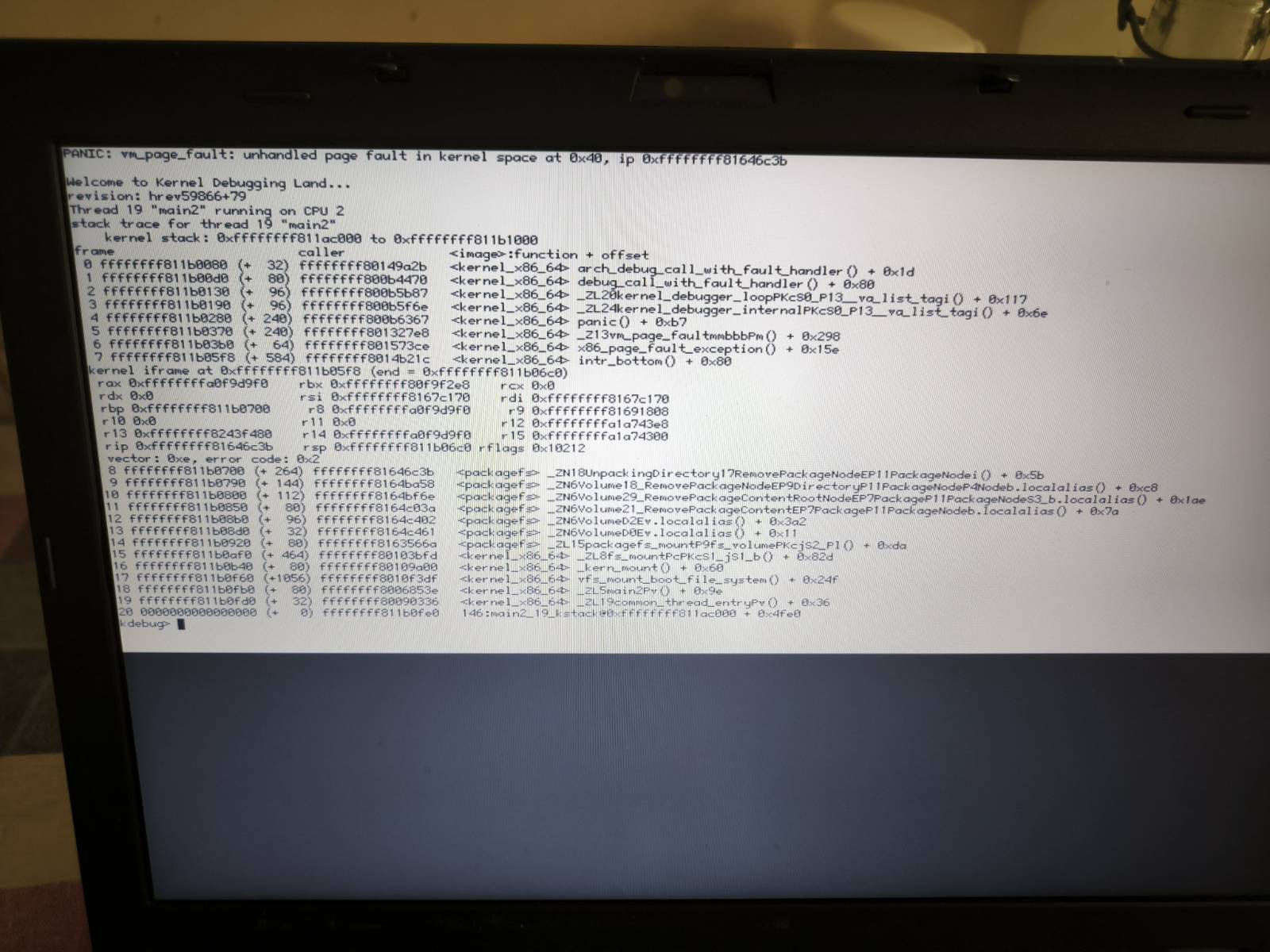
While updating my laptop ran out of battery,
my foolish mistake, of course, because I hadn’t plugged it in,
and now when I tunn it on,
the above screen appears.
I was using R1/beta6 , with only Haiku installed.
Can I fix this in some magical way
using the terminal,
or do I need to reinstall the OS?
Can you enter the Boot Options and boot into a previous state?
ninos
September 14, 2026, 6:56pm
3
Sorry, this advice is over and above my head
us3r1d
September 14, 2026, 7:20pm
4
There’s a page on using the boot loader at:
It has a section near the bottom on choosing an older system state to boot into.
1 Like
If you boot Haiku, before the Icons appear, hit or hammer the space bar…
1 Like
ninos
September 15, 2026, 10:11am
6
I reinstalled Haiku from a memory stick I made with impression under Xubuntu,
and the whole process took me just a few seconds !
I rebooted and R1 beta6 hrev59866 +79 runs perfectly.
I’m really amazed!
No need to do anything about wifi, or my extra language (Greek).
3 Likes