My adventure writing a display adapter driver

Before implementing a single way to handle bitmap cursor or monochrome cursor I’d like to let you know that the Hardware cursors in video cards history had faced multiple changes in color depth. With a brief search on the web I found:

  • video cards from long time ago (1987) like the original IBM chips or S3 Trio64 / Virge, Cirrus Logic, ATI Mach32 / Mach64 had 1 bit color depth
  • later some cards adopted 2 bits color depth like the Tseng Labs ET4000/W32, Matrox Millennium the first series of 3dfx Voodoo Rush/Banshee, and actually the SM750 I recently bought.
  • 4 bits used on amigas or unix systems like Silicon Graphics or Sun Microsystems
  • 8 bits like ATI Rage Pro, NVIDIA RIVA 128 / TNT, and Matrox Mystique
  • 16 bits 3dfx Voodoo 3/4/5, NVIDIA GeForce 256 / GeForce 2 / 3, and ATI Radeon DDR (7000/8500)
  • 32-bits Intel HD/Arc, NVIDIA GeForce 4 / FX, ATI Radeon 9000 and laters

so this is my idea: if we want to give a proper method to handle the hardware cursor colors we should make driver pass this information to accelerant and through a Hook inform the app_server the capability of the card

2 Likes

then the App_server will convert the image properly according to card capability.
Another solution (the one I prefere) can be: after informing the app_server about the card capability of hardware cursor depth, if it can’t handle 32bit cursors, disable hardware cursor only for dragging operation, and restore hardware cursor after restoring the normal cursor. So poor cards can have both worlds.

1 Like

So far, I think it would be enough to just call SET_CURSOR_SHAPE if SET_CURSOR_BITMAP is not available. However, I would prefer if this is guarded behind a settings file – by default, I would prefer if the app_server uses software cursors if proper bitmap cursors are not available.

Or, alternatively, always support SET_CURSOR_BITMAP (and simply remove SET_CURSOR_SHAPE), and have some shared code that reduces the color space to whatever is required only if that option has been set.

3 Likes

This have sense, as the code example of @PulkoMandy, the pity would be not improving cursor quality if possible, a 16bit, 8 bit or even a 2 bit cursor has more visual appeal than the plain 1 bit with mask that provides SET_CURSOR_SHAPE.

that’s the reason of my last solution: provide a nicer accelerated cursor by default (which resolves the problem of Z-order explained before) but it fallbacks to software rendering when not able to handle all the needed colors (for example in dragging items).

this seems my first idea:

although I think removing SET_CURSOR_SHAPE will cause some problems for some apps

2 Likes

Interesting.. Anyone know why that would be? Is this a clue to fixing the flicker problem?

There are a lot of solutions, but maybe this is the simplest way.
the explanation has been written before:

I don’t know if you can see this animated gif, but this would be the result if hardware cursor B_SET_CURSOR_BITMAP (with limited colorspace) will be mixed with software fallback when dragging

output

2 Likes

I wonder why drag bitmap has so large unneeded transparent part at right-bottom. It should be possible to remove that unneeded part. Maybe Tracker problem that use too big drag bitmap.

1 Like

IIRC the drag bitmap from Tracker feature a max size with gradient, and I suspect the bitmap is always sized to this max size initialized as transparent whatever the actual amont of real content in that drag bitmap.

There were some recent changes to this code, first to make its size unlimited, and then restoring a limited size but with some changes from the previous code. Maybe I didn’t look into that last change carefully enough when reviewing and merging it and it introduced a regression in the computation of the drag rectangle in the case where it doesn’t need to be the largest possible and use the fade out.

2 Likes

Hi. Recently I worked a lot on adding features here and there, and something made me go back to this driver. I’ve cleaned some dubious parts for the I2C part (which is anyway hardware broken/locked). But lately when I was writing the driver for a Trident Blade 3D PCI card (1999) I realized that the OVERLAY part of SM750 was still untested because I could not use it.

So I dug into the code and I realized that media-kit’s ffmpeg plugin is hardcoded to use B_RGB32 when decoding any video!

That prevented every old video card not supporting B_RGB32 video format to accelerate old video formats like the most common “B_YCbCr422”

I modified the code in AVCodecDecoder.cpp from:

#if USE_SWS_FOR_COLOR_SPACE_CONVERSION
	fOutputColorSpace = B_RGB32;
#else
	// Make MediaPlayer happy (if not in rgb32 screen depth and no overlay,
	// it will only ask for YCbCr, which DrawBitmap doesn't handle, so the
	// default colordepth is RGB32).
	if (inOutFormat->u.raw_video.display.format == B_YCbCr422)
		fOutputColorSpace = B_YCbCr422;
	else
		fOutputColorSpace = B_RGB32;
#endif

to:

color_space requestedSpace = inOutFormat->u.raw_video.display.format;
	if (requestedSpace == B_YCbCr422 || requestedSpace == B_RGB16 || requestedSpace == B_RGB15) {
		debug_printf("Negotiation output colorspace format: %d\n", requestedSpace);
		fOutputColorSpace = requestedSpace;
	} else {
		debug_printf("fallback to B_RGB32\n");
		fOutputColorSpace = B_RGB32;
	}

and then I could test and fix the sm750 overlay part.
Now I can play those videos in hardware.
It’s a pity that this poor card hasn’t “COLOR_KEYING”. this means that the video overlay plane stays on top of everything (except the hardware cursor obviously) obfuscating windows, menus and any useful GUI item. Color keying is used to avoid this. BUT hey it works it scales instantly and no cpu is used!

Hope this can be usefull

5 Likes

I think I am about ready to start accepting video drivers/patches to my Media-OS project. Why stop at Audio and MIDI, am I right? Got killer AI assisted projects that aren’t going be upstreamed any time soon? Message me.

1 Like

I’m back to this topic because I want to share some of my recent experience evolving this piece of code.

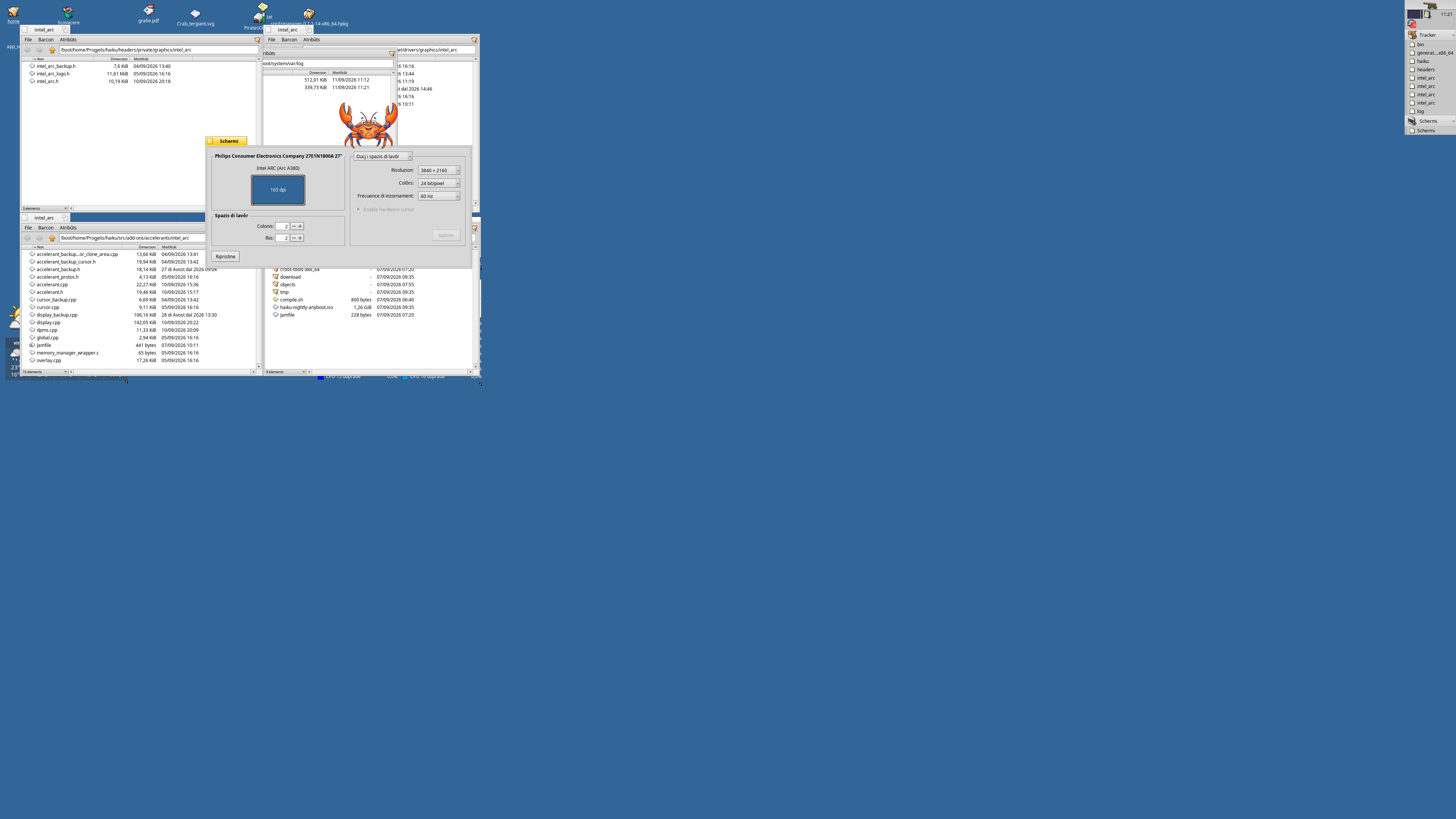
Lately I spent some time coding something that can be useful for me and maybe for others in Haiku, like an encrypted keystore server for B_PASSWORD_KEYs, an AI subsystem that can work as a MCP (capable of working with local contexts and switching from different kinds of LLMs without losing the context), some basic drivers like a trident blade3d, and lately a basic driver for my Intel Alchemist A380 card. Right now it works in hdmi to max 1920x1080 (or little more) and DisplayPort which can push the resolution to 3840x2160 (that’s the monitor I bought to test the driver). The latter could be achieved only by inheriting the training done by the Card’s firmware at boot. But as the intel datasheet says “the card will start always at the maximum lanes available”; thus, allowing the accelerant to not perform a dplink retraining, which I tried and failed badly :sweat_smile:

Anyway as for all of my drivers it seems I’m missing something maybe with v_blank or at interrupt level because teapots doesn’t spin anymore! (please if any of you capable devs wanna help you’ll make me happy like a puppy)

but then I came back to this card the SM750 which gives me joy for its simplicity and due to its datasheet being so easy to read.

My latest work touched 3 topics:

  1. the overlay. As wrongly stated before this card has indeed color keying, the fact is that the overlay layer stay on top of the graphics plane, instead of under. So, even though the Primary graphics layer (the one I use for hdmi output) has indeed the color keying, it is unuseful because this is used to let a lower video plane to pass through the color key of the Primary graphics. I implemented it, as it should be done, but here I have a layer z-order issue.

  2. having a new monitor gave me the chanche to test this driver on bigger resolutions.
    and tadaaaa: wecome new issues! :rofl:
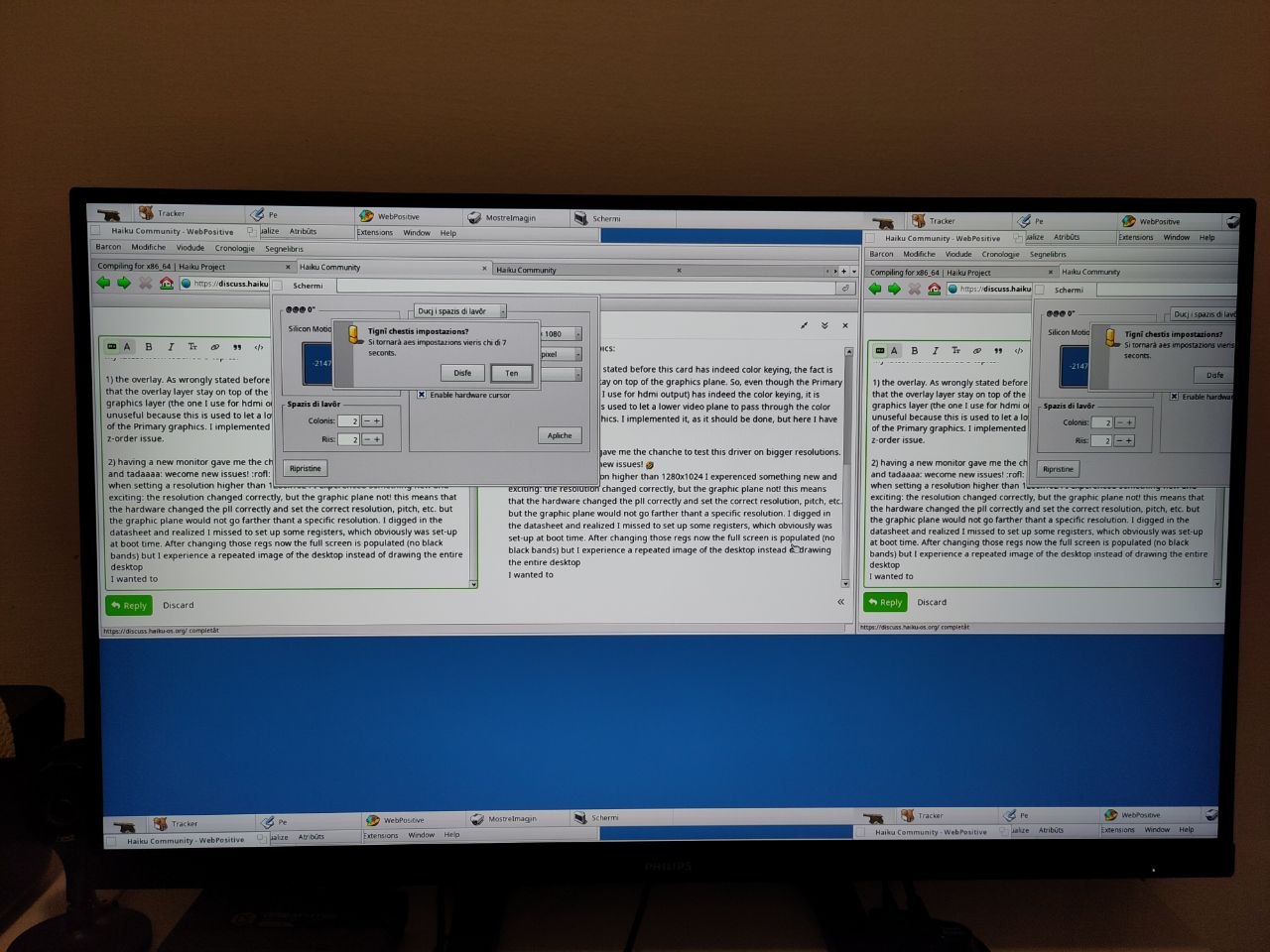
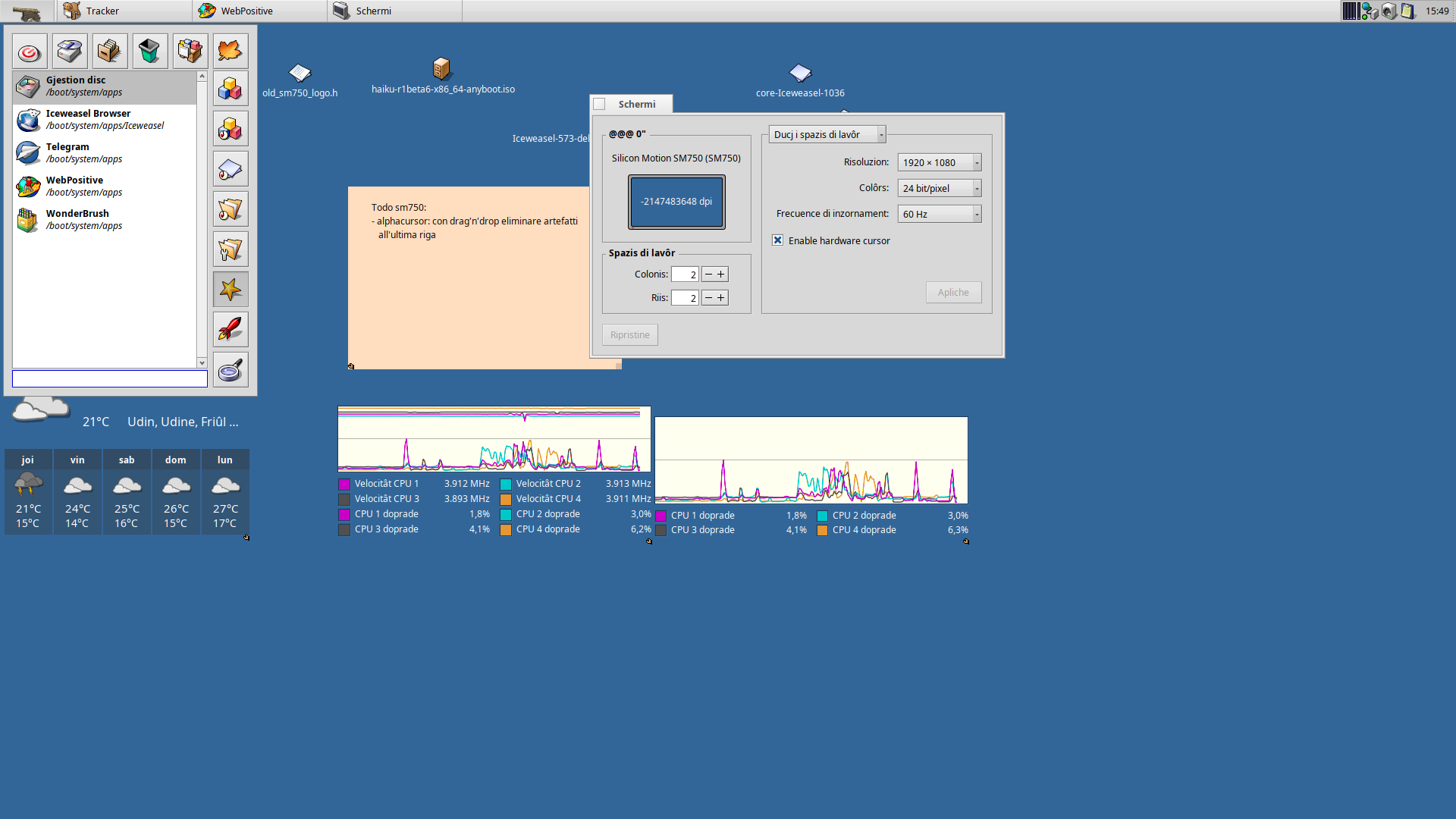
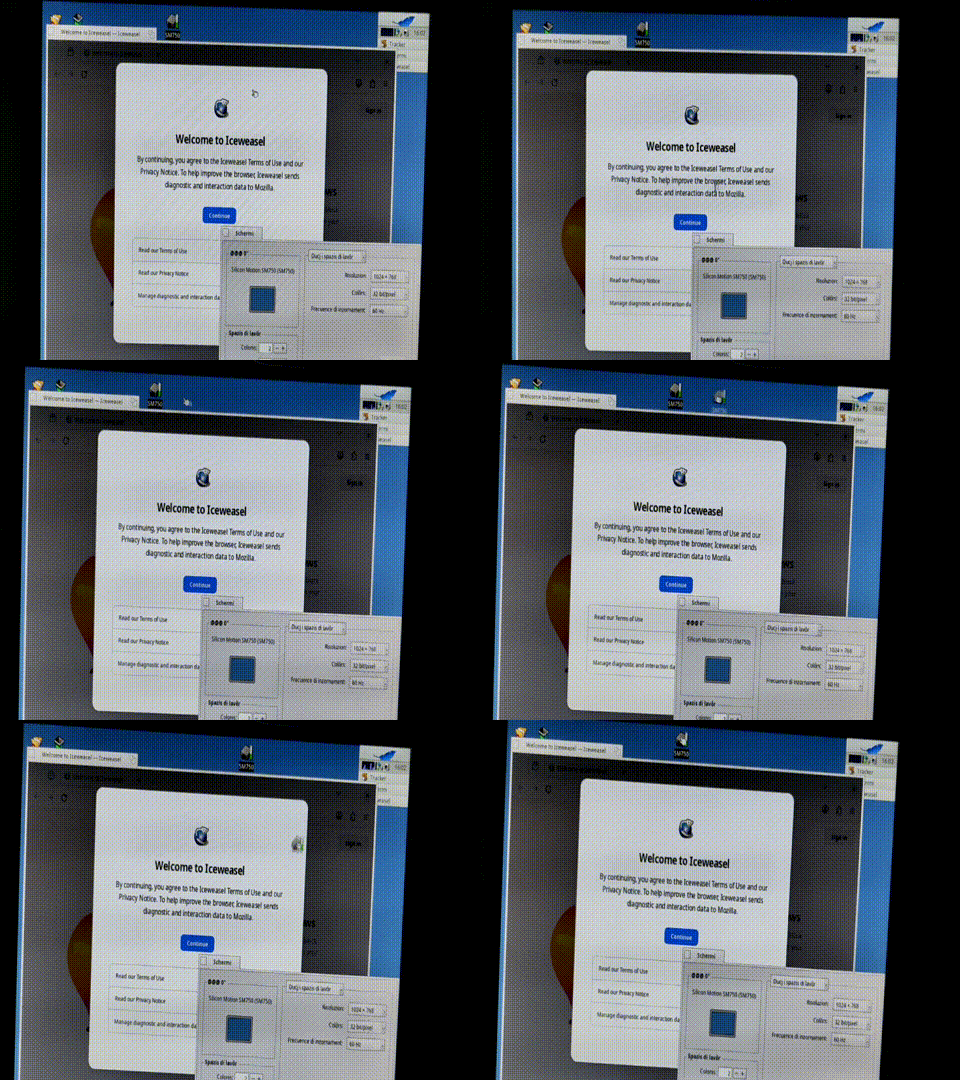
    when setting a resolution higher than 1280x1024 I experenced something new and exciting: the resolution changed correctly, but the graphic plane not! this means that the hardware changed the pll correctly and set the correct resolution, pitch, etc. but the graphic plane would not go farther thant a specific resolution. I digged in the datasheet and realized I missed to set up some registers, which obviously was set-up at boot time. After changing those regs now the full screen is populated (no black bands) but I experience a repeated image of the desktop instead of drawing the entire desktop like this:


    It’s obvious I’m still missing something…

  3. Last time, I suspended this project keeping in mind I could implement the hardware cursors using the ALPHA layer, which is available only on the primary graphics path (the one I use for HDMI cards).
    This is usefull because I can use high-color cursor while using alpha channel.
    In the meantime I can avoid using my workaround, implemented in app_server to fallback to software-cursor for drag’n’drop.
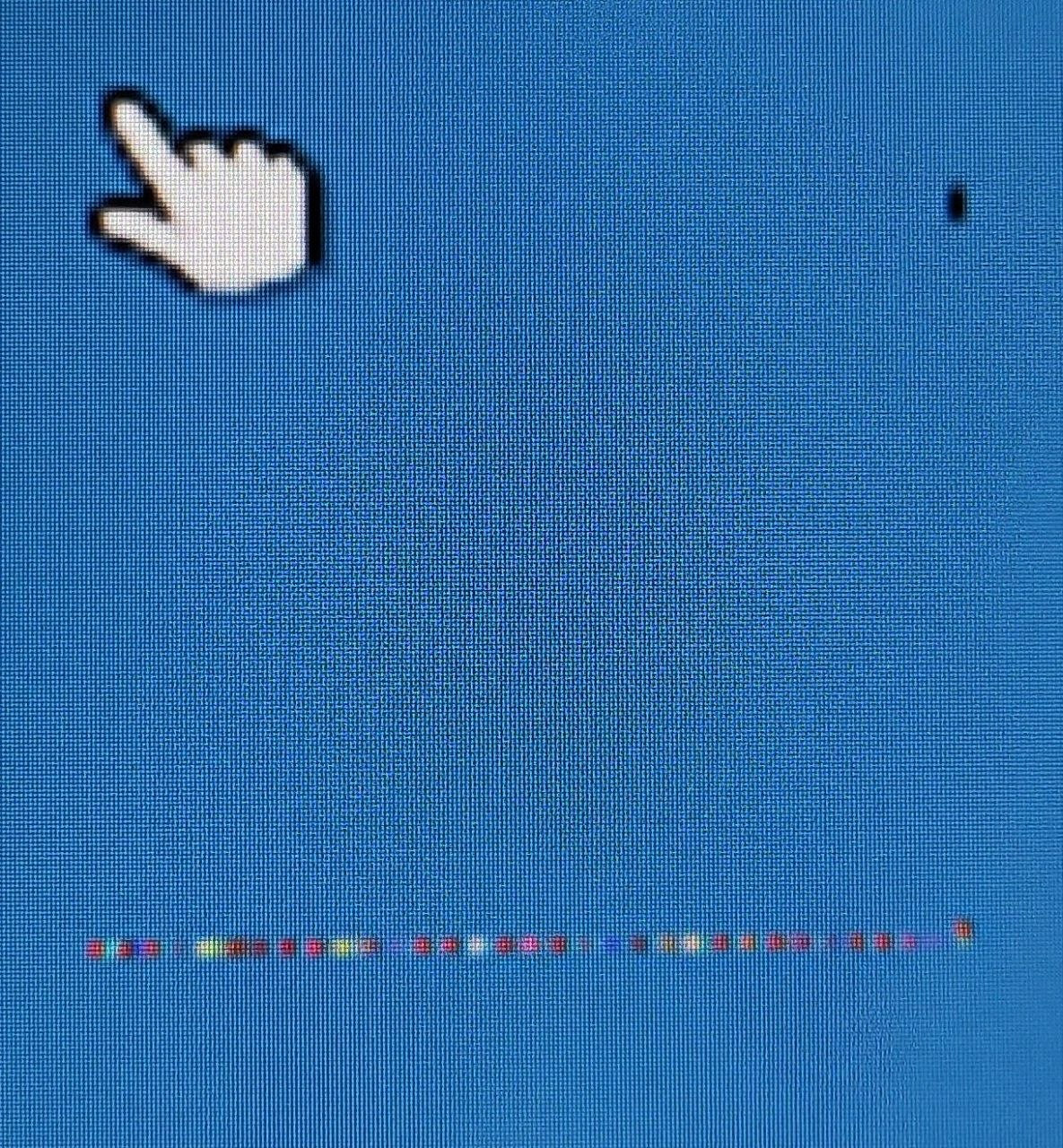
    This was quite quirky, because while the implementation has been quite straightforward, some artifacts happened and took me few days to understand how to solve them. At the beginning I thought I was not clearing the last lines:

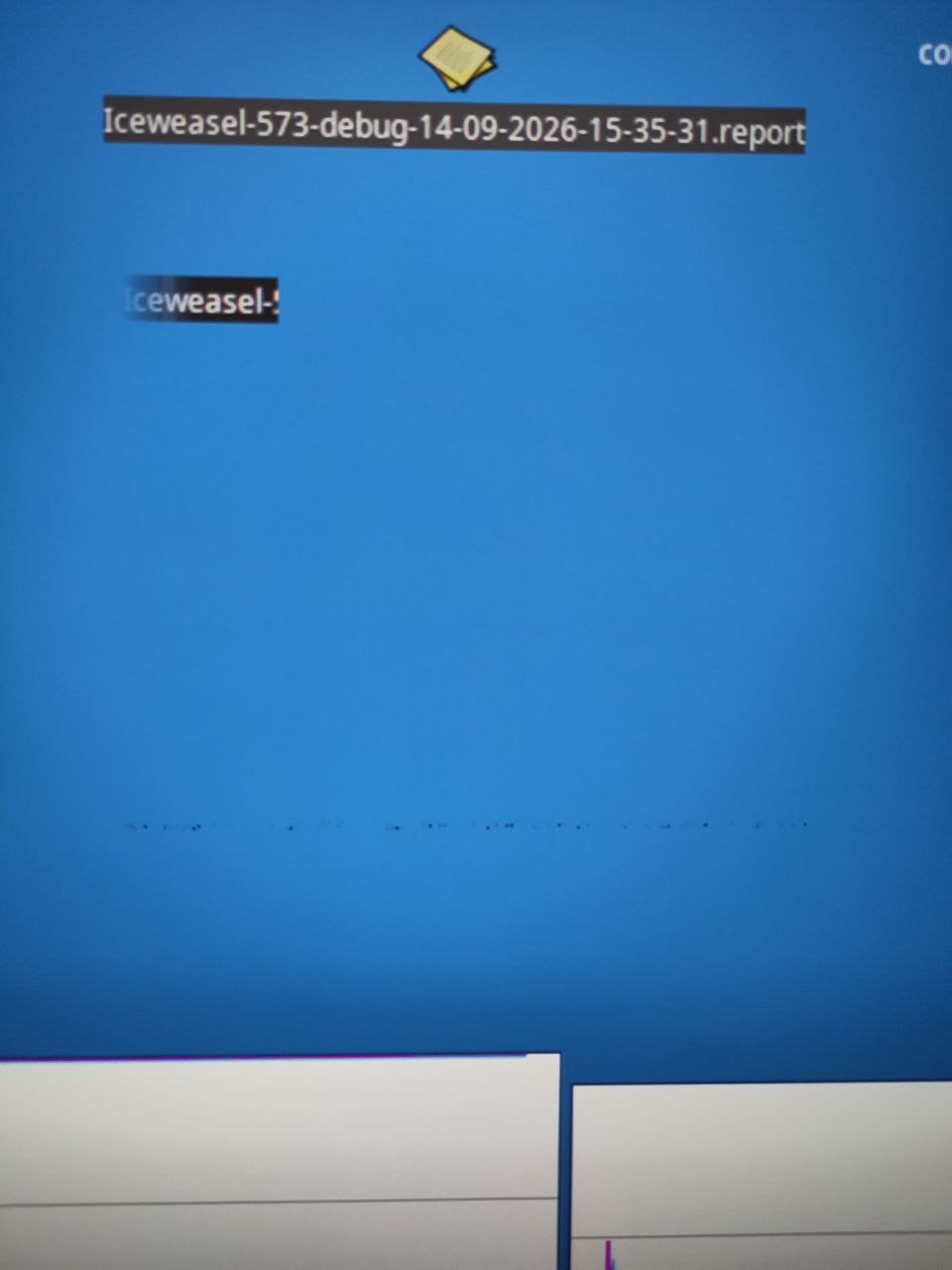
so I reworked the image loading, the VRAM clearing, since I realized that I should crop the image in “move_cursor” too… Idiot me… At the beginning I reserved a 16KB VRAM (doubling the 64x64*2 size of the 16bit cursor) for this special kind of cursor (if enabled by sm750.settings file) and the B_SET_CURSOR_BITMAP and B_MOVE_CURSOR cropped the image at 63x63 to avoid the last lines. But I realized that after moving around the mouse, the artifact appeared again if the movement was fast enough (just for few ms but it was visible). So empirically I resized down the crop size and I found out that 48x48 was an acceptable trade-off for dragging icons and not showing artifacts. Hurray I said, until I tried draggin a file from the Tracker. An awful thing, the icon was cropped perfectly alphablended though, but a bigger artifact-frame appeared.


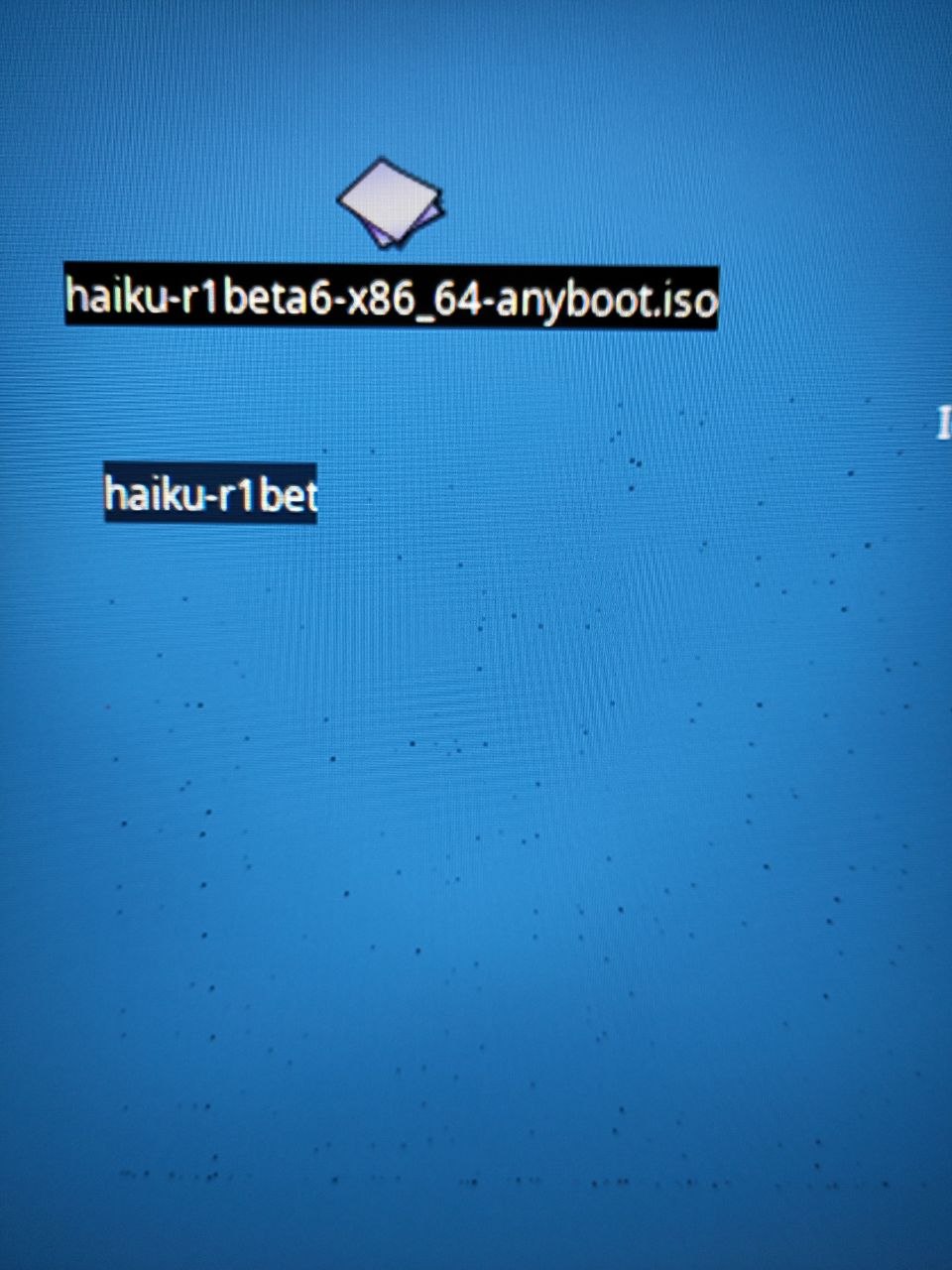
Notice the spots here and there? sometimes those spots are small red-lines and so on…

so I brought the reserver VRAM to 163840 instead of 16384 (covering the size of the artifact (3202562), and clearing it at boot time to ensure transaparency.
Now this is the situation


I am at the same point experenced at the inital alpha-cursor implementation… again an artifact at the last lines… BTW I tried increasing the VRAM to 320x320x2 but getting near the left edge other “moving” artifacts were rendered… :person_shrugging:
still I have to realize how to render the whole string and icon ( actually the size of the cursor decides the dimention of the rendered dragging region… this is the reason for the cropped Iceweasel-5 shown above… )
no matter, I’ll play around 'till it’s ok.

Thanks for your time. Maybe some update will come in a near future (life permitting).
7 Likes

Here I am, this is the last day off from work, and my shift starts tomorrow at 2 am… but anyway… hurray! I found the bug. It was a combination of 2 things.
The first error was my fault. To make some testing I commented out an important piece of code, and 2 registers were not written anymore.
The second was a copy-paste error from the datasheet: both regs had the same address.
Lucky me for finding this out!

now it works flawlessy and I can set-up resolution at full-hd without problems!

Now I need to solve 2 more bugs and try to solve and improve the video overlay problems!
Cya

9 Likes