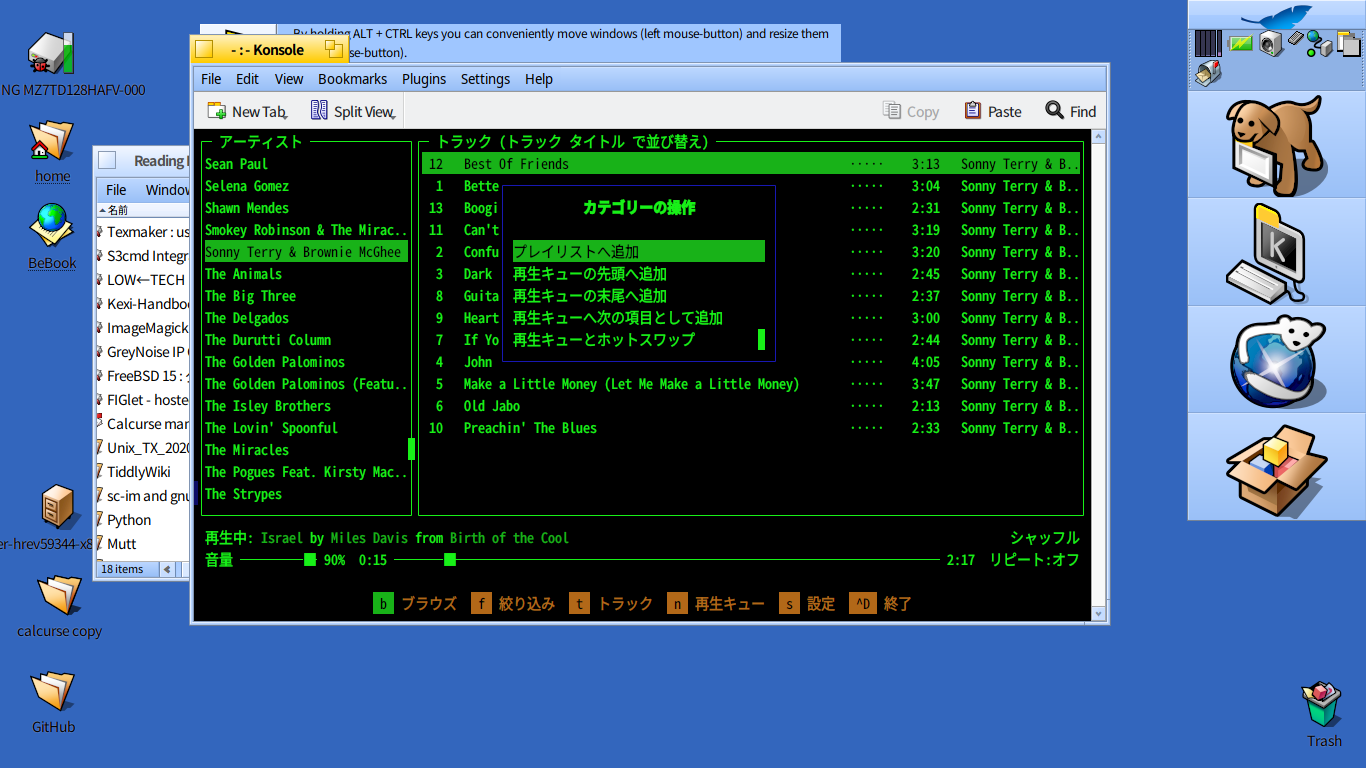
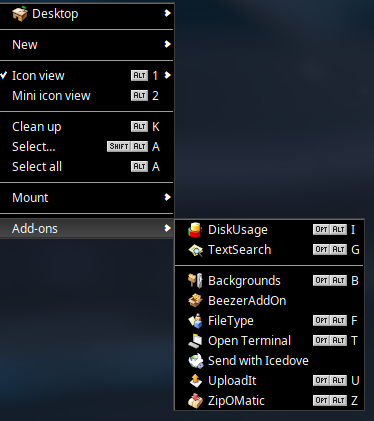
I’ve installed the ncurses-based music player Musikcube from HaikuDepot and am really finding it all I could wish for in a music player (except maybe the ability to display song lyrics…).
One thing though which has gotten me stumped is what meta key the Musikcube executable for Haiku has been compiled to use. Apparently, in the Windows executable, the ALT key is the meta key. But in Haiku the ALT key is already heavily used for various keyboard shortcuts and so cannot be used also by Musikcube.
Does anyone on this board know what the meta key in Musikcube for Haiku is? Thanks!
So go to Terminal settings (Alt-,), make sure “Use left Option as Meta key” (左オプションキーをメタキーとして使う, if I copied it correctly from the catalog) is checked and you can use your left Windows key (or whatever is assigned to left Option in your keymap) as Meta.
Thanks for looking up the meta key fix for emacs. Unfortunately, it seems that musikcube needs a different fix than that one. I posted a question about it in the musikcube’s github discussions page so hopefully the person who compiled the haiku executable will notice and post a reply!
I did try a pair of meta-something shortcuts before posting, and they worked for me. Can’t say all of them work, though, I’m not a musikcube user.
In any case, I don’t think there’s anything specific to that program. It will just use whatever the terminal or the ncurses library gives it. And if everything else fails, the docs say hotkeys are configurable.
Sorry my bad. I tried again, and sure enough the “Use left Option as Meta key” in Terminal settings does enable the Windows key on my keyboard to act as Meta key in Musikcube. I’m still trying to find my way around Musikcube so I was probably trying to bring up a new playlist in the wrong screen for the operation.
Thanks for the tip!
Hello Did you tried using Konsole instead of Terminal? In my experience, Konsole have better support for ncurses applications, and also is more configurable.
Hi! Thanks for suggesting Konsole! I tried it out today and it turns out Konsole doesn’t mind letting Musikcube use the ALT key as the Meta key for controlling its Playlists! I suppose it’s because Konsole uses Shift+Alt+N, Shift+Alt+T etc for its New Window, New Tab shortcuts, etc.
I have a question… On my Haiku install, hitting Windows+Alt+T on the desktop opens up Terminal (not sure whether this is default Haiku behaviour or whether I made some settings somewhere…). Is there a way to bring up Konsole with the same or similar shortcut? Thanks.
You can add custom shortcuts using the Shortcuts preferences.
Add a new shortcut,click on the Alt and Option columns and hit the T key,then click on the Application column and type /boot/system/apps/Konsole,then click Save & apply.
Now Konsole opens instead of the native Terminal as your custom shortcut overwrites the system shortcut.
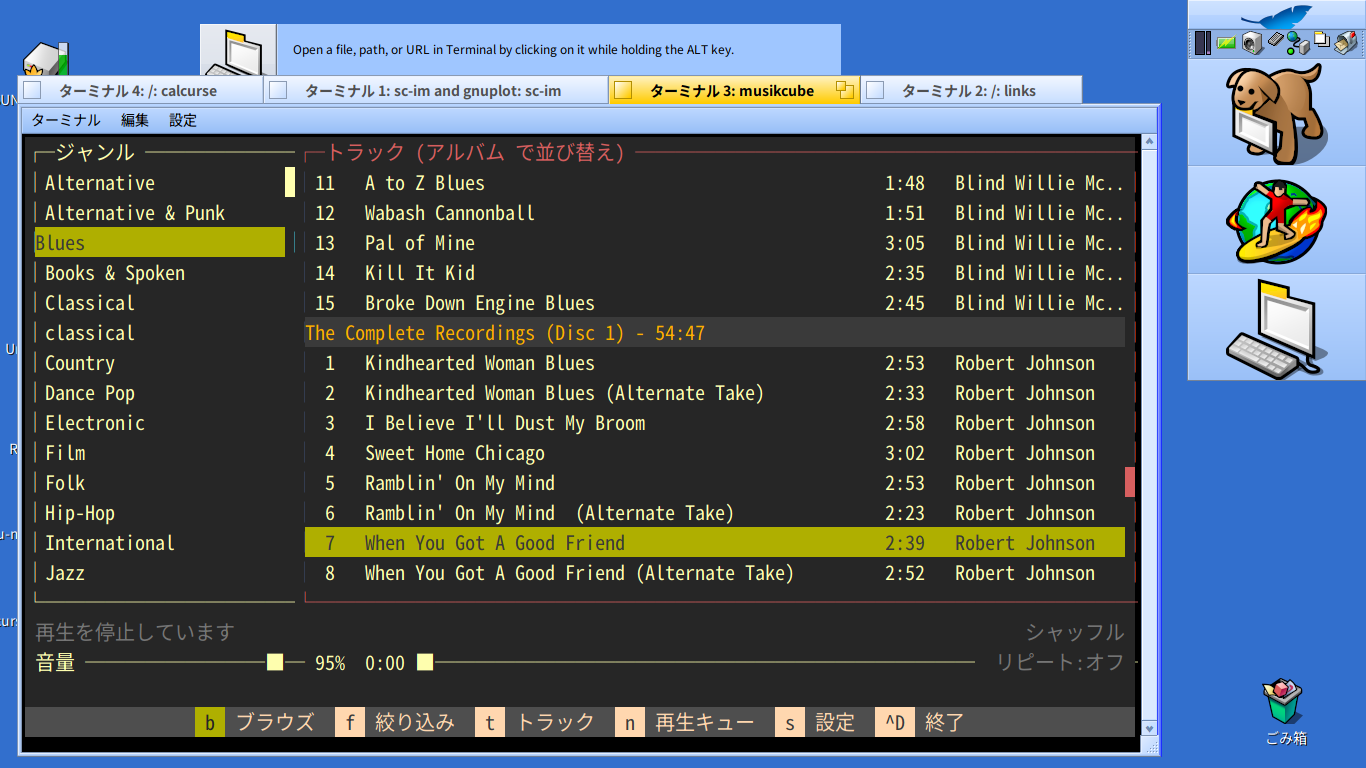
 Did you tried using Konsole instead of Terminal? In my experience, Konsole have better support for ncurses applications, and also is more configurable.