Ahoy @humdinger ,
That patch’s solution executes that filecopy / rename what is described on Haiku site about EFI bootloader manual installation.
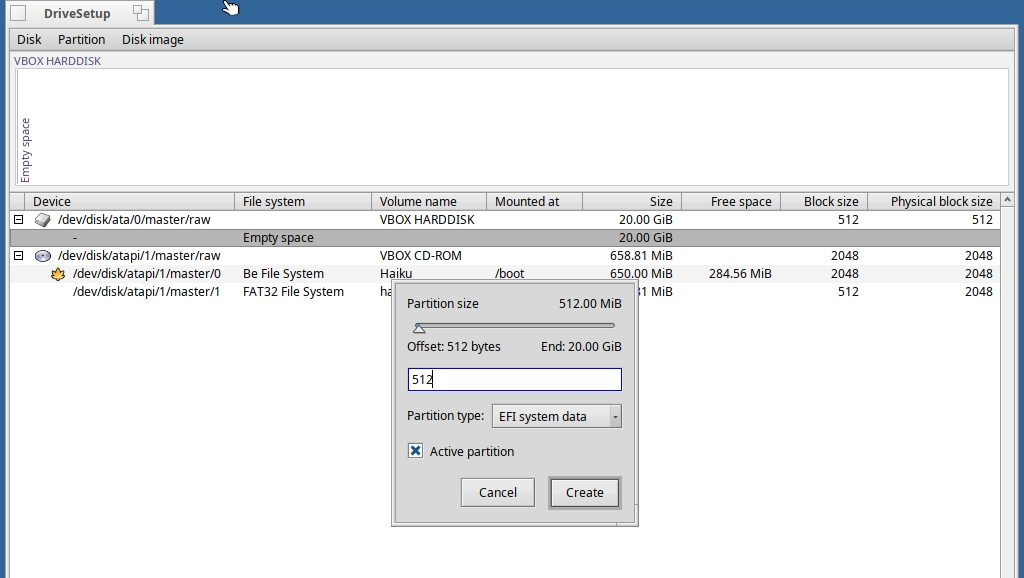
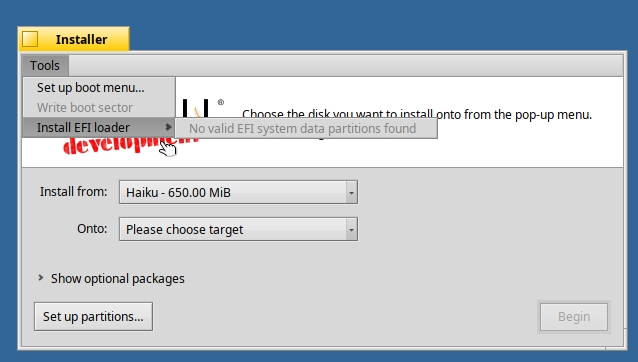
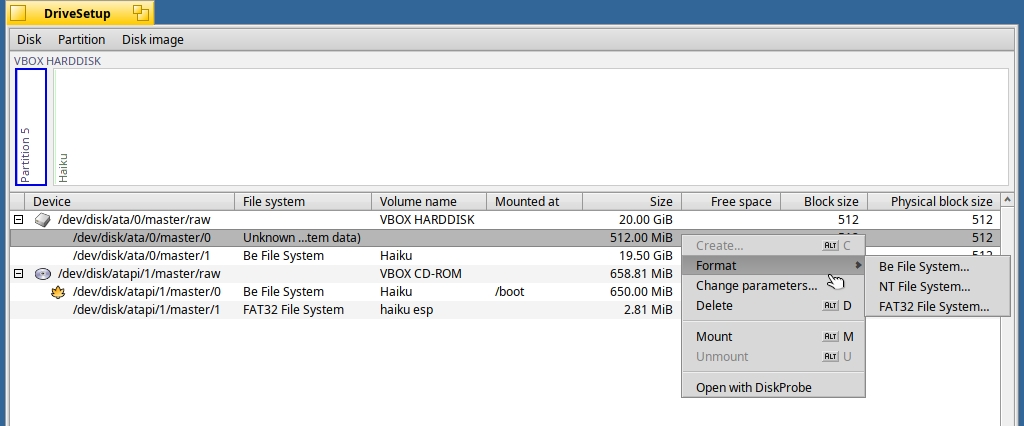
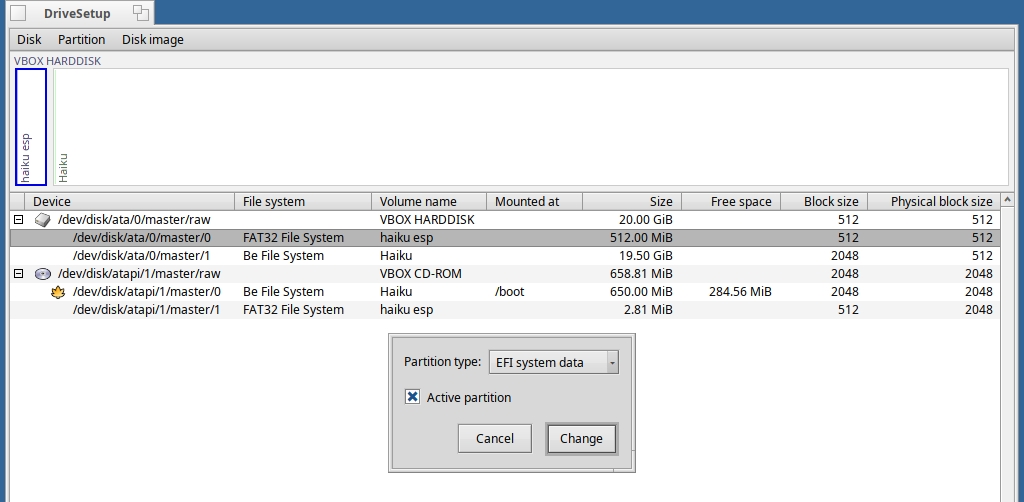
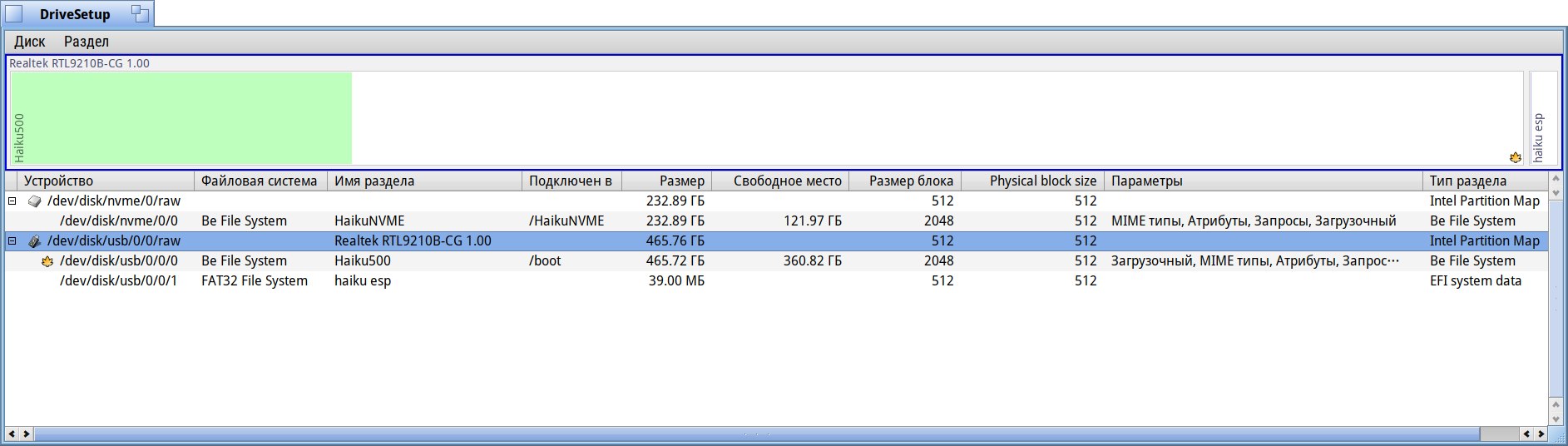
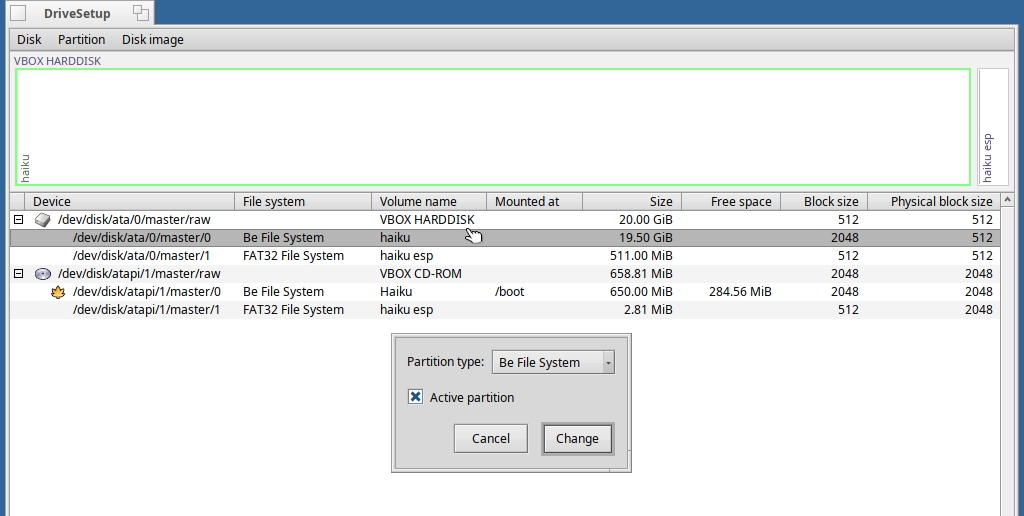
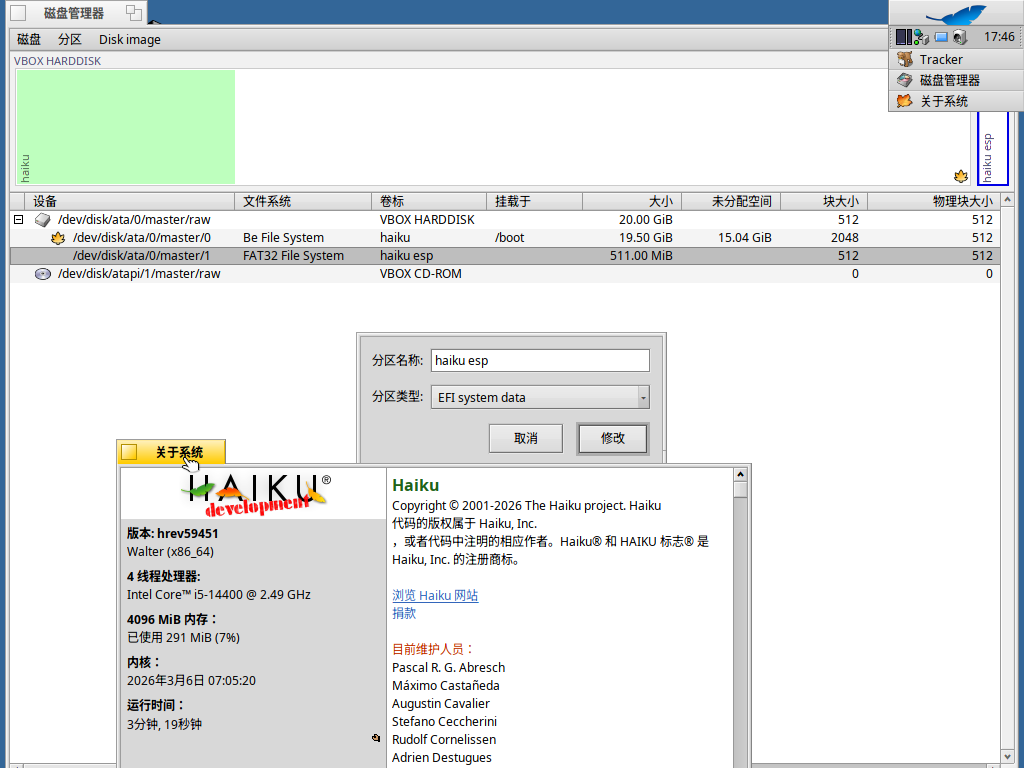
This way it does not create the necessary fat32 formatted ESP partition and format it – I assume – … this way you get the “No valid EFI system data partition found”.
It would work for you as well, if the solution would contain this ESP partition creation.
The live install contains such a partition, it should just recreate with a dd command on the target disk where optionally the new size may asked. However it would work only in case only the Haiku installed on the machine, or Haiku installation would be put on an another / different disk, but not a partiton.
Dual boot/multiboot systems to flawlessly work – would require a multiboot configured EFI partition content.
I mean,
you can have several different EFI partitons (one ESP on more or all disk if you want), but then you have to start the machine with a boot menu list creation. Then the EFI/BIOS will scan the disk for bootable partitions and offer all legacy and EFI boot possibilities.
Back to dd copy
Unfortunately this way the partition copy would not work in case someone wants a dual/multiple boot machine – as in case someone should create a more complex script that analyze the existing ESP partition content - if any - and create the necessary directories / files for it.
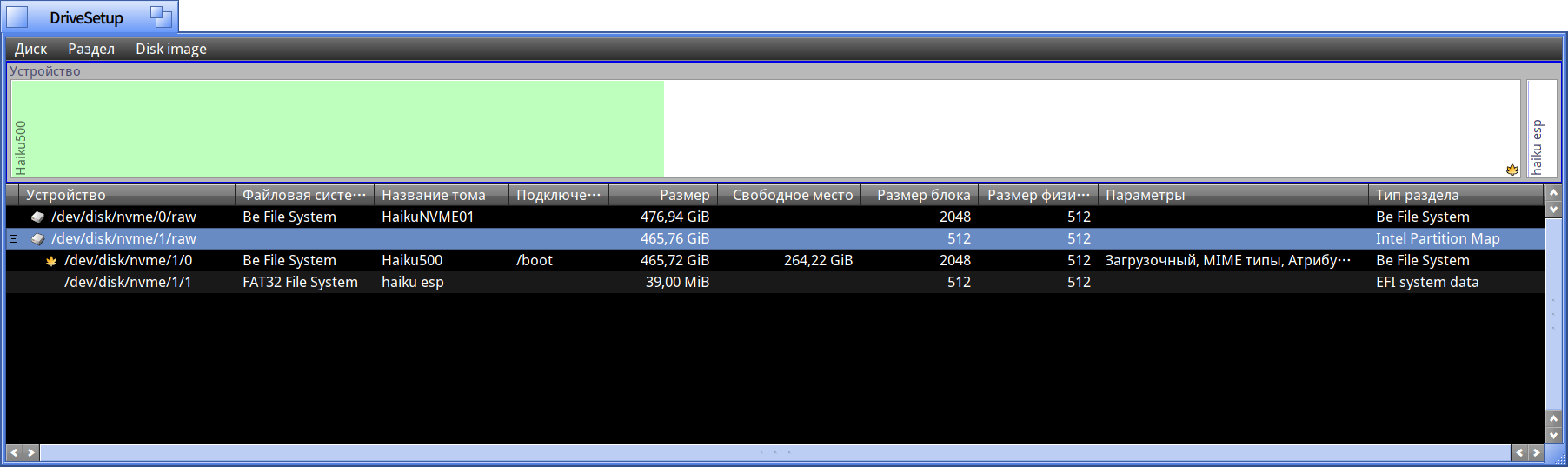
In the Live boot image .. it is a 32 or 64 MB fat32 formatted partition (bootable, efi partition type) that contains the followings (except some additional files I already copied or archived here, as it is MY EFI ESP partition on the Haiku USB thumbdrive):
root@mobimozi:~# ls -l /media/yannika/haiku_esp
összesen 8
drwxr-xr-x 3 root root 2048 dec 2 2024 EFI
drwxr-xr-x 2 root root 2048 dec 2 2024 KEYS
drwxr-xr-x 3 root root 2048 dec 2 2024 RECYCLED
root@mobimozi:~# ls -l /media/yannika/haiku_esp/*
/media/yannika/haiku_esp/EFI:
összesen 2
drwxr-xr-x 2 root root 2048 dec 2 2024 BOOT
/media/yannika/haiku_esp/KEYS:
összesen 10
-rwxr-xr-x 1 root root 2059 dec 17 2022 DB.auth
-rwxr-xr-x 1 root root 791 dec 17 2022 DB.cer
-rwxr-xr-x 1 root root 1127 dec 17 2022 DB.crt
-rwxr-xr-x 1 root root 1275 dec 17 2022 README.md
/media/yannika/haiku_esp/RECYCLED:
összesen 2
drwxr-xr-x 2 root root 2048 dec 2 2024 BEOS
root@mobimozi:~# ls -l /media/yannika/haiku_esp//
-rwxr-xr-x 1 root root 2059 dec 17 2022 /media/yannika/haiku_esp/KEYS/DB.auth
-rwxr-xr-x 1 root root 791 dec 17 2022 /media/yannika/haiku_esp/KEYS/DB.cer
-rwxr-xr-x 1 root root 1127 dec 17 2022 /media/yannika/haiku_esp/KEYS/DB.crt
-rwxr-xr-x 1 root root 1275 dec 17 2022 /media/yannika/haiku_esp/KEYS/README.md
/media/yannika/haiku_esp/EFI/BOOT:
összesen 1914
-r-xr-xr-x 1 root root 497504 dec 27 2024 BOOTX64.EFI
-rwxr-xr-x 1 root root 475424 dec 17 2022 BOOTX64.EFI__BETA4
-r-xr-xr-x 1 root root 497504 dec 27 2024 BOOTX64.EFI__BETA5
-r-xr-xr-x 1 root root 485384 dec 10 2024 haiku_loader.efi
/media/yannika/haiku_esp/RECYCLED/BEOS:
összesen 0
root@mobimozi:~#
As you can see, the directory tree contains an
EFI directory
and an
EFI/BOOT.
In case it is configured for Haiku EFI bootloader .. it is in the (/boot/)efi/boot and booting is going to work this way automatically – if in UEFI/BIOS
the Boot Mode was set to UEFI from Legacy
and
also switched to Secure Boot → OFF !
If you have for example another bootloader that would handle multiple UEFI boots .. e.g. rEFInd !..
then this config should be modified that way
→ to create a new HAIKU dir. under the EFI dir. and move its actual BOOT content with haiku loader files into the HAIKU dir.
–> meanwhile you copy the all corresponding rEFInd files under EFI/BOOT dir. and other dirs. under EFI as rEFInd document would describe. At least I could see this in case on Mint and Nobara linux
MINT 64
oot@mobimozi:~# ls -l /boot/efi/
összesen 4
drwx------ 4 root root 4096 okt 18 13:20 EFI
root@mobimozi:~# ls -l /boot/efi/*
összesen 8
drwx------ 2 root root 4096 okt 18 13:20 BOOT
drwx------ 2 root root 4096 okt 18 13:20 ubuntu
root@mobimozi:~# ls -l /boot/efi//
/boot/efi/EFI/BOOT:
összesen 1876
-rwx------ 1 root root 966664 okt 18 13:21 BOOTX64.EFI
-rwx------ 1 root root 88344 okt 18 13:21 fbx64.efi
-rwx------ 1 root root 856280 okt 18 13:21 mmx64.efi
/boot/efi/EFI/ubuntu:
összesen 4396
-rwx------ 1 root root 108 okt 18 13:21 BOOTX64.CSV
-rwx------ 1 root root 123 okt 18 13:21 grub.cfg
-rwx------ 1 root root 2660232 okt 18 13:21 grubx64.efi
-rwx------ 1 root root 856280 okt 18 13:21 mmx64.efi
-rwx------ 1 root root 966664 okt 18 13:21 shimx64.efi
root@mobimozi:~#
EDIT :
OK I wrote it so longer time meanwhile @pakyr answered to you as well.
So, I created MS-DOS partition map - not GPT - as for my needs I still had not needed more than 4 primary partitions yet, on the USB thumbdrive I use for Haiku installation, so my partitions won’t be scanned and found this way.