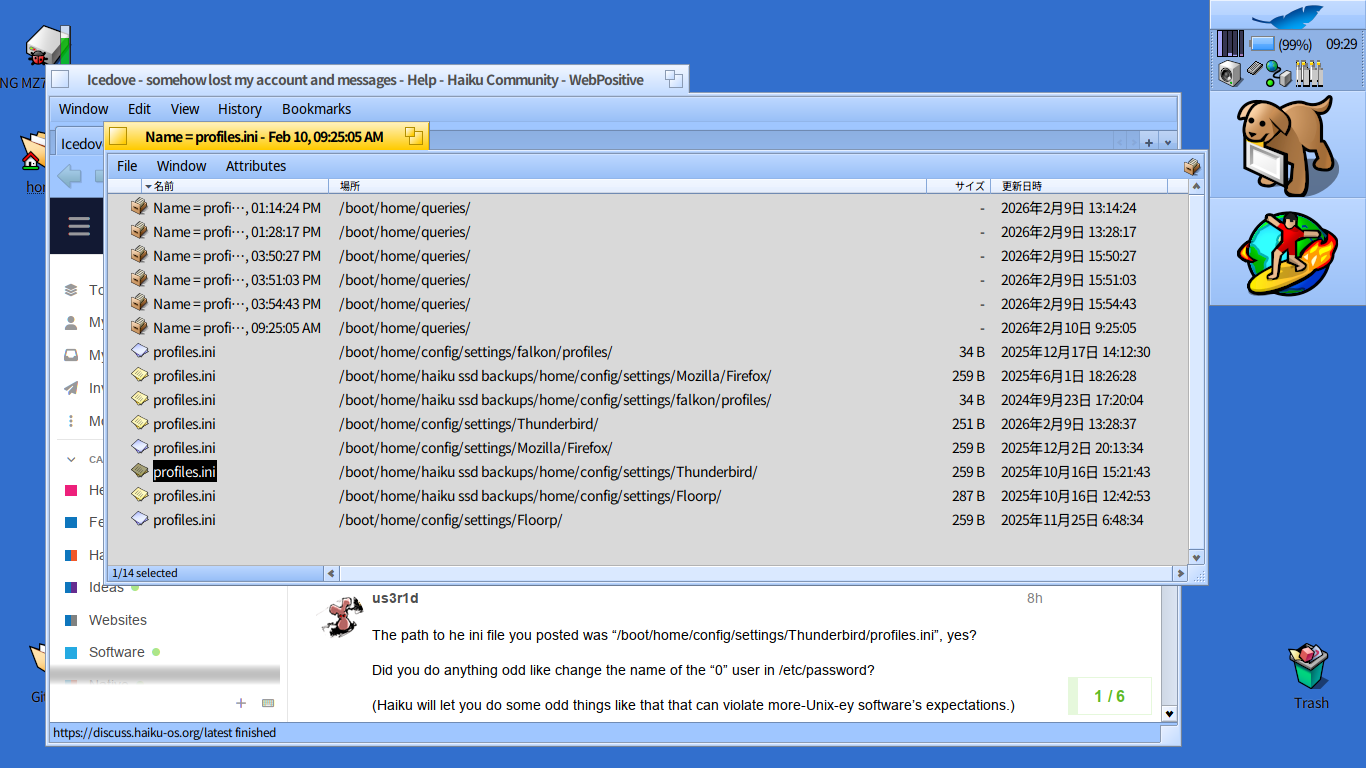
I’ve not changed the user name or anything like that. But the strange thing is, if I search for profiles.ini in Tracker, there is another profiles.ini for Thunderbird at /boot/home/haiku ssd backups/home/config/settings/Thunderbird/ .
This ‘backup’ profiles ini looks like this:
[Profile1]
Name=default
IsRelative=1
Path=yo9wv15c.default
Default=1

[Profile0]
Name=default-default
IsRelative=1
Path=k79uuv7b.default-default

[General]
StartWithLastProfile=1
Version=2

[InstallBA13F1BDEFEC378B]
Default=k79uuv7b.default-default
Locked=1
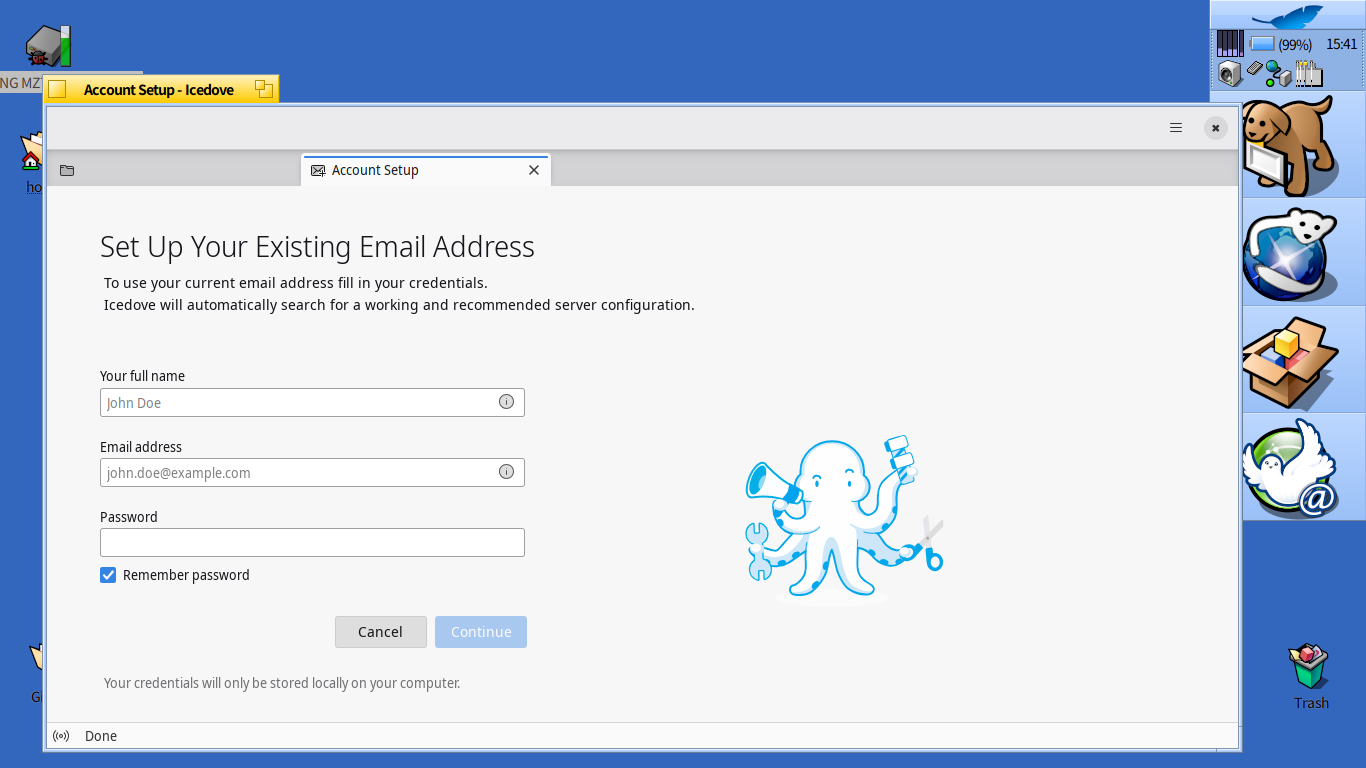
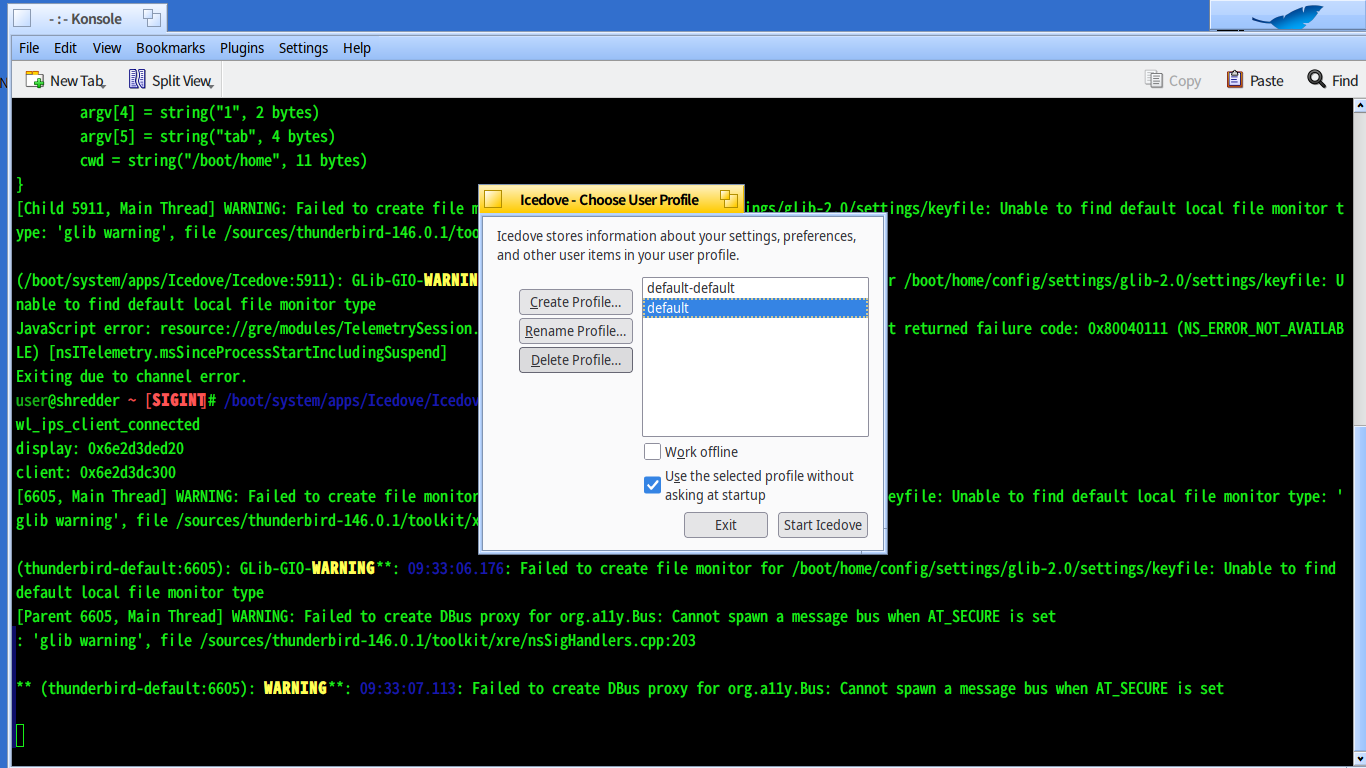
Then I tried running Icedove from Terminal, which did give me quite a lot of error messages after which Icedove launched with teh set up your account dialogue. I suppose I could always try uninstalling Icedove, delete all the downloaded messages and account set up information etc and then re-install from scratch. The two email accounts I currently have set up are both IMAP I think so I think I don’t think I’ll lose anything.
Welcome to fish, the friendly interactive shell
Type help for instructions on how to use fish
user@shredder ~# /boot/system/apps/Icedove/Icedove
wl_ips_client_connected
display: 0xb973253d20
client: 0xb973251300
[13641, Main Thread] WARNING: Failed to create file monitor for /boot/home/config/settings/glib-2.0/settings/keyfile: Unable to find default local file monitor type:
'glib warning', file /sources/thunderbird-146.0.1/toolkit/xre/nsSigHandlers.cpp:203
(thunderbird-default:13641): GLib-GIO-WARNING **: 09:46:04.529: Failed to create file monitor for /boot/home/config/settings/glib-2.0/settings/keyfile: Unable to find
default local file monitor type
[Parent 13641, Main Thread] WARNING: Failed to create DBus proxy for org.a11y.Bus: Cannot spawn a message bus when AT_SECURE is set
: 'glib warning', file /sources/thunderbird-146.0.1/toolkit/xre/nsSigHandlers.cpp:203
** (thunderbird-default:13641): WARNING**: 09:46:06.011: Failed to create DBus proxy for org.a11y.Bus: Cannot spawn a message bus when AT_SECURE is set
wl_ips_client_connected
display: 0x80aa54ba80
client: 0x80aa549180
Error parsing B_ARGV_RECEIVED message. Message:
BMessage('_ARG') {
argc = int32(0x17 or 23)
argv[0] = string("/boot/system/apps/Icedove/Icedove", 34 bytes)
argv[1] = string("-contentproc", 13 bytes)
argv[2] = string("-greomni", 9 bytes)
argv[3] = string("/boot/system/apps/Icedove/omni.ja", 34 bytes)
argv[4] = string("1", 2 bytes)
argv[5] = string("tab", 4 bytes)
cwd = string("/boot/home", 11 bytes)
}
[Child 13743, Main Thread] WARNING: Failed to create file monitor for /boot/home/config/settings/glib-2.0/settings/keyfile: Unable to find default local file monitor
type: 'glib warning', file /sources/thunderbird-146.0.1/toolkit/xre/nsSigHandlers.cpp:203
(/boot/system/apps/Icedove/Icedove:13743): GLib-GIO-WARNING**: 09:46:09.263: Failed to create file monitor for /boot/home/config/settings/glib-2.0/settings/keyfile:
Unable to find default local file monitor type
JavaScript error: , line 0: uncaught exception: undefined
console.error: "TelemetryScheduler.shutdown - Already shut down"
WARNING: A blocker encountered an error while we were waiting.
Blocker: TelemetryController: shutting down
Phase: IOUtils: waiting for sendTelemetry IO to complete
State: {"initialized":false,"initStarted":false,"haveDelayedInitTask":false,"shutdownBarrier":"Not started","connectionsBarrier":"Not started","sendModule":
{"sendingEnabled":false,"pendingPingRequestCount":0,"pendingPingActivityCount":0,"unpersistedPingCount":0,"persistedPingCount":0,"schedulerState":{"shutdown":true,"ha
sSendTask":false,"sendsFailed":false,"sendTaskState":"bail out - no pings to send","backoffDelay":60000}},"haveDelayedNewProfileTask":false}
WARNING: [Exception... "Component returned failure code: 0x80040111 (NS_ERROR_NOT_AVAILABLE) [nsITelemetry.msSinceProcessStartIncludingSuspend]" nsresult: "0x8004011
1 (NS_ERROR_NOT_AVAILABLE)" location: "JS frame :: resource://gre/modules/TelemetrySession.sys.mjs :: getSessionPayload :: line 745" data: no]
WARNING: getSessionPayload@resource://gre/modules/TelemetrySession.sys.mjs:745:28
saveShutdownPings@resource://gre/modules/TelemetrySession.sys.mjs:952:34
shutdownChromeProcess/cleanup/<@resource://gre/modules/TelemetrySession.sys.mjs:1230:20
cleanup@resource://gre/modules/TelemetrySession.sys.mjs:1237:9
shutdownChromeProcess@resource://gre/modules/TelemetrySession.sys.mjs:1254:14
shutdown@resource://gre/modules/TelemetrySession.sys.mjs:236:17
_cleanupOnShutdown@resource://gre/modules/TelemetryControllerParent.sys.mjs:899:35
observe@resource://gre/modules/AsyncShutdown.sys.mjs:569:17
JavaScript error: resource://gre/modules/TelemetrySession.sys.mjs, line 745: NS_ERROR_NOT_AVAILABLE: Component returned failure code: 0x80040111 (NS_ERROR_NOT_AVAILAB
LE) [nsITelemetry.msSinceProcessStartIncludingSuspend]
JavaScript error: resource://gre/modules/TelemetrySession.sys.mjs, line 745: NS_ERROR_NOT_AVAILABLE: Component returned failure code: 0x80040111 (NS_ERROR_NOT_AVAILAB
LE) [nsITelemetry.msSinceProcessStartIncludingSuspend]
user@shredder ~#