Some ideas…





BeOS colours
Would this in theory run on most G3-G5 systems?
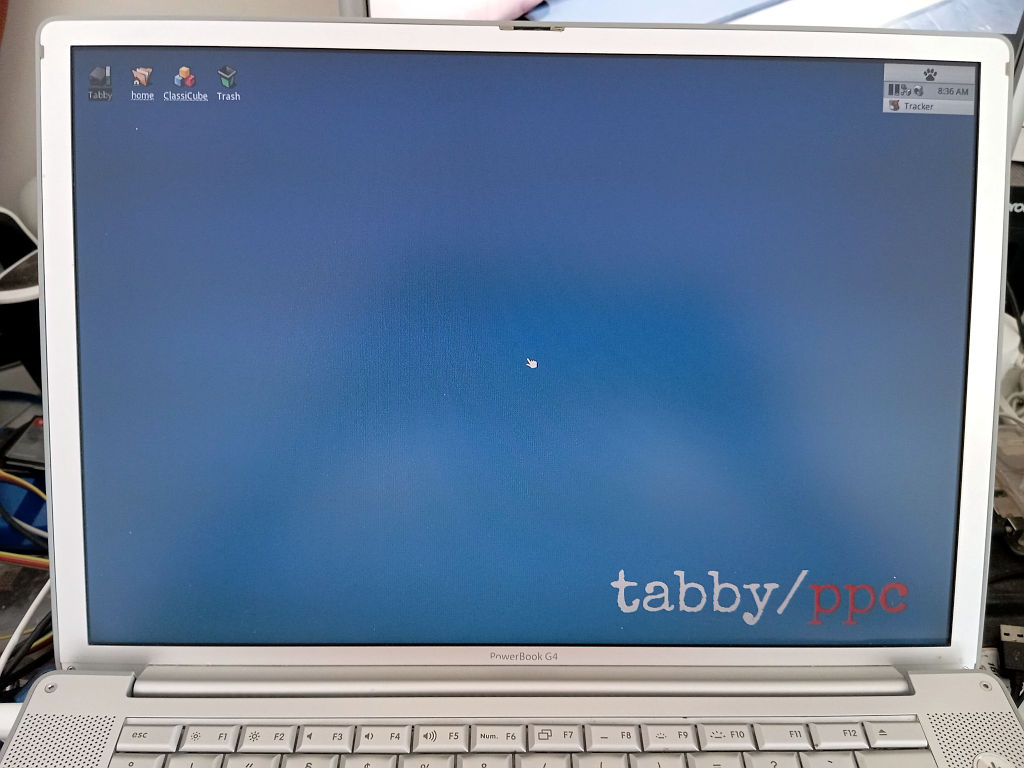
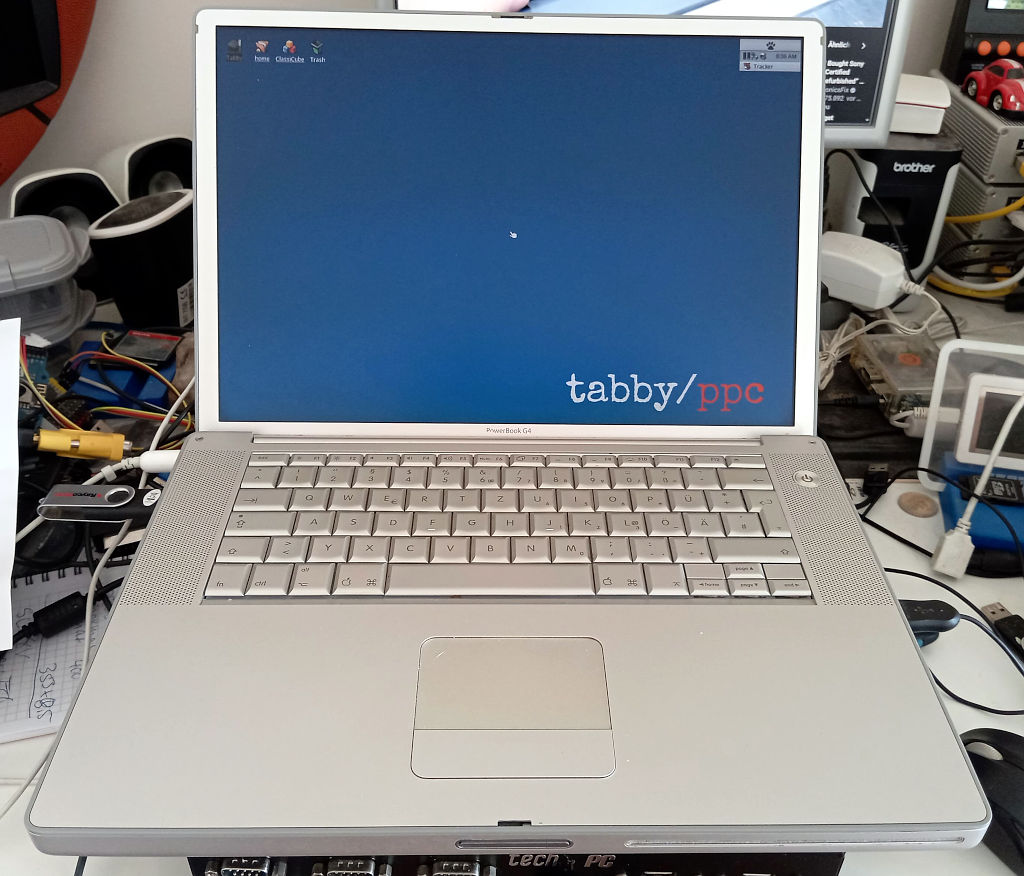
So far I’ve tested it on lots of Macs from late 90s iMac G3 to my 1.5ghz PowerBook G4
Awesome. Just trying to keep an eye out on auctions for some models.
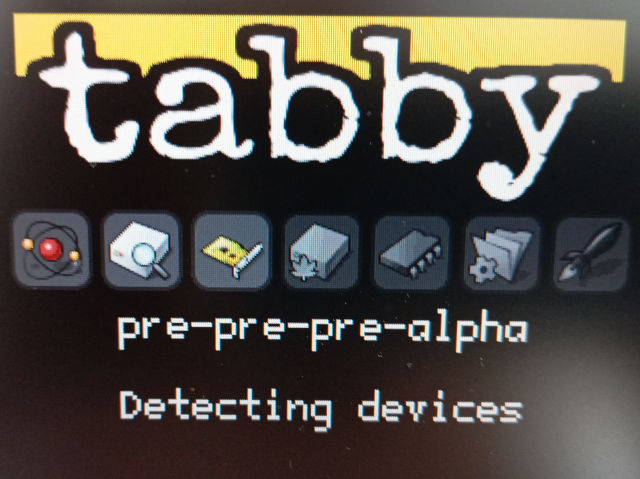
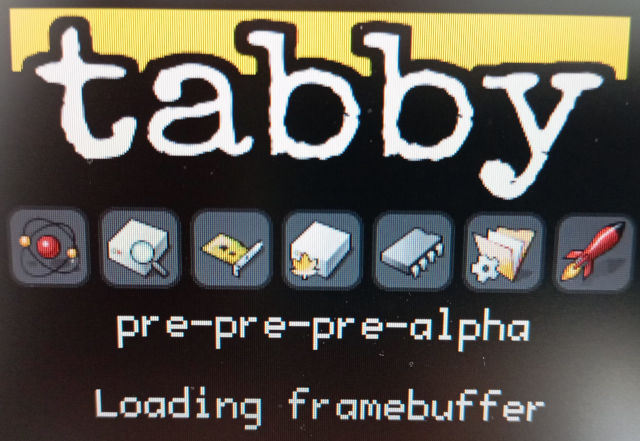
Here is a Tabby installer USB image!
If you want to try this, you probably need to use Open Firmware to get your Mac to boot the USB. I’ve tested it most on an aluminum PowerBook G4, but this will likely work(ish) on many more Macs.
WARNING: this is extremely experimental software. Your already crumbling Power Mac might literally explode (laughs in PMU). Use on your fragile 25-year-old PPC Macs at your own risk.
Any luck on a G4 mac mini? I’ve got a Dual 2.0Ghz G5, but i’d be hesitant to ruin them both.
I haven’t tried a mini yet, but I do have one that I’ll be testing
boot usb0/disk@1,\\haikuloader.elf
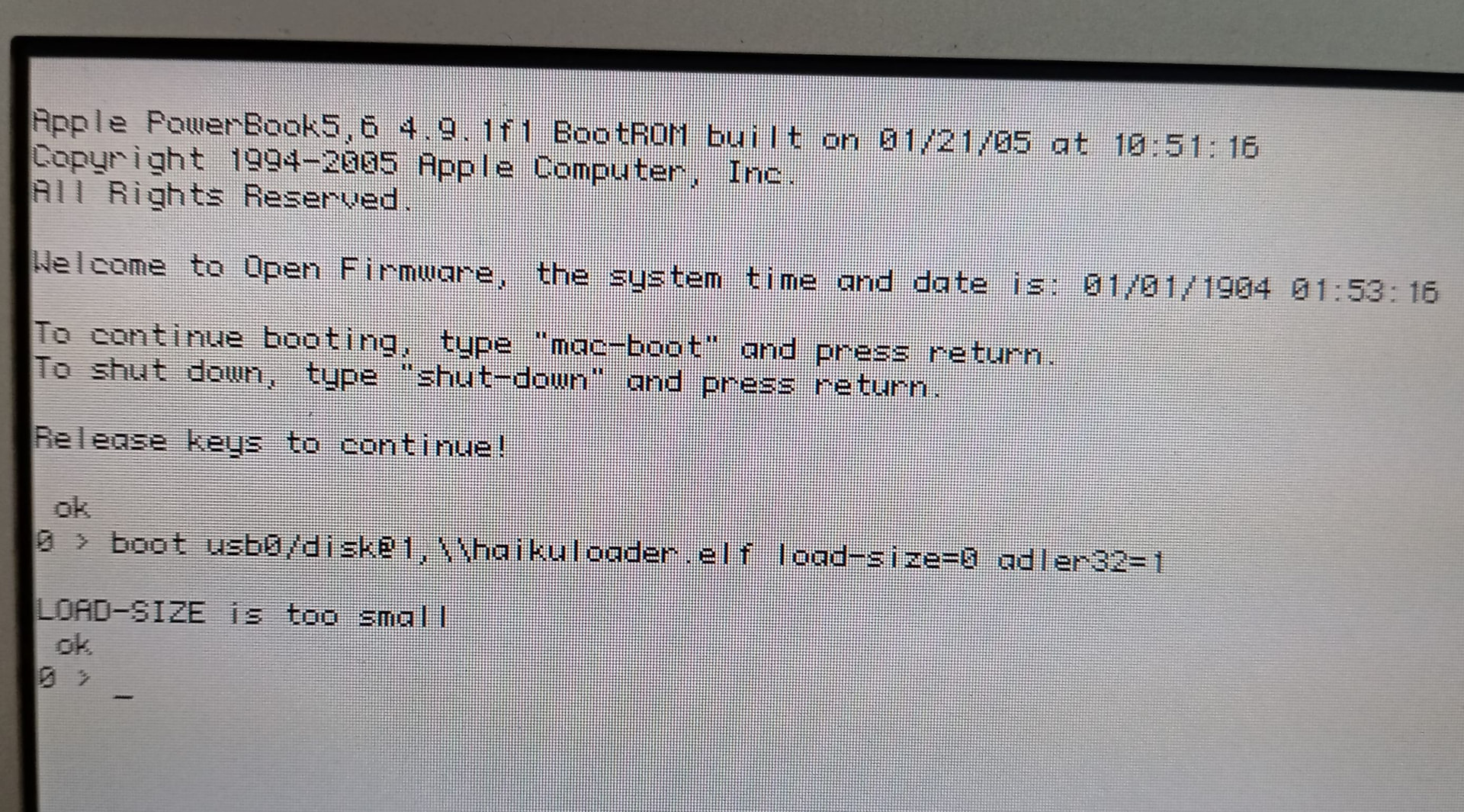
in Openfirmware my PowerBook G4 (1.67GHz) gives me this error message:
boot usb0/disk@1,\\haikuloader.elf load-size=0 adler32=1
LOAD-SIZE is too small
What can I do better?
Here the error message as a “screenshot”
I don’t enter load-size and adler to the command. It’s automatically appended when I press ENTER
via
load usb0/disk@1:,\\haikuloader.elf
the .elf get loaded, but a
boot usb0/disk@1:,\\haikuloader.elf
gives me
boot usb0/disk@1:,\\haikuloader.elf load-size=80a83 adler32=89243043
Loading ELF
CLAIM failed
Thanks for taking a look at it!! Have you tried other USB ports on the machine, usb1 maybe? My PowerBook G4 is really picky about what USB drives it reads, it doesn’t like any modern USB3 drives. Have any old USB sticks around?
I have tried all 3 USB ports and the Sticks are all “old” USB 2.0
USB does read the loader fine (when I only use load and not boot)
The Memory-Claim Problem seems to be normally extra handled by the source so it shouldn’t be a USB problem
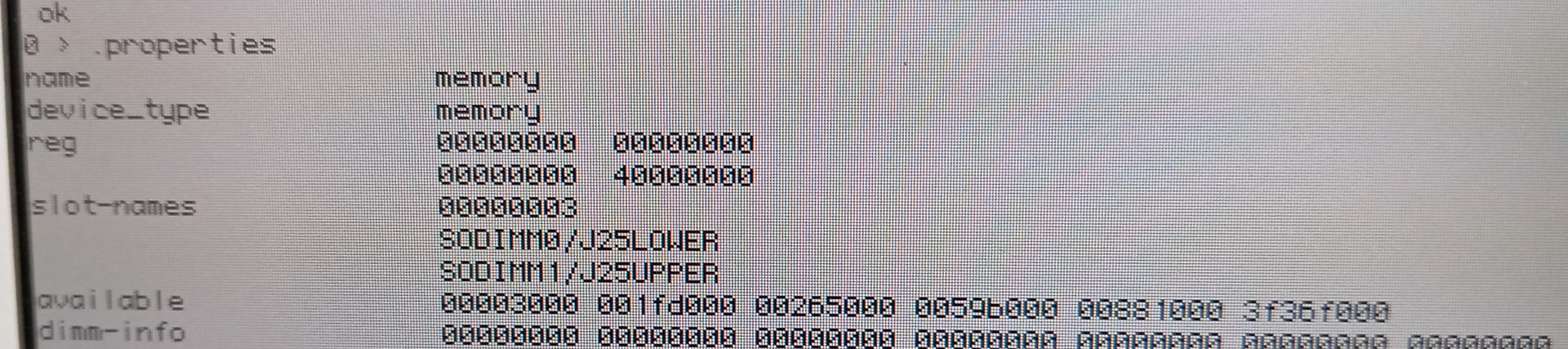
My PowerBook G4 15" has 1GB of RAM and is the 1.67GHz version. Openfirmware is v4.9.1f1 as I know.
appreciate all the info! definitely enough to go from to  hopefully i’ll have an updated image pretty soon!
I am eyeing some dual G5 auctions, but at $70 for shipping on that tower, I am not so sure it will be worth it. Currently the high bidder for a G4 1GHz tower, but at $30 shipping, it seems much more reasonable.
I just saw a dual 1.8 G5 go for $33. Comes out to just over $100 after shipping. No HDD, powered on, but no further testing. Not terrible. Will keep an eye on some others.
LOL. For basically $20 more I am now the owner of a A1047 Dual G5 2.0ghz, 2.5GB RAM, 500GB Seagate SATA drive, GeForce FX5200 with a fresh install of Tiger 10.4.11. Lol. Let’s see if I win that G4 tower auction. Would be both with fresh Tiger installs for a little over $150.
oh that’s a cool machine!
Someone outbid me on the G4, but I will keep an eye on it anyways. It was only the opening bid. The Dual G5 is cool and all, but the lower power of the G4 is pretty sweet, and I could justify running it all day with Tabby just to run Beton and be my daily music player. A lot harder to justify the Dual G5 as a music player.
I look forward to the inevitible Action Retro video on this!
It’s worth noting that while Haiku may not accept AI-generated code an engineer can still go through the changes and implement a clean-room design.
Fresh day and using a small 1GB USB-Stick at usb1 AND giving directly the boot command after getting into the Openfirmware 
Maybe the claim error was on USB0 and only after testing some commands before the boot command…
BUT the Trackpad doesnt work and also not a USB Mouse (no power after a seond = no laser light)  The keyboard does react and the clock is running. Without Trackpad/Mouse I cant test much more