Hi 
There’s a new IRC app on the horizon…
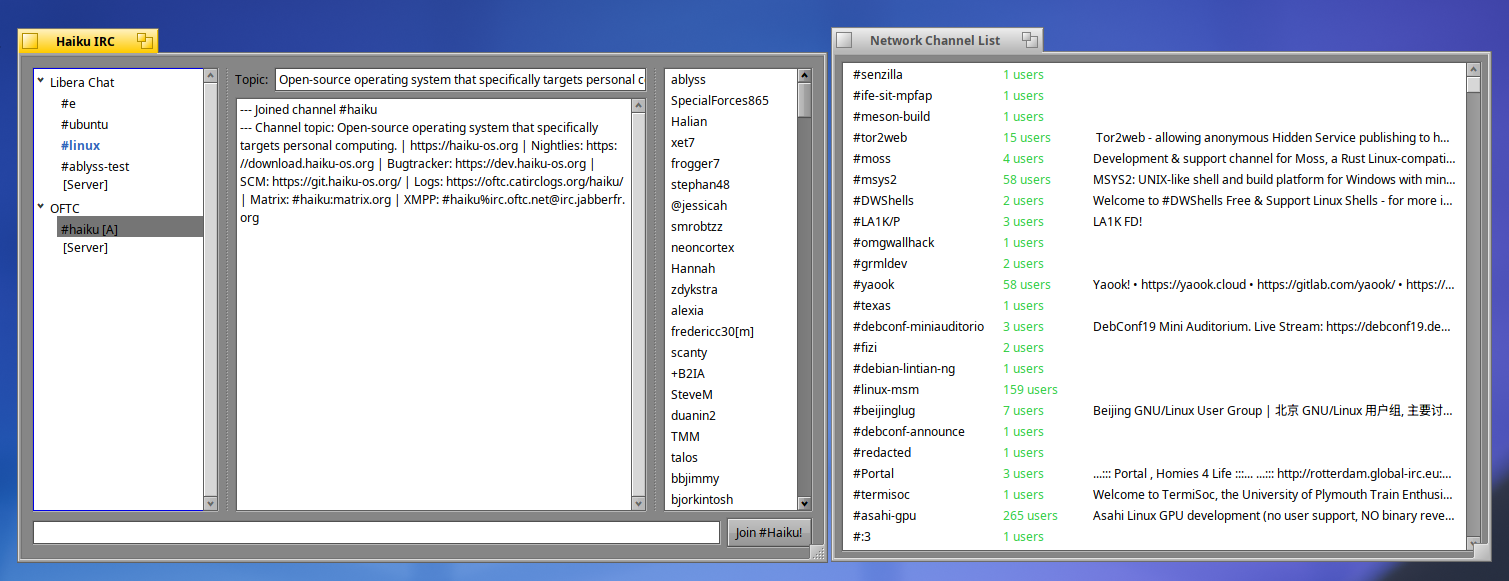
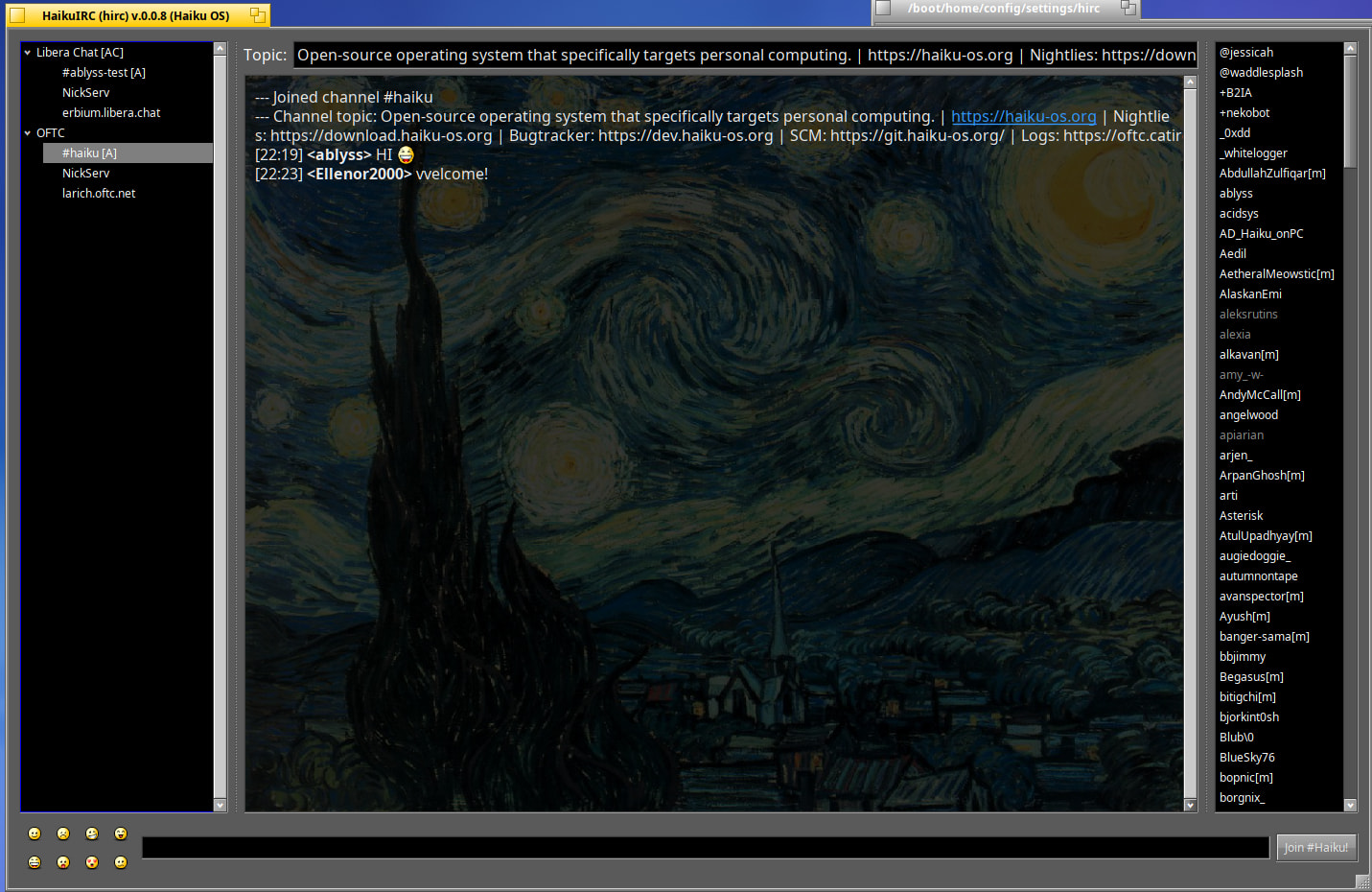
Please check out hirc - Your new favorite IRC client made from the ground up for Haiku!
Hope you enjoy it !!
Please check out hirc - Your new favorite IRC client made from the ground up for Haiku!
Hope you enjoy it !!
Hi !
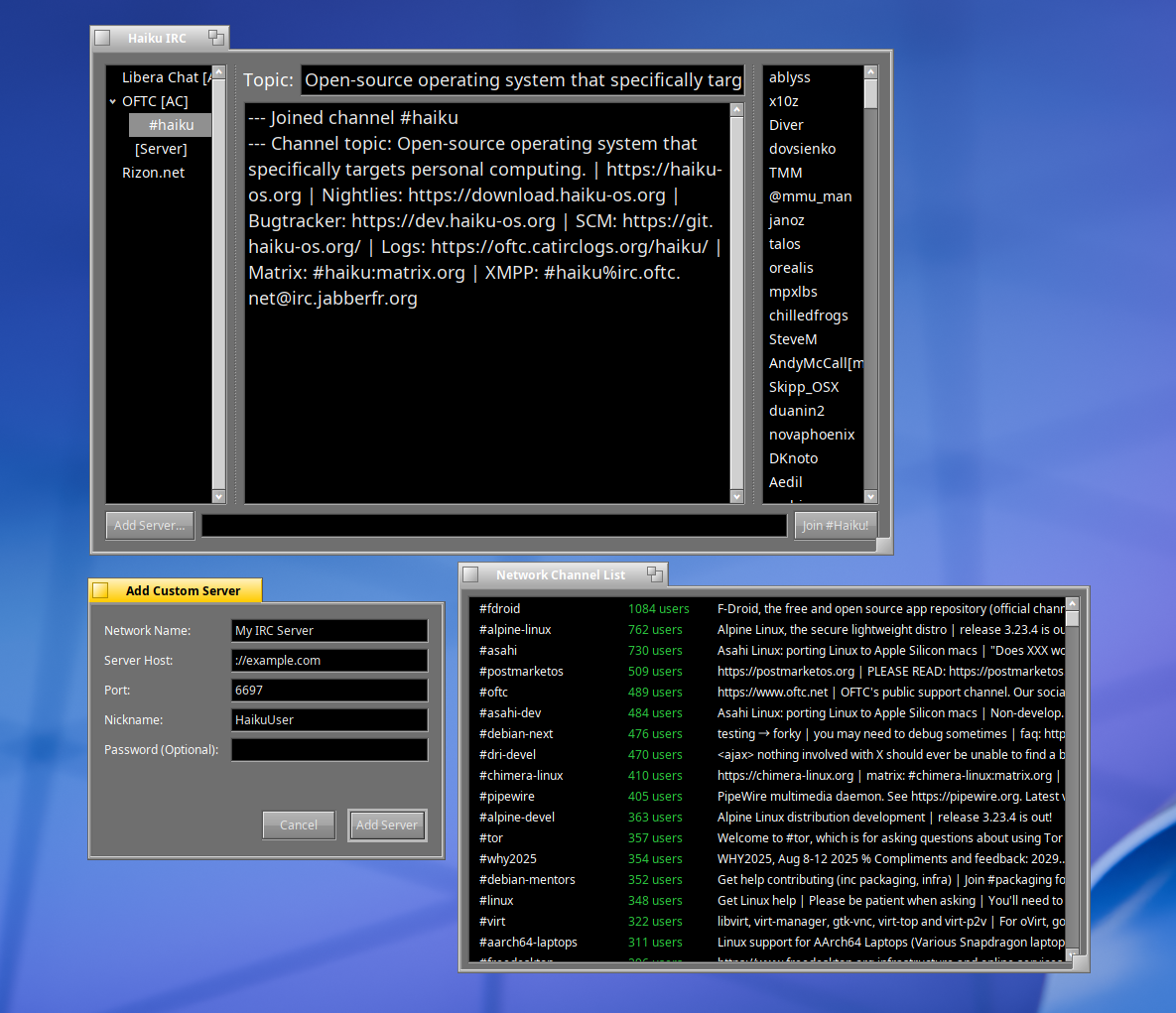
Since my last post there’s new updates for Haiku (hirc) IRC client .
Download: hirc-0.0.4-1-x86_64.hpkg
Github Source Code
Screenhots
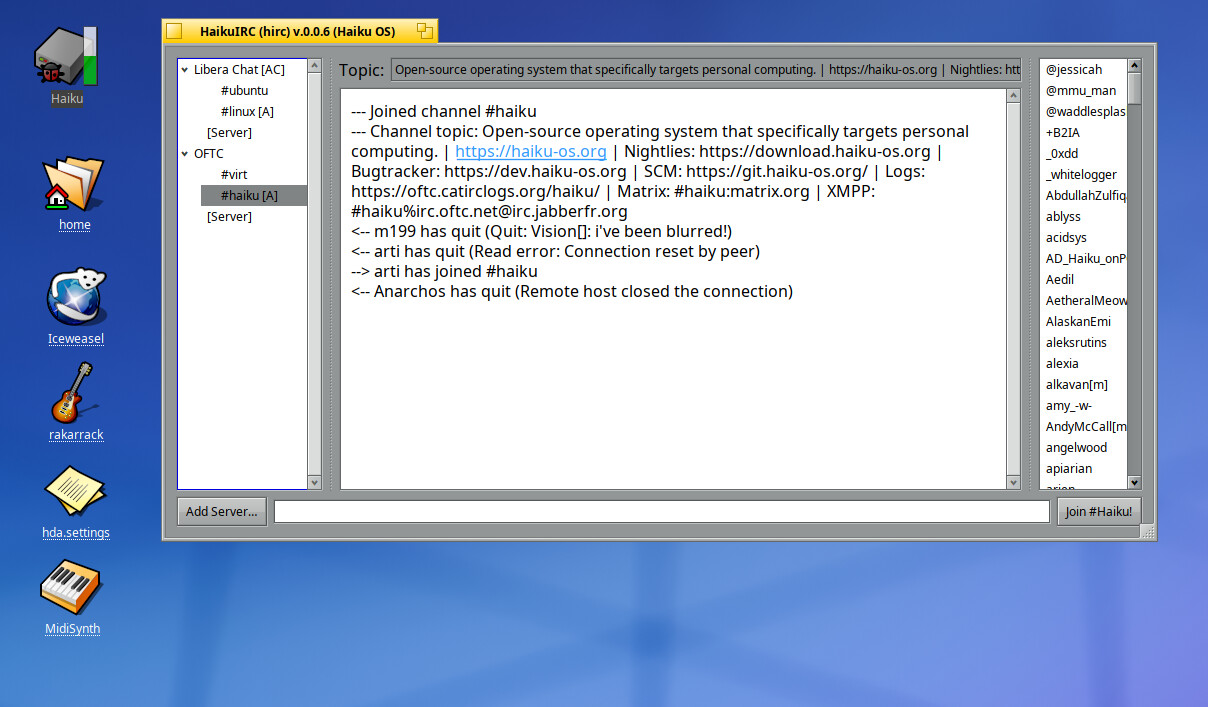
Version .0.0.6 is out
Updates include
Hi @ablyss
One question and one request.
Question: what is the “high performance draw engine”?
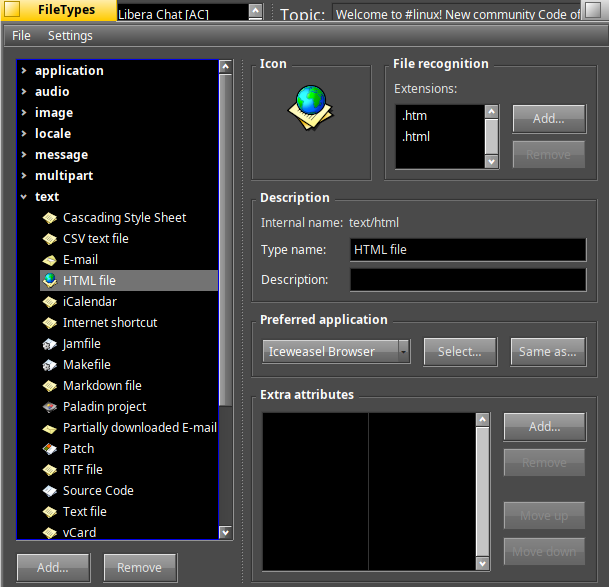
Request: can you make the links to be opened by the user configured default browser (in file types)?
Keep up the good work!
Hi @ilfelice Thanks for the compliments and question! The high performance draw engine has a lot of potential over the direct text buffer. Custom backgrounds, custom icons, etc… Also, if I have over a 1000+ lines of chat text in my chat buffer, the high performance draw engine only draws whats on the screen.
Here’s a breakdown custom curated …
Standard Engine (BTextView)
High Performance Draw Engine (CustomChatView)
The code uses be_roster->Launch(“text/html”, 1, &args); to launch URLs, so setting Iceweasel as your default browser in Filetypes → text → html file will open Iceweasel or another supported browser that has a system mime type.
Thanks for trying out the app 
You are right, Hirc does respect the default browser in file types. My bad. 
It might be nice if the cursor changed to B_CURSOR_ID_FOLLOW_LINK when hovering over a link. To give users visual feedback that the link is clickable. 
CustomChatView sounds interesting. Will take a look at it later.
@ilfelice I love the idea Considered it done on the next update !
Hi ~
Latest version updates…
Latest updates
You should use BURL instead.. or open with application/x-vnd.Be.URL.https ; application/x-vnd.Be.URL.http ; application/x-vnd.Be.URL.gopher etc. etc.
Anyhow, i’m a bit confused what your goal is here? Is something wrong with Vision?
Hi @nephele I tried BURL but currently I can’t get it to open iceweasel even though I have iceweasel set as my preferred browser. Until I figure out how to make the code work, I will use my current code.
Vision is fine if that is what you want.
Here are some of my main goal
Update
I’ve rebranded the app with a new title. Instead of “hirc” I decided to call it cricket. I was inspired on the way to the antique market today with the word. I made a custom icon to go with it too.

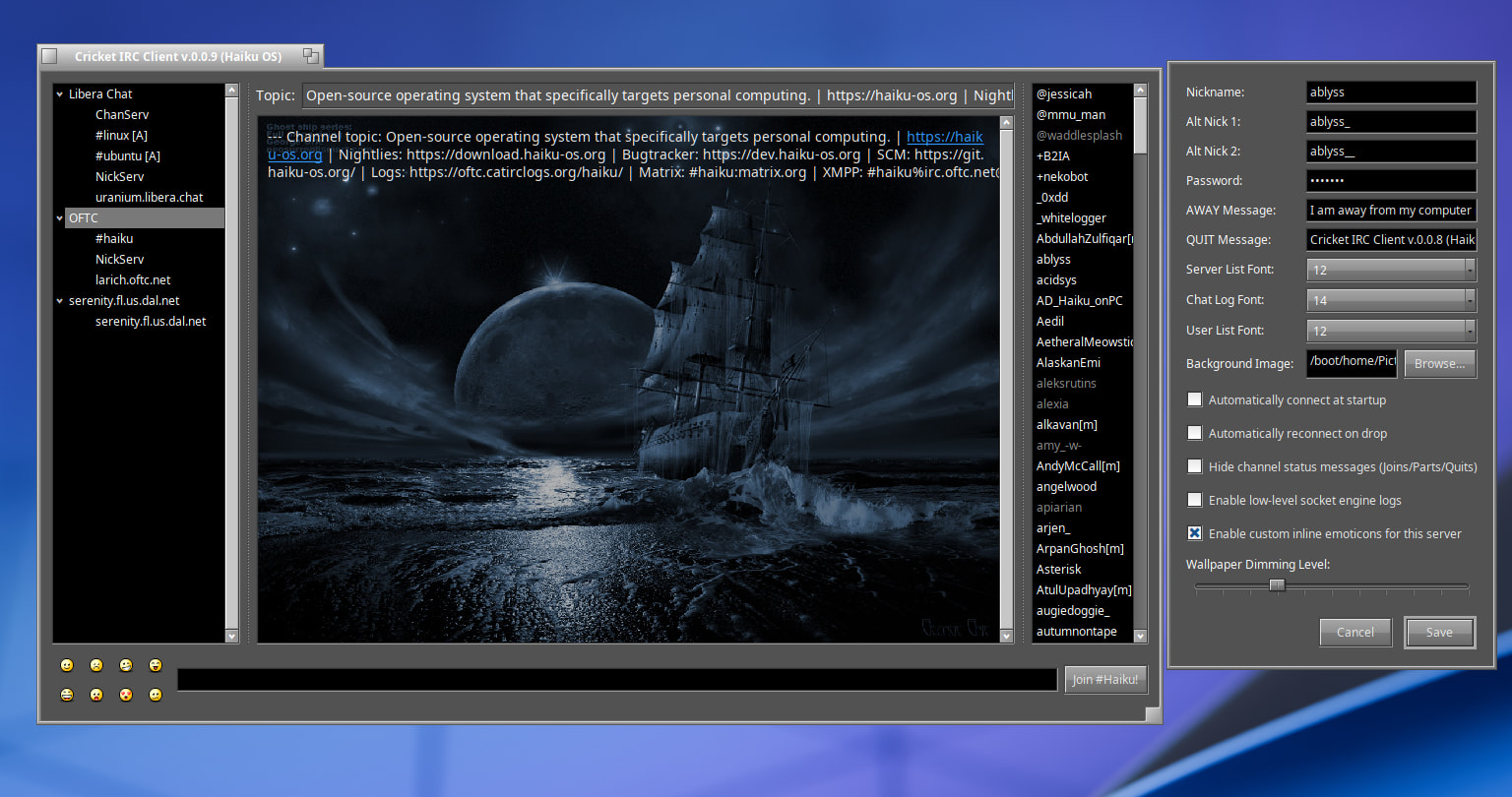
In my previous version I mentioned Custom Servers had problems with the background image. Well, it turns out the way the code maps servers, you just need to connect to the Custom Server first, than apply new background for it.
There is one known bug I haven’t fixed yet…
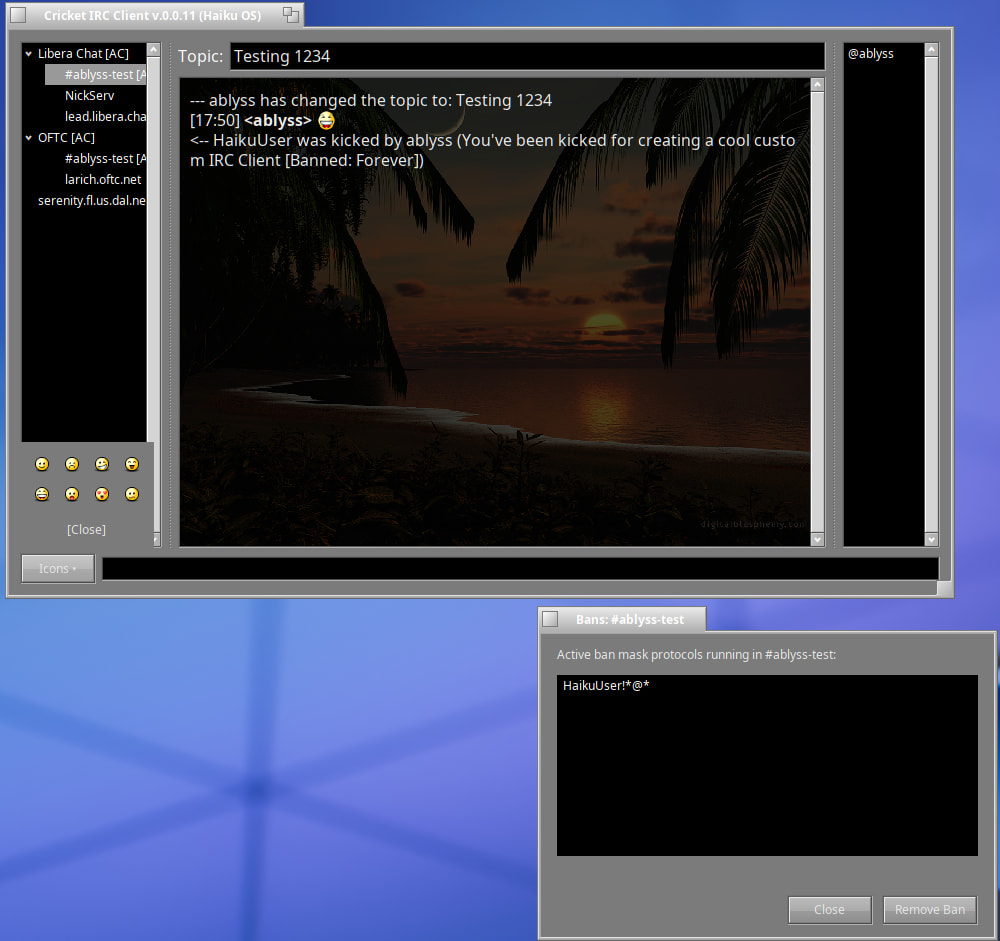
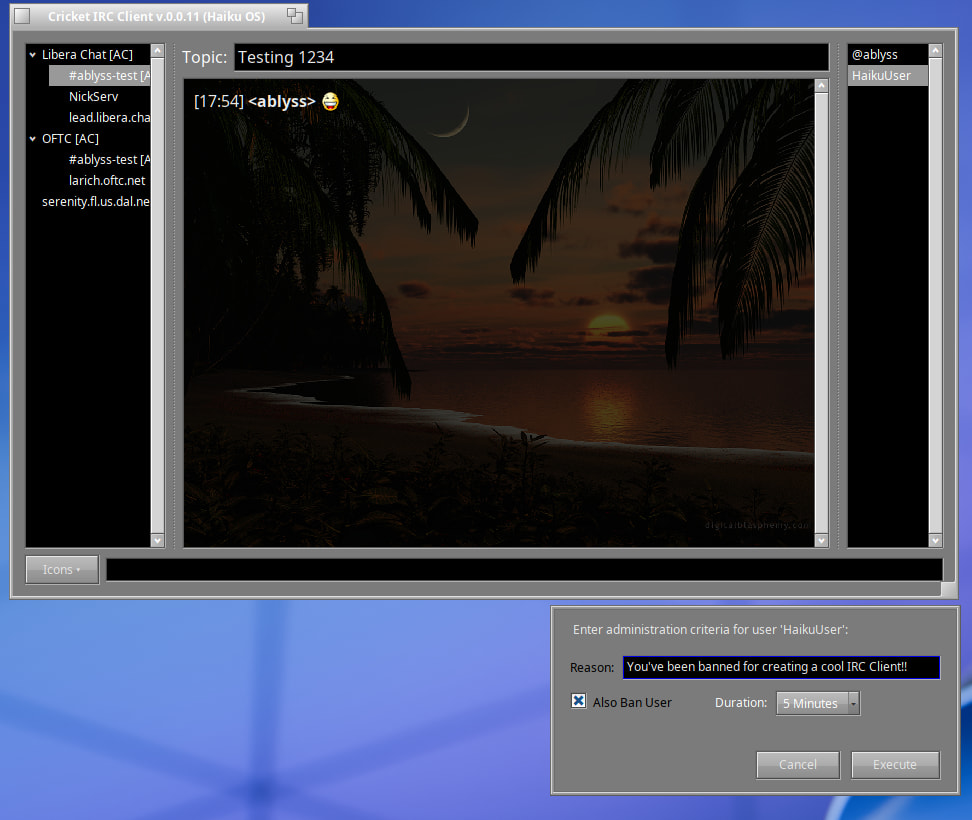
Version 0.0.11 is out with lots of new goodies.
Download
cricket-0.0.11-1-x86_64.hpkg
Crash fix update.
Sorry about that!
cricket-0.0.12-1-x86_64.hpkg
Update Crash Fix
Update Crash Fix Again 
Great Work, did not test it yet.
Does it have a right click translate Text function?
Like: Mark the Text and translate it?
That would be great.
Vision has some Transkription and webacronym function by using right click on a marked Text…
But not a direct "right click"translate Button / function.
That I would instantly want to test.
The hirc app was renamed to cricket IRC. You can you download the latest version here
cricket-0.0.46-1-x86_64.hpkg
It has a translate option in the mouse menu.
Source → GitHub - ablyssx74/cricket: cricket - A lightweight, multi-server IRC client for Haiku OS · GitHub