Is the Haiku terminal it’s own thing or is it a replication of the linux/unix terminal? and where would one learn it’s commands?
1 Like
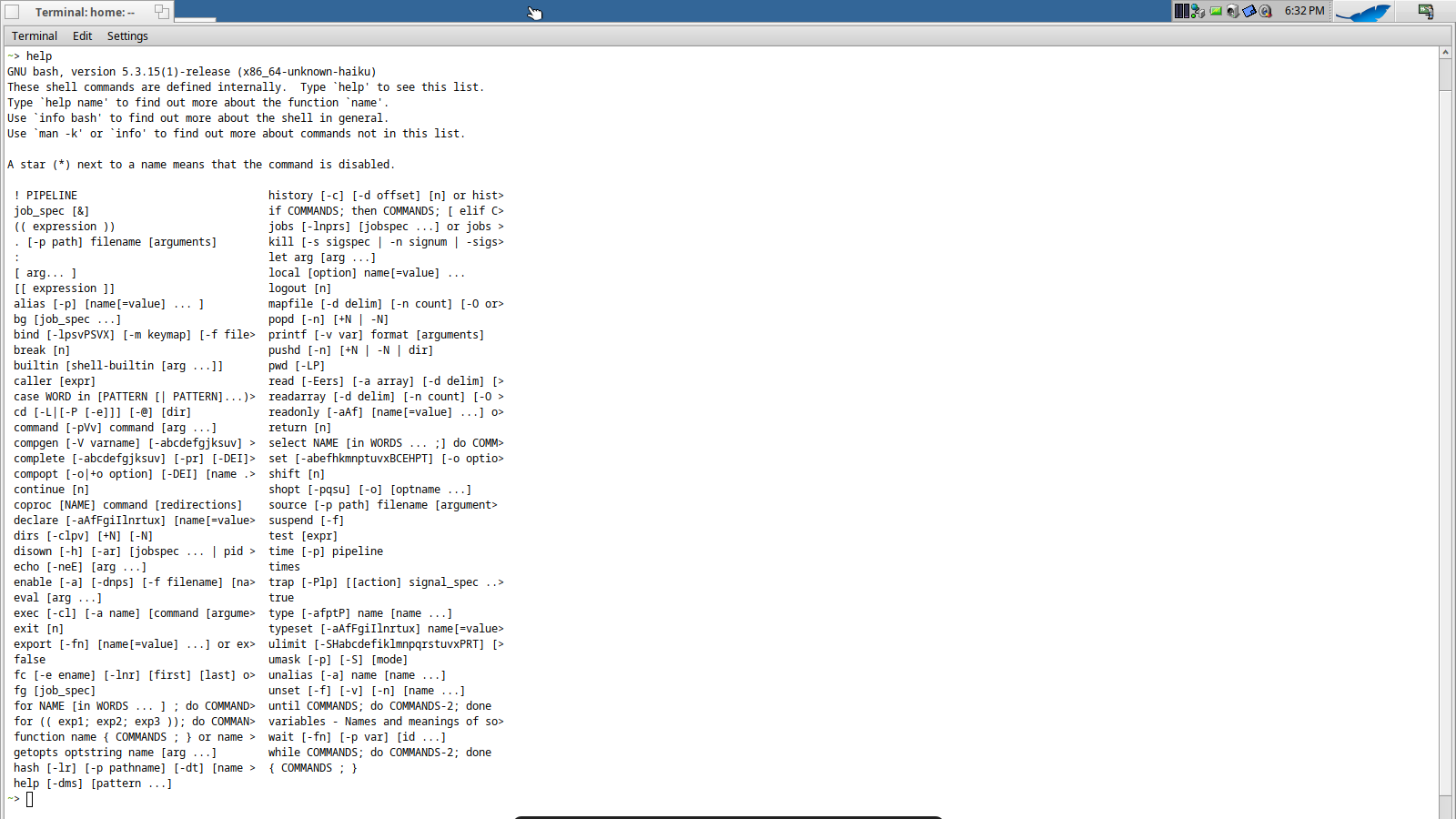
Terminal is a native Haiku app.
There’s a guide for it at:
so it’s just the unix/linux terminal and uses the same commands?
in any case, I hope Haiku doesn’t need the terminal like Linux does.
Yes, Haiku has a lot of own specific commands, tools.
As for me, Terminal is just a help in case.
Well, that’s gonna depend on what you’re doing on it. 
Around half my time on Haiku is in the Terminal, mostly scripting or using ssh to connect to servers.
I suspect that most Haiku users, as with Mac and Windows users, rarely use the terminal at all and may not even know it’s there.
2 Likes
I believe Haiku uses bash by default in terminal. Personally, I use zsh with oh my zsh by default. You can install your favorite shell and go to /etc/passwd and set your shell there. Hmm that would be a good little project, write a ‘csh’ app/script for haiku.
Terminal is a terminal. It doesn’t know or care what kind of command lines paradigm or command tools set are running with it, its job is to be a graphical TTY.
This said, the default shell in Haiku is indeed a Bourn shell. But it doesn’t make it a Unix/Linux terminal, it just make Haiku very compliant with practically all command line tools from Unix ecosystem. Many are ported or easy to port to Haiku, thanks to a quite good POSIX compatibility.
Haiku provides also its own set of Haiku specific command line tools.
Give a look at User Guide for list of command lines apps, and in particular to the Haiku specific ones.
4 Likes
3 Likes
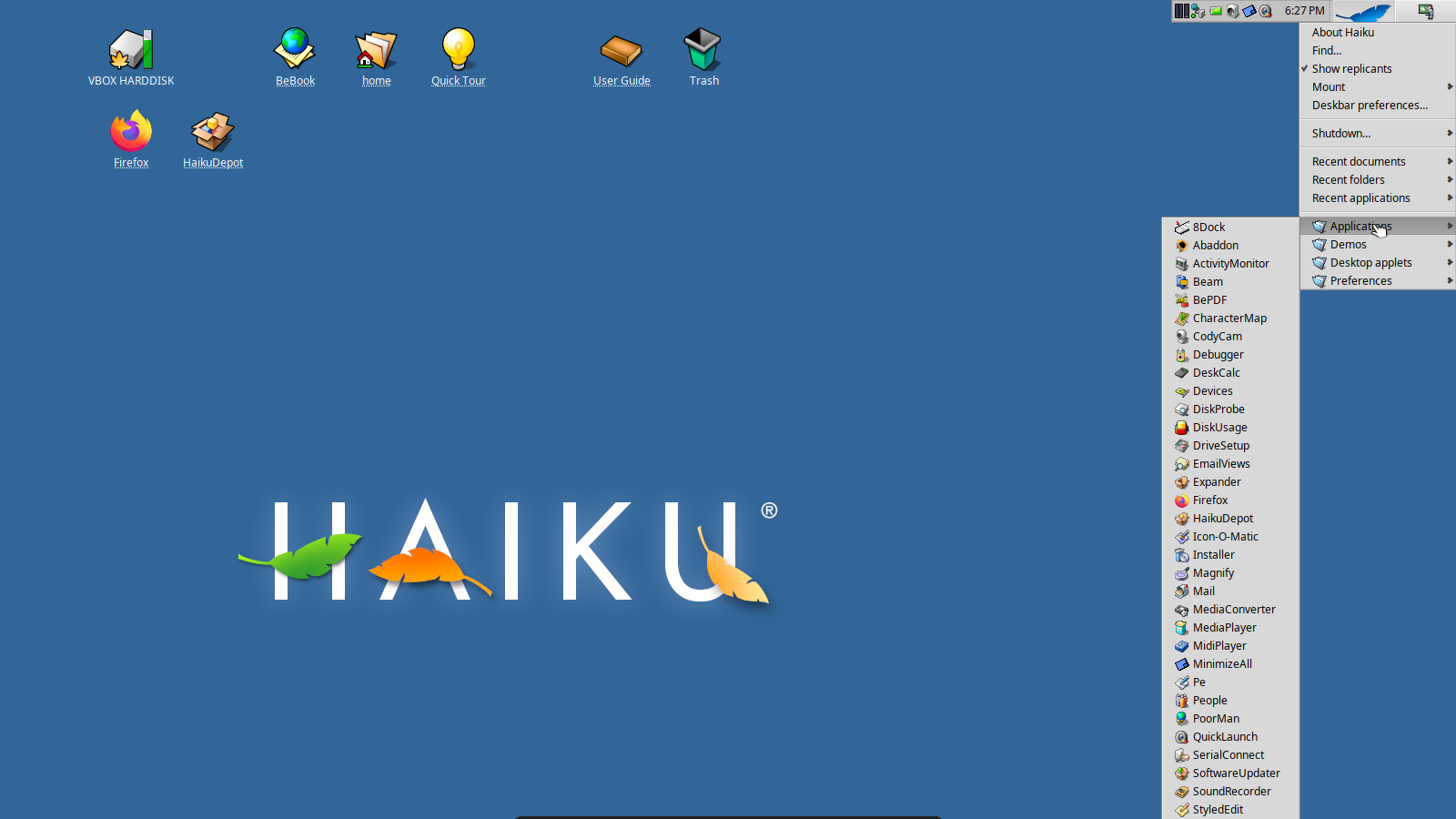
It does normally scroll at the end of the screen, this is either a bug or your screen resolution is set wrong.
As a workaround click on “Applications” directly, it will open in a tracker window
1 Like
I can’t find a resolution that matches my laptops resolution
The enlisted resolutions base on
—> which video driver works in your Haiku
Also can depend on if your video hardware is supported in Haiku to use VESA BIOS modes for detection - it can enhance to have more variations related to screen resolutions, If I understood well.
what is your laptops resolution on other oses?
It’s a native haiku app, although it runs bash. I personally just install oksh
I’m using ohmyzsh
Terminal is its own native thing. The confusion with other Unix-like terminal emulators is because of BASH and POSIX-compliance. Just type echo $TERM and you will see Terminal is supposedly… xterm with 256 colors. It is not, but terminfo-wise it is identified like that.
In fact, Terminal supports 178 terminfo capabilities, as you can see in the screenshot. This is more than a decent score that beats several terminal emulators I tried in GNU/Linux and FreeBSD.

Last but definitely, absolutely not least, Terminal is an invaluable tool and Haiku, like any other operating system, does need the terminal to reveal its full potential. Yes, you can use Haiku without ever launching the Terminal, but I would strongly recommend not to do so. Do not fear the Terminal, learn how to use it instead.
4 Likes
I always am annoyed if i have to use the Terminal, and that includes programming… I do have to use it as alternatives like Paladin are lacking; but that doesn’t make it a good tool as such. Bash and posix shells in general have an incredibly ammount of non-obvious pitfalls and wierd behaviour. (And then problems like no localization, no programatic (i.e without manual files) autocompletion etc)
I share your frustration and thus I shall wait patiently for the day the Fish port is updated/fixed 