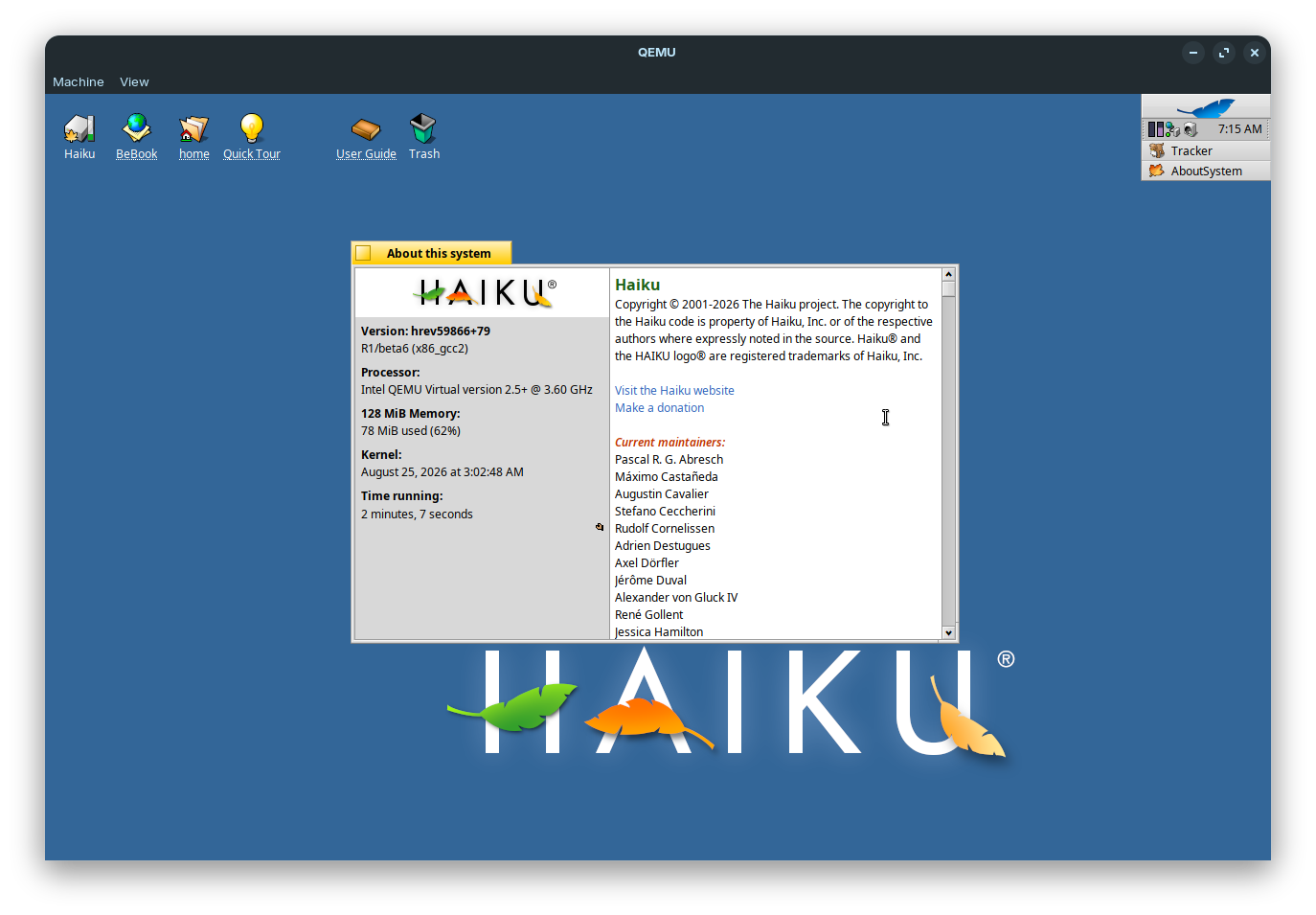
Beta6, great, checked download sum, good - tried it this morning & couldn’t access websites, (neither main Haiku site nor Haiku Forum) using webpositive, worked OK on beta5…so unplugged & had a think about this situation…
A few hours later, I decided to try again - & this time all worked as it should have - no idea why it didn’t earlier on - but all seems good now.
I tried now a different usb stick. Looks like Beta6 doesn’t like that stick brand or something else. With the new stick all icons light up but then I end up with a black screen and nothing happens.
EDIT: EDIT:
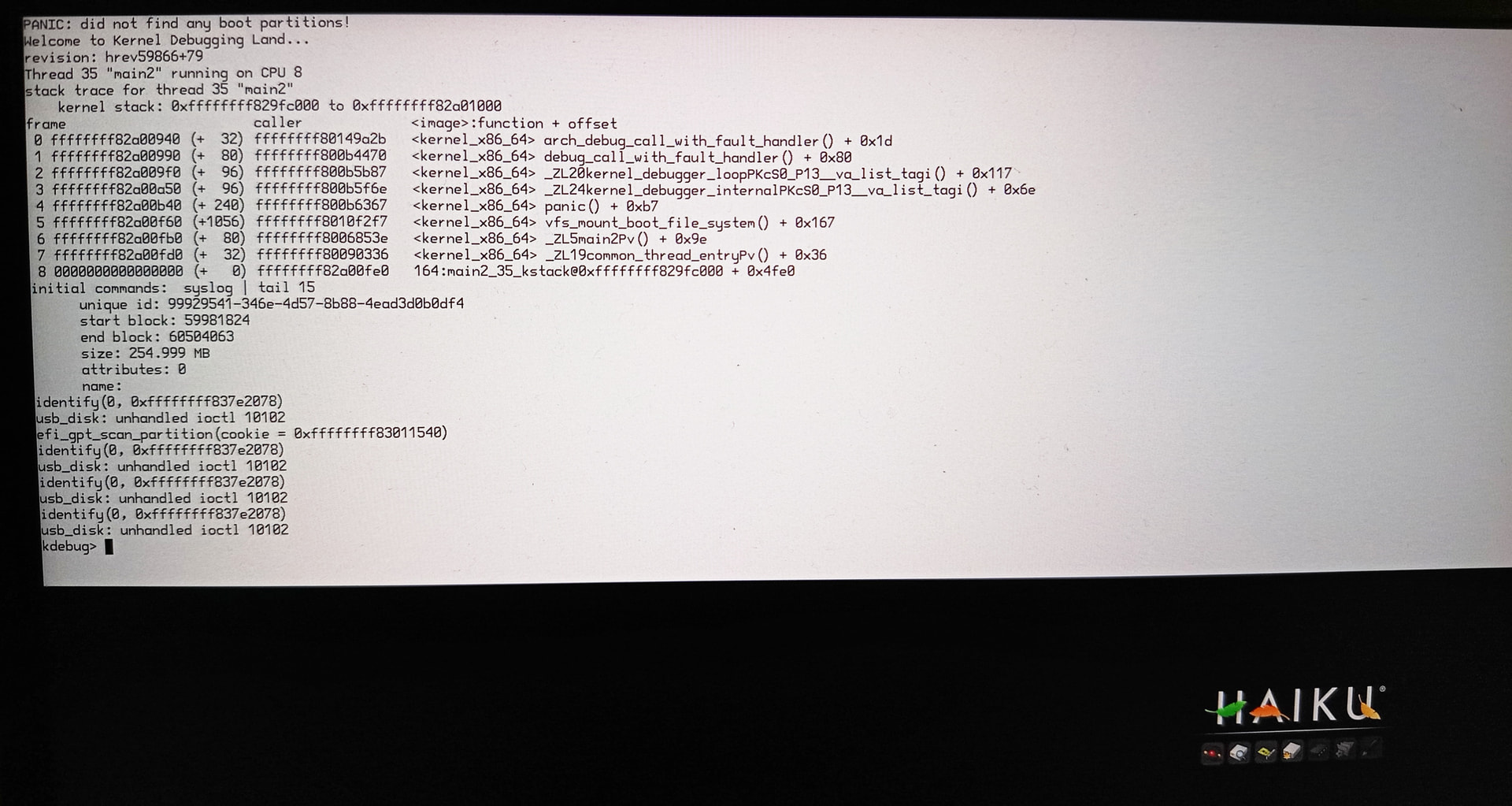
I tried recording the boot process with on-screen debugging enabled. Maybe it helps determining what is going wrong: https://youtu.be/H0YSIxAWeYI .
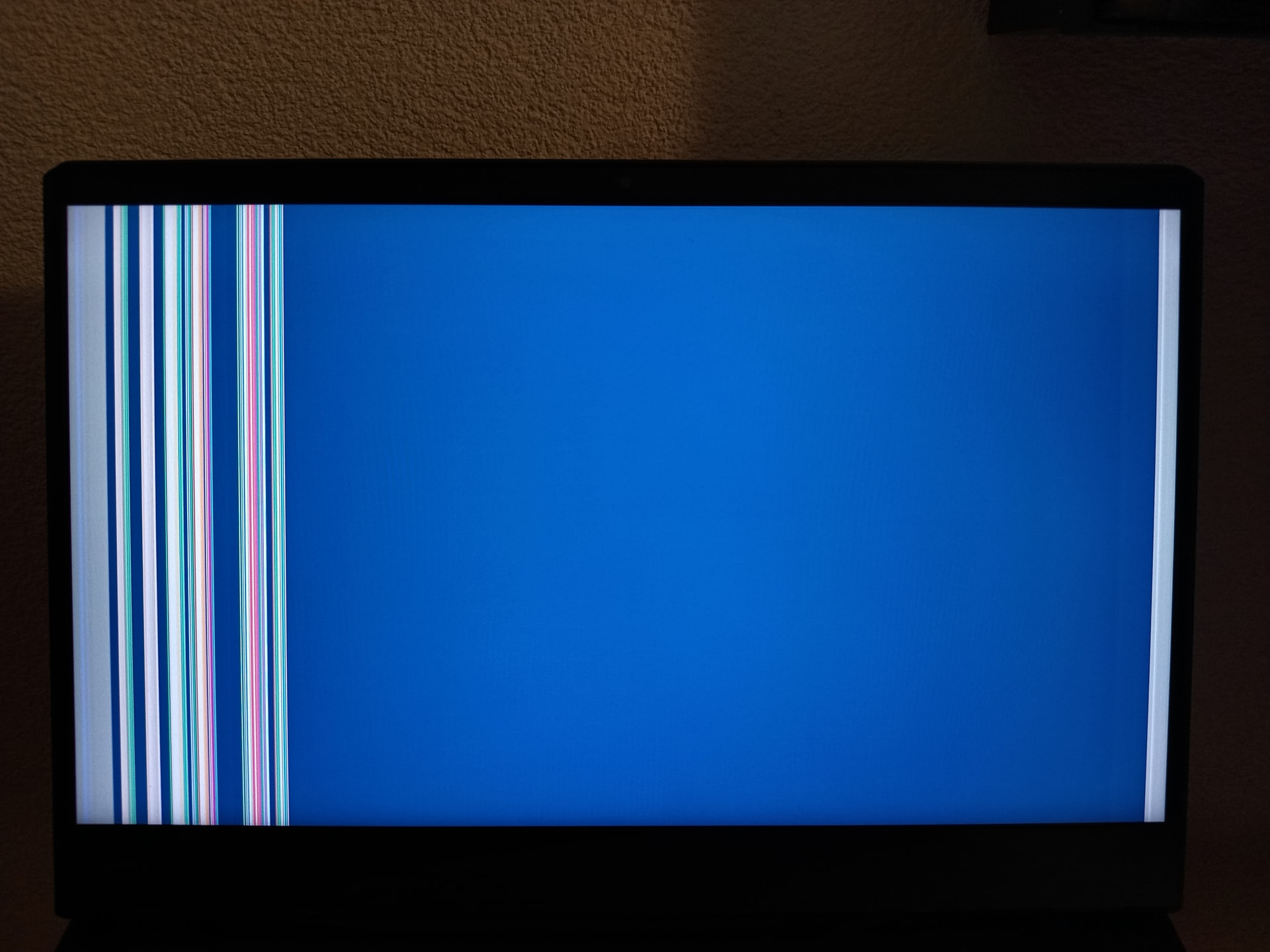
When I let the laptop sit some time at the dark screen it changes to this:
Wow,what a great changelog with so many improvements and new features and hundreds of bugfixes.
I read every single monthly activity report,but some of that stuff was still new to me (well…maybe I just forgot some of the points that I read months ago).
I didn’t have the time to test it yet,only had time to finally read the announcement two days after the release,but I’m already sure that it will be amazing,as Haiku always is.
If you managed to install, this is very likely (100% of the time) user error due to the setup needing seâeral careful munual steps when creating the partitions. Unfortunately I don’t think there is a guide on the website that goes through this in sufficient details?
I could not even get to the point where I can change the screensaver.
I tried now booting with different combinations of safe mode flags and when disabling GPU driver (fail safe graphic mode) I can boot up. So something is wrong with whatever GPU driver has been attempted to use (no idea which one it is)
I tried now installing Haiku on the partition I had the old version on (first formatted it) and two critical problems show up.
The install efi tool detects the presence of efi but handles the situation badly resulting in potentially destroying your entire efi. What happens is that it renames the old efi boot loader and replaces it with the Haiku one. But that totally kills off multi-boot setup potentially leaving the system unusable. What the tool really should do instead is always creating a “Haiku” directory and install the efi loader there and “only” replace the real boot loader if the user explicitly wishes to replace the “boot manager”. Otherwise systems can become unusable (this happened to me so I had to waste time recreating the EFI).
Haiku doesn’t recognize itself. I get the error “no boot volume found” and I end up in the boot debug menu (or how it is called). When I use the menu option to select the boot volume I get my Haiku partition reported twice. This is double bad as first Haiku fails to boot although the partition is present and bootable (I can verify this with drive setup) and on the other hand lists the same partition it can not find twice. Something is broken with the boot handling and needs fixing (if you can figure out what is broken that is). Right now this is a show stopper for users wanting to try out Haiku and end up with a nonfunctional system.
Issue #2 is often the result of installing Haiku onto a partition with the wrong type/ID. Haiku will still allow booting to it if you choose to in the bootloader, but it won’t automatically boot it.
No, I’ve used the installer from the boot usb to format the partition so it has the right format. The partition type is also “Be File System” so that should not be the problem too.
The problematic driver seems to be “intel_extreme”. When I disable this particular driver booting works. The nvidia driver though is also not working. It reports in the boot logs “no supported device found”. If it helps the devices are listed in the devices app as follows:
Also bluetooth does not work. The device is listed as “unknown” or “unsupported” and does not seem to react to anything. The device is listed as follows:
To be honest the device id of the bluetooth adapter looks strange. No idea if that is part of the problem. What goes for the rest, Network seems to work (Realtek Semiconductor Co. Ltd. Killer E3000 2.5GbE Controller, deviceid 0x3000, vendor 0x10ec), WiFi is also detected (Intel Corporation Alder Lake-P PCH CNVi WiFi, deviceid 0x51f0, vendor 0x8086), Audio device is detected (Intel Corporation Alder Lake-PCH-P High Definition Audio Controller, deviceid 0x51c8, vendor 0x8086), integrated Webcam is not detected (Bison Electronics Inc. unknown, deviceid 0x1160, vendor 0x5986). That about sums up my findings so far.
Great success on both of my Haiku machines. Question though - my AMD system had a few package timeouts but I just repeated full sync each time and it went well. Does beta6 have the ability to control my CPU fan speed? I noticed it slowing up and going faster or is my CPU fan about to die. lol.