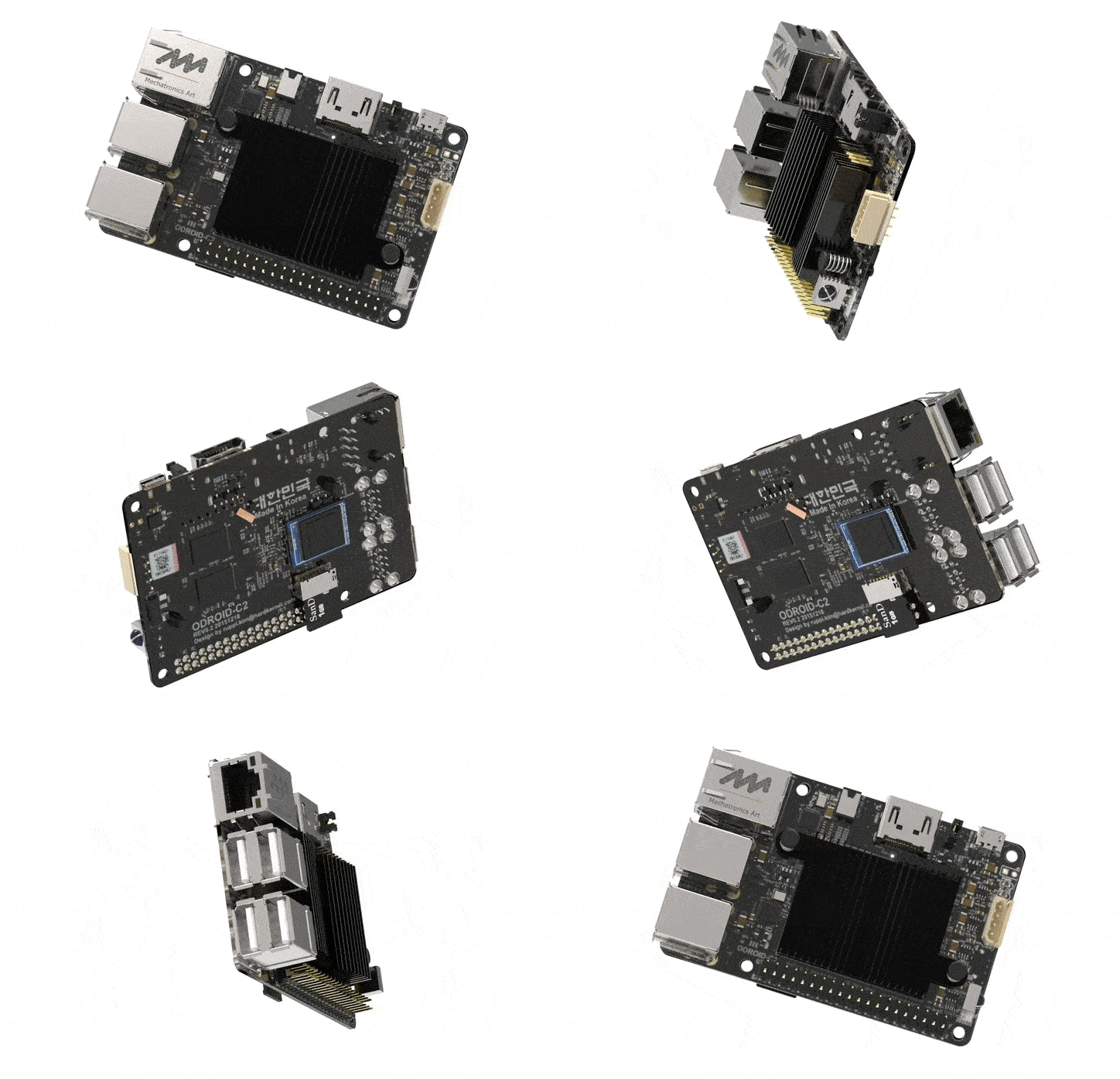
I have been tinkering with using Claude to create Haiku apps for the past few weeks and I also have a bunch of these Odroid C2 SBCs lying around from a failed project a few years ago. For a long time these C2s were stuck running an old version of the linux kernel that kept them from doing interesting stuff like running a K3s cluster, etc. Now you can run the latest version of Armbian so I dug them out to see if I could do something with them and after seeing the post about the AI port of Haiku to the Raspberry Pi 4B I decided to see how far Claude to get porting Haiku to the C2 before my usage resets on Sunday, so last night I connected a USB relay to the power switch connecter (i soldered on a header) and attached a UART, crossover cable, and HDMI capture device, just as described in the Rpi 4B post. I had Claude research a plan and once that was completed I set bypass permissions and let it go. Long story short, 24 hours later and it’s almost fully functional, Claude wrote all the drivers and ported all of the vibe coded apps I have created over the past few weeks, I’m just in awe…
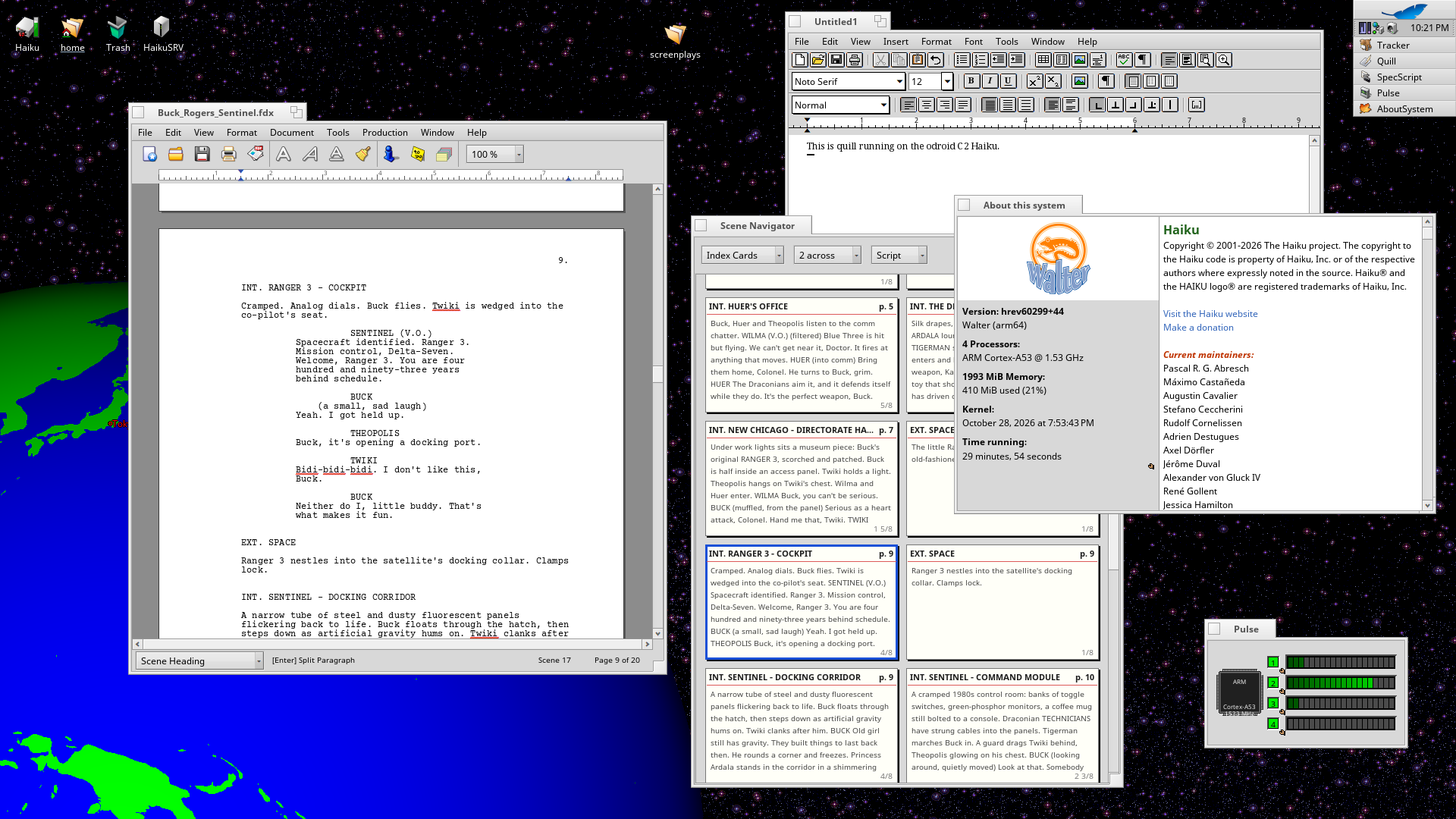
This shows my vibe coded screenplay app called “SpecScript” as well as claude’s port of xearth and the Microsoft Word 5.1a clone “Quill”.
Claude fixed bugs and wrote hardware drivers for the following:
eMMC and SD controllers, Gigabit Ethernet, USB host, HDMI driver and accelerant, CPU temp and clock control, UART Serial console, HDMI Audio, and also fixed my USB Audio, I listed to MP3s all morning with no issues…
Amazing to see you taking inspiration from my approach and getting that far so quickly. Super cool stuff! Love it!
Push you agent further - and expect more. Do full GPU acceleration and HW video decode. This is within reach in couple of hours (max couple of days) of agent work.
It seems as Claude keeps doing its thing it just gets better and better!
I plugged a C2 into to my TV last night running the port and watched two 1080p movies with hardware decoding in MediaPlayer from my NAS over SMB (using native smbfs, also written by Claude) and had 0 issues.
I used my iTunes clone “BeTunes” to listen to music on another C2 for hours over a USB Audio adapter with no issues.
I had Claude fix annoying issues I’ve come across like the Tracker putting icons on the desktop in random places, or things I just wanted changed like:
add a refresh button to Tracker,
add a breadcrumb mode similar to how SGI IRIX’s file manager worked.
Make the icon names work like Mac OS X on the desktop and wrap them so they don’t cover adjacent icon names.
Claude made these changes in a matter of minutes and i’ve been totally happy with them.
Claude also has made the following improvements:
eMMC and SD Card speed enhancements
Improved HDMI Audio
RTC Shield support
Hardware video decoding
BFS block cache improvements
Lots of bug fixes
Setup a private Haiku ARM64 repo
llvmpipe Mesa, GL teapot now runs at 160 fps
I have a UVC webcam, hardkernel IR remote, Weather2 shield, and 4 or 5 random USB Audio adapters on order and once I get those and finish all the stuff Claude is working on I’ll upload what I have to GitHub, I’ve instructed Claude to keep everything it’s doing compatible with the MIT license. I know Haiku doesn’t accept AI generated code and I’m not a professional programmer, but it may be of use to someone.
I can’t post Claude’s detailed description of the fix because LLM generated text, even quoted, is banned in the forum. Summarized by a non programmer though it was because copying the file from list view, the file had no saved icon position so it just found a random place on the desktop, Claude said that a copy from another icon view window would work fine. It was a 6 line fix in PoseView.cpp, line 6149.
I had Claude change the name to “ZeOS” for this Haiku “Distribution” mainly so I could tell the difference between it and my other Haiku machines. “ZEOS” was my old 386 that became a Pentium that ran R5 at some point.
It’s crazy how much Claude has added to Haiku, around 60,000 lines of new code, all the hardware on the C2 is supported including video encoding/decoding and hardware OpenGL. I added a USB Webcam and it fixed the drivers, wrote a capture app, added the features I asked for including motion detection, etc. It added device kit support for the pin header including i2c and GPIO: (BGeekPort, BDigitalPin, BI2CDevice, BPWM)
I added the oDroid “Weather2” i2c Board and Claude wrote a replicant to read the info from it, all in like 10 minutes. It also added support for my RTC shield.
you should change the text in the about haiku programme to say you and claude maintain it. you can mention haiku project at the end to say you forked it. just saying so to clear confusion, incase someone mistakes it for haiku
I have no intention of forking or distributing this build as is, I will upload Claude’s patches and maybe a disk image to my github once i’m done but I will remove any custom logos I have added and make sure it is fully labeled as AI modified. This is purely a hobby project and I am not a programmer