That’s probably a sensible way to get something running to get to the more tricky parts of the backend. When the frustration level of the backend coding rises over your threshold, you can calm yourself down with tweaking the visuals.
WRT to the “Haiku style” I suggest just looking around the system. Check the apps and prefs, see what may be relevant to your app. You find all their code, free to re-use, at https://cgit.nikisoft.one/haiku/tree/src
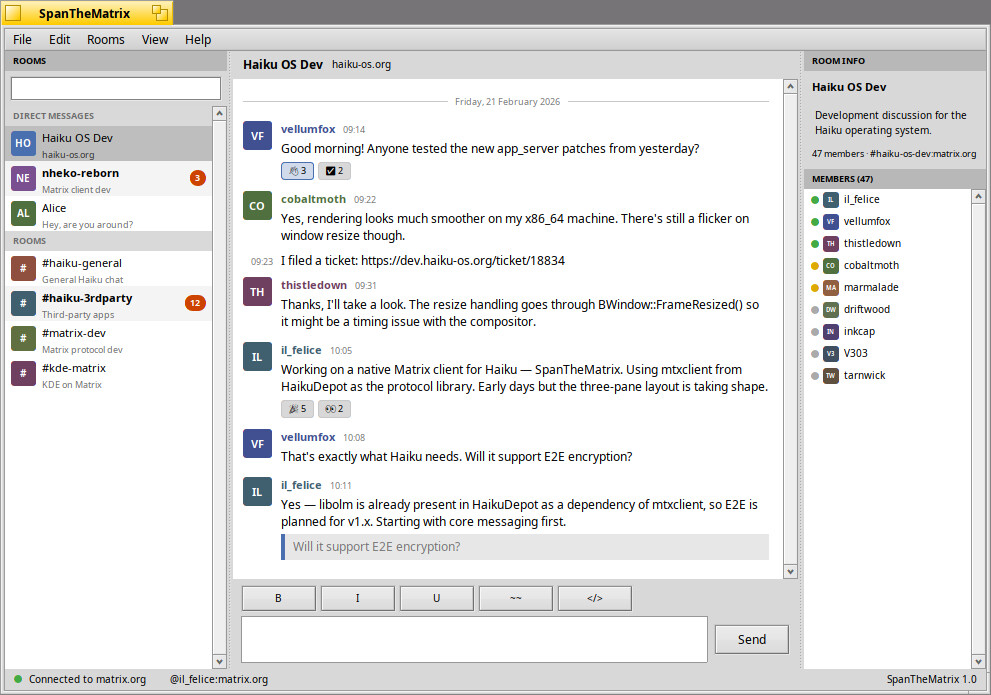
Some time ago I thought about making a native Matrix client for Haiku, but I never got around to do it beyond a UI mockup. Sharing that mockup in case it serves as inspiration for the UI.
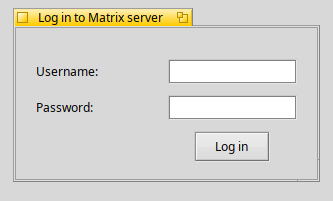
Hey again! I’m having a little bit of trouble getting this submitLoginButton to align to the right, as well as getting the textboxes to take up as much space as possible. This code:
  // input fields! they're called controls because we need to Be different
  fUsernameInputControl = new BTextControl("Username:", "", NULL);
  fPasswordInputControl = new BTextControl("Password:", "", NULL);
  // mostly self explanatory from here down
  BButton *submitLoginButton =
      new BButton("Log in", new BMessage(kMsgAttemptLogin));
  BView *loginOptionsView = new BView("login_options_view", B_WILL_DRAW);
  BLayoutBuilder::Grid<>(loginOptionsView)
      .SetInsets(20)
	  .AddGlue(0, 0)
	  .AddTextControl(fUsernameInputControl, 0, 1)
	  .AddTextControl(fPasswordInputControl, 0, 2)
	  .AddGlue(0, 3)
	  .Add(submitLoginButton, 1, 3)
	  .AddGlue(0, 4)
      .End();
  return loginOptionsView;
I haven’t quite figured out the Grid layout yet, maybe there’s something I could be using instead that’s better suited for this.
I also tried putting the button in it’s own Group layout, with glue at the start, and then adding it to the bottom, but it only moved a tiny bit from the left - maybe because it doesn’t know how much space it can take up?
It is common to split certain GUI widgets into separate BLayoutItems to have finer control over them. This is frequently done for BTextControl and BMenuField to separate the label from the control.
You can see one example here in one of the Beezer preferences views. The control is split and then added to the group individually using…
    // split the BTextControls so that we have finer control over the size and layout
    BLayoutItem* recentArkLabel = m_recentArkView->CreateLabelLayoutItem();
    BLayoutItem* recentArkInput = m_recentArkView->CreateTextViewLayoutItem();
It is also common to do this with grid layouts. There are probably some better examples but I’m in a bit of a hurry this morning.
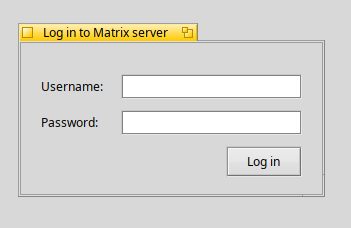
While I was cleaning up lunch, I got an idea that worked perfectly (and in hindsight was very obvious), so now I have a much better-looking login screen. Just need to tidy it up a bit more.
Well, not personally; I didn’t notice that the image used real usernames either because I don’t use Matrix and I generally trust your intentions so I was just skimming. But I’m not the one who flagged it either.
I think they were correct to, though. Using real usernames in a mockup is a bad idea, and using them in a mockup conversation is a really bad idea even if you think the fake statements are totally innocuous. And a disclaimer really doesn’t make it any better.
I don’t know Matrix, so I can’t speak to whether the design in that mockup is useful but it’s certainly pretty. i hope you repost it with fully-faked text.
EDIT: this sort if thing is exactly what lorem ipsum was created for; saves the effort of having to make up content and makes sure the content doesn’t accidentally upset someone.
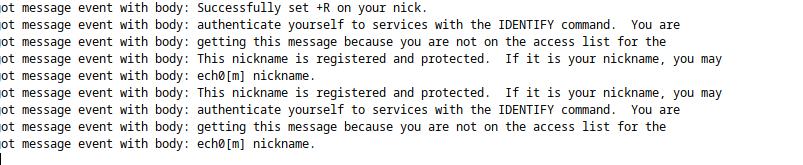
Oh no worries! Appreciate y’all’s help and support! In development news, I’m wrestling the parsing logic for the sync endpoint (the big important one), which is very much a challenge. There’s a LOT of json to go through in one response, and the endpoint doesn’t work about 50% of the time (which I’m sure is my fault). Progress is definitely being made, and I hope to have results in the UI within the next 4 days or so.
I intend to push my code to GitHub/GitLab/Codeberg sometime soon, I’ve already made and committed a bunch to a local repo. It seems like an especially good idea now because Haiku on my laptop has become unstable for seemingly no reason (could be user error, though I haven’t done much to it since I installed Haiku). I have another one on the way specifically for Haiku that should make for smoother development (as an added bonus, it looks neat).
I think I gave him the same feedback at he time. Rewriting HTP from scratch is not going to work and is a waste of time. He didn’t listen. Now we have a fourth iteration of the “services kit” API that is still orders of magnitude slower than curl with an API that is less flexible and more complicated to use for anything but the trivial cases.
There is no reason to not use curl. We may write a wrapper around it, for the simple cases of “I just want to download a couple small files”. For anything else, I think trying to beat curl is a waste of time. There are decades of knowledge and experience put into that library. The API makes sense and is well designed. The performance is good. It just works. Letws just spend our limited time in places where we can actually do better than the competition, curl isn’t one.
I’m really honored - and a little surprised, not specifically that you have an easy time understanding it, but that anybody would (I thought I was writing some truly awful, unreadable code)
I’ve made some solid progress, I know have the channels and their messages neatly organized in memory and ready to display, though I fear it probably will need rewriting as the UI catches up and I get a better understanding of the Matrix API.
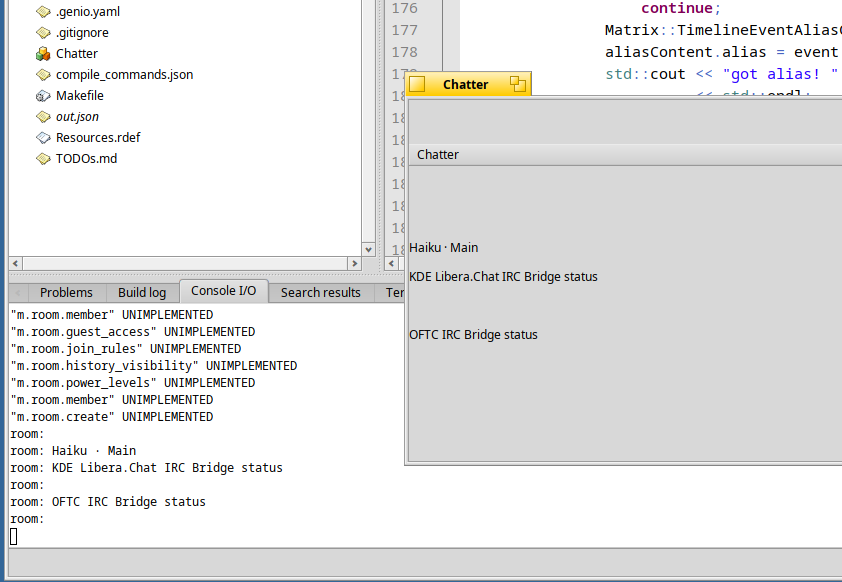
Okayokay! I now have a list of rooms. The empty ones are DMs or small group chats, which will require more logic to get all together. The parsing code will be retold throughout generations as a terrifying campfire story.
I also have all of the messages in each respective channel together, pending UI implementation. It’s coming together!
One thing you see “less” in Haiku compared to your code is your use of strings, usually Haiku code uses BString, not that yours is worse
Many UI controls acceept a BString natively or a char*… sadly our UI controls don’t usually accept something like std::string, which makes interop with some library needlessly verbose.
It all boils down to my being lazy - I intended to move everything over to be multilingual and correctly typed and all of that once I finished the main app.