Hello guys, progress has been rapid here in Somerset, UK and I’m getting ready to install Haiku on my netbook. I apply the term ‘netbook’ loosely as the Asus E210m (on which I’m typing this) is several generations on from my original EeePC, having an 11.something screen and a quite respectable processor. But one thing it does have in common with its ancestor is an SDD drive.
I’ve found Linux installers a bit scattershot in their treatment of SDD drives. How does Haiku deal with such? I’ll be using the machine primarily for small texts, WP docs and spreadsheets, with relatively few large media files.
Thanks, PulkoMandy, but dang. I just checked the spec and it is indeed an eMMC SSD. I’m disappointed but will live. I don’t suppose there are any plans to release an appropriate driver in the near future? NP
Thx Camtaf. I thought of that solution but this computer goes into rucksacks gloveboxes kitbags etc etc and needs to be as small as poss. External hardware not the thing. NP
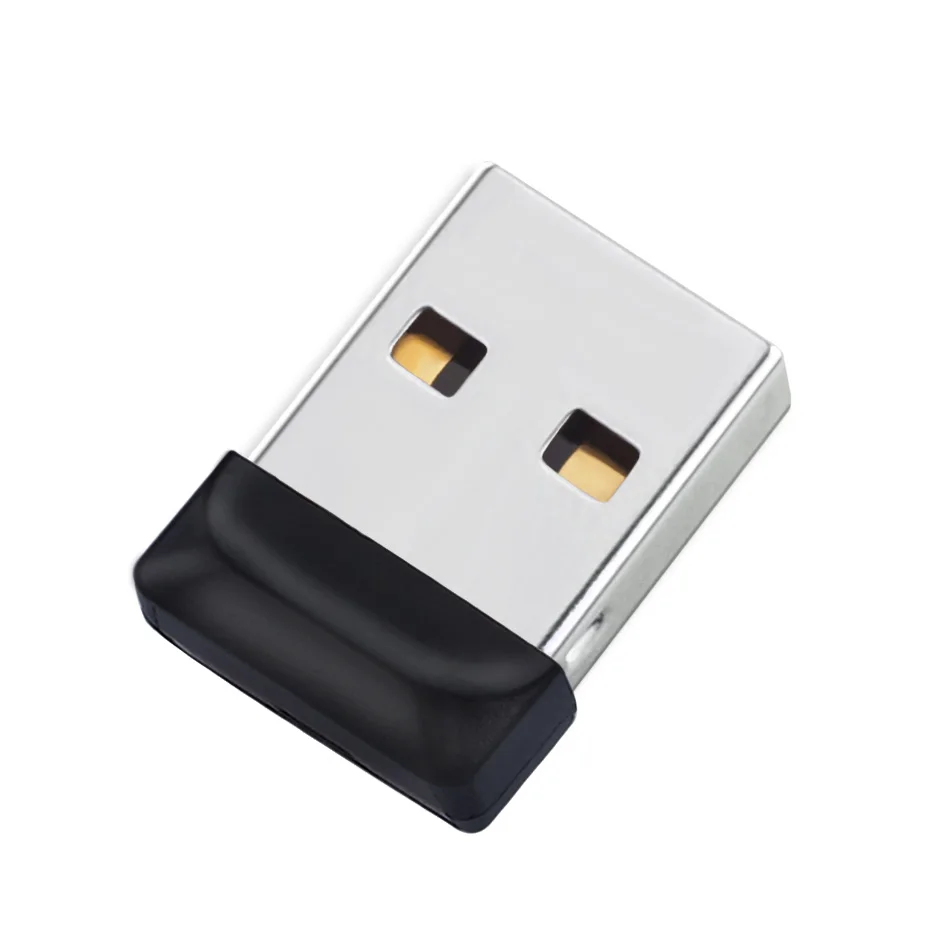
Thx Michel. I have a few of the tiny ones (blue Verbatim, highly recommended btw). Don’t fancy trusting an external for this purpose.
Further thoughts, for which I will beg your indulgence, good people… In line with Michel’s earlier note, I will try to put Haiku on my Asus E210M. (The internal drive is an eMMC unit but it’s under an odd hardware configuration and there’s a chance that Haiku will talk to it, plus I saw a post from someone who claimed to have done it on another forum.) Is it the case that disk formatting is step #1 in the install process? I’m hoping that, if the installer can’t detect a disk to reformat as a BFS volume and I bail out, the Asus’ internal SSD will be untouched and the Linux on which I’m typing this will still be usable.
I’m working on the eMMC driver as I have a device to test it on now. I hope I can get it up and running soon (but the initial version will be quite slow).
I prefer USB to SD. More computers will have it, and it’s easy enough to boot on a different machine if you’d like. I have a Samsung fit, and it seems decently fast.
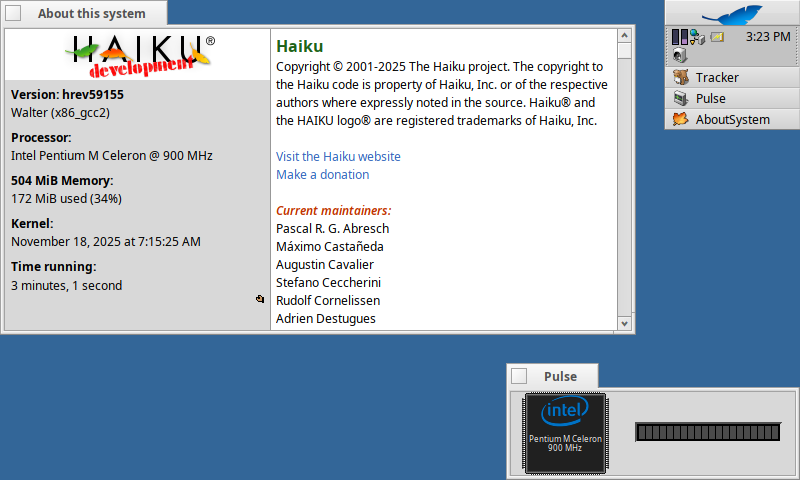
It also Kernel panicked on me, but that might be because the CPU is running in “performance mode” at 900 MHz, lol.
Btw, if you’re thinking about getting one of these for Haiku… do yourself a favor and don’t. The CPU is laughably slow, the screen is way too small and the bezel way too big, the only thing the 701 has over the newer models is the stereo speaker setup.
If you like the form factor a later eeePC like the 1000H or even the 901 is leagues ahead. Iirc those models are mostly working with Haiku as well.
I too had an EeePC 701 back in the day, fitted with a third-party expanded battery that gave it a Quasimodo hump. It seemed indestructible, even surviving complete immersal en route to a marine nature reserve in the Gulf of Thailand (in a cheap drybag). But it was pretty slow even on the short-lived Eeebuntu distro and I wouldn’t even consider it today.
Aside from facilitating Netbook Nostalgia, this thread is a useful supplement to the Haiku hardware listing. Users are clearly getting the OS to work on machines from outside the canon, but it’s harder than it should be to identify potential installation candidates. SInce experience teaches me not to rely on booting off a USB stick or SD card, my favourite of those suggestions so far is Michel’s Dell Latitude 2120, a robust little machine with a 10” screen and a SATA drive. Keen to hear about others.