Haiku in qemu

After trying vmware, virtualbox and hyper-v (on windows). I think I’ve finally settled on a good VM environment for Haiku: qemu. What I like about it:

  • It doesn’t capture the cursor, the mouse just seamlessly goes into and out of the VM window.
  • Everything seems to work as expected, no crashing.
  • Configuration can easily be backed up.

What I don’t like:

  • It seems to be marginally slower than vmware or virtualbox for instance.
  • Getting it set up initially was much more difficult than environments with a GUI. Particularly the networking side of things.

For reference my command line is:

"C:\Program Files\qemu\qemu-system-x86_64.exe" ^
    -machine pc,accel=tcg ^
    -cpu SandyBridge ^
    -cdrom "C:\Users\Matthew\Downloads\haiku-r1beta5-x86_64-anyboot.iso" ^
    -boot menu=on ^
    -drive file="d:\Vm\Haiku\hd.img" ^
    -smp 8 ^
    -m 8G ^
    -usbdevice tablet ^
    -netdev tap,id=mynet0,ifname=Tap,script=no -device e1000,netdev=mynet0

I installed OpenVPN to get access to the “Tap-Window Adapter” network interface (renamed ‘Tap’). Then by selecting both that and the real NIC, and in the right click context menu select “Add To Bridge” I could have the Haiku VM on the real network with an actual IP that all the machines can see. Not stuck behind NAT.

Anyway, happy days. I just thought it might be useful for others to know how I got it working.

5 Likes

There are various qemu frontends existing.
On linux, VMM that uses libvirt and can take advantage of KVM is quite handy but, some may prefer AQEMU.
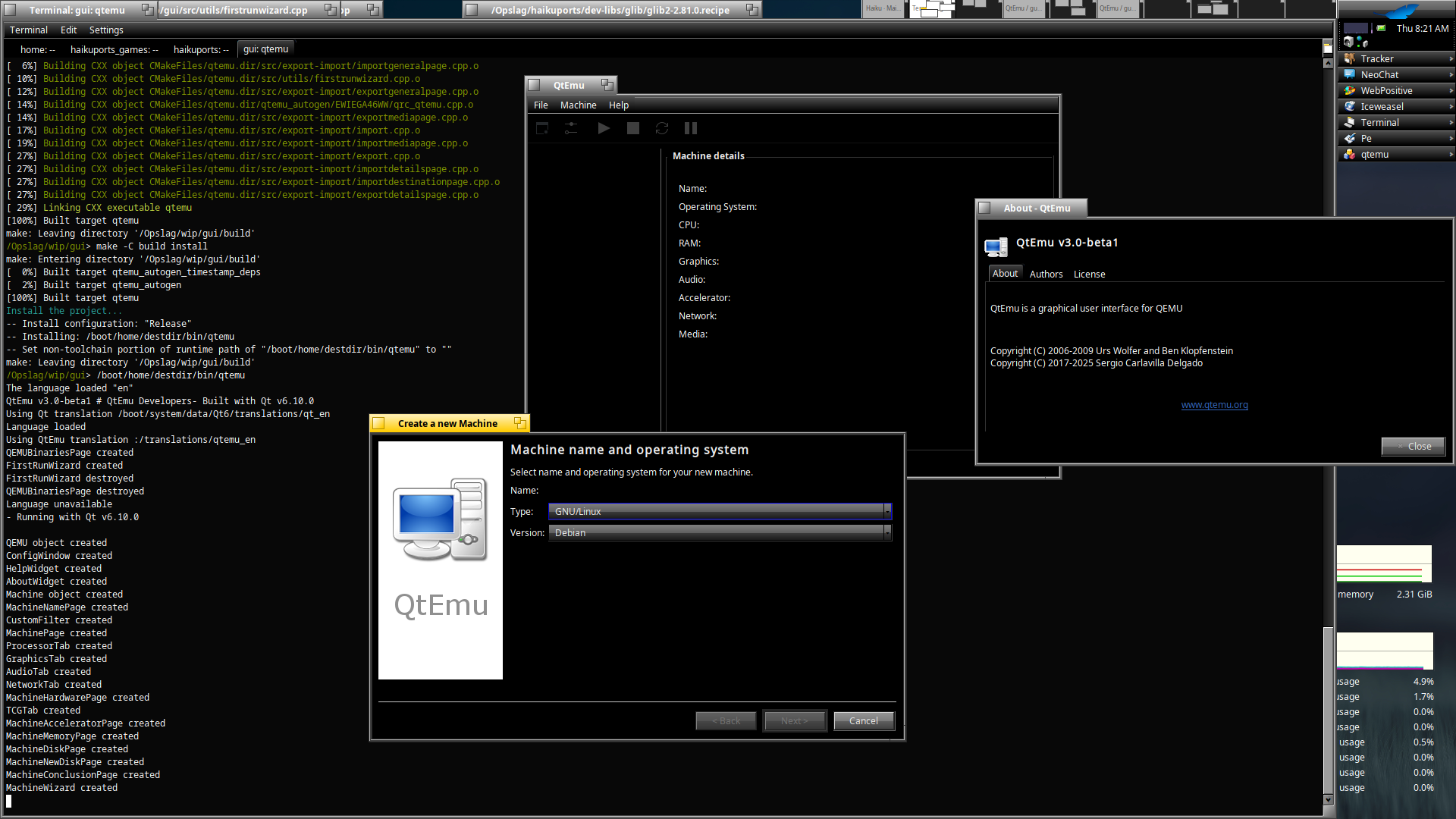
On Windows or, on MacOS, there’s QtEmu.

The one that was updated last in 2007? :rofl:

1 Like

Still builds with minor patch, last update was 5 months ago in their repository. So not all dead there :rofl:

EDIT: remembered after launching it had problems assigning RAM to the machine, no changes on that :frowning:

On MacOS it’s more convenient to use UTM

Aqemu seem dead? GitHub - tobimensch/aqemu: Official AQEMU repository - a GUI for virtual machines using QEMU as the backend, the ui seem better actually

Eeps yes, 5 years ago from last commit :frowning:

this one GitHub - coolshou/aqemu: Official AQEMU repository - a GUI for virtual machines using QEMU as the backend seem more active?

Only 10 commits ahead of the original, not sure it’s good enough for us, maybe someone skilled enough could test it? :wink:

yes you right…

Unfortunately, it’s the fate of front-ends. They have to evolve with their back-end and the host system. If they don’t have enough contributors, it can becoming hard to maintain especially on linux where things are constantly changing. Think about the numerous apps designed with Qt4 or Gtk2 that have disappeared from radars because they didn’t migrate. That’s sad because a lot of experience is lost in the process but, people are often preferring to start from scratch with a new toolkit than to make an app evolve. Then users are accentuating the thing. If it’s old; it probably stopped to work at some point. Let’s try the new one.

3 Likes

You’re using TCG, which is definitely slower than hardware virtualization. QEMU can use Windows Hypervisor acceleration on Windows (but this may not be compatible with VMware or VirtualBox if you need to use those.)

I’ve just tried that and with -machine pc,accel=whpx,kernel-irqchip=off it gets as far as the rocket, but not the desktop. So tcg is the only working option so far as I can see.

If it gets to the rocket you could try “use failsafe video mode” in the bootloader optoons

1 Like

For Linux I found kvm to work well, definitely faster than tcg, ie:

-machine pc,accel=kvm \

Happening right now with UTM. It used to run Haiku on Mac perfectly, but since MacOS updated to Tahoe, I’m seeing weird slowdowns and mouse/keyboard freezes.

Sorry michel, what is UTM? Some kind of qemu?

Actually, UTM is a graphical interface QEmu + Apple Hypervisor framework, the MacOS counterpart of QEmu + KVM on linux.

1 Like

Ah, oh, thanks… So it is more for interest for Apple hardware user!