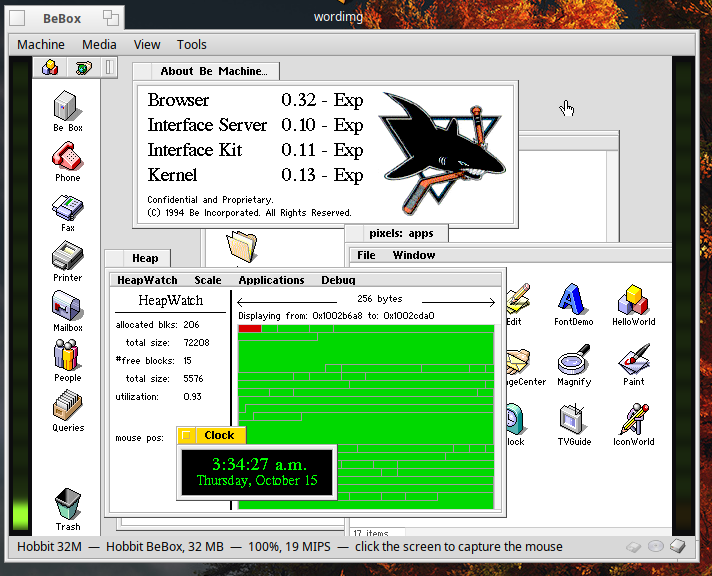
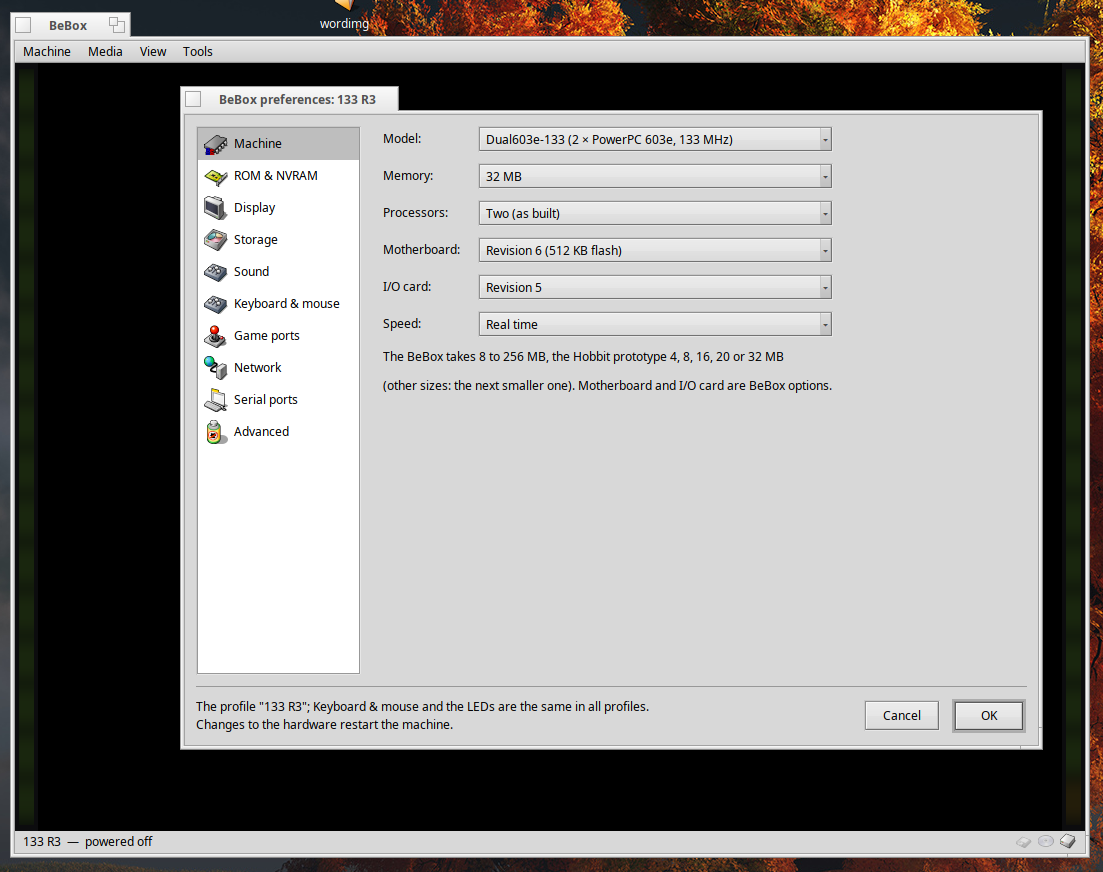
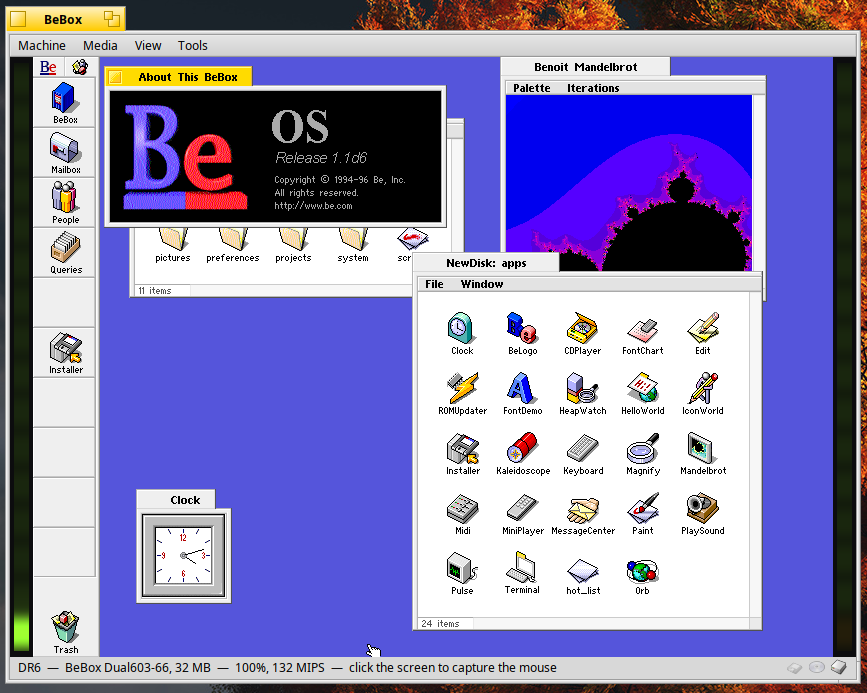
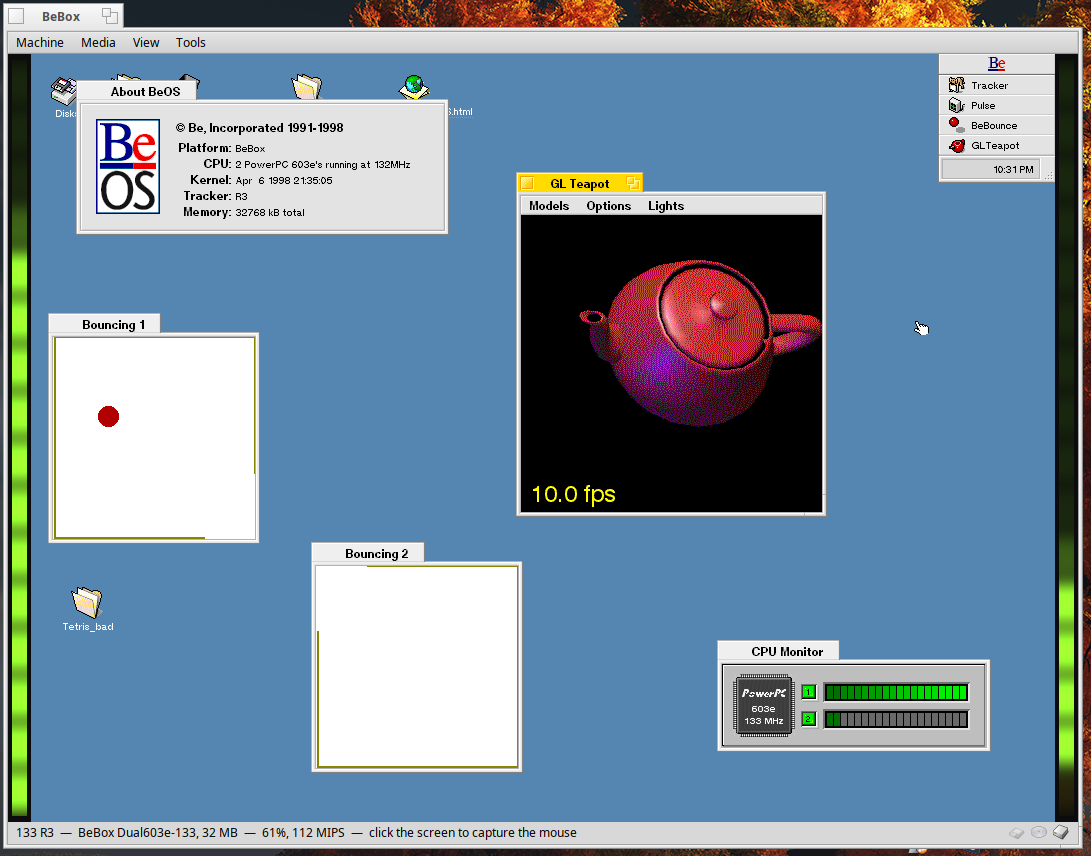
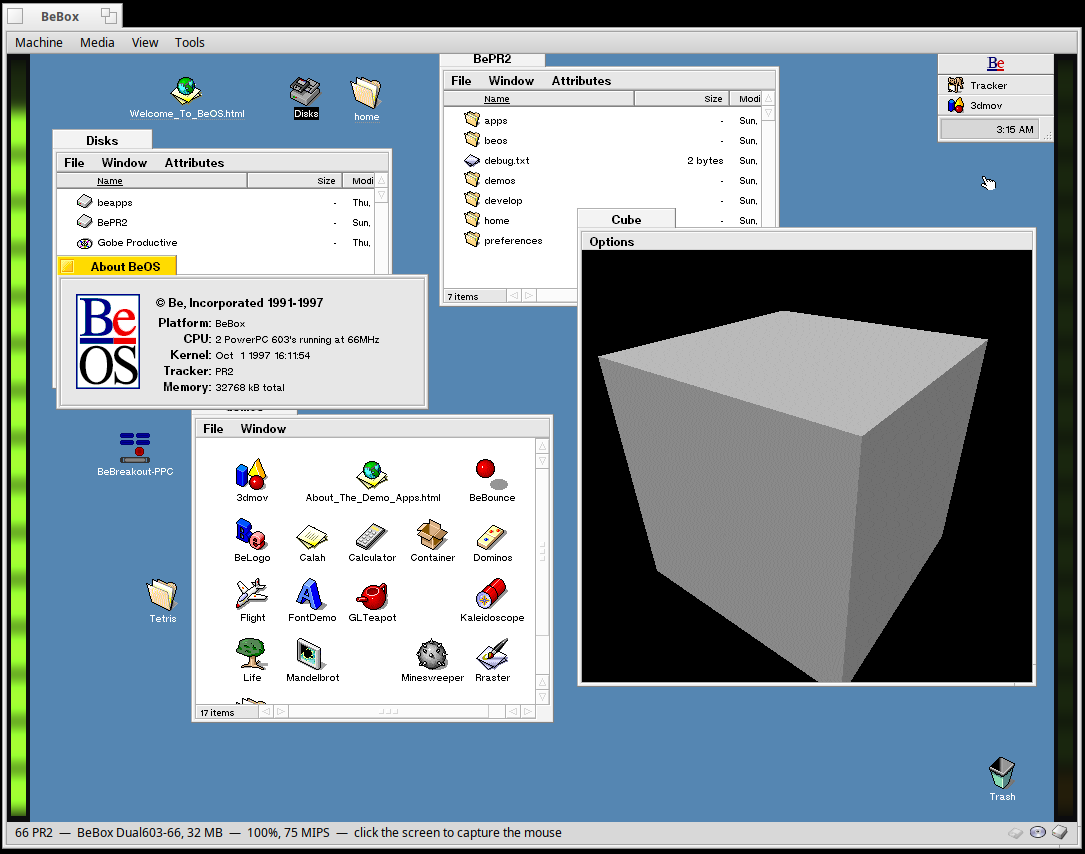
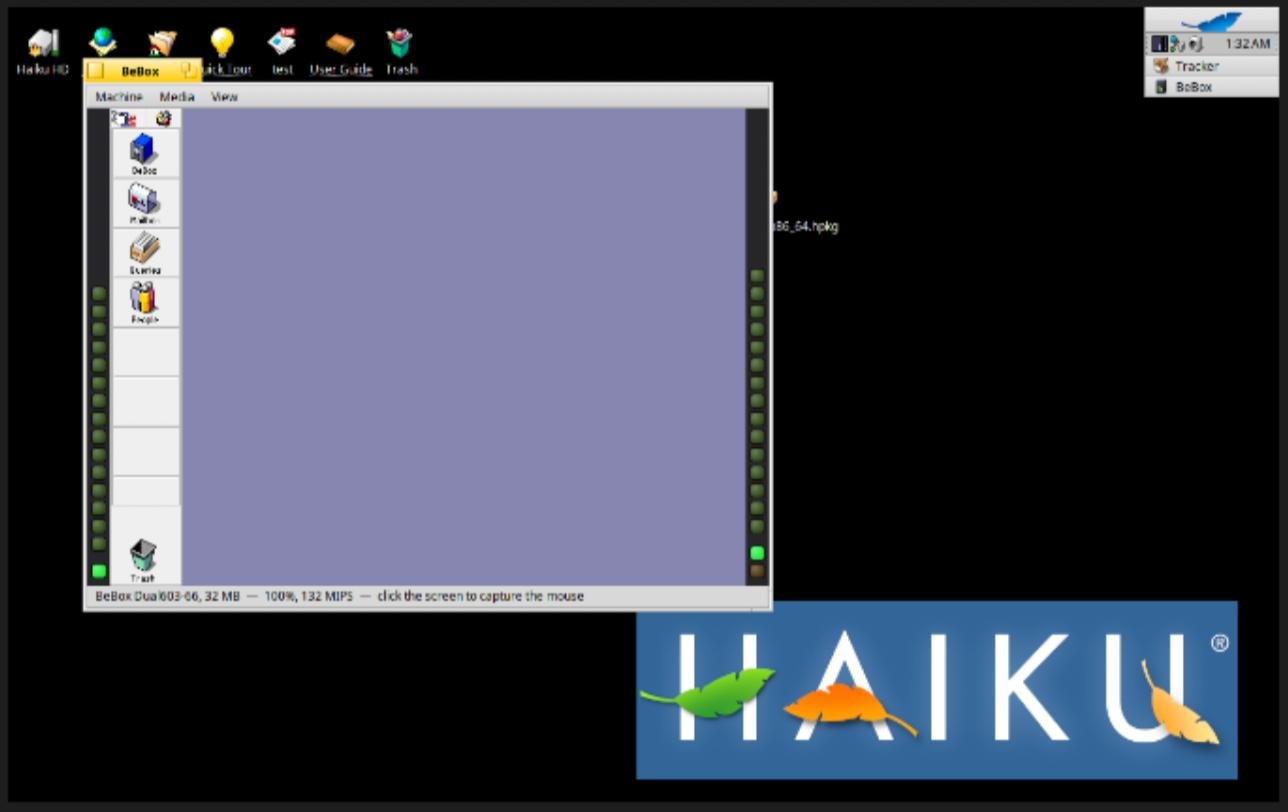
Anyway I’ve been tinkering with Claude Code writing Haiku Apps and after getting a “haiku-dev” skill hammered together I’d have to say it is REALLY good at writing apps for Haiku. My first request was to write a BeBox emulator in C++ using all original code and using the Haiku BeAPI. After I dumped all the docs and disk images I could find it ran for a few hours and make an honest to god fully functional dual CPU BeBox emulator for Haiku, it boots not only the original PPC BeBox images from 1.1d6 to R5.0.3 with sound, video, etc. but I also asked it to try and emulate the Hobbit BeBox and after a few more hours it was successful and I was able to boot 2 of the recovered Hobbit BeBox images, and I was also able to install the circa 1994 OS from the floppies I found with the Hobbit documentation and disk images.
There are still a few interface and icon issues that need to be worked out, but once I get my source trees cleaned up I’ll be uploading everything to github.
Does this run anything after DR9? Can it run PR2 or later for example.
I’ve been hoping for a BeOS PowerPC emulator for years, and Dingus is now able to run the Mac version reasonably well so this is very interesting indeed.
Maybe you can also consider to make it a container system for BeOS applications on Haiku, similar to docker of Linux or jails of FreeBSD. It can be part of BeBox function or an independent project. Some users only need to run a few BeOS applications essential to them. If BeBox emulator only shows the application users run while every other thing is hidden, like a headless box, it would be interesting. It might be technically difficult considering how different between 32-bit BeOS and 64-bit Haiku are. So it won’t be as efficient as docker or jails. Apple container has similar situation that it needs to include a linux kernel. But still it is better than a full emulation.
BeBox is PowerPC. This is therefore just a PowerPC emulator. That means you can only run BeOS PowerPC apps. That is probably about < 25% of the apps people might want. BeOS PPC had a lot less recent apps because most people ran Intel.
Don’t get me wrong - I love BeOS PPC. I own 3 classic Macs that can run it (including a 9500 with dual processors) and I was the person that originally created the BeOS compatibility request ticket on the DingusPPC repo. I really appreciate this emulator. But it’s not really useful for your use case.
Wow, seriously impressed. Easy to set up. Installed R5 with no issues. Speed on my creaky old Haiku box is as fast as Dingus on a M3 Pro Mac Pro. Love the shared folder. Didn’t quite work out networking, but I didn’t read the docs so that is probably me. Could ping the remote IP, but wasn’t sure how to get to the emulator from the host
If I had one criticism, it’s that it is running on Haiku and I’d like to run it on a Mac under SDL or whatever too. I’m guessing the headless version is portable enough to make that viable?
The BeBox emulator could probably be ported with minimal effort.
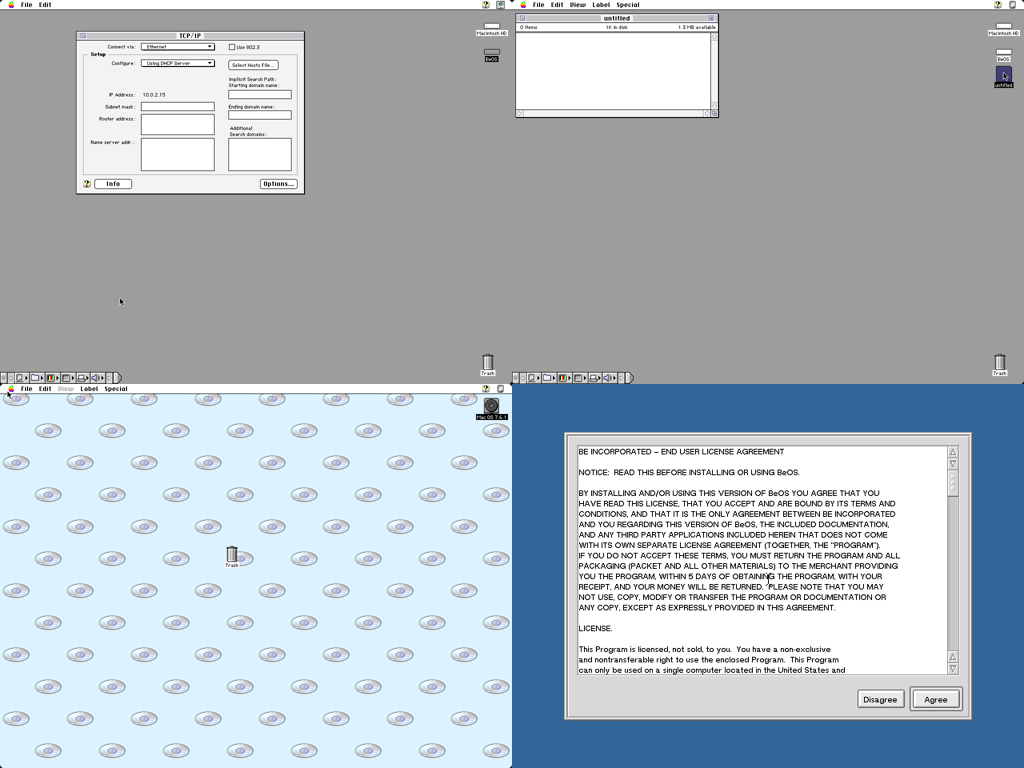
My primary goal besides having a BeBox emulator was to have it be a 100% Haiki BeAPI C++ application. To do this I setup a couple of Haiku VMs in my Proxmox environment with sshd enabled. Claude wrote the the core headless components on Linux, then it would ssh into the Haiku VMs and do the GUI development, using “hey” scripting and screenshots to verify everything. Here is a screenshot montage from the PowerMac emulator’s work/tmp dir.
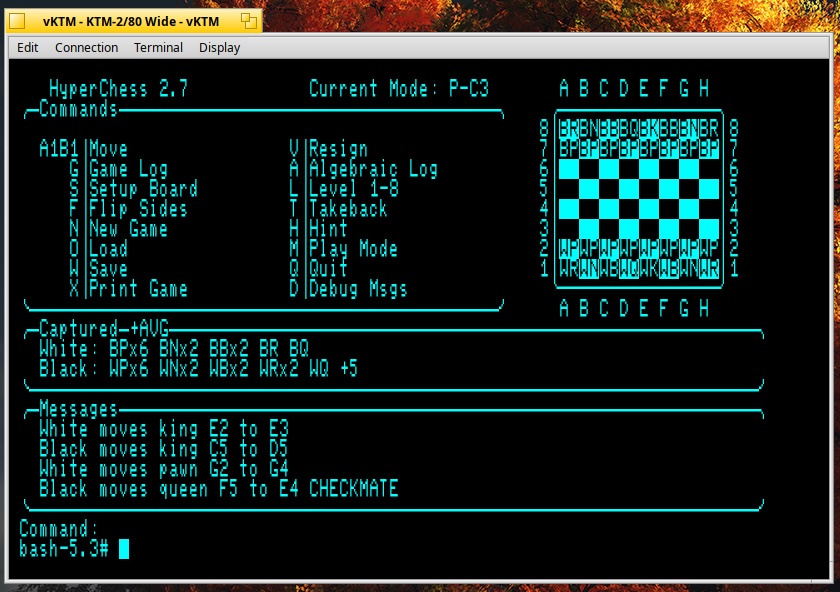
Claude can do Python/QT6 Haiku dev though, I had it port my python/QT6 “terminal emulator” emulator from Linux/Mac to Haiku and it came out really well, just like the other versions.
I have loads of old software I need to go through and catalogue for my PowerPC BeOS presentation GitHub. It is tedious to do this with real hardware, so this will make it a lot easier. It being on my MacBook makes it one level easier as that it portable. The shared folder it going to make that a lot easier anyway.
The other thing worth mentioning is that I followed Previous, the next hardware emulator, for years and it seemed like it took them a very long time to get to anything that even vaguely booted. This is already extremely polished and it is all the more impressive because of that.
I spent about 2 hours in Claude Plan mode feeding in as many PDF specs, ROMs, and ISOs as I could find. After that I started the build at 9:20 PM Oct 9th.
By 1:30 AM Oct 10th the first screenshot of the App booting DR6 appeared from the Haiku test VM.
After a day or two of tweaking stuff (CPU threading, sound crackling, etc), adding Hobbit support (about 3 hours), shared directories, hardware profiles, networking, etc. it was pretty much done. I still can’t believe it