I plan to publish next week on Haiku Insider an article on how to reach the Haiku ARM64 kernel on a Raspberry Pi 4.
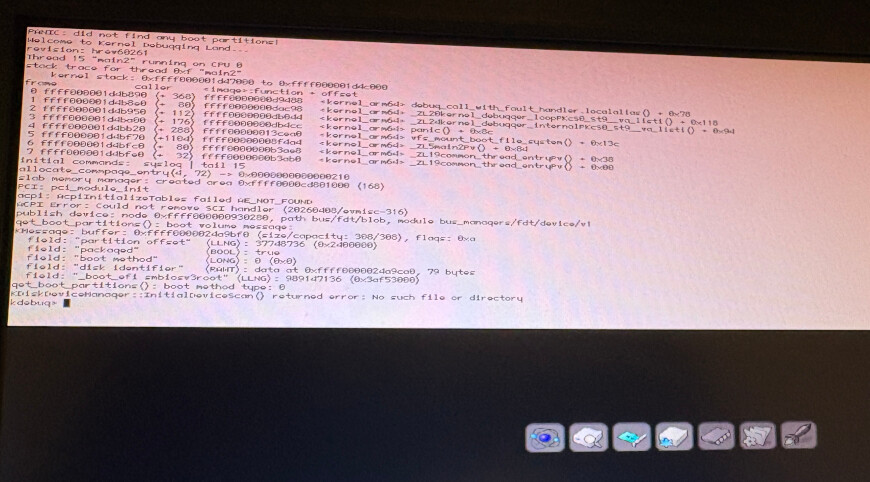
It is an experiment, not a working system yet: with one CPU forced, the kernel reaches the kernel debugger. The secondary cores, the SD card driver and USB are still missing.
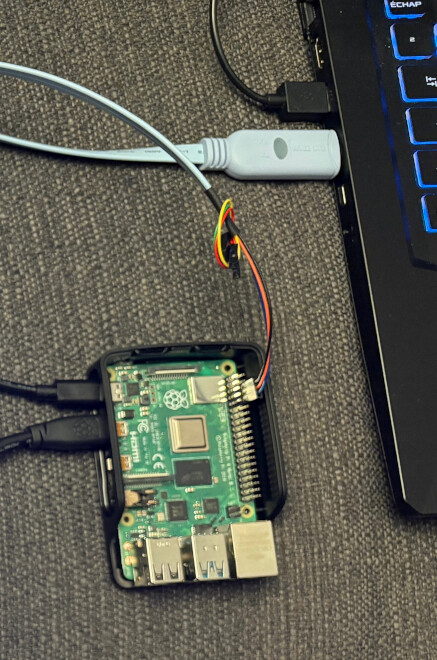
It could be useful to anyone who would like to help debug the current ARM64 port on this board. You will need a USB-to-serial cable on the GPIO header.
Stay tuned:)