Haiku Apps written by Claude

My other topic was about the BeBox emulator that was written by Claude based on a skill I had cobbled together, I also have “vibe coded” a lot of other Haiku apps and tools.

I have been wanting native SMB client support for years, GSOCs seem to come and go… anyway I asked Claude to write full SMB client support for Haiku and the result was smbfs/SMBMounter:
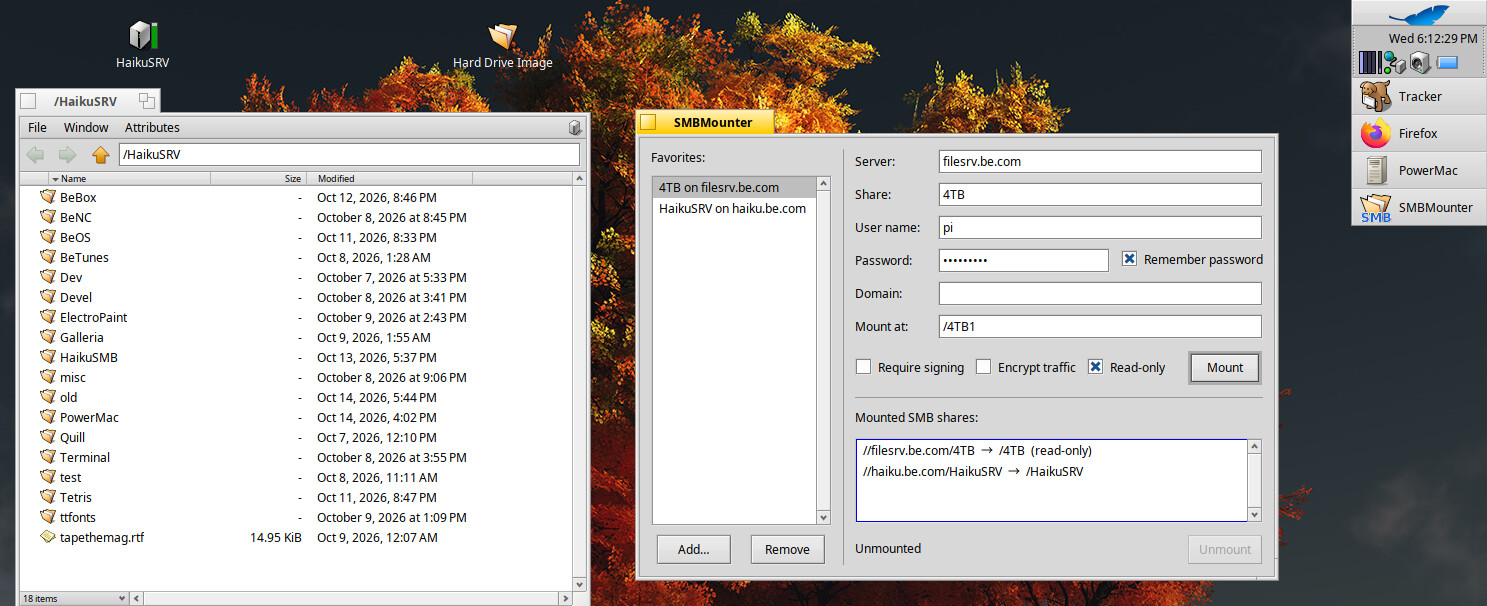
This is a full native SMB client filesystem written in C++ against haiku’s kernel APIs. I have been using it for the past week dealing with tons of files and besides one bug with deleting locked file it’s been super stable, I can’t believe how well it works.

I then asked Claude for a clone of Macintosh Word 5.1a for Haiku, and this was the result:
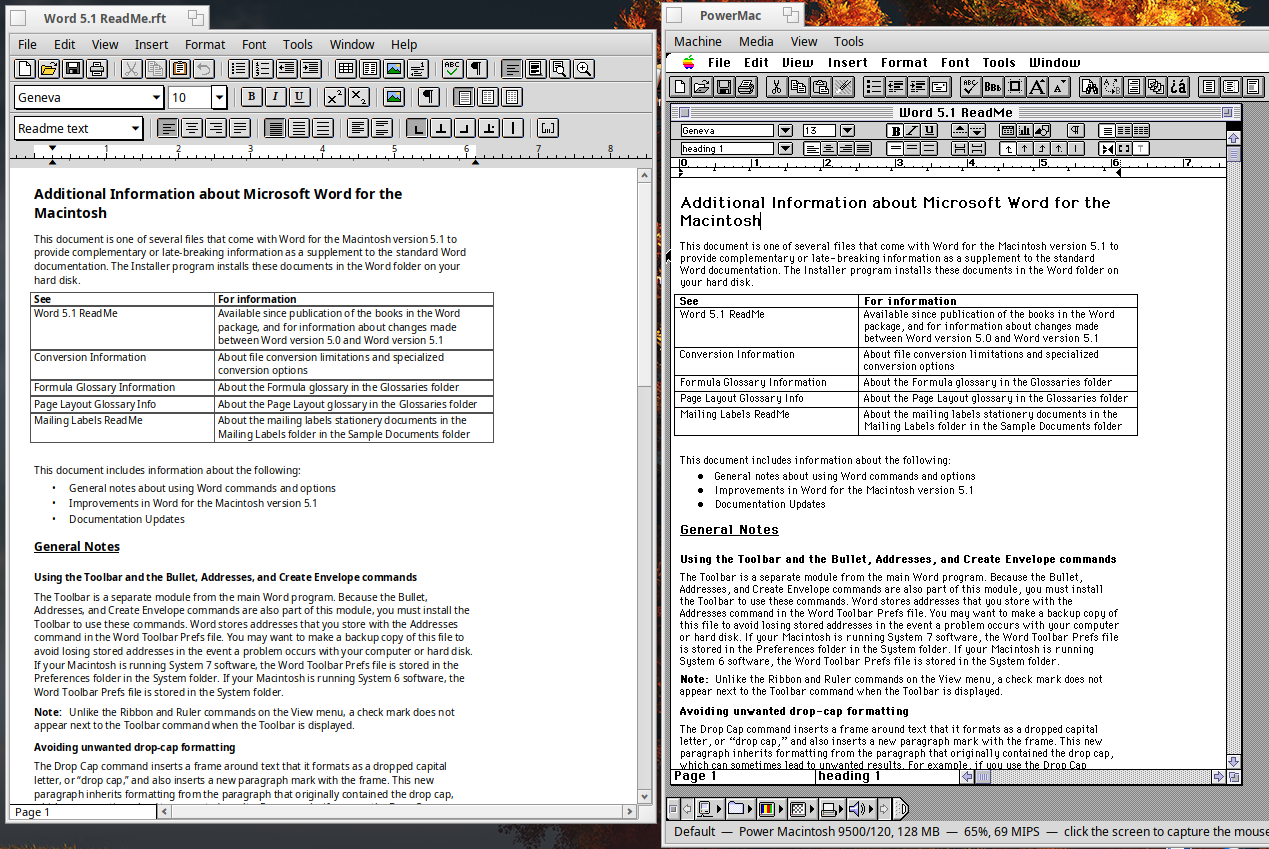
This is “Quill” a World 5.1a clone written by Claude, it even chose the name and I liked it! If you notice Word 5.1a is running in an app called PowerMac…
I asked Claude how hard would it be to fork the BeBox emulator and make a PowerMac 9500 emulator with dual CPUs, this was what I ran BeOS on back in the day. After a few hours Claude had this fully up and running:
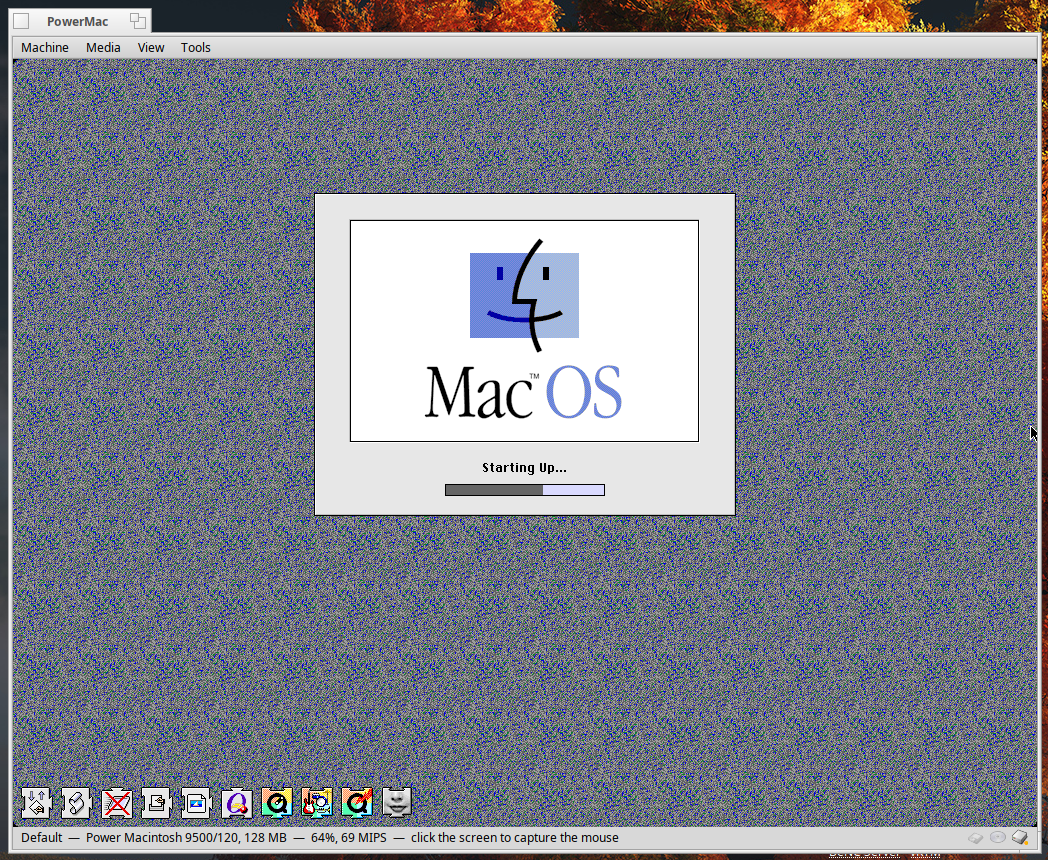
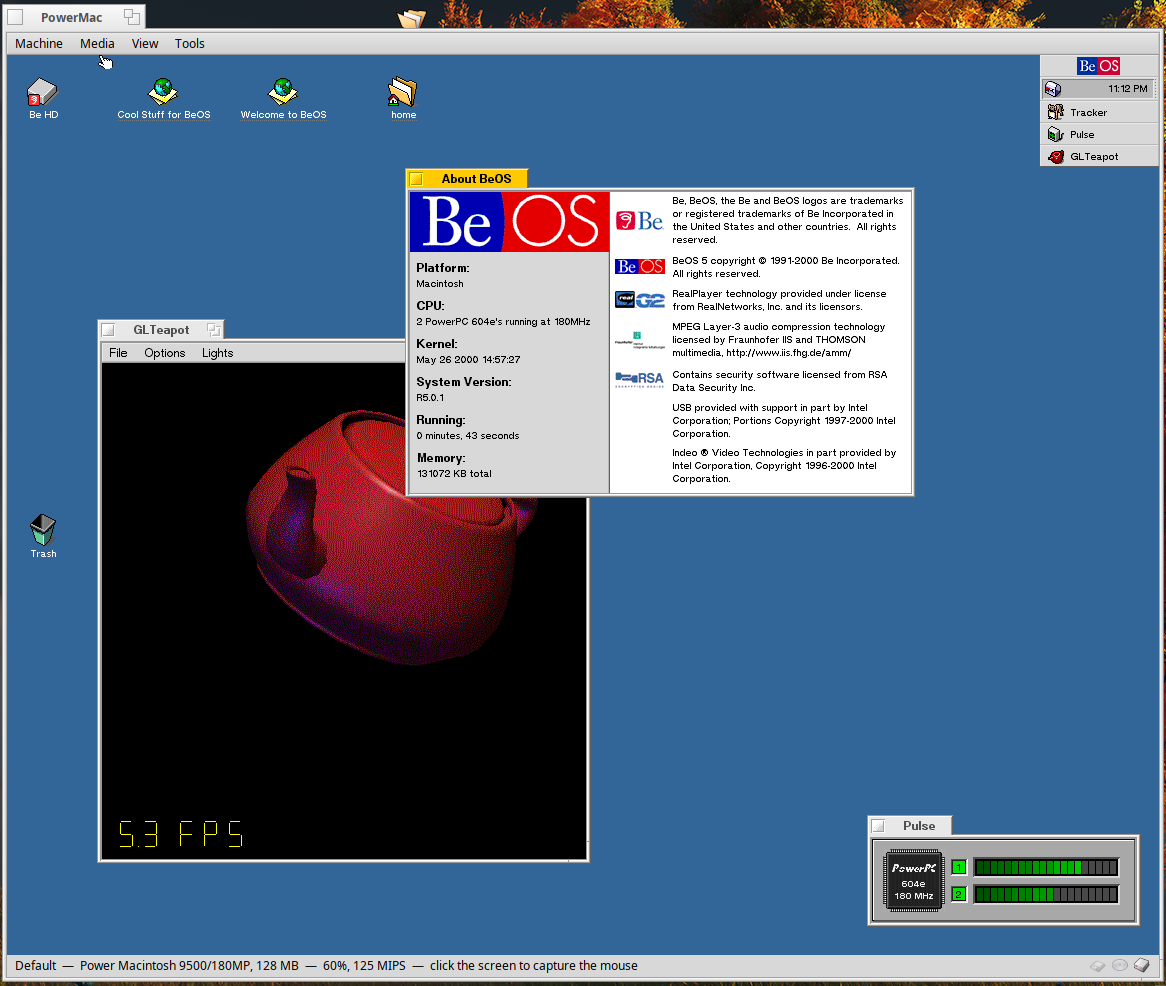
It even runs BeOS and supports full audio, shared BeFS and HFS virtual drives and multiple CPUs:
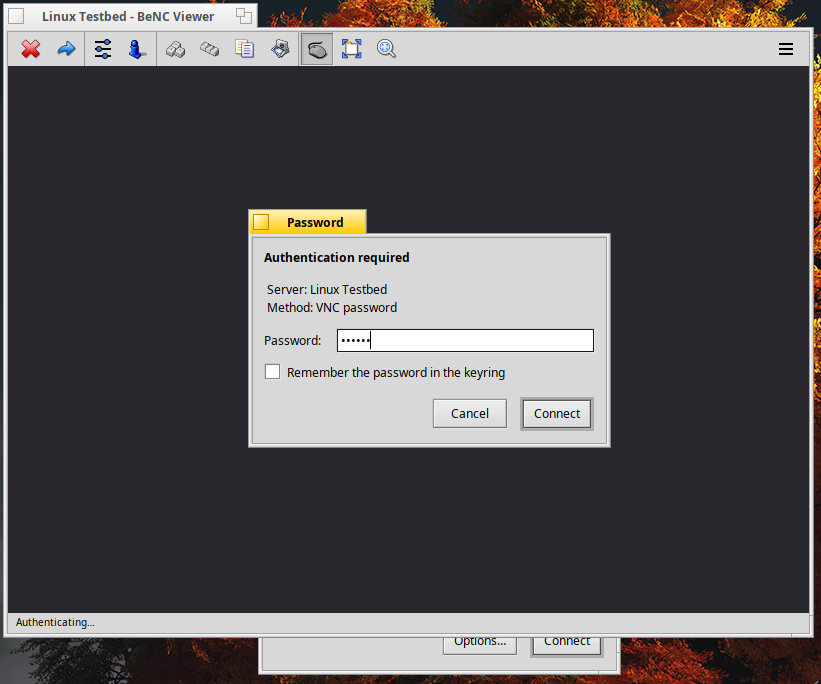
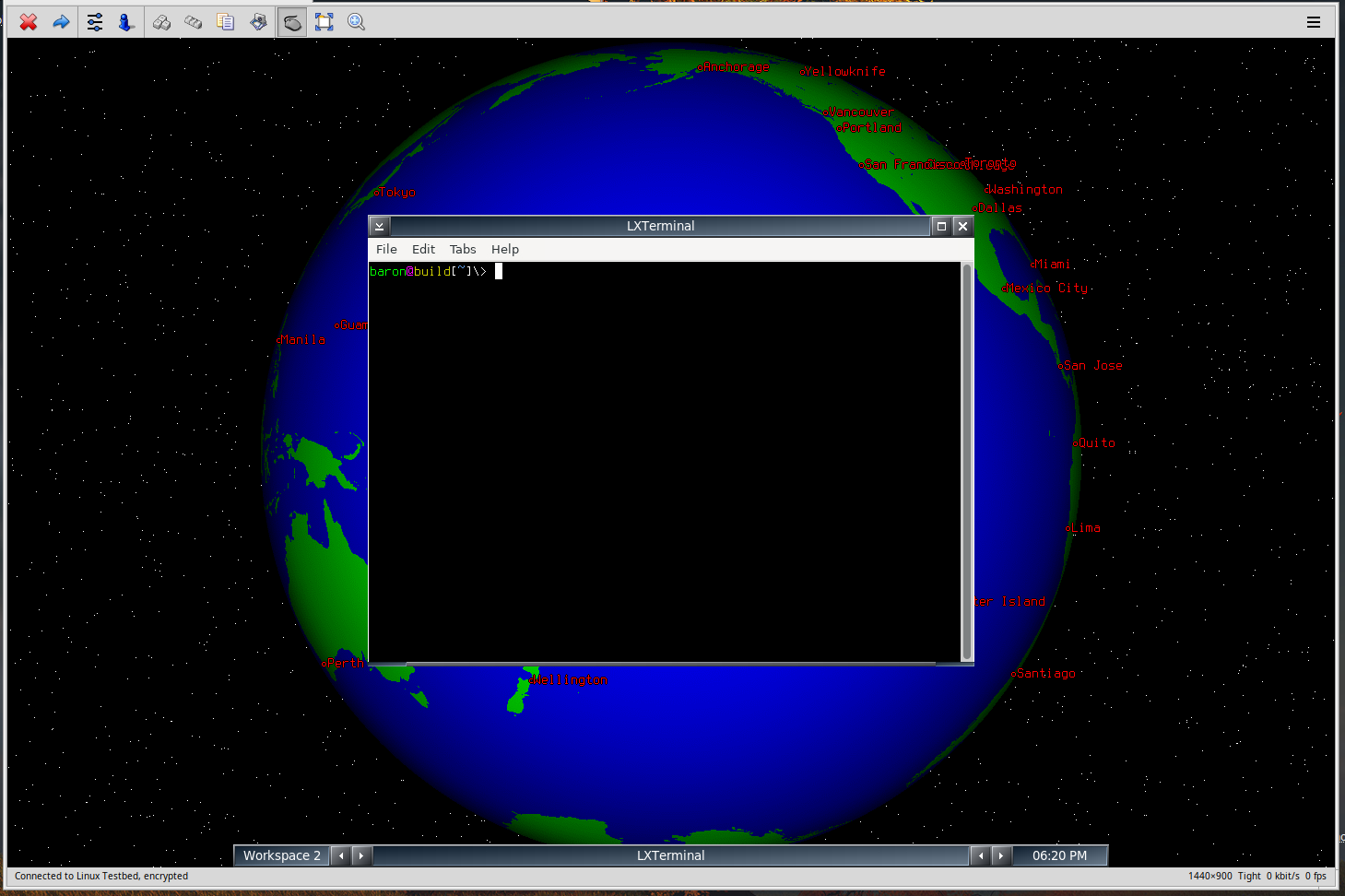
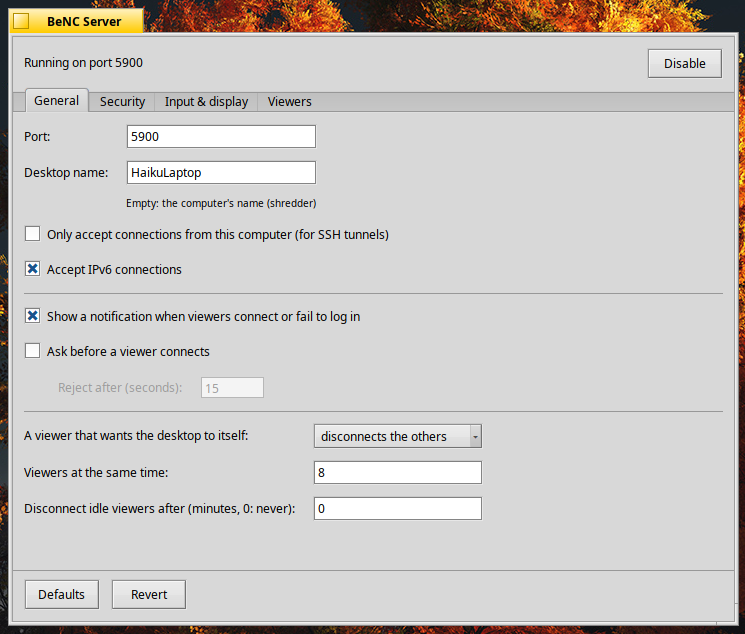
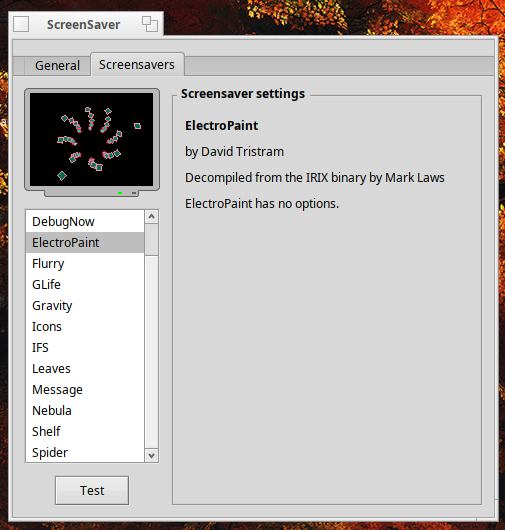
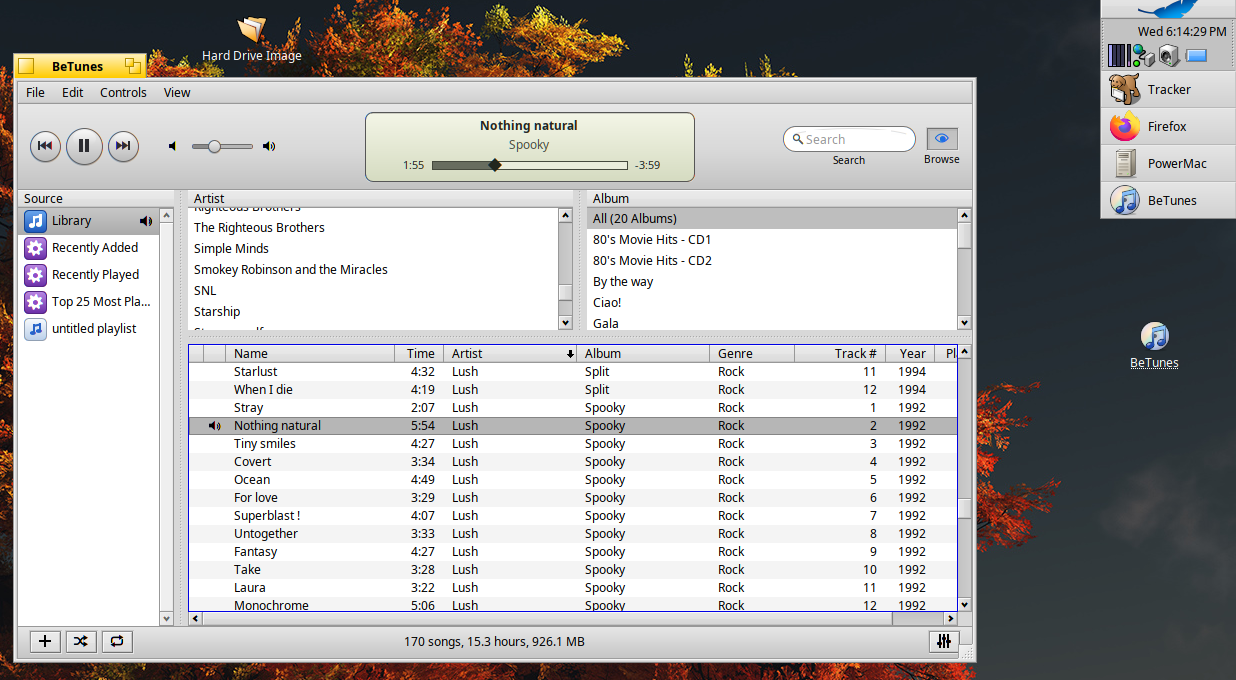
In the last week i’ve asked Claude to port or create a bunch of stuff like my favorite SGI screensaver, the legendary ElectroPaint, I asked it to create a mid 2000s iTunes clone called BeTunes, a native Haiku VNC Server and Client called BeNC, and a simple image browser/viewer called Galleria:
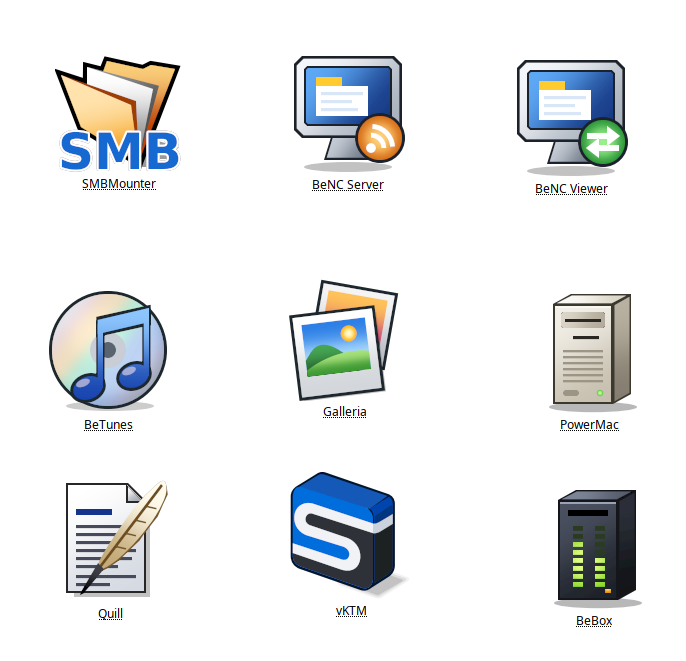
It even created all the icons except the SMBMounter icon, and although they are kind of weird they could be worse LOL
Has anyone else been using Claude to write Haiku apps? I’ve been using these apps on my Haiku install for about a week and they all work and are very stable, I’m amazed and a little startled at how good AI has gotten just in the past year.

I’ll be getting all the source for these uploaded to my github soon if anyone finds them useful like me.

12 Likes

i remember when ai just meant upscaling videos to 60 fps and 4k. the animation community back then had hated it, and even now you can see the effects of ai in animation. some frames look bad and blurry. it feels kind of unnatural. i think you can apply some of this logic to claude.

1 Like

Howdy,

Incredible stuff you are showing here. :grinning_face:

I am vibe-coding a native IMAP email client, but it is taking me more than 8 months! :rofl:

I am going to be at an open source conference this week where I will demo Haiku, and would be interested to get a binary of BeTunes if it is working in Haiku. Do you have a (64-bit) binary I can get my hands on?

I’ll be uploading the entire source tree to my github at some point in the next day or two, it’s built against the 64-bit beta6 release and there is an hpkg (betunes-1.0.0-4-x86_64.hpkg) in that tree.

2 Likes

Great to hear! Thank you so much!

Nice to meet you. I was also making various apps with Claude. I hadn’t been posting separately because I didn’t feel welcomed in this community, but if there are good apps, I hope we can combine our strengths to create even better ones. You can view my apps at rainygirl (Lee JunHaeng) · GitHub .

3 Likes

I find the potential of this tool simply fantastic and disarming. You have crafted some truly interesting little software gems.

Allow me to recommend SpritzDepot https://spritzdepot.desktoponfire.com , a service free from Haikuports’ political constraints for sharing your applications in a single repository.

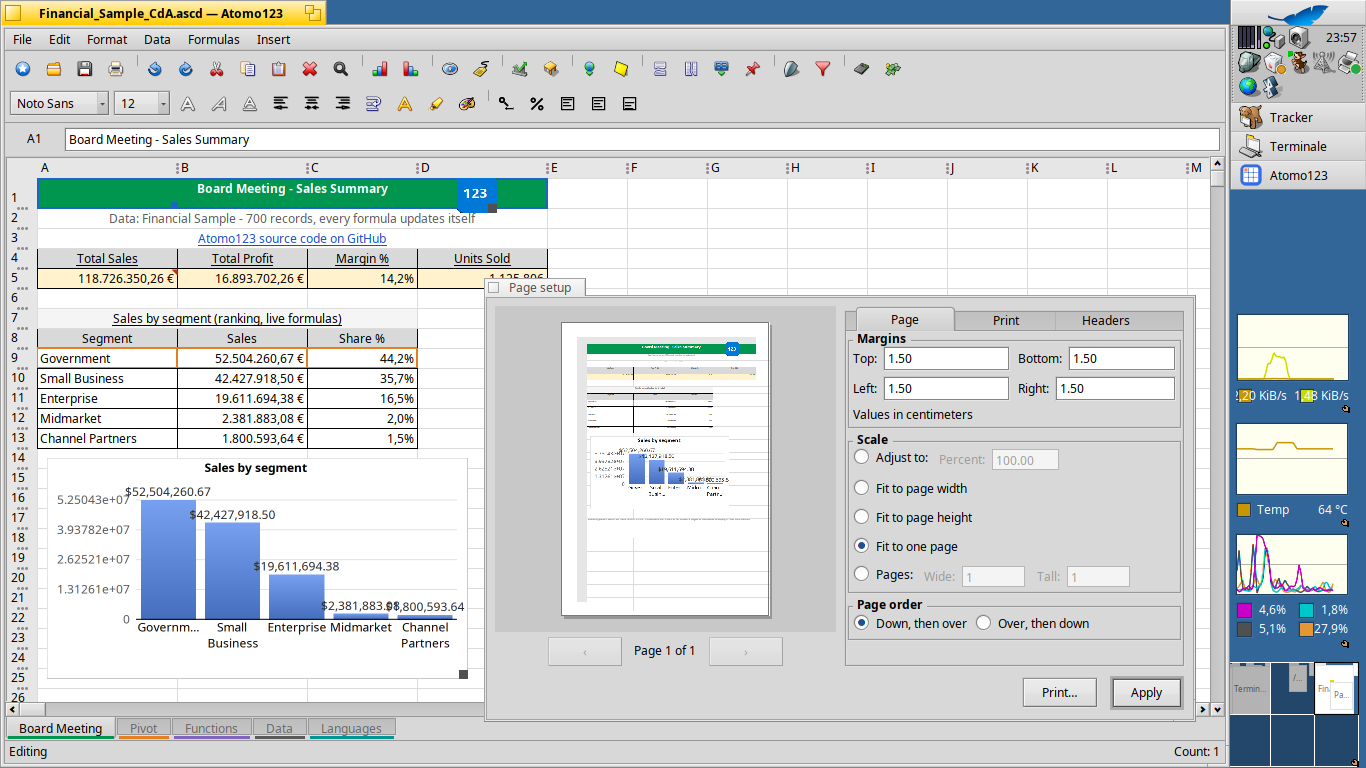
Along the way, I’d also like to share a program currently under development: AtomoZero, a very interesting Excel-compatible spreadsheet Atomo123 - Spritz Depot .

3 Likes

Here is the github repo for BeTunes, i’ve added the latest hpkg build to the releases:

2 Likes

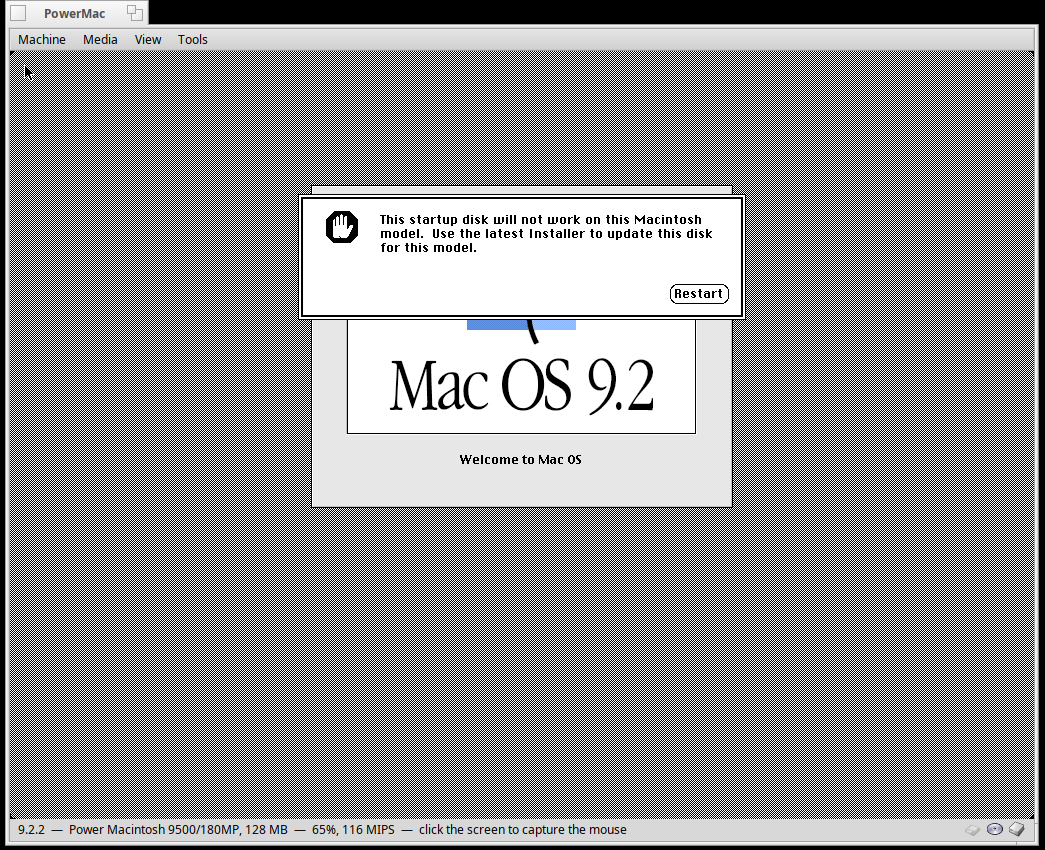
Amazing work. Can your emulator boot

Mac OS 9.2.2 ?

For booting MacOS and BeOS/PPC (the Mac version, different kernel and boot loader to the BeBox version), you can just use DingusPPC rather than reinventing the wheel.

Dingus boots MacOS 7-9 and X. Not sure if there’s a Haiku build of it but it shouldn’t be complicated to port.

1 Like

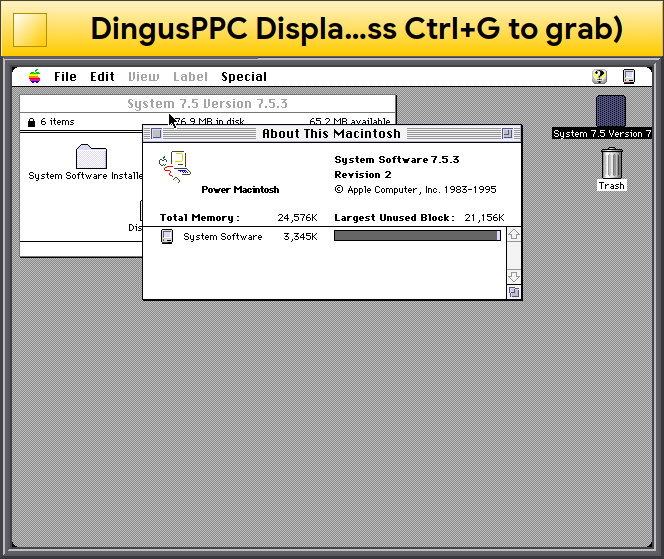
I’ve ported DingusPPC to Haiku pretty easy recently, only needs minor changes. I’m thinking of submitting a PR to HaikuPorts soon. Here is a screenshot of it running System 7.5.3 on an emulated PowerMac 6100 from a few weeks ago:

3 Likes

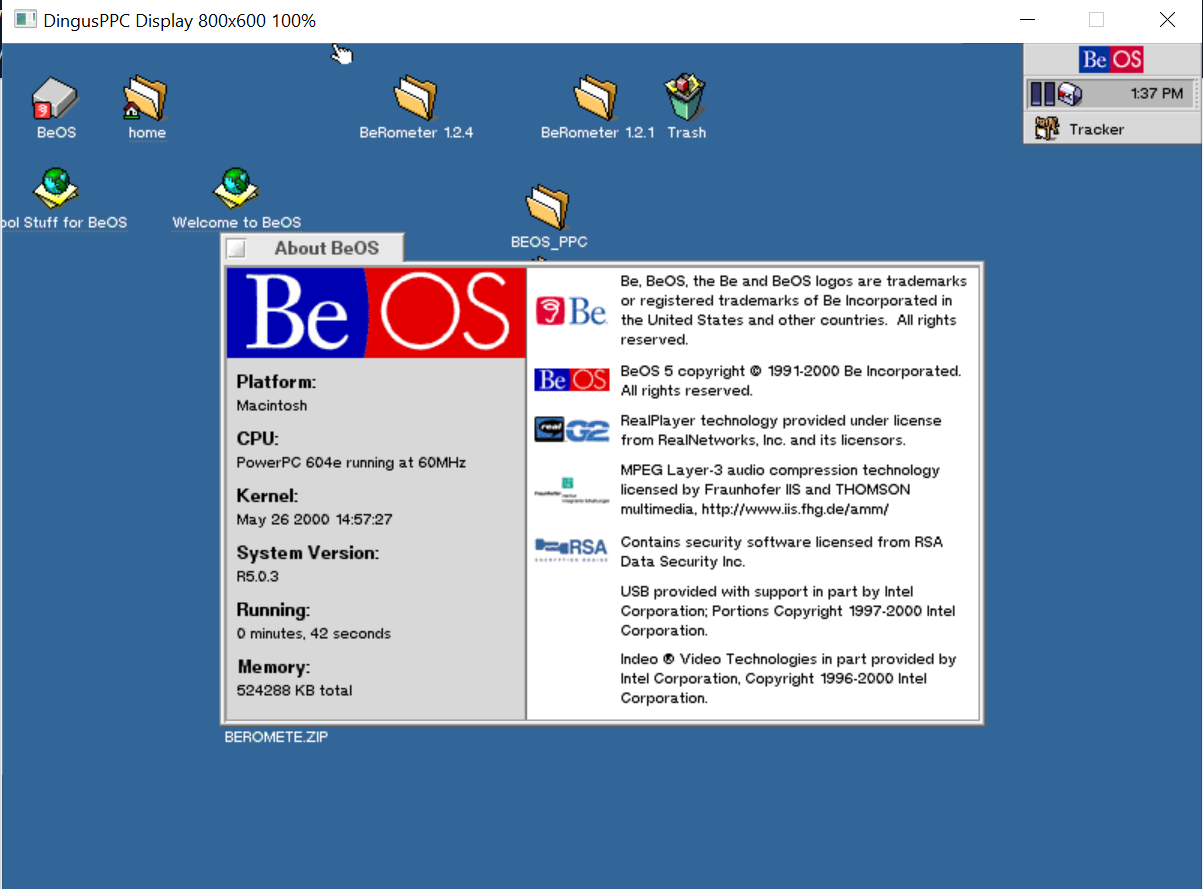
Not on Haiku, but this is what DingusPPC is capable of

Virtual 8600 with 512MB RAM, booting a stub MacOS 8.5 and then R5.0.3

3 Likes

Right now the PowerMac emulator only targets the PowerMac 9500 Single and MP models so it only supports up to 9.1. My main reason for wanting it was to run BeOS not Mac OS, although I’m sure Claude could easily add other machine models. I’m aware of DingusPPC but I wanted a fully self contained MIT licensed app with the BeBox emulator and this is just a fork of that anyway.

Wow that is really cool! I don’t suppose you can get Claude to generate some isometric icons HVIF icons for you? The Quill app icon in particular could follow the same icon pattern as StyledEdit and Pe except instead of a pencil you have a quill. BeTunes icon could be an isometric disc with a note on top of it like BurnItNow or CD Player. Anyway I suppose that’s all a nitpick, and it’s pretty awesome that you can generate a Word 5.1 clone and iTunes clone and SMB server using Claude.

I tried generating some isometric vector images with AI but they never looked right. Might have to finally learn to use Icon-O-Matic :grin:

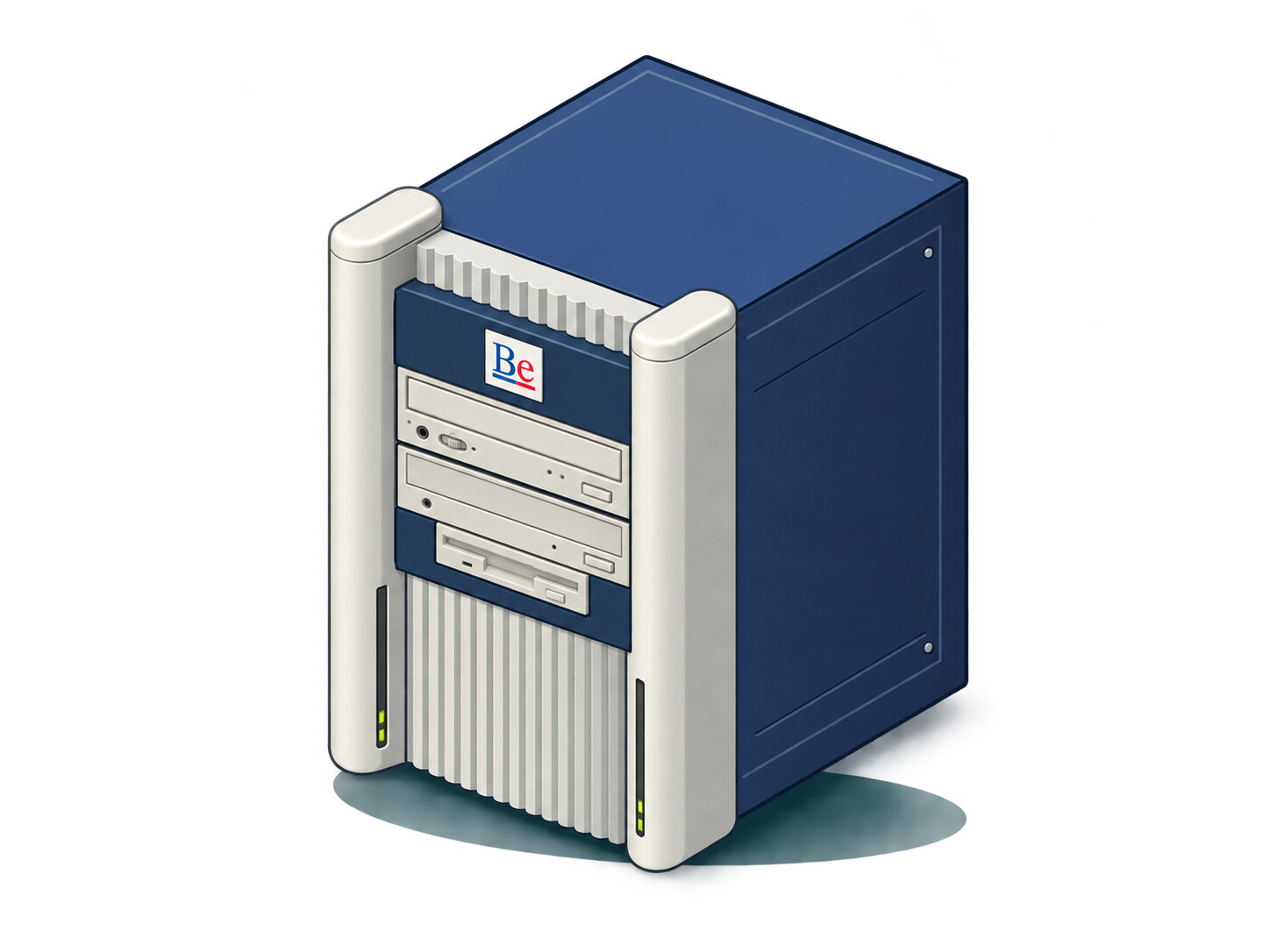
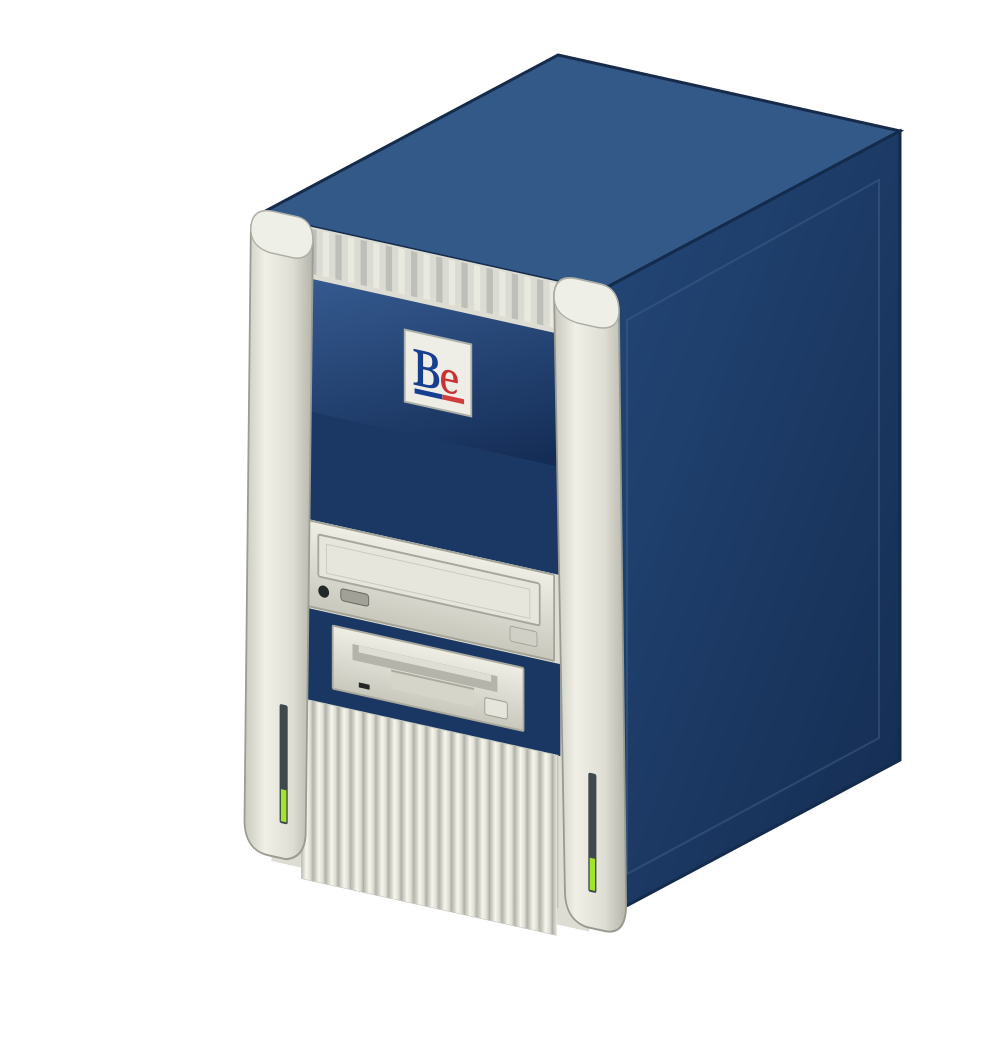
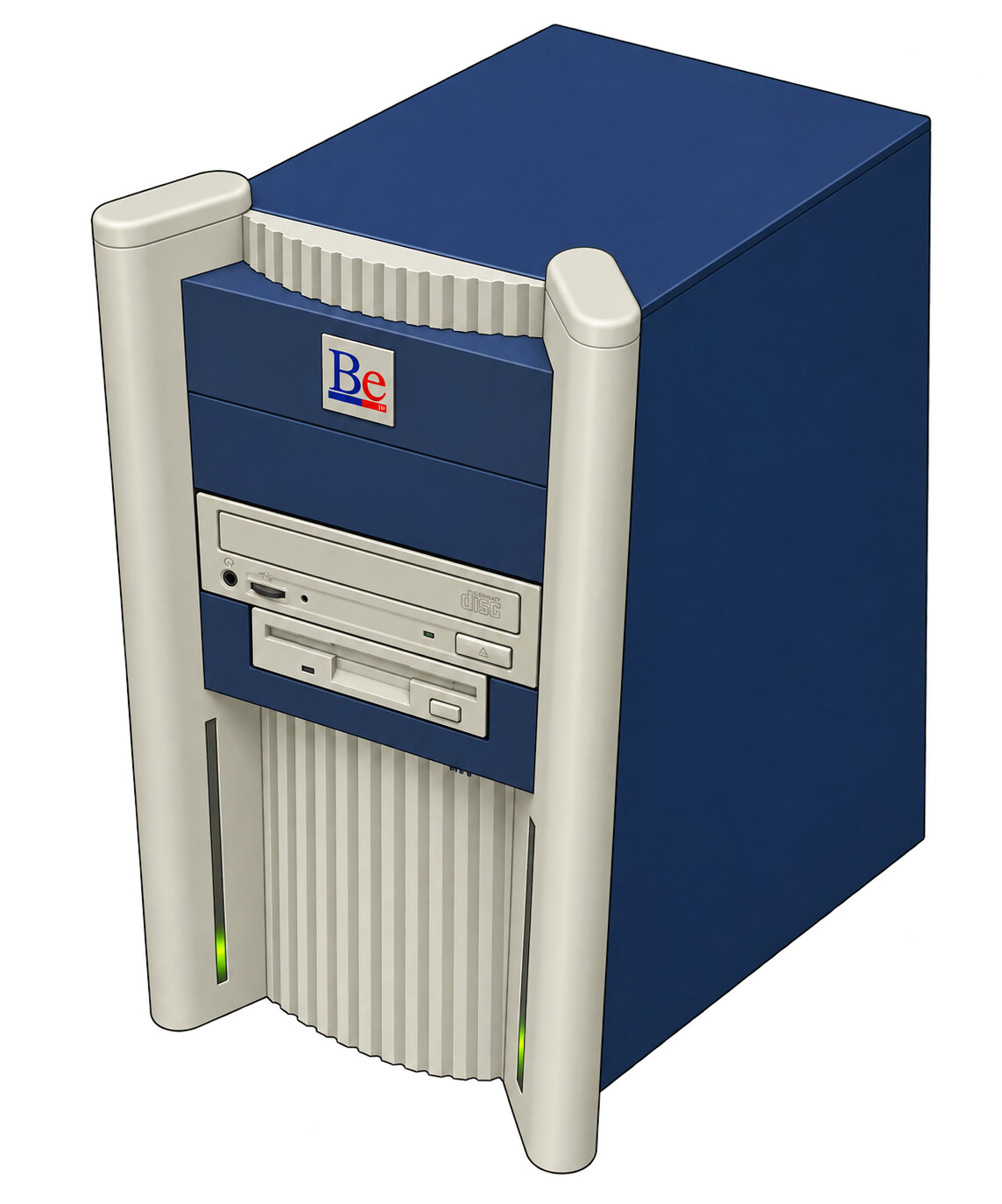
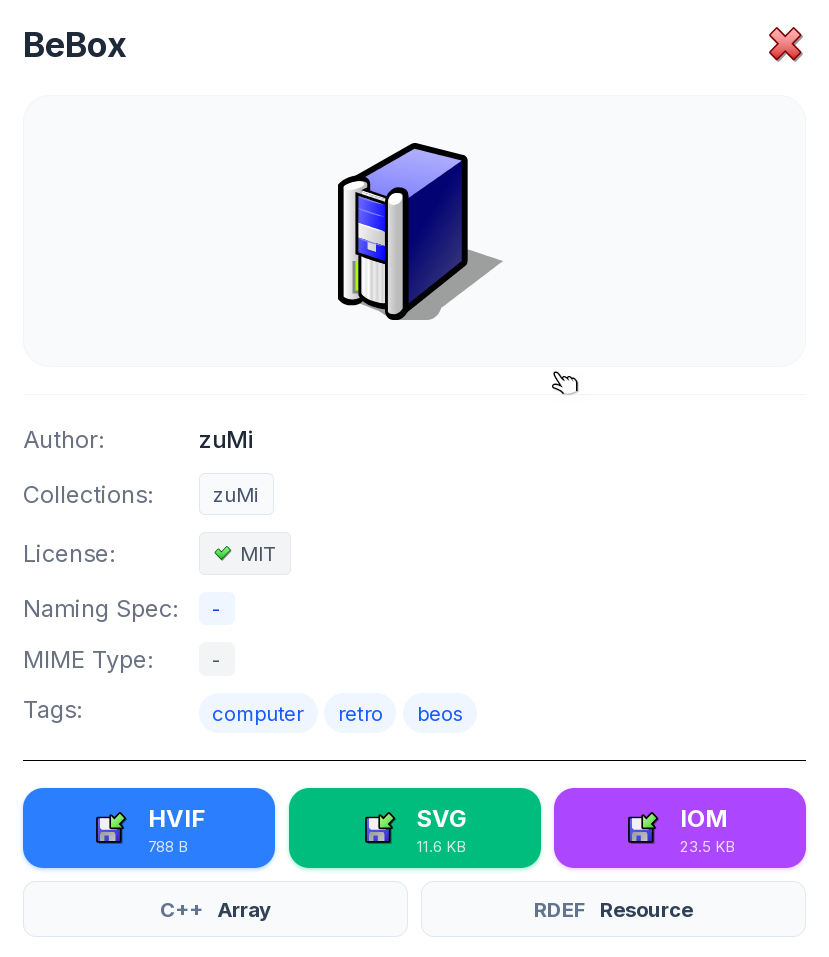
@zuMi made a great BeBox vector icon already:

It’s available on HVIF Store, search for “BeBox”

4 Likes

any reason for your titlebar text to be that big?

I guess it’s because:

  1. the screen resolution of emulated PowerMac 6100 is 640x480, so the window is actually not that big in today modern screen available surface context
  2. @colgima is probably running Haiku in HiDPI mode, i.e. using it with a high DPI monitor (4k or more), and selected a bigger default font size, including the default bold font size which is used by Haiku for windows tabs titles.
1 Like

As @phoudoin said, I use a HiDPI mode on a 4k monitor so the titlebar looks bigger than the actual resolution of the emulated system.

1 Like

Hey Thanks! I updated the BeBox emulator app and it looks great!