Slick looking machine! Glad to see you’ve got up and going on Haiku
Hey thanks for the tips! I’m well on the way to getting the file attributes populated on my imported music files, thanks to ArmyKnife! Turning a query into a playlist for MediaPlayer worked too, but like you said the BeTon’s interface is probably better suited for everyday use. I can imagine though that using a query would make it easy to get a playlist of songs ranked **** or above in the folk genre that is from the Sixties or something. Thanks again!
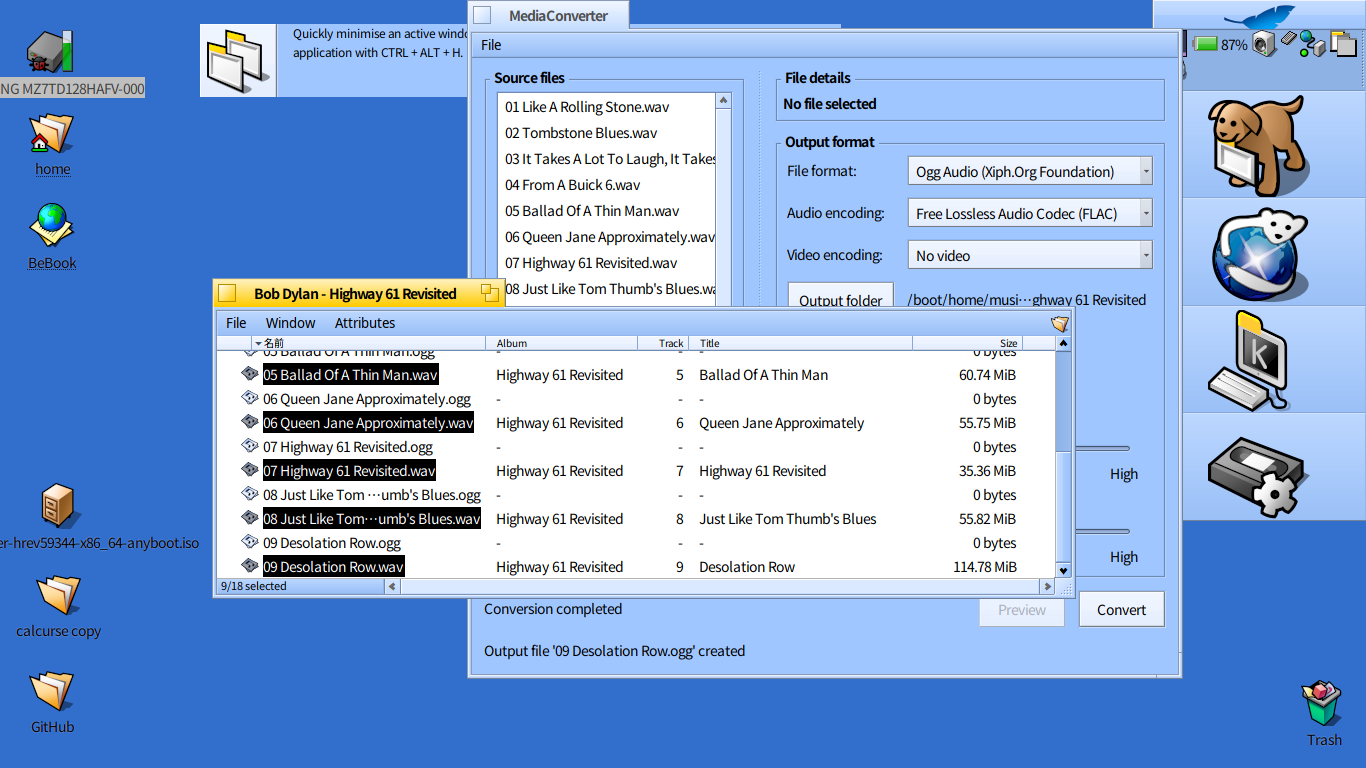
Is there a way to convert the WAV files to .ogg, or .mp3s? I tried using Media Converter to convert from WAV to .ogg but for some reason the .ogg files were all zero bytes in size…
1 Like
Oh, well… MediaConverter should have worked. Running it from the console I see it spits errors, depending on encoder: unsupported codec id, no extradata present… finishing with Error writing frames.
Until that is fixed, you may resort to the terminal and ffmpeg. This oneliner converts all the .wav files in the current directory to flac, copies their attributes (note: haiku attributes, it won’t set internal flac tags) and sets the file type:
for f in *.wav; do output="${f%.*}.flac"; ffmpeg -i "${f}" "${output}"; copyattr "${f}" "${output}"; mimeset -F "${output}"; done
You may want to add a check for existence of the output file, in case that’s a possibility and you don’t want to overwrite them.
MediaConverter is using the media kit. The media kit does not use ffmpeg correctly because it pretends that the container and the codec are two completely independant things. In theory that’s allright, you can put mpeg4 frames in an ogg container or vorbis audio in an AVI file if you want to.
But in practice, there is always some interaction between the two, and in ffmpeg, it’s really needed to have the two parts talk to each other, especially for encoding.
See Making sure you're not a bot! for details. Until that’s fixed, the Media Kit is mostly unusable for encoding. At some point I had a few combinations of containers and codecs working with our hacks, but it gets broken with new ffmpeg versions. So this should be properly fixed instead. We can probably make the Media Kit a lot simpler if we stop trying to support mix and matched containers and codecs, and enforce that the add-on handling the container also handles the codecs inside (I think that should be fine in 99% of cases at least).
2 Likes
There is also fre:ac in HaikuDepot if you prefer a tool with an UI
2 Likes
Thanks. I installed Fre:ac from HaikuDepot and it was able to make short work of converting the WAV audio files to .ogg format files.
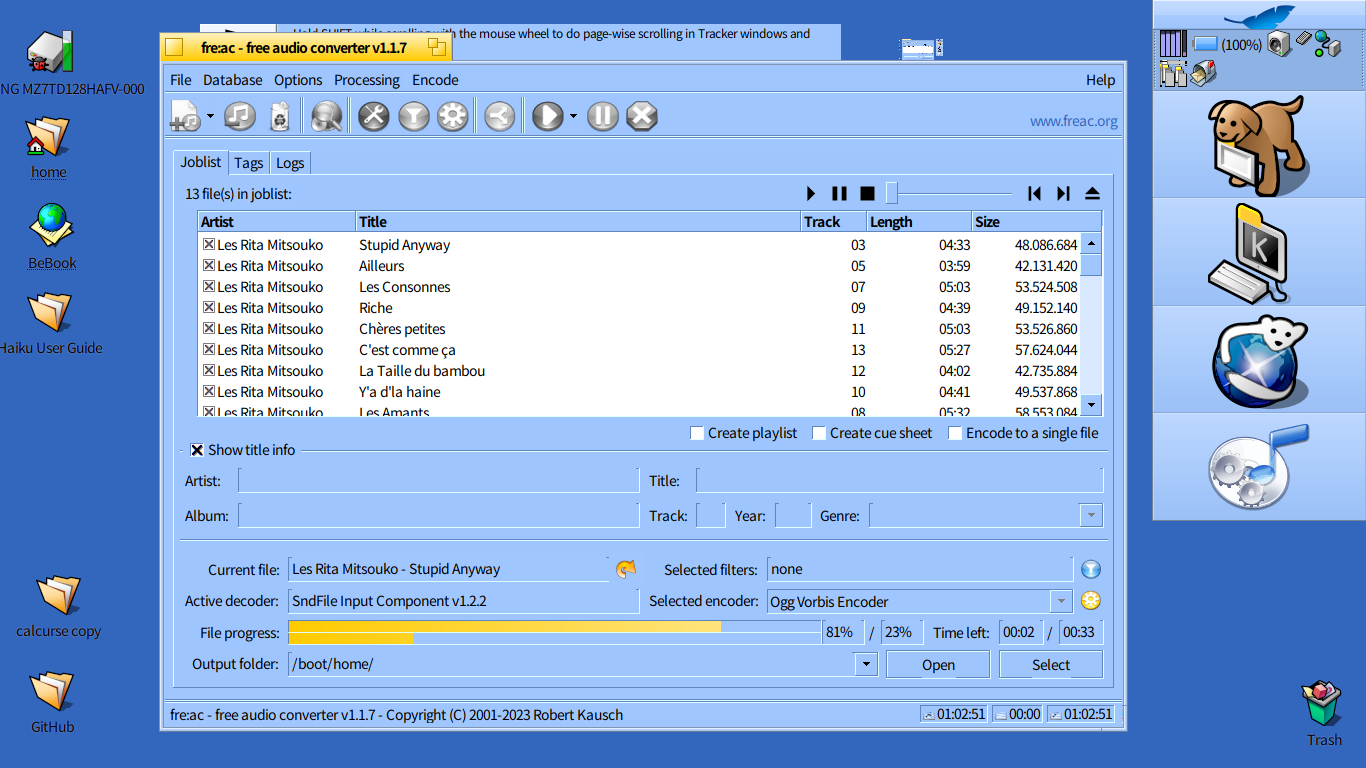
I also found a great piece of software on HaikuDepot called Picard which was able to use MusicBrainz to populate even those files without ID3 tags!
So together with Musikcube, I think that I have all I need to listen to music on Haiku conveniently! Thanks Haiku friends!
6 Likes