Have at least two copies of everything, on different hard disks (so that you don’t lose everything if the disk dies).
If it’s really important, also have off site backups (in case something really bad happens: your computers get stolen, there is a fire or a flood, …). You can use a cloud service for that.
If you do this carefully, then it doesn’t really matter if you use BFS or some other filesystem. If you have a data loss on one system, you can restore from another.
If you search for “3-2-1 backup” you find the explanation I posted. If you don’t know what to search, you don’t find it.
So, posting this:
Gives the information you need to find the corresponding rule. Why post it? Because it is a good rule and a good strategy. Would you prefer that people do not reply on the forum? Or that they copy paste the content of web pages explaining the rule? Or what do you expect?
Referring to the rule by name seems the most efficient way for everyone involved: no time wasted rewriting a thing that is already explained on a dozen websites, no time wasted reading the post for people who already know the rule, and the people who don’t know the rule can easily research it by name.
Isn’t that basically what you did? I asked volodroid to elaborate to see what the rule means (for them) and see why they consider it a good rule or not and fit for purpose, and how it applies here. I don’t expect the answer to be “I follow this rule religiously because it’s just the thing to do” which would be the only explanation I could get when the context is not explained.
I also don’t see why you are so annoyed at this, we recently had amended the rules to not post “easy to search for” things, so why then post it like that and tell me to use a search engine, especially •after• explaining it?
Because I try to keep discussions efficient and not have extra unneeded message that will waste everyone’s time.
I think your message:
Is not very helpful, because you could find the basic information about the “3 2 1 backup rule” easily by yourself.
If you have more specific questions, you can ask them, something like this:
It looks like this is what you meant to ask, but your initial question did not say it. So, maybe you can ask more precise questions next time and we will all be happier about it
So I can answer this now that there is a precise question.
The idea of the rule is to always have a safe copy of your data.
It says to have 3 copies of your data (the original and two backups). This is because the backup could go bad at the same time as the original, or during restoration. The two other rules are about how to make sure this doesn’t happen to your second backup.
The second rule is to keep your backups on two separate devices at least. If you put everything on the same hard disk, and that disk fails, then you lose all 2 or 3 copies at once. For example, have your main data in your laptop, and a backup on an external hard drive that can be unplugged from the laptop except when saving and restoring data.
Finally, the last rule is to keep one of the backups off site. This is in case you get in a flood, a fire, or someone steals all your stuff including the local backup disk. You can use a cloud provider for this, rent a server, just store a hard disk or USB thumbdrive at one of your friend’s home, …
Following these rules gives you a very good chance to recover your data in all situations: user error, hardware failure, and also larger scale events.
The rule is rather generic and can be adjusted to all situations. If your data is sourcecode that’s on Github, that’s already one offsite copy. You can have one working copy on your machine, and one extra copy somewhere else, in case you make a mistake and delete both the local git repo and the github one at the same time. If it’s important papers, keeping a paper copy also count as one extra copy. Keeping it offsite probably means in some secure encrypted storage, because you don’t want your backup to become a data leak? If it’s family pictures, the situation is yet again different. Same for your music collection (do you keep CDs and also a digital version on your MP3 player?). But you can still apply the same general “3 2 1” rule to check if your data is safe against most problems.
Why can’t we just let people talk?
I understand that we may frown upon a new post asking something easily websearched. But if in the course of a conversation something comes up, let people talk about it. If oneself isn’t interested in it, just move on to the next topic…
“What’s the 3-2-1 rule?” - “It’s a backup scheme, see (URL).” - “Aha. Thanks” … and on goes the original topic of the thread.
–> Use folders for the onetime shots to be well organized
–> Have dates in the folder names
–> Have location also in folder names or the name of the event that relates to the affected photos
–> if you use BFS attributes to store related data of the pictures or tags to find pictures by its content, then you may want to keep these attributes. No problem. Just zip the affected directories before copy them elsewhere.
Well BFS fully functional under Haiku - I mean you can read/write.
However in case accessing files of it on other OS sometimes not an option or read-only.
For Linux , possible, but depends on distribution.
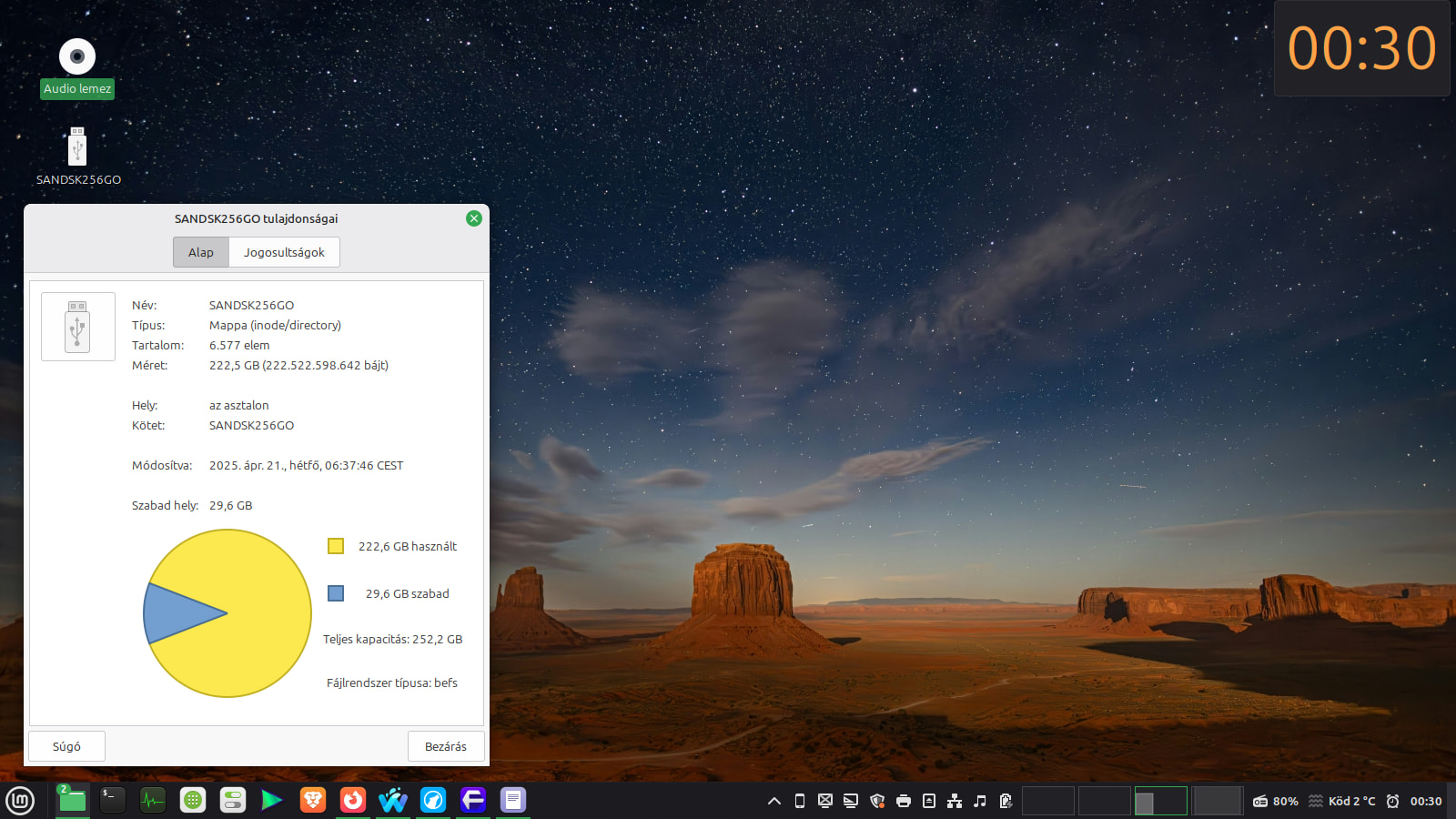
On Linux Mint it works for me : access my BFS thumbdrive read-only.
Meanwhile on Nobara I couldn’t use it, as that is a Fedora-based distribution, so as I found :
BFS not available for Fedora by default as this BFS Linux driver considered experimental, and such types of drivers are not delivered for Fedora by default.
For Windows , in 2023 Pulkomandy shared a software that he fixed, here in the forum
I do not know what about macOS or BSD UNIXes actually, I do not use or read about them until now.
Once I had a GhostBSD thumbdrive but that used UFS I assume, and hardly another FS for RW, but rather RO use - if I remember well.
So it depends on - from a perspective - how your IT necessities, habits are requiring anything else OS than Haiku ..
However, I don’t recommend mounting your system Haiku partition from Linux Mint. I did so and soon regretted it because Linux corrupted the package mount points (or whatever) and the system would never boot anymore. The PBR couldn’t find the kernel and presented me with a scary red-letter dump screen. Apparently the BFS driver (first red flag was Linux calling it BeFS) in Linux is some old code that only handles the original BFS disks from the BeOS era and is oblivious of all the later features.