The only resolution available is 2048 x 2048. This is an issue on both beta 5 and the latest nightly build. Haiku is running as a VM on QEMU via virt-manager installed from the Ubuntu 24.04 LTS repository. How do I enable 16:9 screen resolution?
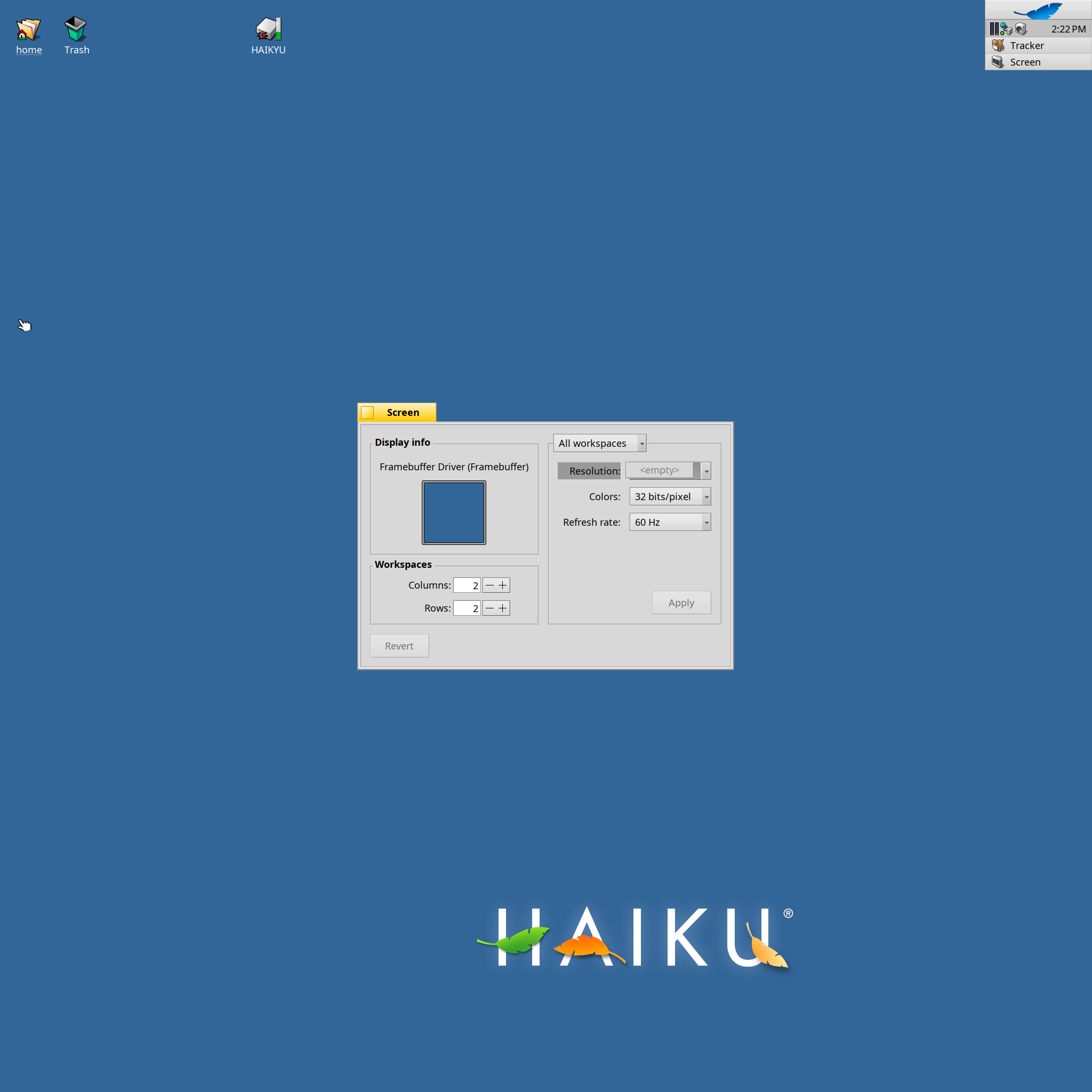
You are using the framebuffee driver, this is the EFI video driver. It is impossible to set the resolution after boot with it, you have to configure the correct resolution for qemu instead of setting it in the vm or use a different video driver
2 Likes
Thank you. Followed your advice to set the correct resolution for QEMU by adding the resolution line on the XML file of the VM:
<video>
  <model type="virtio" vram="16384" heads="1" primary="yes">
    <resolution x="1920" y="1080"/>
  </model>
  <alias name="video0"/>
  <address type="pci" domain="0x0000" bus="0x00" slot="0x02" function="0x0"/>
</video>
Reason for edits: Fixed code and link. Based on code from here. Also replaced “bochs” with “virtio”. Bochs does not support fixing the resolution.