I’ve got a puzzling situation.
I am trying out the beta of Dave Winer’s web app feedland.com to aggregate multiple rss feeds into one feed river.
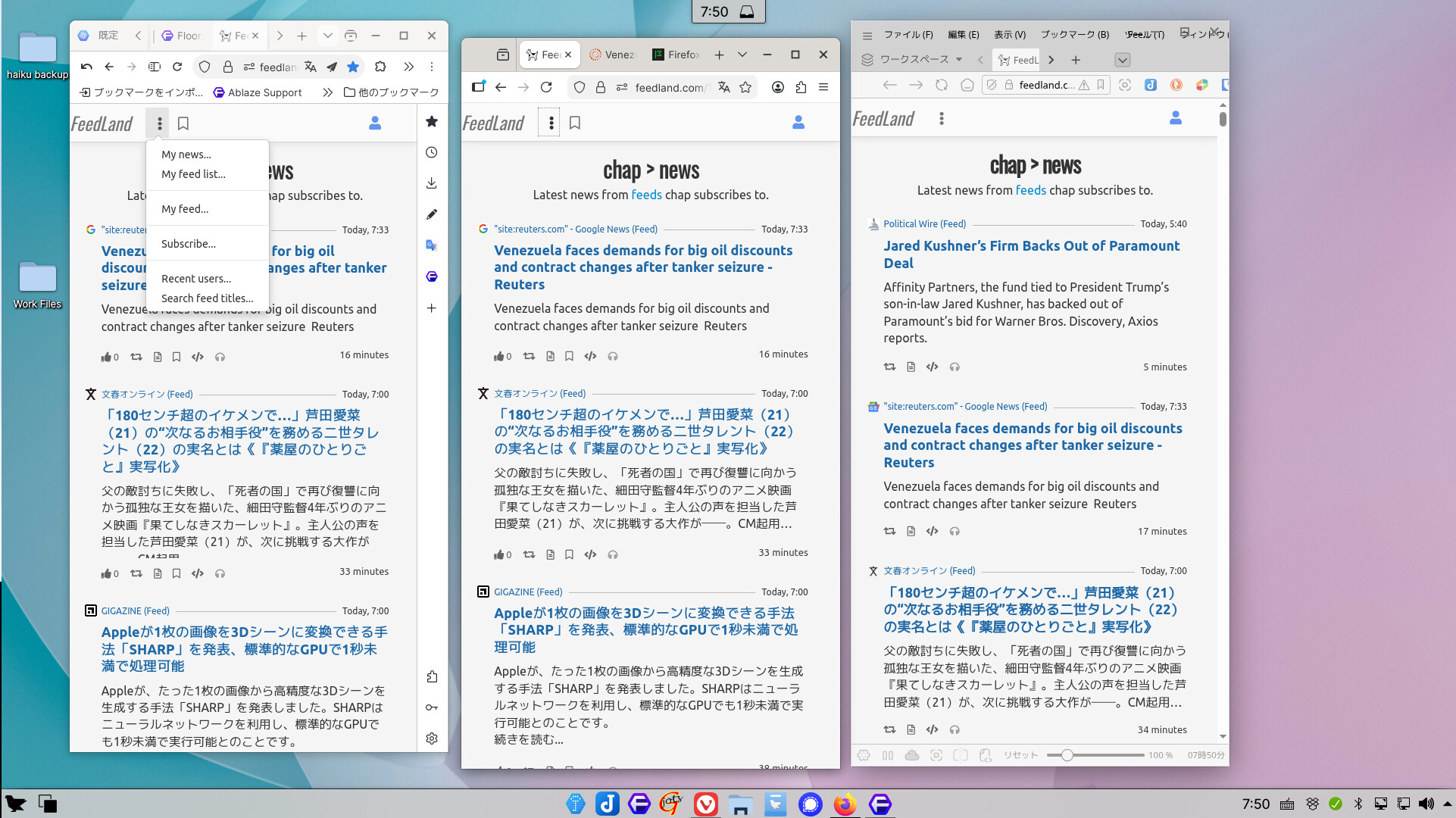
This works fine on FerenOS (an Ubuntu derived linux distribution), connecting from my home LAN, on Firefox, Floorp, and Vivaldi.
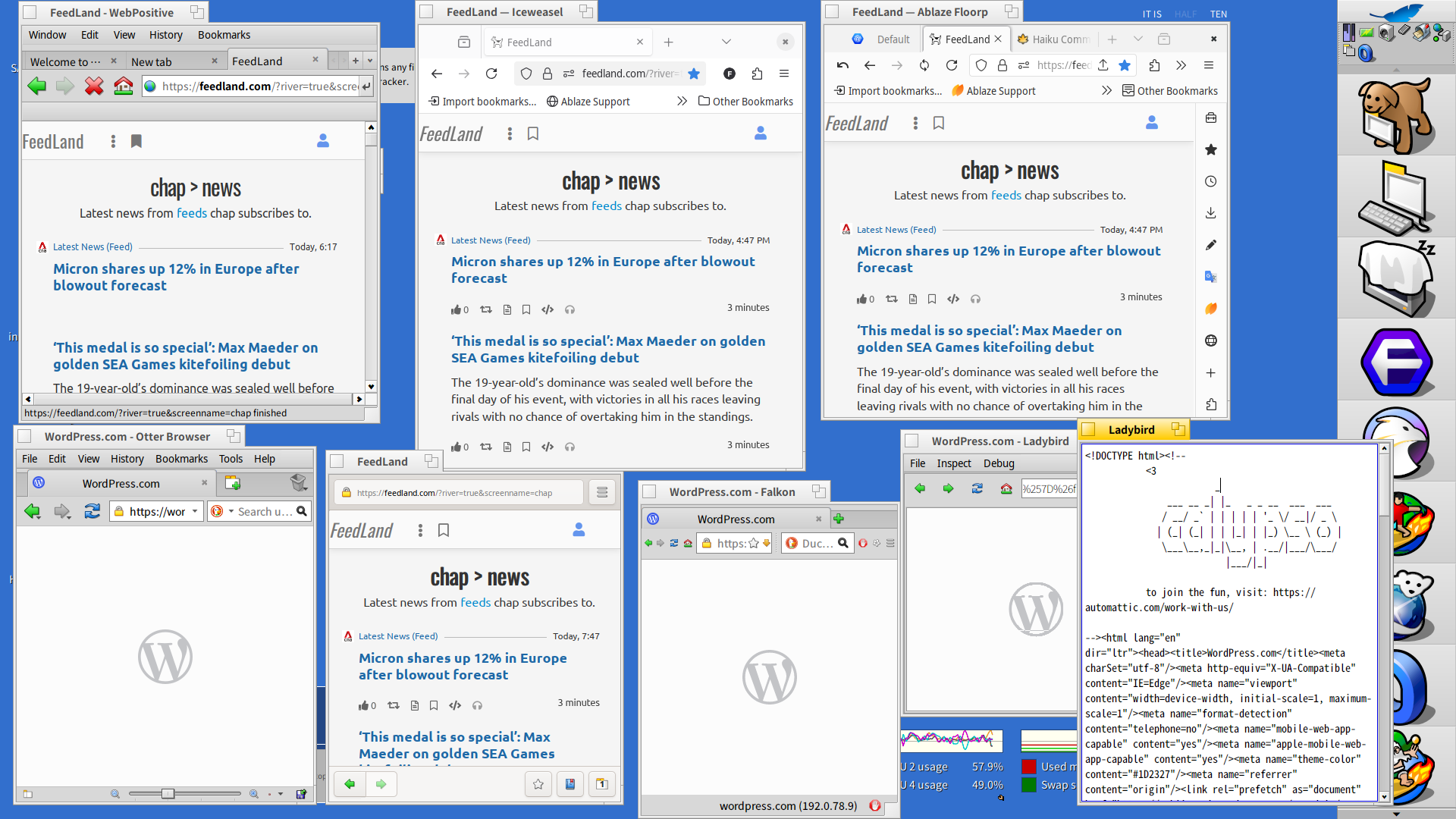
But when I try to connect to feedland.com from my Haiku (hrev57937+129), on my home LAN, I am not able to connect regardless of whether I am using WebPositive, Ice Weasle, Floorp, Otter, Web, Falkon, or Ladybird.
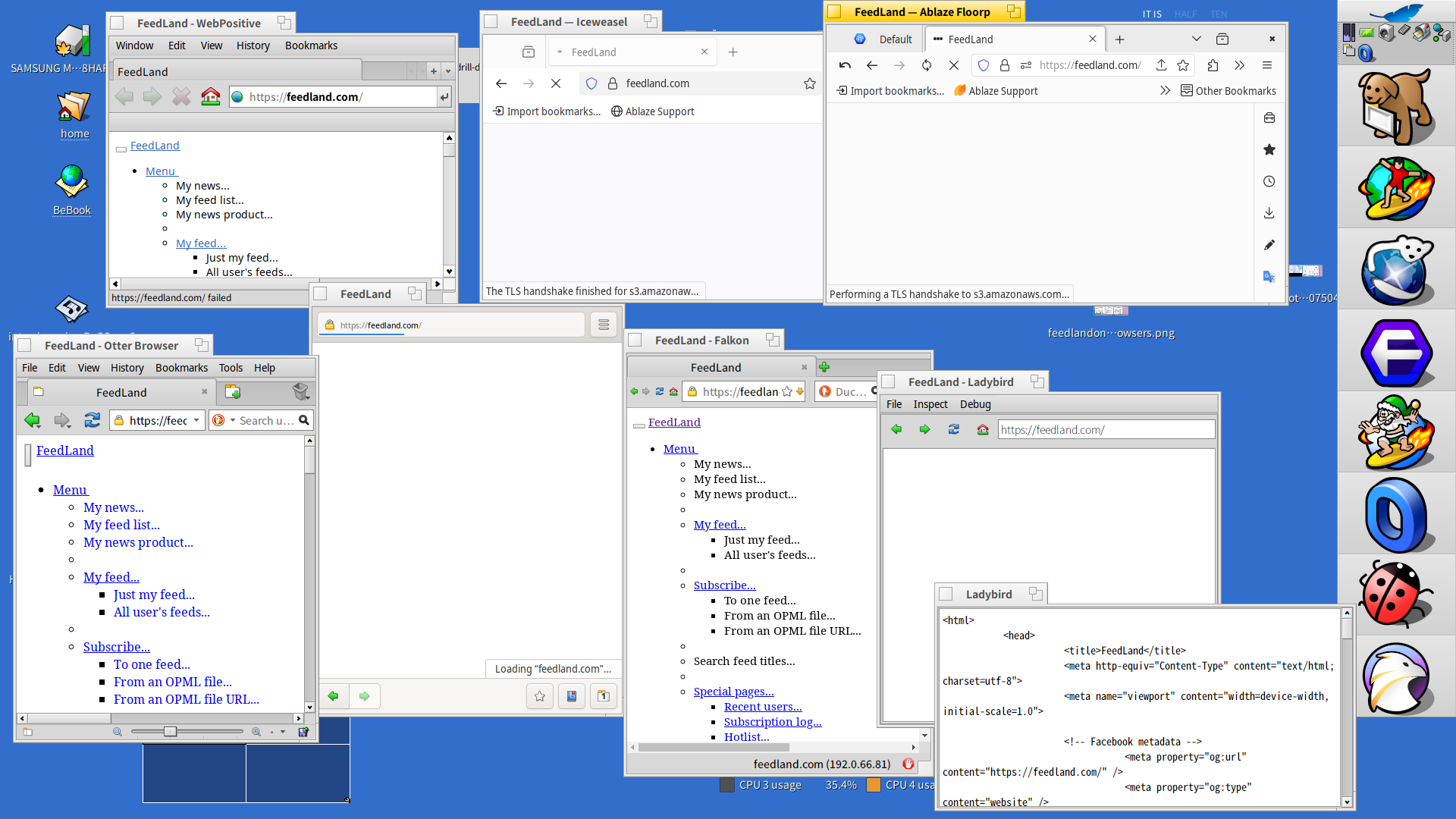
All the browsers on Haiku seem to get stuck while trying to establish a good connection with the feedland.com site. Web Positive, Web, and Falkon seem to display just the HTML part of the site, and while Ladybird does not display anything, “inspect source” window shows that the bare bones HTML of the site seems to have been received by the browser.
Incidentally, although I can only view this feedland.com site from my Linux browsers, from my home LAN, I am able to view the site from my Haiku browsers when I am connecting to the internet via a public wifi access point, such as at the public library.
I wonder whether anyone here on the board can give me advice on how I might be able to get this site to work on my Haiku browsers. I am guessing that perhaps the way I have my pfSense+ router set up at home is making it difficult for Haiku to access certain sites on the internet, but am not sure why the same browsers in Linux are able to get through. Any suggestions, hints, advice would be much appreciated!