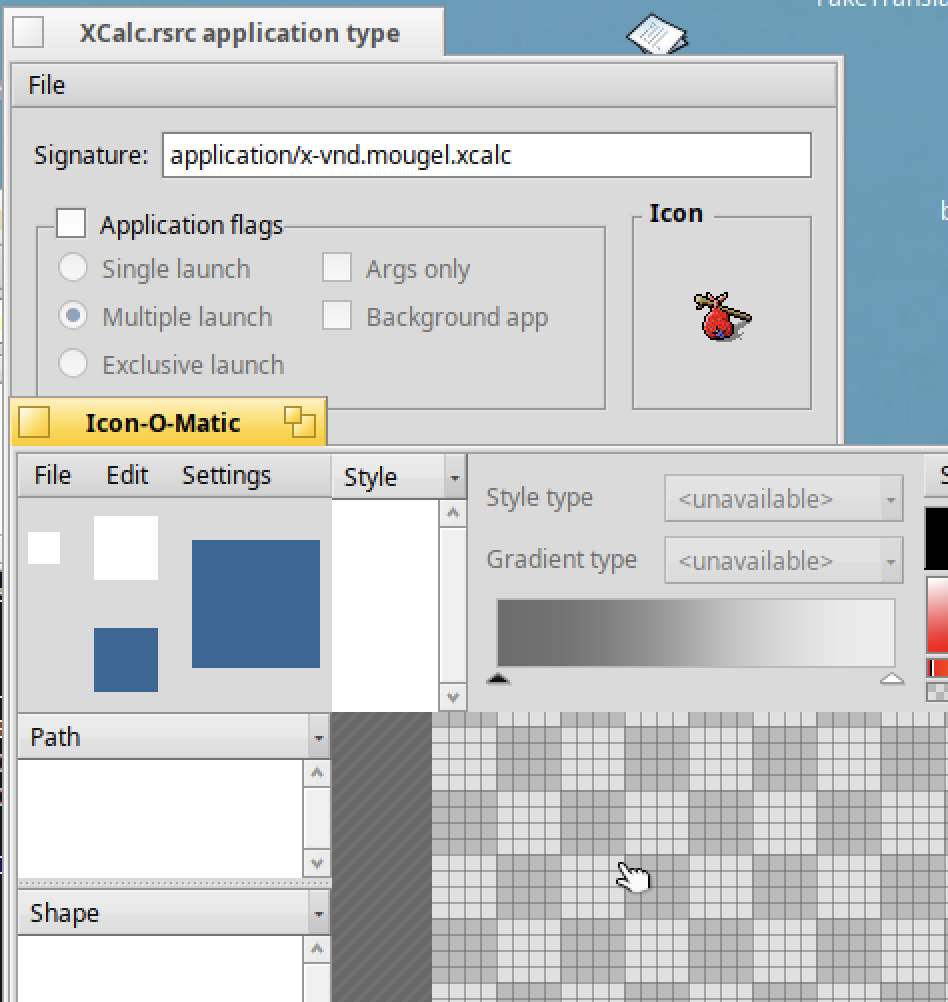
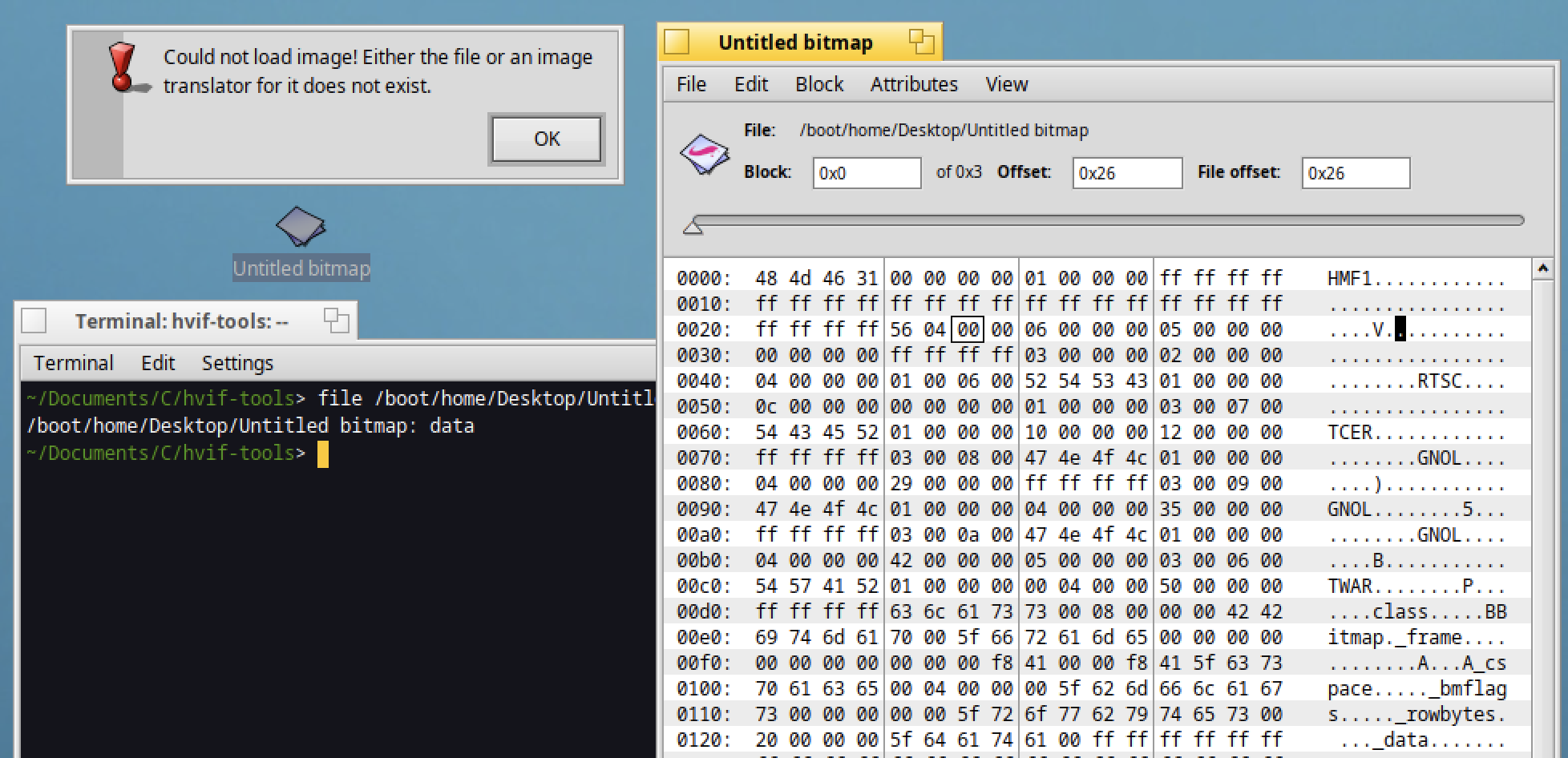
I’ve a ressource file from a BeOS application and I would like to extract the corresponding icon :
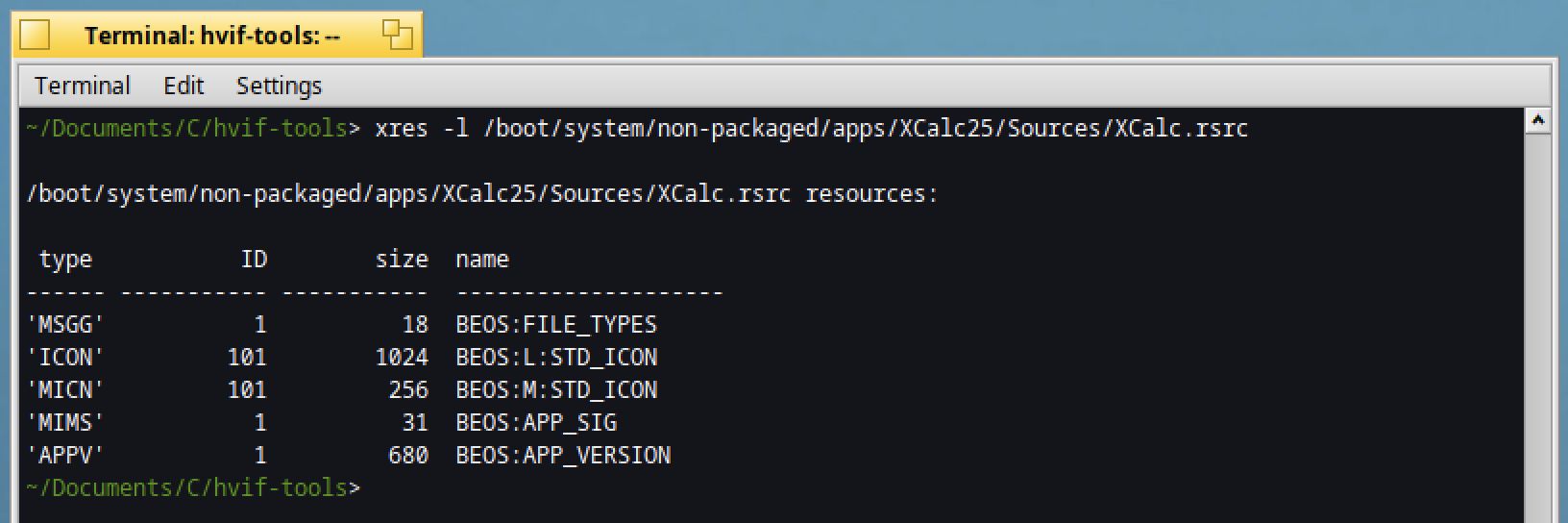
How to do so ?
When I’m opening the rsrc file, and double click on the icon, IOM is displaying an empty icon :
I’ve a ressource file from a BeOS application and I would like to extract the corresponding icon :
How to do so ?
When I’m opening the rsrc file, and double click on the icon, IOM is displaying an empty icon :
Tried dragging it to the Desktop?
Eeps  maybe dragging it into ShowImage could work? (just thinking allong, don’t have anything to check with).
EDIT: doesn’t work also (checked with BeTeX)
Isn’t that an old BeOS bitmap icon (pre-HVIF)? They did come in regular and mini sizes. and it was never a common format like PNG or GIF.
You’d need a BeOS installation and its version of IOM. At the time there were also conversion utilities.
Or just screenshot it and edit it from there.
It depends on what you want to do with the data.
You can open the file with a resource editor like Resourcer, or ResEdit if you’re on a 32 bit Haiku. Resourcer is a bit buggy though.
You can copy the resource manually by using resattr to move the data to attributes and then catattr to save it to a file.
You can use xres to copy just those two resources to another executable.
You can decompile the resource data to rdef with rc -d and then edit with a text editor.
I think the format is not compatible with Haiku, and as suggested by Michel I will need a BeOS installation to retrieve the icon :
Except if a utility exists to do the conversion ?
The icon data is going to be in a standard bitmap format. I’m sure Haiku can read it if you dump it to file as binary data.
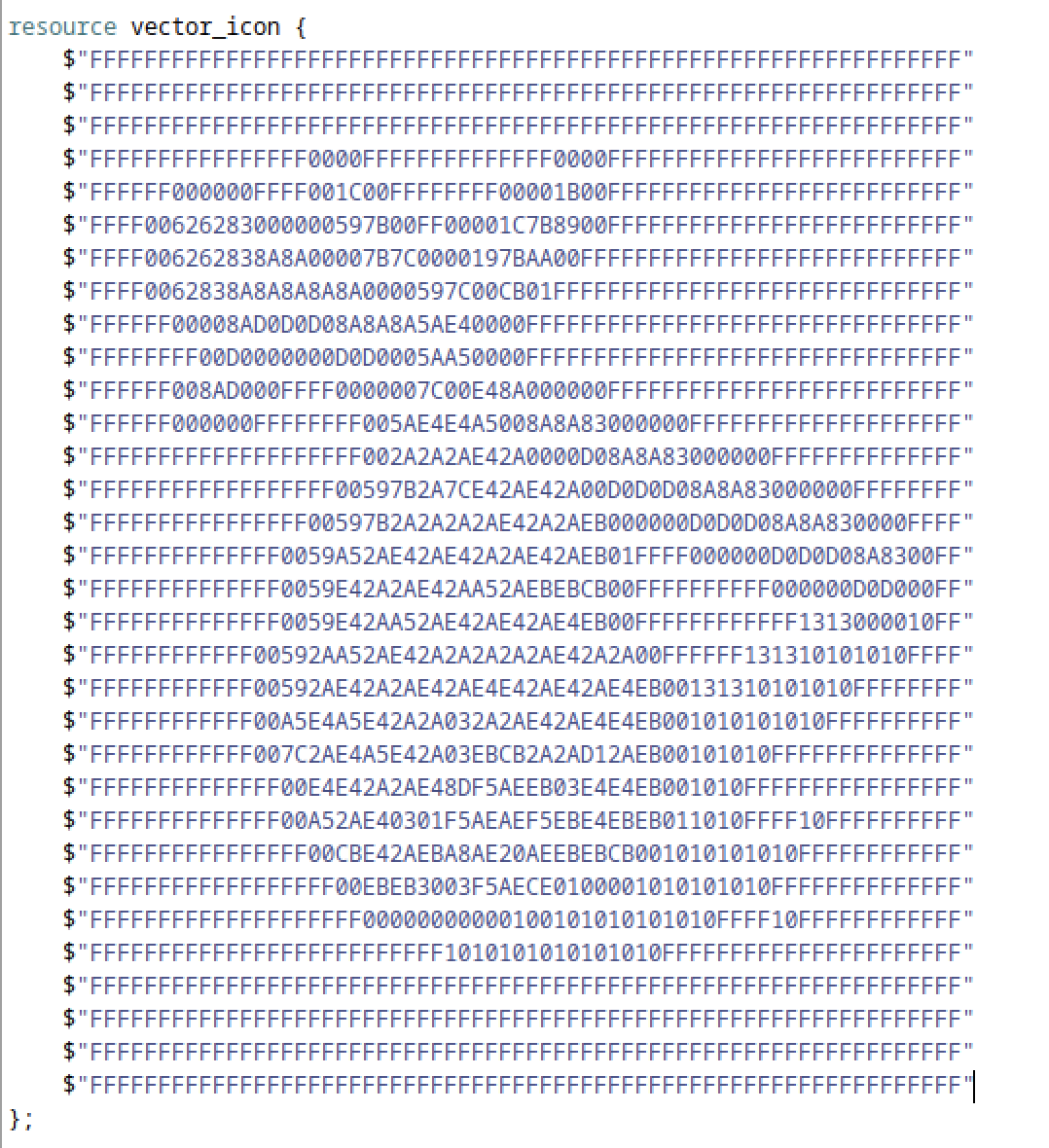
I don’t understand why rc -d created that as a vector_icon entry. Did you change the icon type to vector_icon? It should be a different type of resource entry.
I’m still not sure what you’re trying to do though. Do you need to be able to edit this icon? Are you just copying it as a file/folder icon?
Looks more like ascii art than vector icon to me. Not sure that you can make conversion that way.
Seems like a representation of the pixel colors with hex values. Possibly a little script with xxd could convert it, or a C program.
Looks like the “Poorman” web server icon….
Knew it had to be somewhere …
try to edit the resource type to rename “vector_icon” into “large_icon”, as it is clearly a non vectorial icon but a BeOS large icon B_CMAP8 32x32 pixels ressource.
It’s a 32x32 pixels B_CMAP8 bitmap, each pixel being one byte large with the index of the color to use from the system colormap, a 256 colormap defined at system level in BeOS.