Instead of creating a new topic for each single detail I need to ask I will use this thread for all of my small question. Now and the future ones.
-
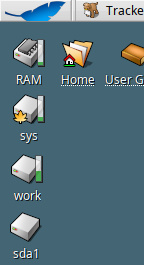
Sometimes my desktop icons (drives, volumes) got messed after restart. How work the internals of icons arrangement? I suppose there is kind of autosnapshot because some of them keep the place but, on the other hand, there are some magically moving elsewhere. I want them to be arranged in a column.
-
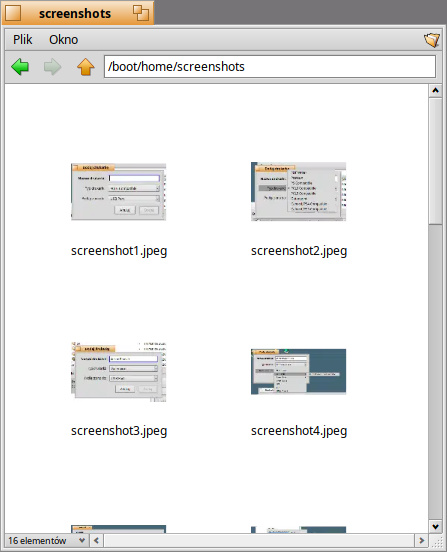
Icon view. Why so huge margins and gaps? Are there a prefs for this?
-
Is there a way to snapshot Tracker window settings (view, width of columns, columns arrangement) per location (path)?
-
Is there more modules (third party?) for Deskbar? I’d like to have a horizontal bar showing overall memory usage and full date (freely configurable) next to the clock. Below an example from MorphOS.

1 Like
For the last one, ProcessMonitor replicant show CPU core(s) activity as vertical bar(s) and next to it there is a memory usage single bar. But it’s small and without details indicator, indeed.
1 Like
I think the first one may be the same thing I was noticing, that some tracker/deskbar configs weren’t remembered between reboots. It got solved somehow when I updated to nightly.
2 Likes
Ahoy Artur @Ostrowski ,
You can fix this if you move from R1B6 to Nightly.
The stuff that saves the status of desktop items on their place is broken right now – not needed to do additional experience with shutdown and/or reboot – both related.
It won’t cause a headache on Nightly branch - I promise, so I say better … would rather confirm it.
2 Likes
If that were the only benefit of switching from the stable build to Nightly, I’d rather wait for Beta7