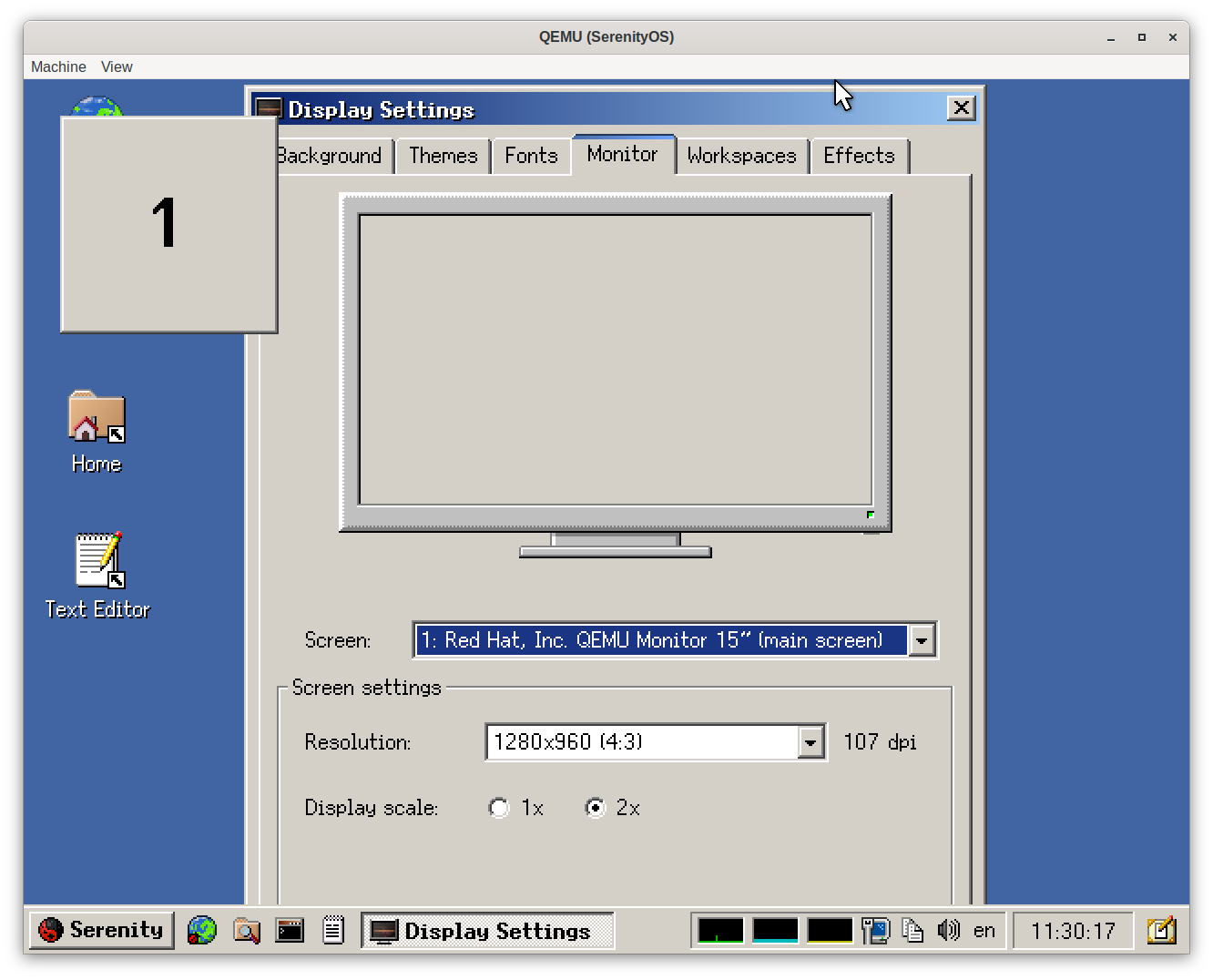
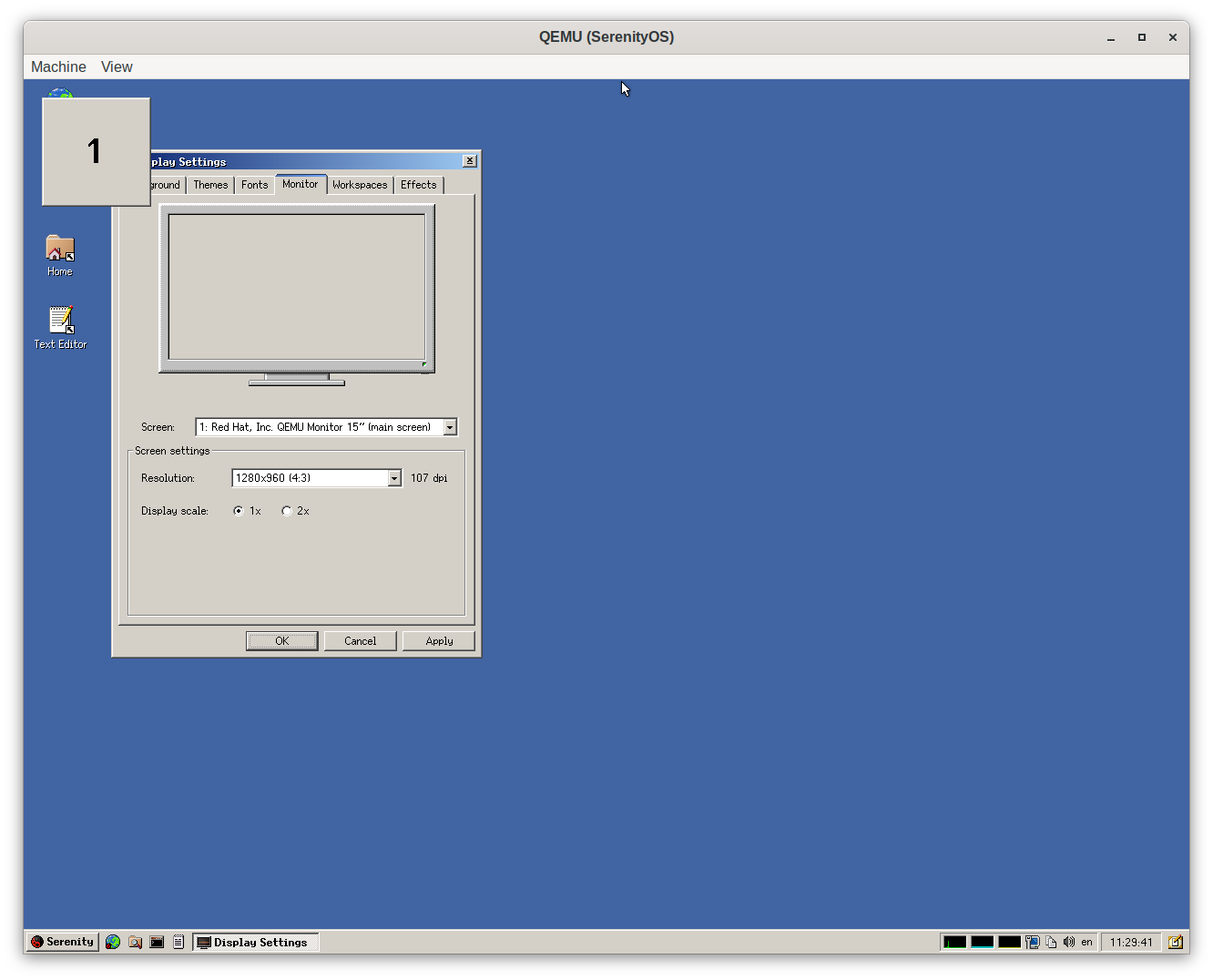
When testing SerenityOS the other day, I noticed something very interesting. Under Display Settings → Monitor, there is a 2x option. Basically, all it does is line-double the entire desktop. You will get a pixelated look, but it’s not unevenly stretched or anything, so it actually looks quite nice. There is no question of applications being DPI-aware, they just work. No theming adjustments are required, because again, everything is just line-doubled. It just solves, very elegantly, every problem that I have ever had with high-resolution monitors. I wish Haiku and every other OS had this option.
1 Like
Pixel-doubling or quadrupling is something I wish for as well. Especially when you’re working with precise graphics. One can have a two-monitor setup, where one is using pixel-quadrupling and the other is like normal. This could be very helpful.
1 Like
I might be wrong, but you should get more or less similar look in Haiku by doubling the font size. Actually, 4 font sizes, which is annoying. Hopefully it’s got simplified in the future to just one entry.
Aren’t the scaling sliders on desktop environments like Gnome and KDE not the same as this, or increasing the font size in Haiku? I use the scaling on both Gnome and KDE and the larger font size on Haiku as I have a 4k display and it seems to work for the most part, though some older apps don’t scale in areas like the toolbar on Pe, for example.
So you bought a super costly 4K monitor but you regret it and want to use only half the pixels?
Why not get a lower resolution monitor then?
2 Likes
No need for an expensive monitor. Laptops nowadays easily have 4k resolution. Uping the font size does work on Haiku but you have to manually adjust all font sizes in the settings dialog and not every application is properly affected by it. A global scale factor would simplify the matter.
1 Like
They are not the same. They make the font and window larger, but the window borders and everything else either stay the same, or they end up with a “smoother”, Adobe Flash-like look. What SerenityOS has done is pixel-perfect.
A monitor can have many different use-cases. One might prefer the overall look of a 1080p desktop (or below) but also enjoy 2160p gaming.
Yes, but the issue isn’t just that I want an approximate larger version of the window, I want it to look the same but larger. The other part, is that the line-doubling solution does not require applications to cooperate. They just work, as-is. Lots of lots of “fixing” applications that don’t display properly in high DPI, goes away.
Many Linux distros have scaling nowadays, it can help if eye sight isn’t quite up to scratch too…
Pixelated look and blurry elements is exactly what Haiku wants to avoid with the fontsize-based approach and I think it’s already working pretty good this way.
Yes,it is a bit more work for application developers,but there are helpful functions in the ControlLook API that make that really easy if you invest a little bit of time.
The Haiku project has historically chosen a different approach to things even if that’s uncommon or more work or takes longer if developers expected that the result will be better,and I think that’s also the case here.
If you want things to look like normal scaling but blurry,you can simply set the screen resolution to half the resolution it actually has.
1 Like
Except this strategy completely falls apart if you want a non-integer scale. Which I do: on my 4K HiDPI monitor, I run at 1.5x on both Windows and Haiku.
Does it? If you use the layout kit, things should be working fine without really much specific care. Just a bit of testing with different font sizes, which is a good idea anyways since people may use different font size and metrics for other reasons (maybe they just like a different font, in my case I use B612 on my Haiku system for better legibility).
You will have to make your software work with random font sizes and random string sizes anyway. Otherwise, you may encounter problems when you will want to localise it. IMHO, a kind of zoom can be convenient but, it is a bit like hiding dust under the carpet therefore it can’t be a long term solution.
These are ment primarily for our interface kit and controllook developers, you should avoid using these in your application
I’m not in the business of localizing random applications. A lot of applications that I use aren’t even open-source and some of them haven’t been updated for two decades. They are set in stone, but they can still look good with my solution. DPI-awareness requires every application to cooperate, and that is a problem for anyone who just wants to sit down and use his computer.
The business case is already solved. If your water treatment plant has a hardcoded gui running on a 4:3 monitor, well, then you can sell that warter treatment plan a 4:3 monitor! Great!
Haiku Will not run in this water treatment plant. Linux might have a business case, but Haiku? An open source unfisinihed OS without any commericlal backing? That won’t replace the computer in a water treatment plant anytime soon.