I don’t know if it was pointed out in the past but I recently noticed that ActivityMonitor, Pulse and ProcessController all share the same icon.
This is such a minor detail but it bothers me for some reason. Afaik there’s no other duplicate icons inside the standard apps.
Imo Pulse and ProcessController should have their own icon, as the current icon suits ActivityMonitor the best.
The icon used in Haiku appears to have been based on the original icon for the Pulse application in BeOS. I’ve attached a screenshot below of the BeOS icon. It seems specific icons for the other applications has been overlooked.
ActivityMonitor was not there for BeOS, while ProcessController was originally made for it by Georges-Edouard Berenger, cant remember its icon, maybe someone that is still running beos somewhere can help us
these three apps are used to be run as replicants, not with a normal window, so probably you are the only person who noticed this coincidence
I think it would be better to use brighter colors for the graphs or just change the design altogether, so they’re easier to tell apart at a glance; otherwise the mini icons would look almost identical, just like in your original screenshot
these are icons I made for fun, perhaps a gauge icon for activitymonitor (even is there are not any gauges in the UI?), a yellowshirt man (aka deck controller) for process controller, or an alternative scope icon?
Do you have any “tutorial” on how to properly use Icon-O-Matic? or any tips on how to make IOM’s workflow understandable?.
Asking because, every single time I try to do anything more than just remove some path/shapes in it… I end up wishing I had chosen a different hobby besides computing related stuff
For the record… I’m the least graphically inclined person I know, can’t draw a straight line with a ruler, or a circle with a compass… yet, I generally manage to create an move a round some circles/ellipsis around in other “vector programs”… In IOM, on the other hand… I’m totally clueless. I find it completely counterintuitive .
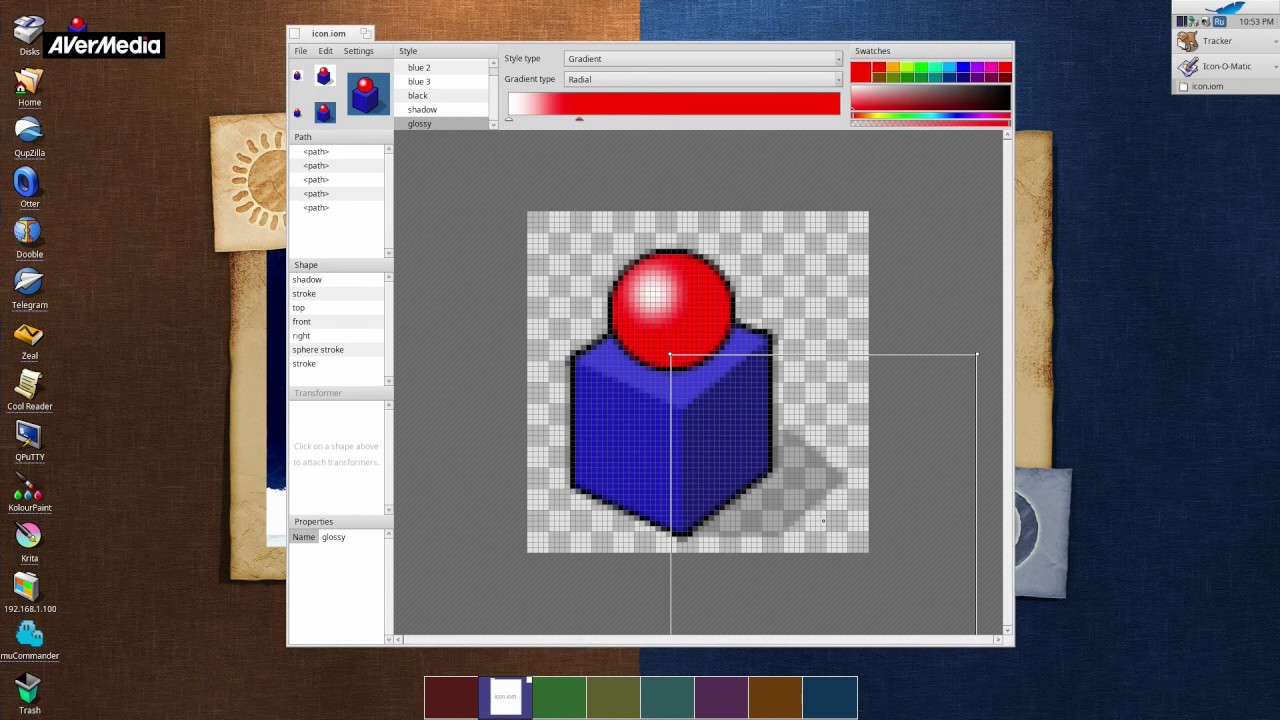
I just made this video tutorial using basic functions and a few tricks, but I’m not very good at this kind of thing. I hope a few on-screen captions here and there will be enough for you; the voiceover is a bit of a challenge (in this case, AI might actually come in handy).


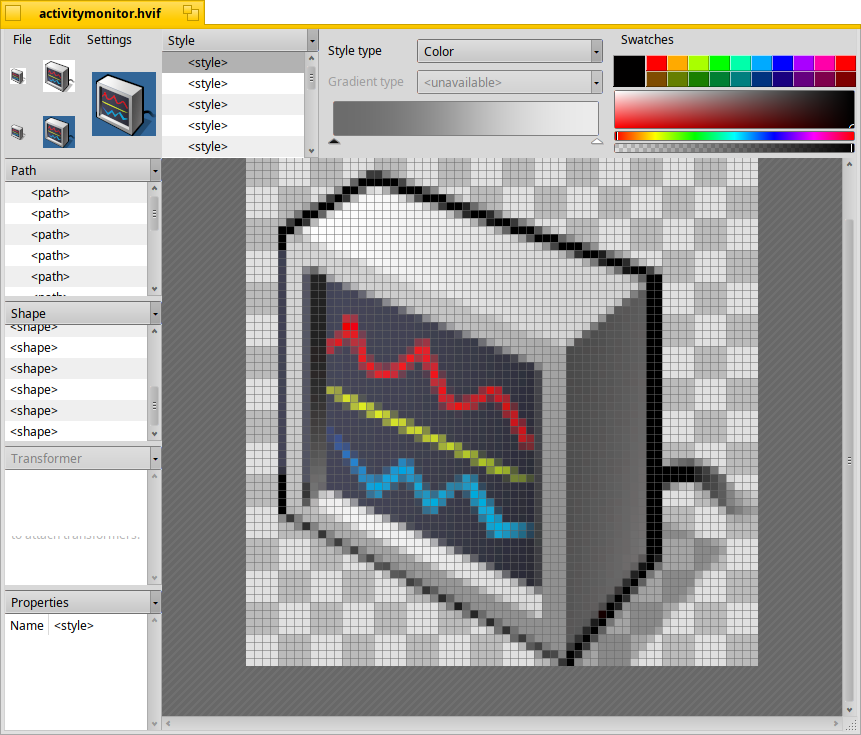

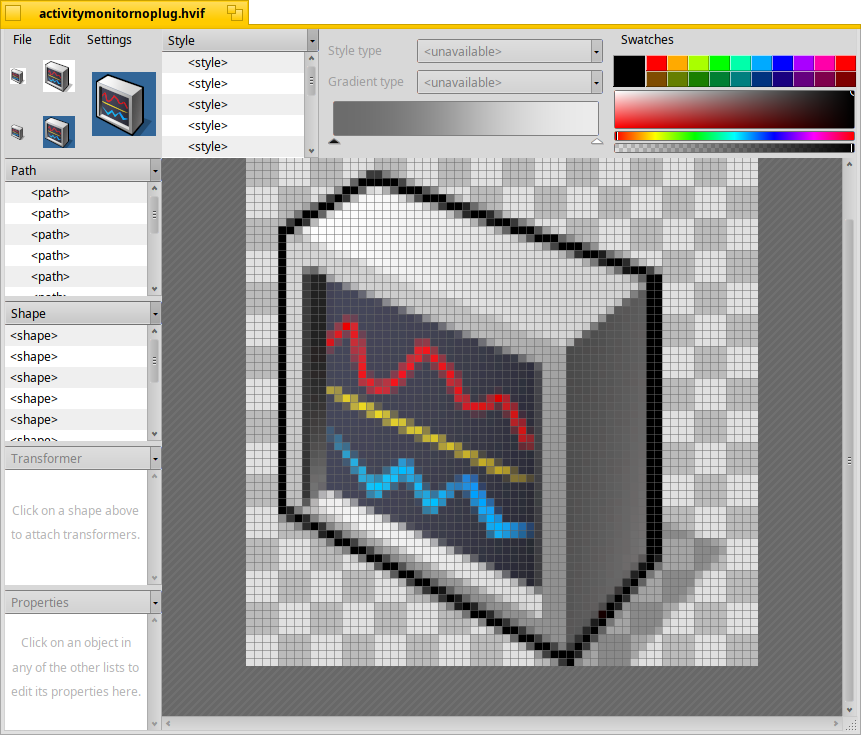





 .
.