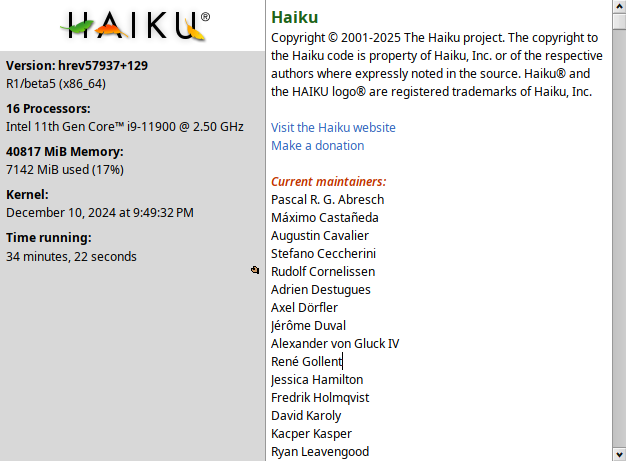
Just installed a Haiku on my main pc near windows. Its safe to say that i’ve struggled with an installation more than with solving all of the linux problems i ever solved. Been using it for a few days already and holy damn, I enjoy the experience!
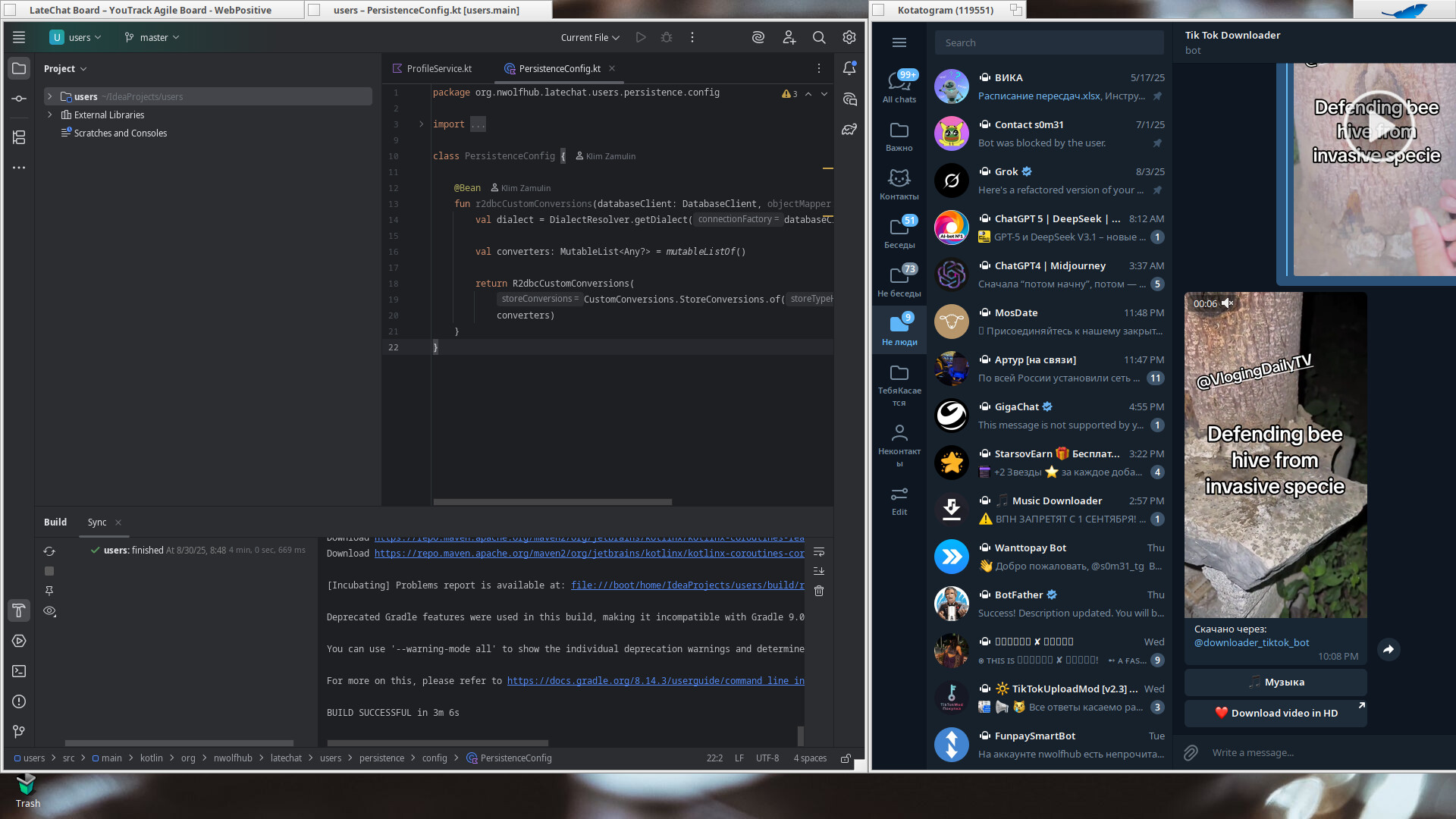
I was surprised that this thing can actually be used as an OS I work at (well, for hobby projects. My actual job prohibits usage of own PCs ): you had to see my face when gradle actually could fetch the project after a bit of tweaking.
Have the debugger open 24/7 just to run telegram lol. I also used to use cpp some time ago and the first thing ive did when studying this OS was to code a simple graphic app. Actually quite enjoyed the UI, so probably gonna code some funmade apps and hopefully even get into porting stuff.
Hi and welcome to Haiku, glad to see you liked your experience so far. We are always happy to see contributions in porting by our users, in case you need help in that area, there are plenty of people around that could lend a hand.
Welcome s0m31!
Glad you like Haiku so far. Any more details on what had you struggle with the installation part. Mind you, I probably won’t be able to shed much light as I’ve last went through a from-scratch-install over 11 years ago when I set up this notebook…
Literally everything, lmao. I’ve tried installing it on two laptops and one desktop PC. Both laptops are new Lenovo models (released within the last 1–3 years), but neither the keyboard nor the touchpad worked. I could work around the keyboard by using an external one, but the network card was also unsupported, which made things even worse. After spending a lot of time tweaking GRUB (which wasn’t detecting the drive for quite a while), I eventually gave up on that setup.
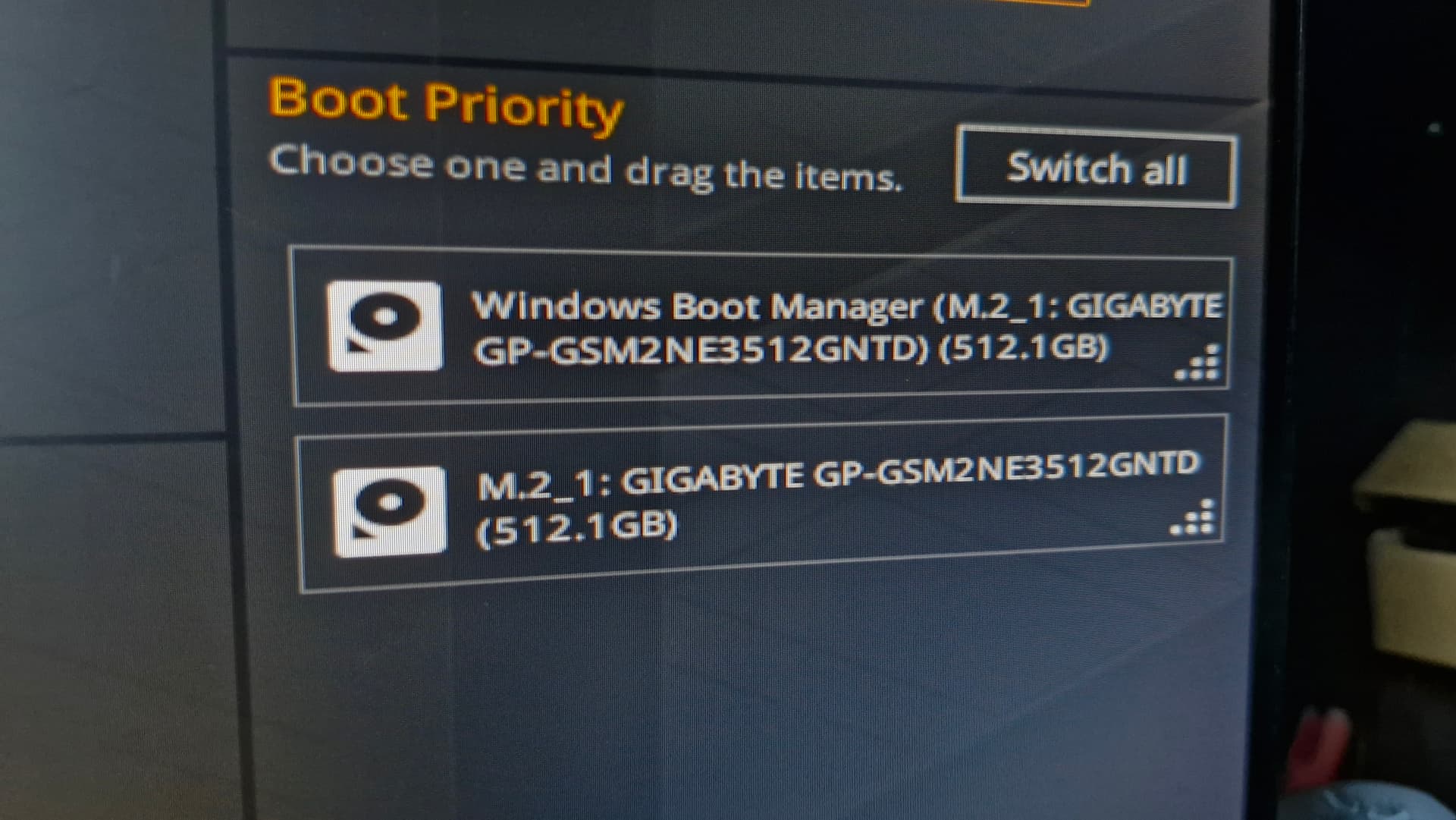
On my main PC, I couldn’t keep Linux for technical reasons, so I attempted to switch using UEFI directly. The UEFI installation got stuck at 0% on the loading screen—though I could boot from the USB just fine. None of the debug options helped. In the end, I had to wipe the entire drive and repartition it from scratch. Strangely enough, even without a dedicated boot partition, I was finally able to get Haiku running after a ton of UEFI tweaking.
Some of the causes of getting stuck with no icons lit on the loading screen have been fixed since beta5 on the nightly builds. For keyboard and touchpad, check the syslog; some touchpads are I2C now which we still don’t fully support, but keyboards are mostly still PS/2.
I recently came across a BIOS that allowed you switch between I2C and PS/2 mode for the touchpad. I think you had to press ctrl-s in the Main tab for that option to appear.
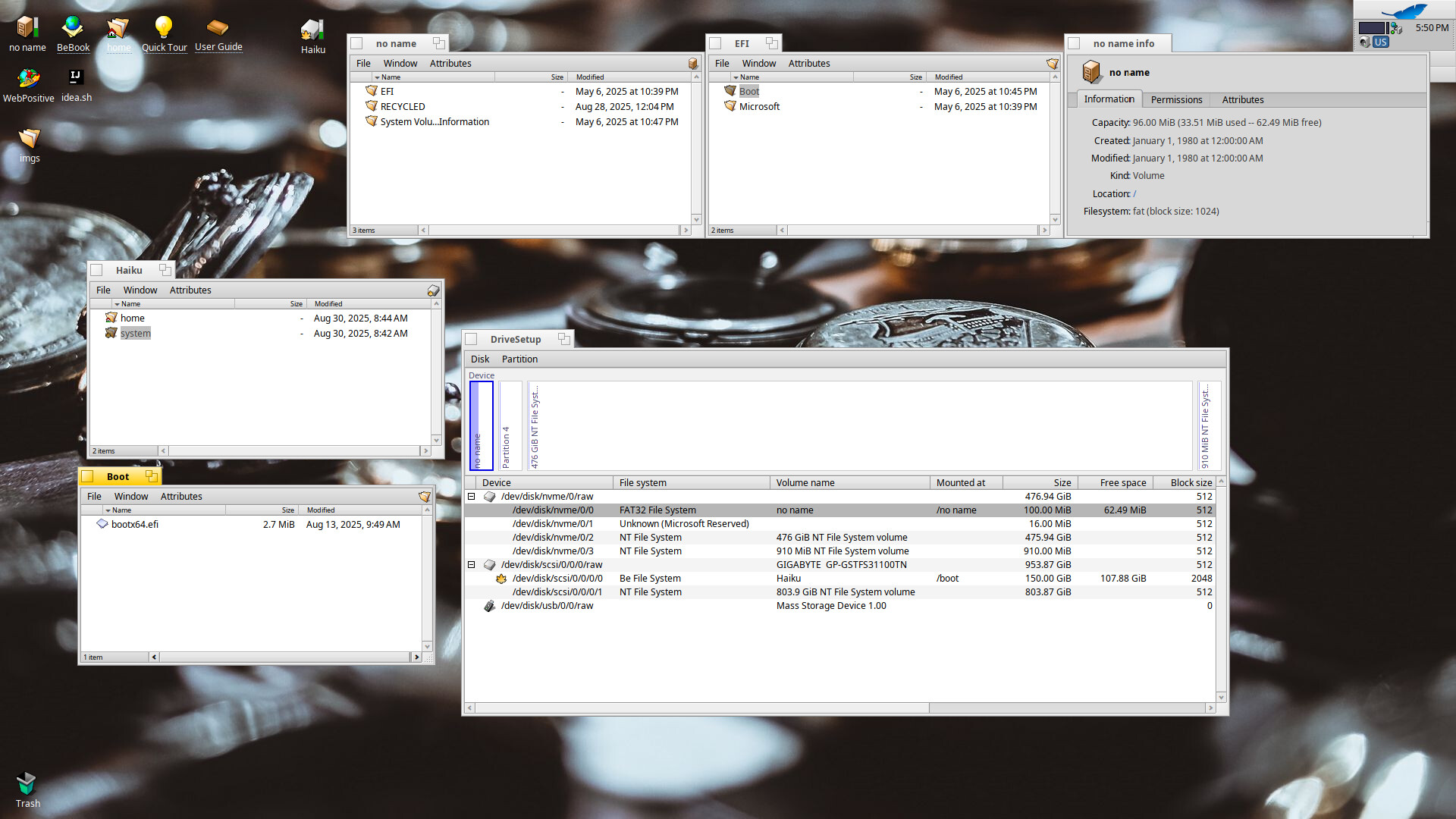
Did some digging. It looks like it copied itself into my main windows drive? The hell? I am 95% sure I didn’t do it myself as I’ve only edited my second drive while working with haiku. And yeah, it boots via EFI
The path you are looking at is the fallback location, it makes sense that windows has it’s bootloader there as a backup. As for copying it there, the haiku installer does not copy the efi loader, we did not add support for that yet… hence it wasn’t done by the haiku installer
Welp even more mysteries to solve then as they are definitely installed on the same drive. I guess il continue looking towards it once il get some free time
 ): you had to see my face when gradle actually could fetch the project after a bit of tweaking.