This is just a teaser… and I haven’t done much testing yet to see what works and what doesn’t, but with the help of Claude, I’ve built wine to handle 32bit calls on a 64bit Haiku… without patching the kernel. Instead, made a custom kernel add-on.
Nice! That’s what I’d love to see, hopefully one day I can play WoW on Haiku. I’ve played on a lot of private servers that only have a 32-bit client, so this is big for me.
Can you send me a link to Wow so I can test it? So far UnrealTournment Windows 32bit works great with nebula, but mouse input is not working 100%. Thanks
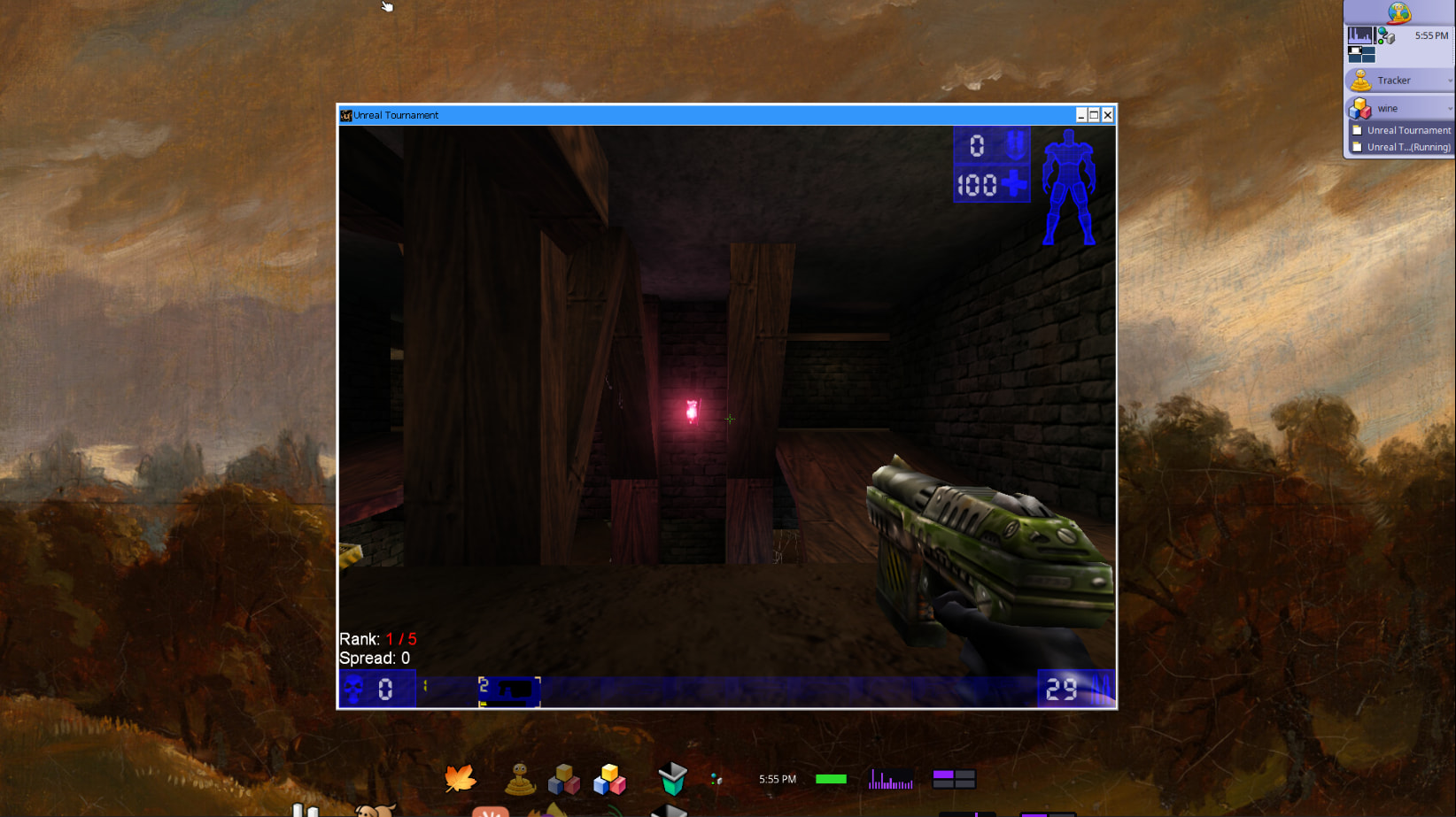
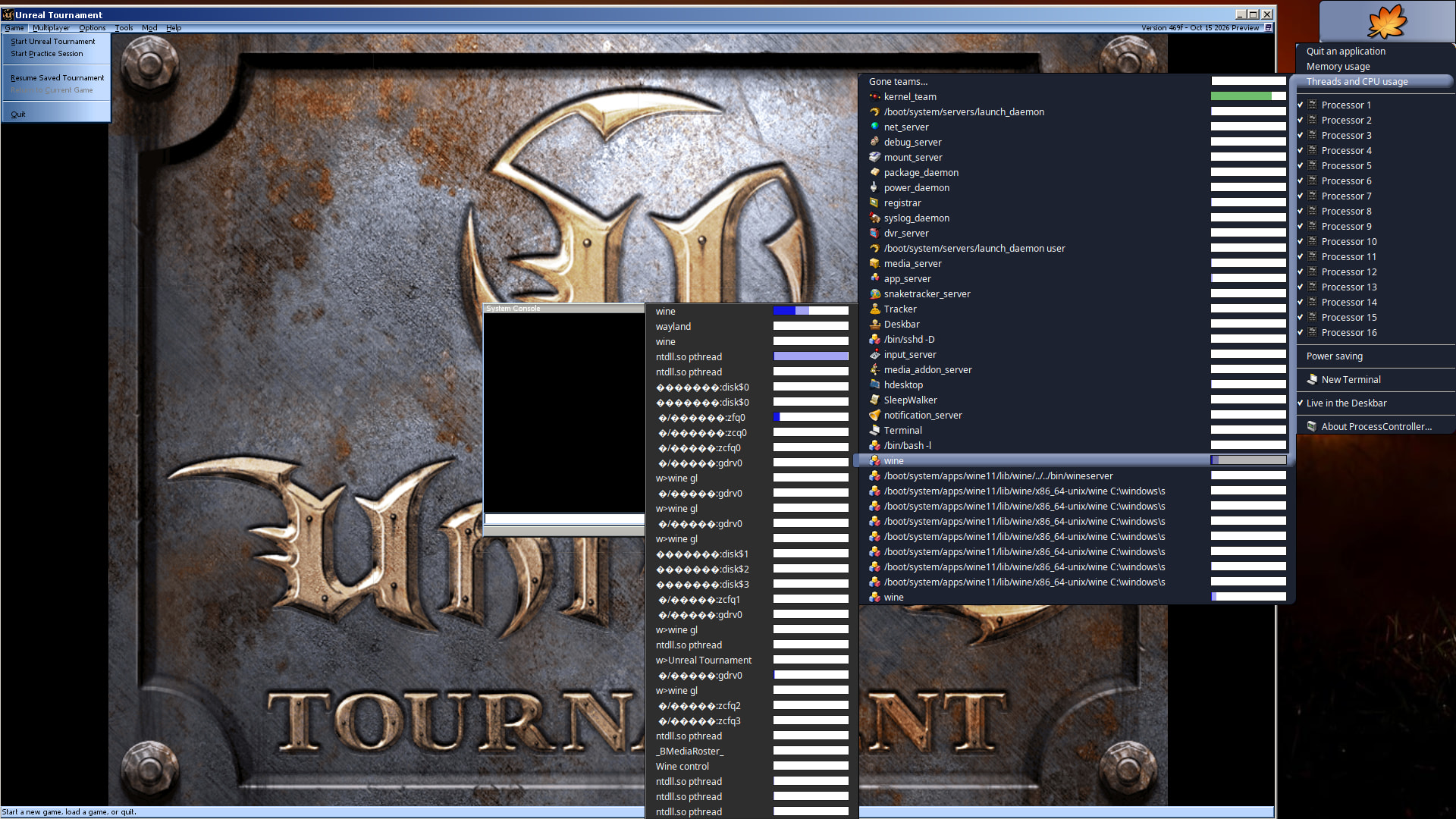
My latest wine update now has a fix for nebula driver stack users. I’ve only tested with UnrealTournament 99 with their latest xopengl driver, but wine binds to nebula zink and works pretty good.
Here’s a screenshot showing wine using nebula GPU backend.
While it works, I have found a pretty nasty bug. Haven’t tried to fix yet but how to avoid it is…
If the game ask you to restart for new settings to apply, don’t click okay. Just quit the game normally, let wine kill the process and restart the game. If you let the game restart by itself it will crash and freeze up the system.
UnrealTournament 99 now runs under dxvk with my Haiku wine port using the D3D11 renderer shipped with UT99 v469. Performance is outstanding.
Unreal Tournament 4 also uses dxvk and is now actually playable. I’ll share a demo video later.
Found a bug in Haiku Mesa Shader Cache and the Mesa Cache Default Limit of 1G: BFS is reserving extra space when it writes to the cache, causing to falsely inflate, where a 300MB cache, would be reported as 3G, which causing the shader cache in games to hit the 1G limit and fail. This is my best non LLM vetted explanation, though I can’t say it will be enough to submit a ticket, so in my wine port I export a custom mesa cache limit to 100G instead of 1G which suffices for the time being..
Currently trying to fix a bug in 32bit prefix auto creation, which has been causing a lot 32bit apps to fail to create full working prefix, and thus fail to load. But progress is looking good.
Fixed wine to be more cpu friendly. Apps like Firefox portable now run a lot smoother
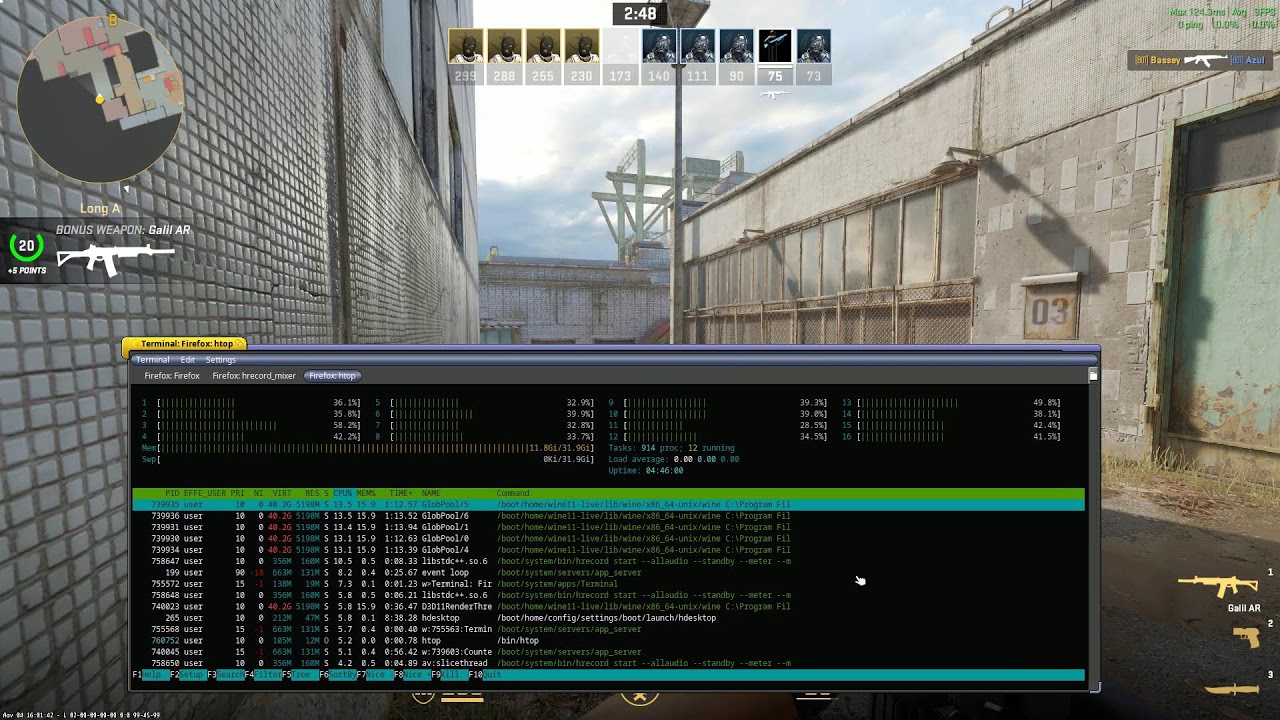
Dxvk works with nebula stack and games like UT99 run really well. Here’s live demo video.
UT4 loads, and actor motion is possible, but the frame rate is unfortunately too slow. So I would not recommend trying UT4 until a possible update fixes that.
UT4 is rendering amazing, see test video but I don’t think it’s anything I did recently.
I tested several of my recent hpkgs to see if it was an update I did against the current release hpkg and nothing was different. The only thing I can think of is perhaps the latest updates to Haiku Nightly may have fixed something. I did delete /boot/home/config/cache/mesa_shader_cache_db and /boot/home/config/cache/mesa_shader_cache which do not currently fill up when playing the game but I cannot confirm that is the reason.
If you’re interested in playing this free game and have a supported nvidia card and Haiku Nightly, just follow the steps here.
What I typically do for my wine setup after first installing is…
winecfg to setup a fresh wine prefix
./dxvk-install.sh install this sets dxvk for the global wine prefix.
If you don’t want dxvk for the global wine prefix you can use ./dxvk-install.sh create <custom_prefix_name> e.g., ./dxvk-install.sh create ut4 which creates $HOME/.wine_ut4 to use dxvk, then you’d run it like ./dxvk-install.sh run -p $HOME/.wine_ut4 <path to wine program.exe>
Currently been debugging and fixing a lot for this chromium based add-on to work so UT4 community based game servers that require it will work while playing UT4 online community games.
Chrome, Brave, MsEdge, Opera, tested and all are known to work, however, some web browsers, notably chrome and opera, do not install smoothly with their default installers so you may have to find a different way to install them like extracting the installers contents with 7z (chrome) or download directly from the interweb (opera).
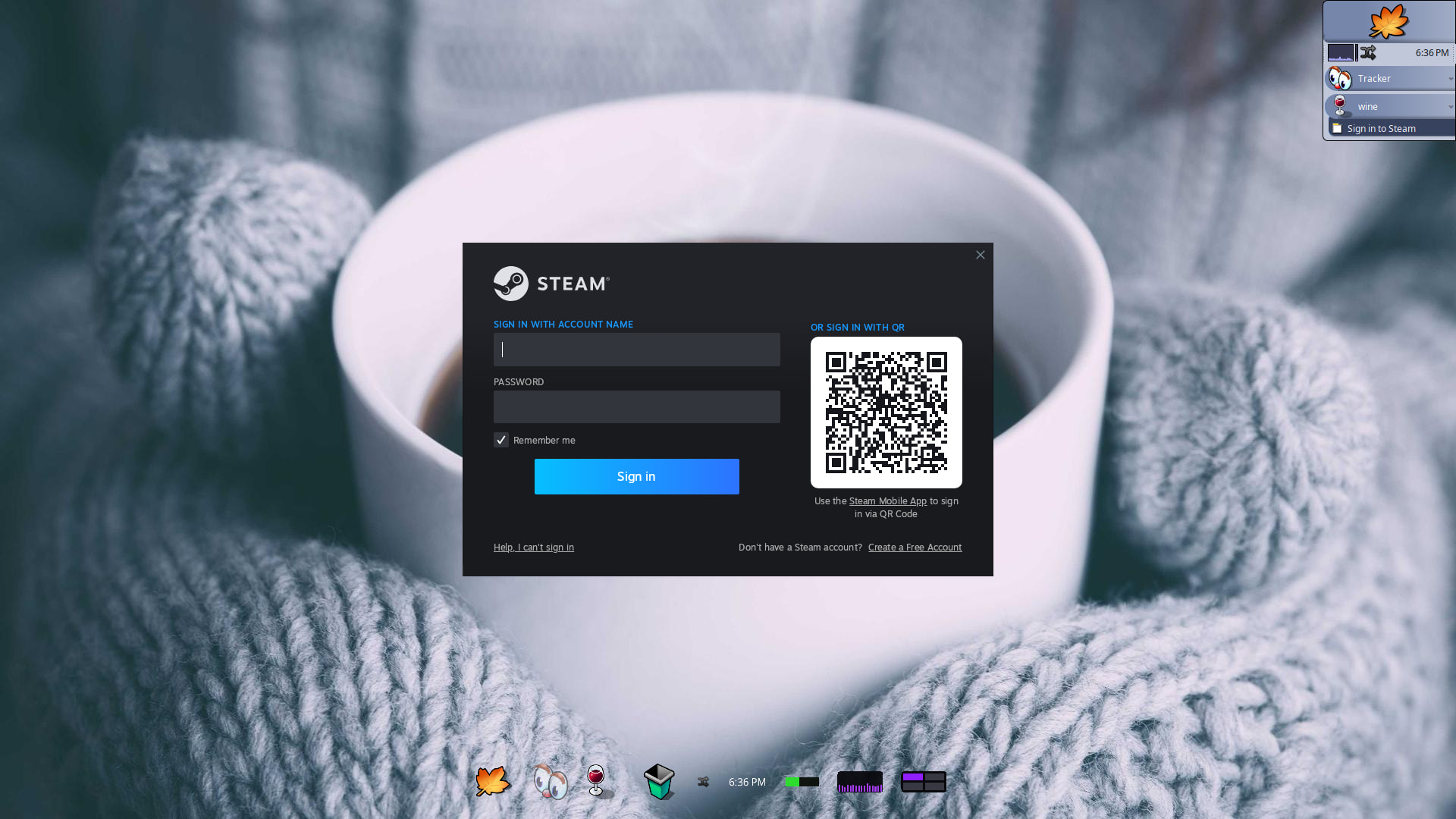
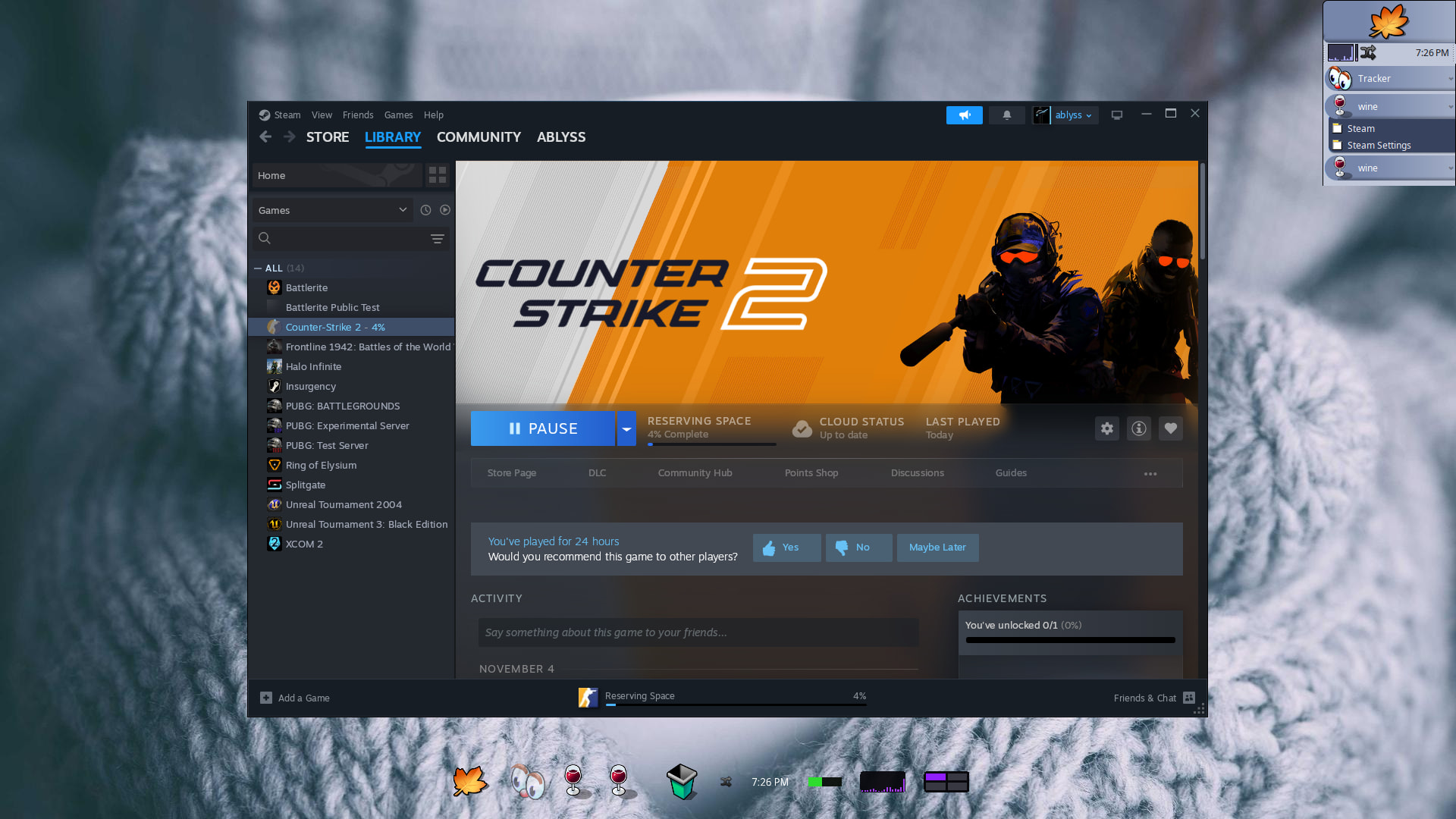
Steam is getting closer to being a real thing to test as seen in the screen shot.
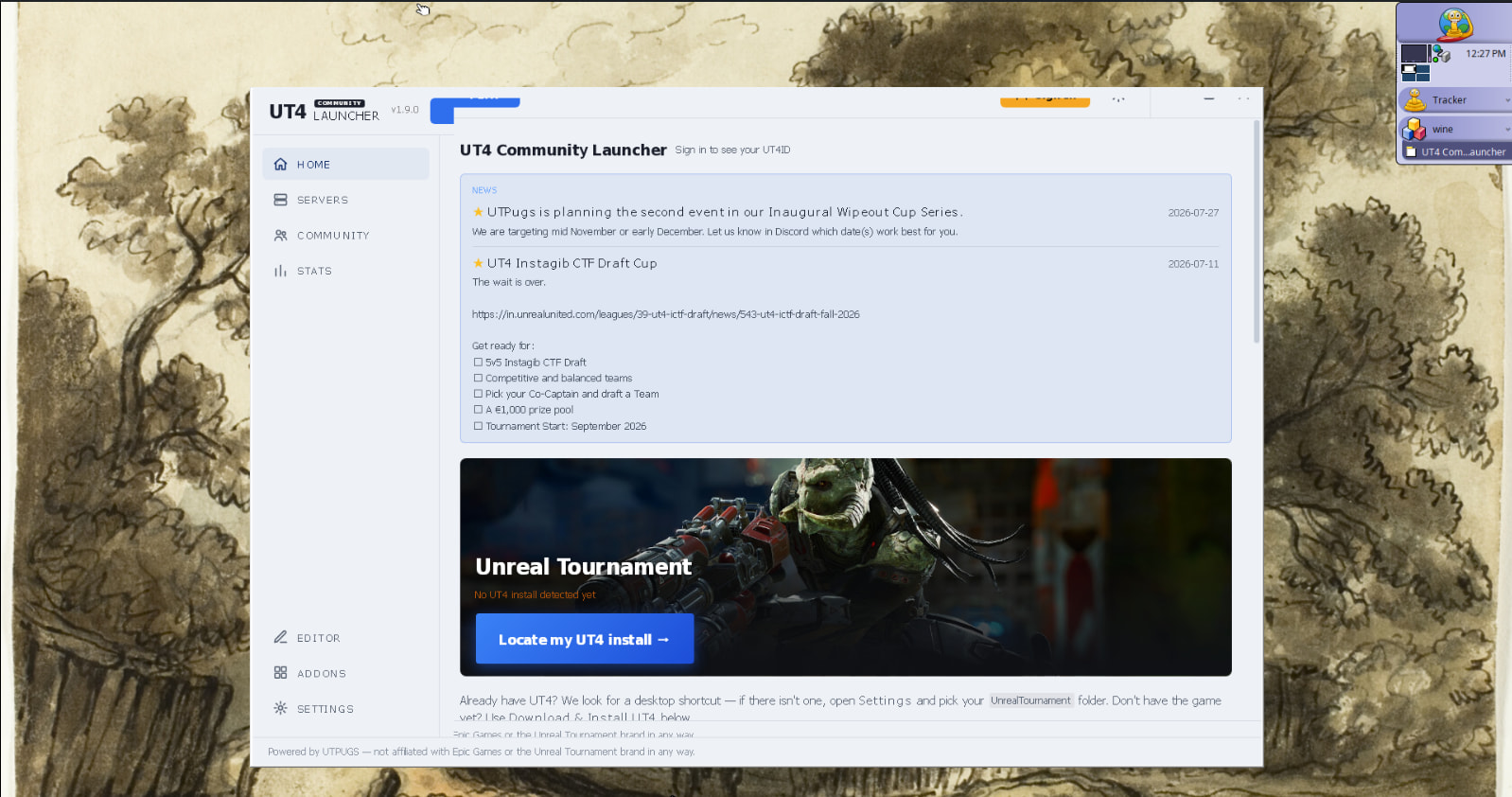
The UT4 community Launcher is working and the game recognizes it, however, I had to patch it so a Haiku version will be on my github when i announce the next release
UDP fix, IP6 fix, and other network related fixes.
Even with all those fixes, there could be unknown bugs and some could log up the system.
Great work! I’ve tried it a few times, and the previous versions always complained about not being able to find kernel32.dll. I don’t get the same error when trying with the modern versions, but I still get a “ShellExecuteEx failed: File not found.” with no filename specified, so I assume something similar. Any suggestions here?