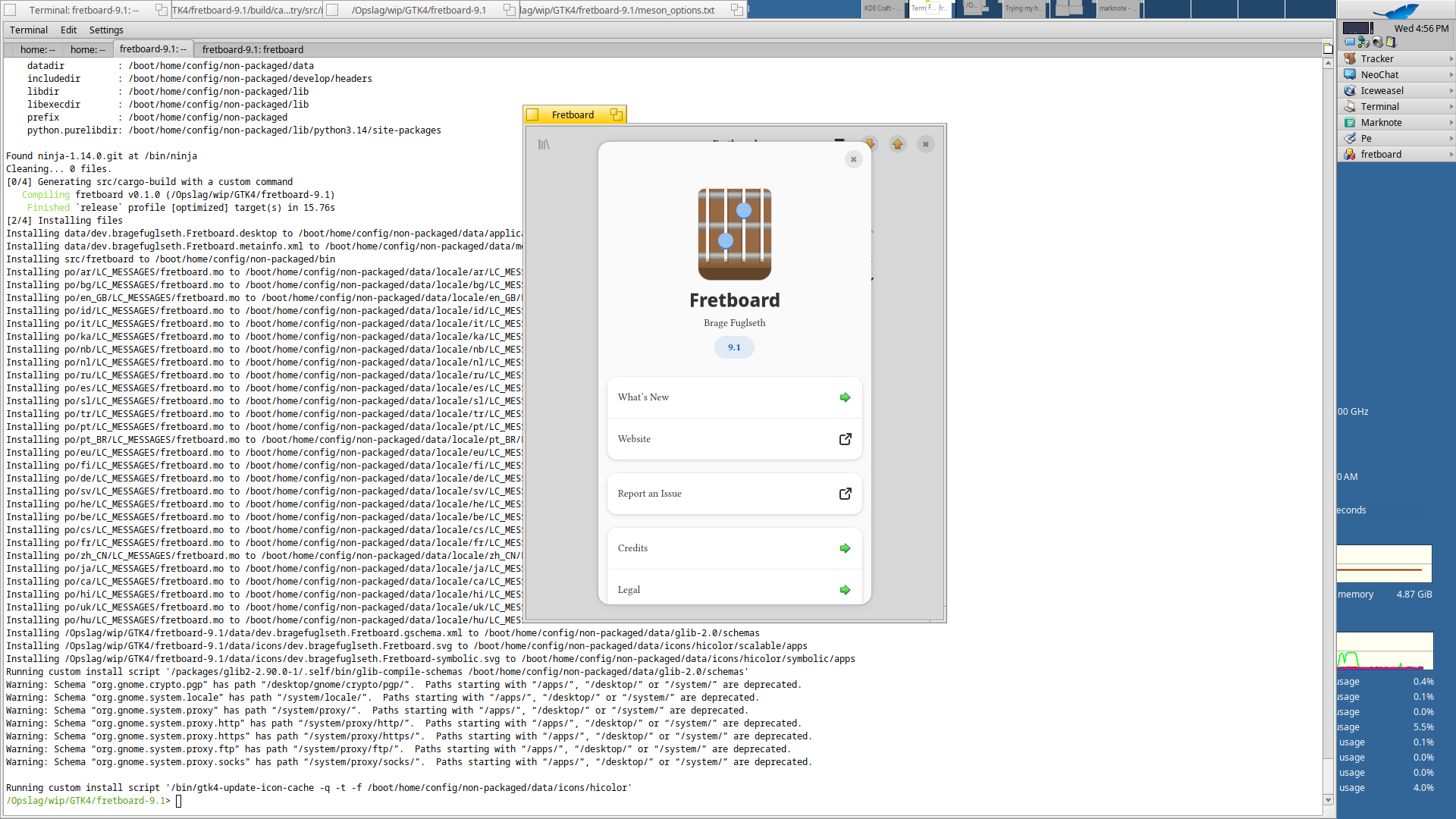
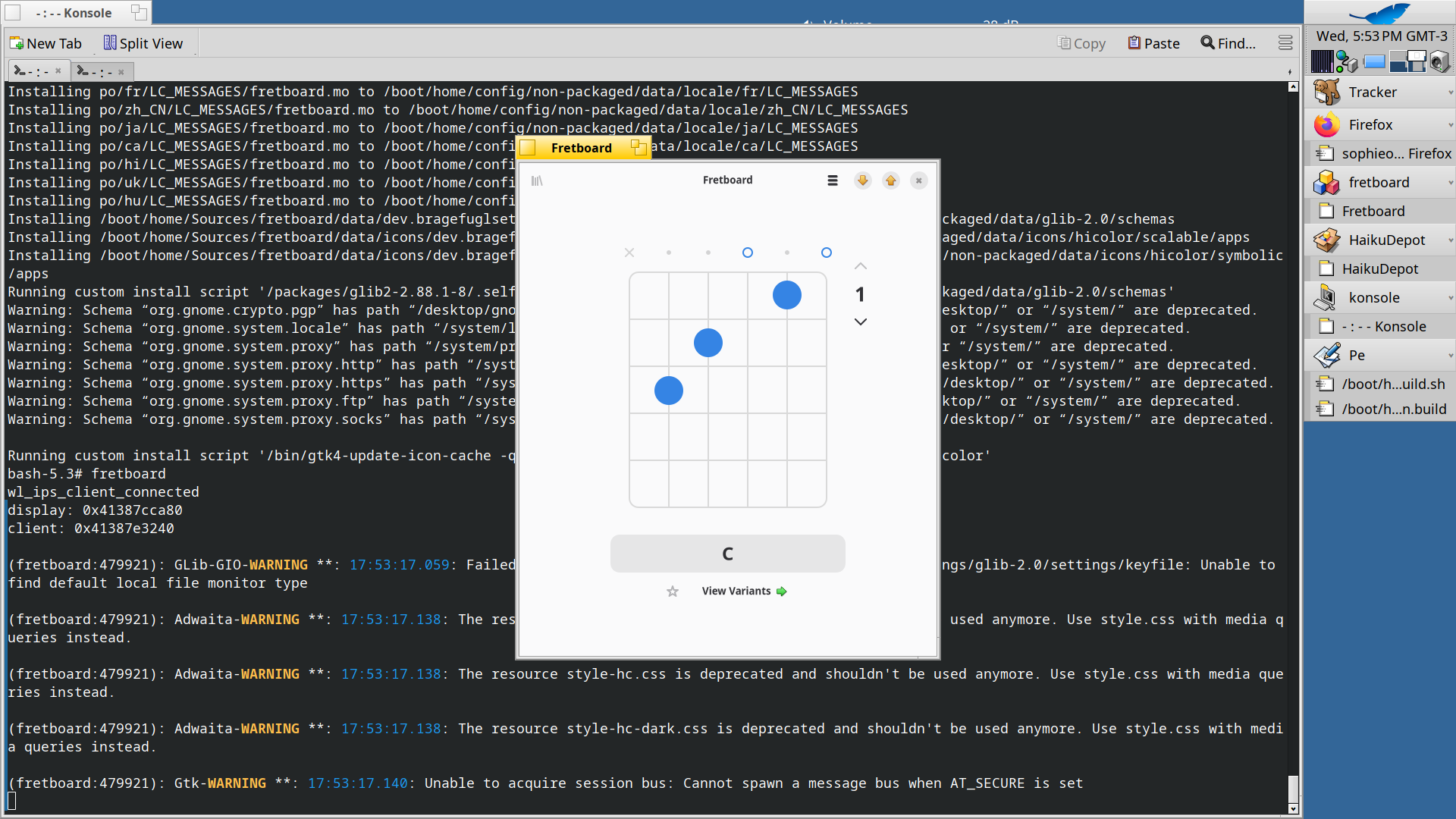
So, I know just enough about Rust and Gnome to try and build something on Haiku and to see if I have any luck, and maybe learn something.
Just so happens that I stumbled on Fretboard, and it looked simple and fun enough to motivate me.
After a lot of trial and error, installing dependencies and setting environment variables, I was able to finish compiling it.
Only problem now is when I try to run it. My troubleshooting wasn’t successful, here is the error:
bash-5.3# ./build_dir/src/fretboard
wl_ips_client_connected
display: 0x10558505a80
client: 0x1055851c240

(fretboard:1650): GLib-GIO-WARNING **: 10:40:36.883: Failed to create file monitor for /boot/home/config/settings/glib-2.0/settings/keyfile: Unable to find default local file monitor type

(fretboard:1650): Adwaita-WARNING **: 10:40:36.962: The resource style-dark.css is deprecated and shouldn't be used anymore. Use style.css with media queries instead.

(fretboard:1650): Adwaita-WARNING **: 10:40:36.962: The resource style-hc.css is deprecated and shouldn't be used anymore. Use style.css with media queries instead.

(fretboard:1650): Adwaita-WARNING **: 10:40:36.962: The resource style-hc-dark.css is deprecated and shouldn't be used anymore. Use style.css with media queries instead.

(fretboard:1650): Gtk-WARNING **: 10:40:36.964: Unable to acquire session bus: Cannot spawn a message bus when AT_SECURE is set

(fretboard:1650): GLib-GIO-ERROR **: 10:40:37.020: Settings schema 'dev.bragefuglseth.Fretboard' is not installed
Kill Thread                ./build_dir/src/fretboard
Settings schema 'dev.bragefuglseth.Fretboard' is not installed

If you installed some GTK packages, then the changes are high you already have /boot/system/boot/post-install/compile-schemas.sh
Try to launch that from Terminal, this “should” fix your issue for the schema.
EDIT: just saw you launched this from the build directory, that won’t work it needs it’s data etc all in the right place, secondly, did you build this with cargo or with meson? cargo doesn’t do install here, so you will have to use meson.
Got a small meson script here with basics setup so parts are installed in the correct place:
#!/bin/sh

export PKG_CONFIG_PATH+=/boot/home/config/non-packaged/lib/pkgconfig/
export LDFLAGS="-lnetwork"

meson --buildtype=release build \
--prefix=/boot/home/config/non-packaged \
--includedir=/boot/home/config/non-packaged/develop/headers \
--datadir=/boot/home/config/non-packaged/data \
--libdir=/boot/home/config/non-packaged/lib \
--libexecdir=/boot/home/config/non-packaged/lib \
-D python.purelibdir=/boot/home/config/non-packaged/lib/python3.14/site-packages \
--reconfigure
You probably need to link libiconv also for this (seen the build failure here, but maybe you already fixed that):
RUSTFLAGS="-L/boot/system/develop/lib -liconv"
EDIT2: you need to disable (set false):
update_desktop_database: false,
Then it works 
1 Like
I did build with meson, I had just realized I probably wanted to do a mason install as well but the update-desktop-database was tripping me up lol
Thank you very much, I’ll try again here with the meson.build change!
Edit: yeah, I think a previous message of yours on this forum pointed me to the solution to the iconv issue
2 Likes
Totally worked here as well
3 Likes