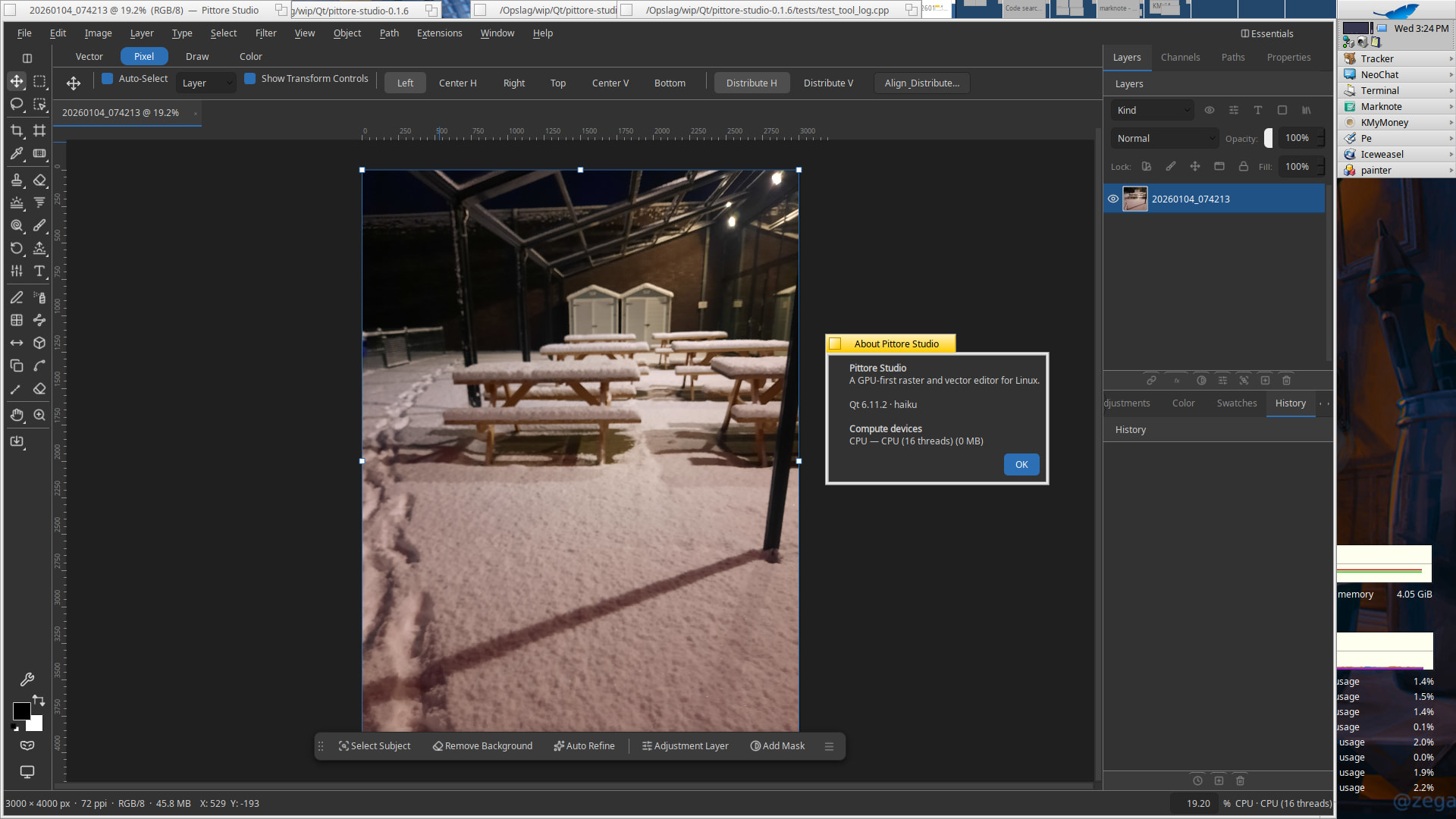
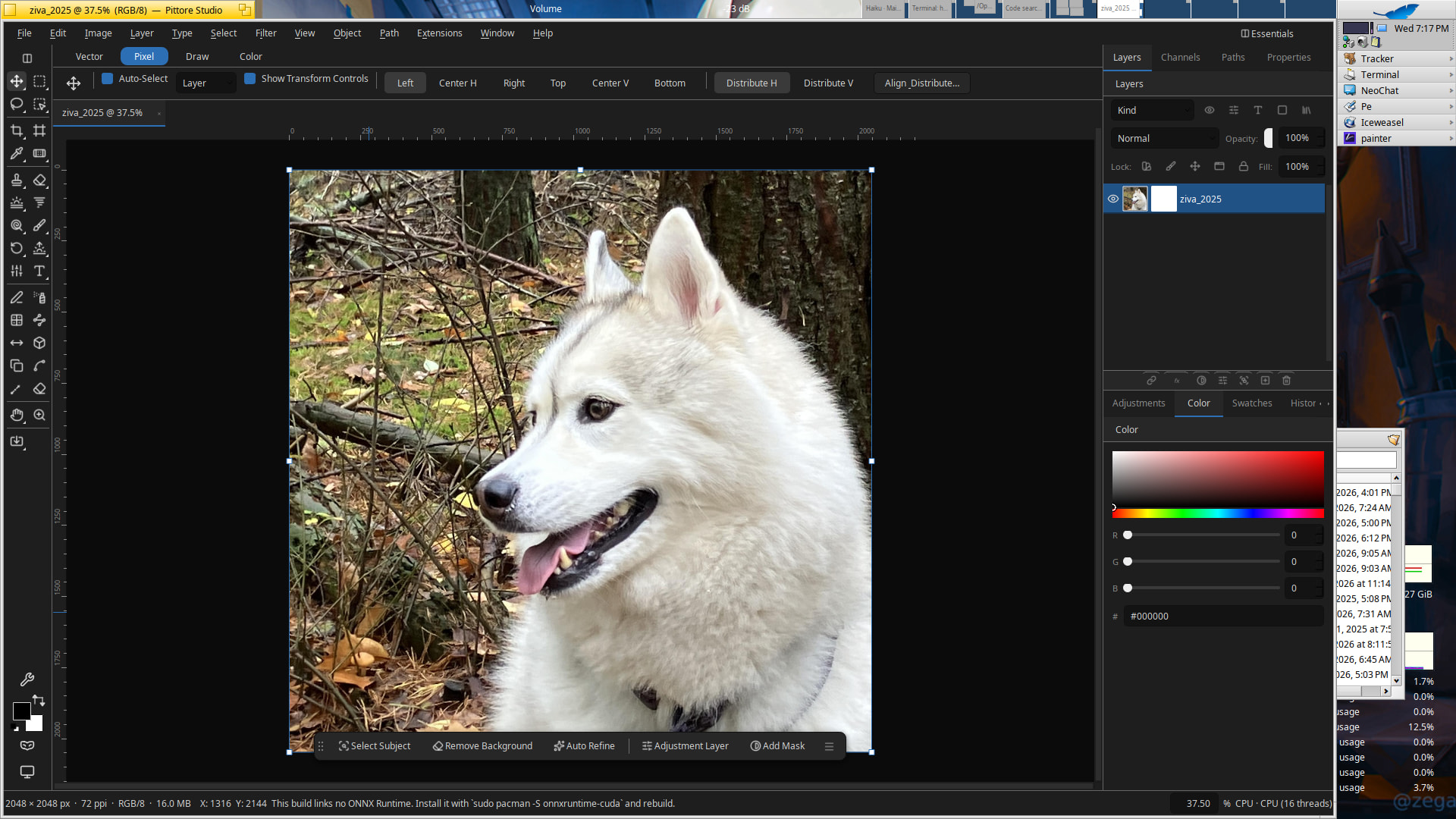
Hello this is my first time to this commumity. I have from the past very positive experience with the BeOs and I enjoyed a lot. I’m thinking Haiku as my futute graphics workspace and as fast lighting system dor every day use.
Recently I found the Pittore a professional level open source app which is alternative to Affinity Suite, for photos, vectors, CMYK editing, icc profiles and etc. My question, it is possible the devs of Haiku community to port this great app to Haiku?
Art Paint is nice app but it’s not for professional editing and commercial graphics. Pittore is similar to Photoshop, with colour modes CMYK, lab, dozens of filters, adjustments layers etc.
Drag’n drop a Pic on the canvas in a new layer.
Like WonderBrush but without holding the shift-key.
Drag’n drop from Artpaint to a folder.
Cut and drop the selection like ShowImage. (save as…) on the desktop.
Make it possible to arrange the floting Windows looking like photoshop GUI or Wonderbrush.
And of course remember the size and possitions for all of them.
Or offer a fullscreen mode similar to Photoshop or Inkscape or Illustrator…
Enhance the lasso-tool with better control of the blur or feather value.
These are my first ideas, for a even better Artpaint.
Make it more an Image manipulating app than a Paint tool.
Maybe some day in the future Art Paint will decide to reinvent the app as more commercial image-photo editor, but for now the choices is the ugly unusable UI from Gimp with obscure plan about real CMYK, soft proofing profiles etc. The only logical option is Krira which is between two worlds Image editing and digital painting, but didn’t entirely stands as photo image manipulator. For that reason I think Pittore covers all the scenarios for serious professional image editing.
The biggest use for AI tools in manual image editing is masking, removing dust and distractions and noise reduction.
Adobe also has generative features where you can just prompt it to add stuff, but those don’t run locally, and at that point it’s no longer you editing the image, the AI does it for you.
Personally I don’t care much for the AI part. Adobe wanted to keep enslaved the users in billing cycles when and moved fast to AI. It make sense for big studios who time matters, but for casual user and freelancers it’s not mandatory.
ML models for masking do save a lot of time. But I’d say many every day tasks can be accomplished just as well with 15 year old versions of Photoshop.
The most promising PS-inspired image editor developed with LLM assistance right now seems to be PhotoCraft. It also uses ONNX, but the ML features are not integrated into the releases yet. Development is done in Rust and quite active. Pittore had its last commit two weeks ago, so I’m not sure if it will be actively maintained, which is the main crux with these semi-vibecoded programs. There is another Mac-only one developed in Swift called Compositor, which also looks quite good, but also not as active as PhotoCraft.
I know PhotoCraft and the other apps from the same author, I don’t know if the community devs interested to port, but if yes it will be excellent choice. The Compositor is another one RGB only editor, it’s not solve the problem for me.
There are plenty of .raw and rgb to cmyk converter and apps.
This is not the problem.
Photographer use rgb programs to edit their .raw pictures.
Indesign can import them to use for books.
Indesign/pdf will raster them, for print.
yeah, I was only half serious about ArtPaint - but it would be nice to know what people are really looking for (without hijacking this thread any more than I did already!). I know color modes and color management are huge gaps from a pro standpoint for sure.
In general I’m a bit wary of these massive vibe-coded apps like PhotoCraft though.
Well yes convertors already exist, but the problem is when the editor didn’t support soft proofing or real cmyk editing then in conversion in most cases your colour in file format export don’t match.