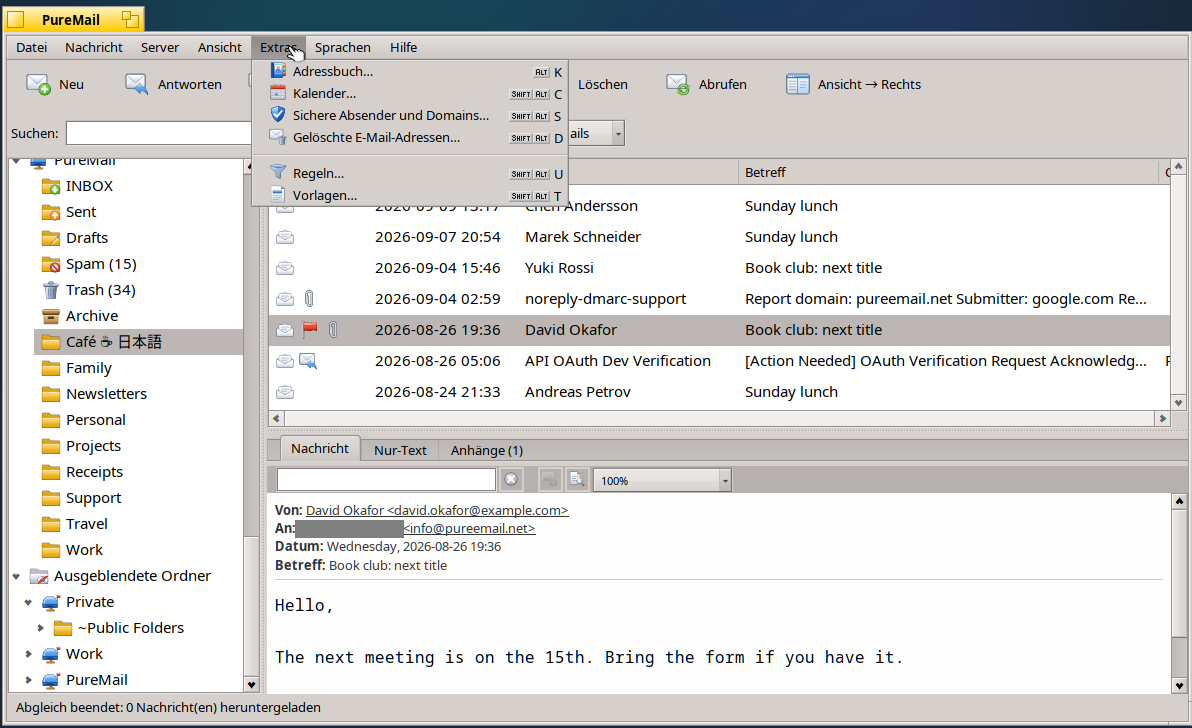
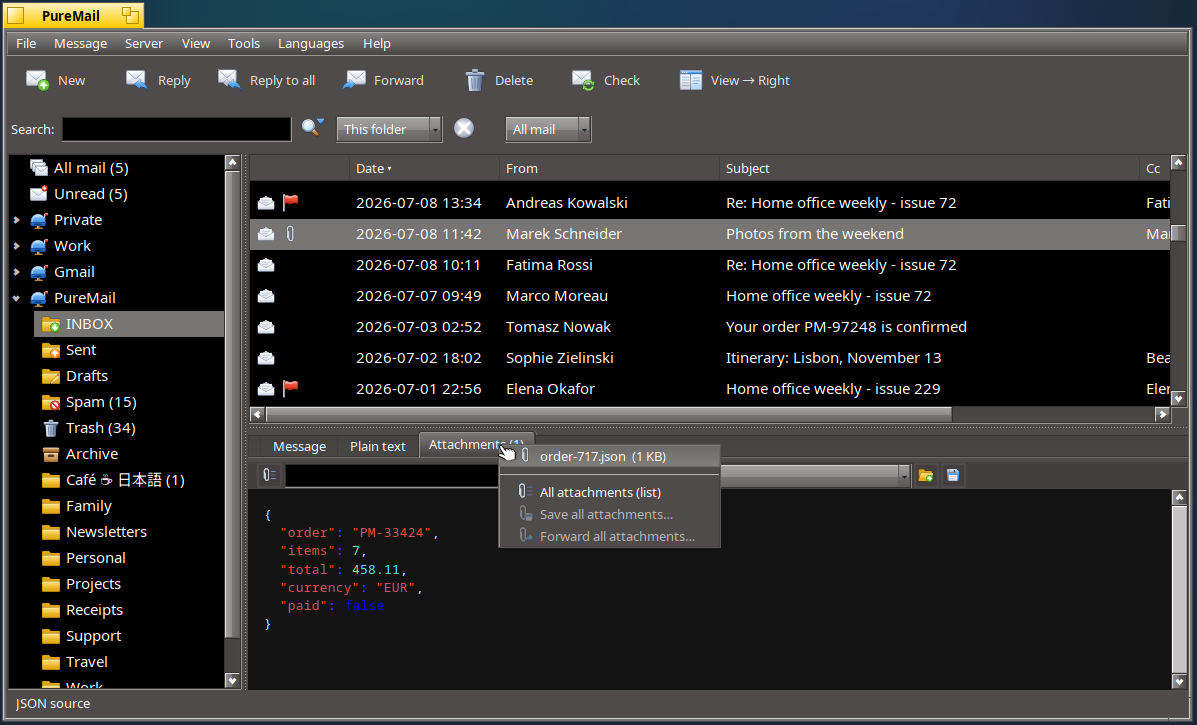
The new icons in the app, are so much better than the previous ones. IMHO, the app icon and notifier icon still could use some attention.
1 Like
I agree, and few others as well, I have experience in programming but my drawing is quite atrocious - so all proposal are very welcome .
Build 292 has some other small cosmetic fixes as well (contacts dialog was too tall on low rest screens, UTF7 encoded folders in some languages / scripts and emoji were not rendering correctly their names on the UI / Rules etc.).
Waiting for any feedback for the next Weekend, especially ugly bugs or crash reports, if you ever encounter one. Apart from document formatting - I’m working on the document engine, previews are for now just previews, at some point they will be mostly identical to {word | libre office}
Patch 294: Replicant images are fixed. Thanks for noticing. Speed at listing of 140K emails in a folder is now under .7 sec (on a 2016 Thinkpad X270).
Also some emails were not always marked as “Seen” on the server, if clicked in the notification screen. Now they are
Cheers.
2 Likes
Previously I had played with replicant of the email notifier, thought I’d try it again. I really like that unopened emails are displayed on the desktop in the replicant.
Note: Slow moded needs to be removed from original posters
PureMail 302:
- Corrected old ISO html and text encodings conversion to UFT-8 (DOS, Windows - affected may be Greek and other scripts) sent by older Exchange servers. (if you have old mails with Greek from government - please delete the database , attachments and recreate account - safer and faster than any conversion)
- Startup time down to < 1 second with folders ~15,000 emails on real hardware (first start will be slower, then - Haiku speed!)
- A lot more details now showing in ODT/DOCX previews (fields, columns, graphs etc.)
- Reader retired - as it was a dev component to showcase document engine features, Writer will come when ready.
1 Like
I’ve been using PureMail as my primary email client for the past week, and it’s been a very good experience thus far. Kind of got ahead of your release schedule, as I built the latest version (1.2.3.308) from source. The only glitches I’ve experienced is a couple newsletters displaying left or right of center.
I’m still using the replicant to show unopened emails on the desktop.
Thank you dasouth
I’m very glad that it works for You!
newsletters are usually just a WEB page sent via email - that implies that a secure email client will not load external content like fonts or external CSS. PureMail allows only Images to be loaded but prevents other external content for security and privacy (it cannot prevent all threads - for example even if you load just an image it can point to a tracking end point and send some basic info to the sending server) but tries to minimise the risks.
PureMail HTML also does not support Java Script - and it will not, as this is too big of a security risk in any OS.
Thanks for the samples - 2 should be now correct (4000 pixel images incorrectly positioned inside a table) - the incorrect offset in another sample you sent may be fixable.
1 Like
PureMail 318 : mostly more speed and stability fixes for unusual html (with 3K+ nested elements), HTML rendering now very fast and lighter than Webkit. Memory and stack guards for engine caches (fonts, kerning, emoji, images and shapes) to run well on older systems with 1-2 GB RAM.
Limited engine improvements for Libre Office inline previews: Graphs, SVG, calculated fields, tables with calculations, TOCs, controls, ornamented paragraphs, changes tracking, comments, control and other details now showing good enough.
Source: https://codeberg.org/pmandalian/PureMail
hpkg: Haiku - PureMail
2 Likes
I just installed it and it looks very good. I like it.
But how to open my existing email files on Haiku?
Is there no open e-mail? Or does drag’n drop work?
Will try…
Edit: Drag’n Drop does not work. And there is no import or open file in PureMail
1 Like
Double click on EML, VCF or iCAL file to open it or use Tracker - open with.
But first go to File - Preferences → Haiku Integration and select how far should PureMail integrate with the OS (this is to reduce annoyance, when applications set defaults and overwrite already existing links to open files and do stuff nobody actually wants)
It does not import emails (yet) - if you set up the account and you did not delete them from your account - you will have them.
If you think import would be good (Win/Lin/MacOS versions have it) - it can be added (eml or PST) but importing assumes you want it on the server, not just locally, so it would append all to your IMAP server. If you have IMAP - just let it sync with the server(s).
Editor drag and drop - in the next wave. Good reminder. Thank you.
It s not a browser or a text field - everything including HTML, odt, pptx, docx, xlsx… is hand made and rendered in a Canvas. No browser - no headache with security, java script, compatibility, eating OS memory. But more work and thus - time.
A little patience - a proper word processor is coming using the same base engine (but for actual editing of documents - not simple previews - that is a lot of work and not included yet in the PureMail version of the engine…)
Thanks for trying!
1 Like