I didn’t try but, it may be possible using Clipdinger favourite feature.
Unfortunately it would not work, Clipdinger sends a keystroke sequence that is not compatible with Wayland. I have created a dedicated solution which works quite well. If there’s enough interest I can fix a build issue and share it - it’s on my GitHub by the way, but it requires some manual steps that I had not the time to fix as of yet.
1 Like
No alt+ wont work! Only for Windows and MAC!
What’s a MAC?
Military Armament Corporation 
Haha good one 

The creators of the infamous MAC-10
I’ve created a keyboard shortcut, shift+ctrl+2 to get @ to the clipboard. Then alt+v works to paste it.
The command in Shortcuts is: /bin/clipboard --copy=@

4 Likes
I may be imagining it, but using vertical tabs in Iceweasel seems to be much more stable.
Is this in HaikuDepot? I’ve hunted but not found it. Am I holding my tongue wrongly?
1 Like
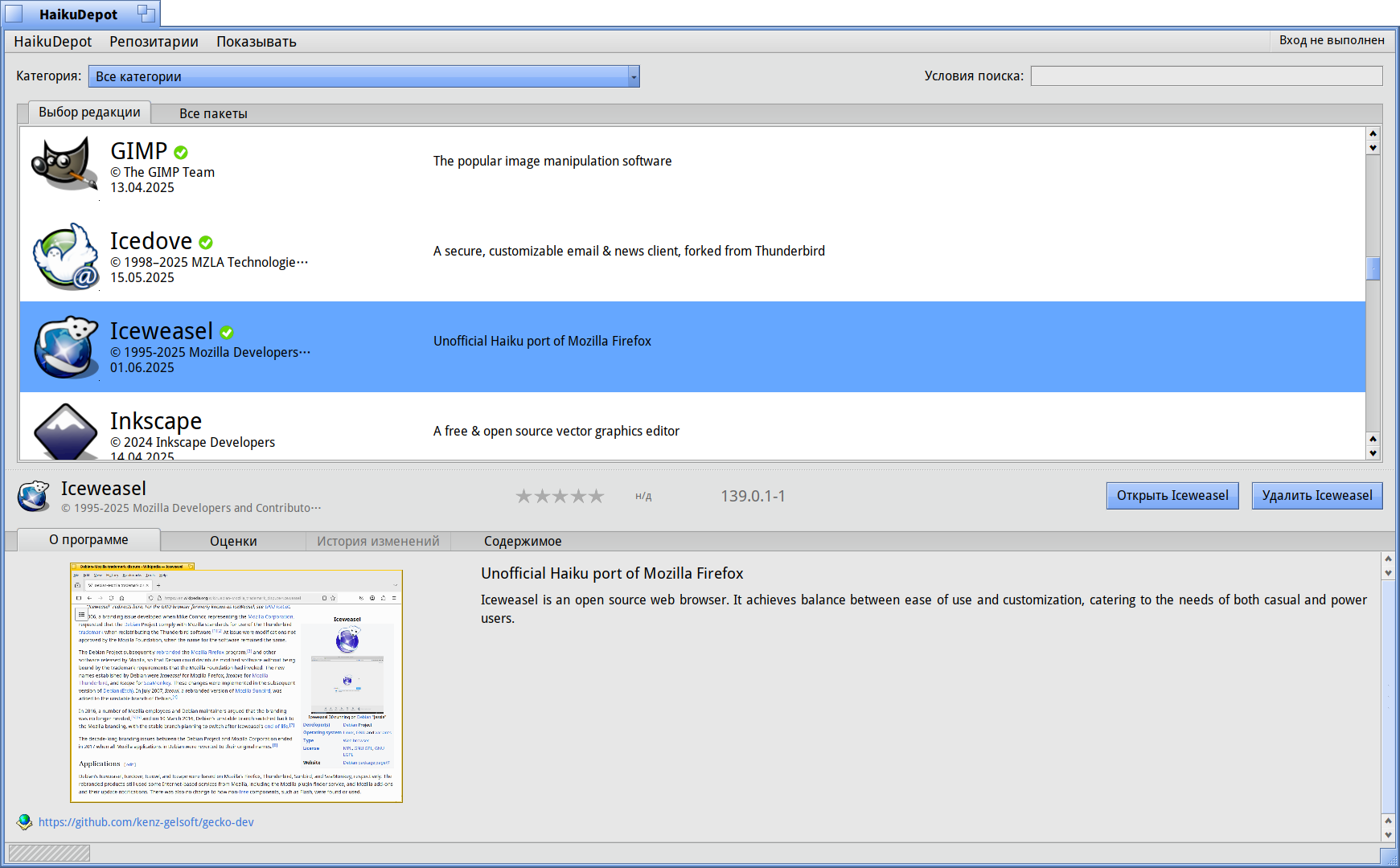
Thanks _/|_ - yes, I’m using iceweasel as I type - I was referring to that very tempting TOR browser screeenshot @3dEyes posted
1 Like

ОК - Tor Browser
1 Like
Firefox 140.x ESR branch is out. Does it make sense to make a separate HaikuDepot package for the Iceweasel ESR build in addition to the constantly updated one? These two packages cannot be installed simultaneously, but the user will have a choice of which build to use.
8 Likes
You are Da Man in Charge. Decide which would work best for the Haiku situation (also with your own availability in mind) and make that one the Haiku IceWeasel. Keep it simple. Don’t put a burden on the end-user.
5 Likes
IceWeasel works surprisingly well, but I too experience the trouble of typing email addresses without the @ symbol. In my country, we hold Alt Gr and press 2. This works fine in Haiku, WebPositive and Falkon. IceWeasel just types 2, and ignores the fact that I hold down the Alt Gr key. I must copy-paste @ from a different browser to use IceWeasel for e-mail. Is this a difficult fix?
I bought a Lenovo ThinkPad T14s Gen3i, it supports haiku surprisingly well. WiFi has bugs but works with 2.4GHz WPA2. Touchpad does not work, but usb mouse and track point work. I want to use it as a daily driver. IceWeasel now supports HD fullscreen YouTube with add ons such as ublock origin. Amazing. It makes Haiku so usable. Can @ be fixed?
3 Likes
It is known issue and it is not trivial to fix: Incorrect keymap handling · Issue #3 · X547/wayland-server · GitHub.
4 Likes
I have more or less the same problem - @ is no problem on my US-ANSI keyboard, but I often type text in Portuguese where I make heavy use of the Option key, and of course that’s the same problem. I like Terminal for text input, as I like “vi” mode editing, so today I wrote this little application that copies text from input to the clipboard. Not as good as having a native UI, but saves me from having to fool around with mouse highlighting.
$ vi /tmp/c
$ pasteup < /tmp/c
[... <Alt>V in Iceweasel ]
$ echo -n Está feito! | pasteup
Haven’t used it extensively yet, and it’s a little crude, but I’m reasonably confident it will do. The code:
#include <stdio.h>
#include <app/Application.h>
#include <app/Clipboard.h>
#include <app/Message.h>

static status_t
copy(const char *buf, size_t nb) {
	if (be_clipboard->Lock()) {
		be_clipboard->Clear();
		BMessage *msg = be_clipboard->Data();
		msg->AddData("text/plain", B_MIME_TYPE, buf, nb);
		be_clipboard->Commit();
		be_clipboard->Unlock();
	}
	return B_NO_ERROR;
}

struct A: BApplication {
	A(): BApplication("application/x-vnd.PasteUp") {}
	void ReadyToRun() {
		char buf[16000];
		size_t nb;
		nb = fread(buf, 1, sizeof(buf), stdin);
		if (nb < 0) {
			perror("stdin");
			exit(1);
		} else if (nb == sizeof(buf)) {
			fprintf(stderr, "size >= %d\n", sizeof(buf));
			exit(1);
		} else {
			status_t st;
			buf[nb] = 0;
			st = copy(buf, nb);
			if (st == B_NO_ERROR)
				exit(0);
			else
				exit(1);
		}
	}
};

int
main(int argc, char **argv)
{
	A a;
	a.Run();
	return 0;
}
I understand that the root of this kind of problem is mapping Wayland, which does the lowest level of abstraction for hardware, to the Haiku API, which performs higher level of abstraction.
Wayland has detailed specifications, and if you violate it and include a Haiku-specific workaround, it is likely to disrupt the compatibility to other apps.
Personally, I’m not having trouble with the AltGr key problem, but I feel like I want to improve the clipboard behavior and the flicker around the cursor.
So these days I’m interested in implementing the Haiku-specific GDK backend of GTK3 to bypass Wayland partially or as a whole.
Effectively, the only apps that rely on GTK3 are Firefox and GIMP, making it quite easy to adjust compatibility, and GDK is at a higher level to the extent that it can support different event models such as Mac and Windows.
Therefore, the concern is whether access to the GPU currently acquired through EGL is possible without Wayland.
@X512 What do you think about this idea?
3 Likes
You can try it if you feel that you can do it and ready to spend your time on it. In theory it can get more native Haiku integration compared to Wayland. Personally I do not want to deal with GTK C object model at all.
Also note that GTK 4 exists that will eventually replace GTK 3. And it may have significant differences in OS GUI backend layer.
Wayland is not a problem with EGL. It already works fine. The problem is conflict with existing HaikuPorts Mesa package. BGLView probably can’t be used for GTK because it is too limited. @3deyes tried to spend several months to adapt Qt to use BGLView instead of OSMesa without success.
So updating HaikuPorts Mesa package to use glvnd and EGL is needed.
3 Likes