What’s the problem with Re3 with GLFW?
The comments simply say: “GLFW fix required.”
The current version of glfw (the one in haikuports and depot) works with OpenGL through the OSMesa library, which is designed to render to the memory buffer using llvmpipe. Thus, in order to use hardware acceleration it should be reworked to use EGL or BGLView. I have made a draft implementation via BGLView, but it needs to be finalized and not published yet.
9 Likes
Are we even half-step closer to Intel based acceleration?
1 Like
Where can I download these games?
You can only get the “Game-Starter” app in HaikuDepot!
Some games you have to buy… some free games are in HaikuDepot!
1 Like
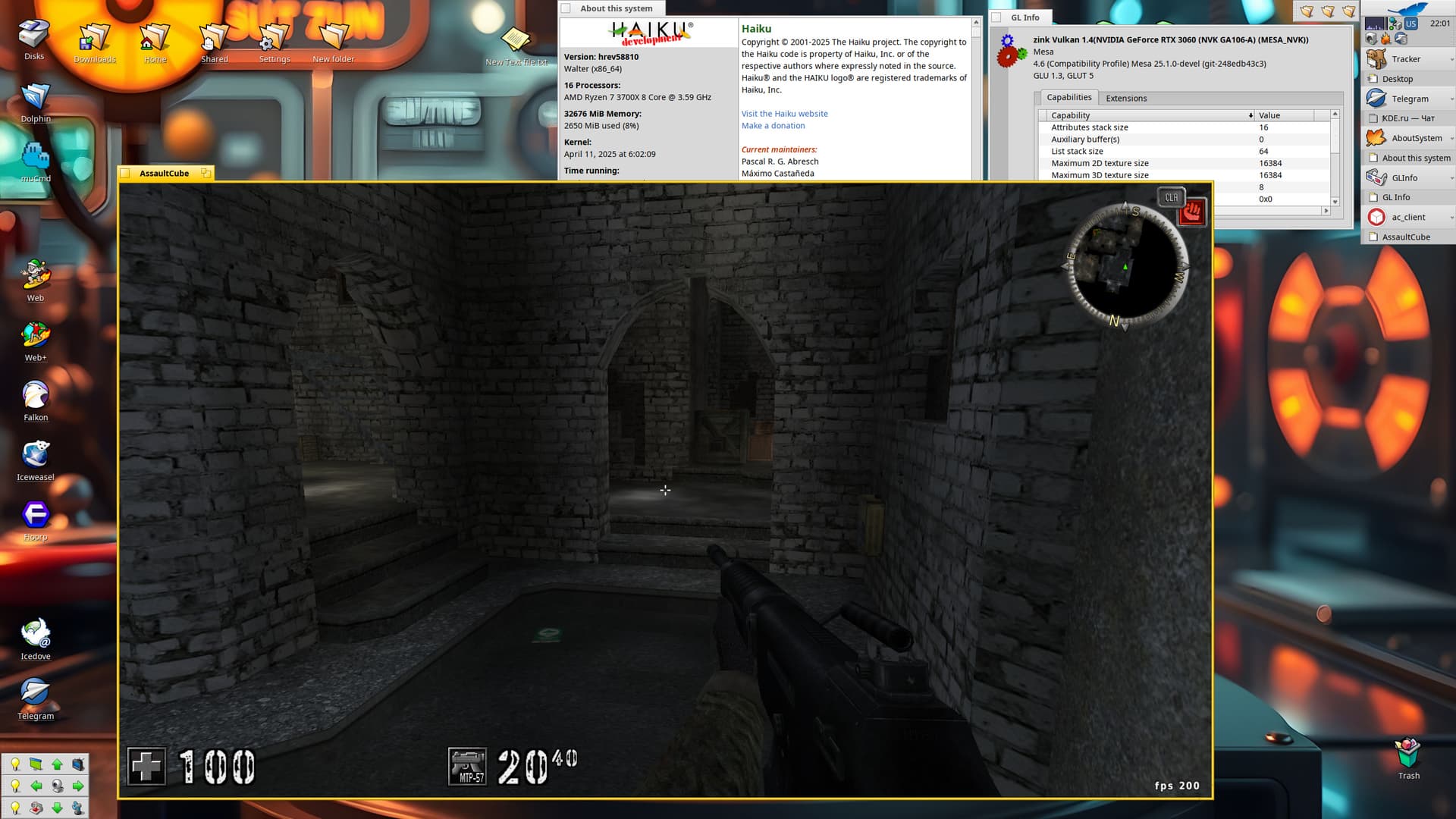
Nice! 
It’s on par with your Sauerbraten test so I’m assuming there’s an fps cap somewhere and 200 fps is the max.
Unfortunately buildmasters can’t handle the recipe for now, feel free to put a package for it in LOTE if you want to.
The reason for the buildmaster failure is different - beta5 on buildmaster, which did not yet have the pthread_setname_np function. You should either not use it at all, or replace it with a platform implementation like rename_thread(find_thread(NULL), …).
3 Likes
That worked! 
It should be up on HaikuDepot shortly
3 Likes
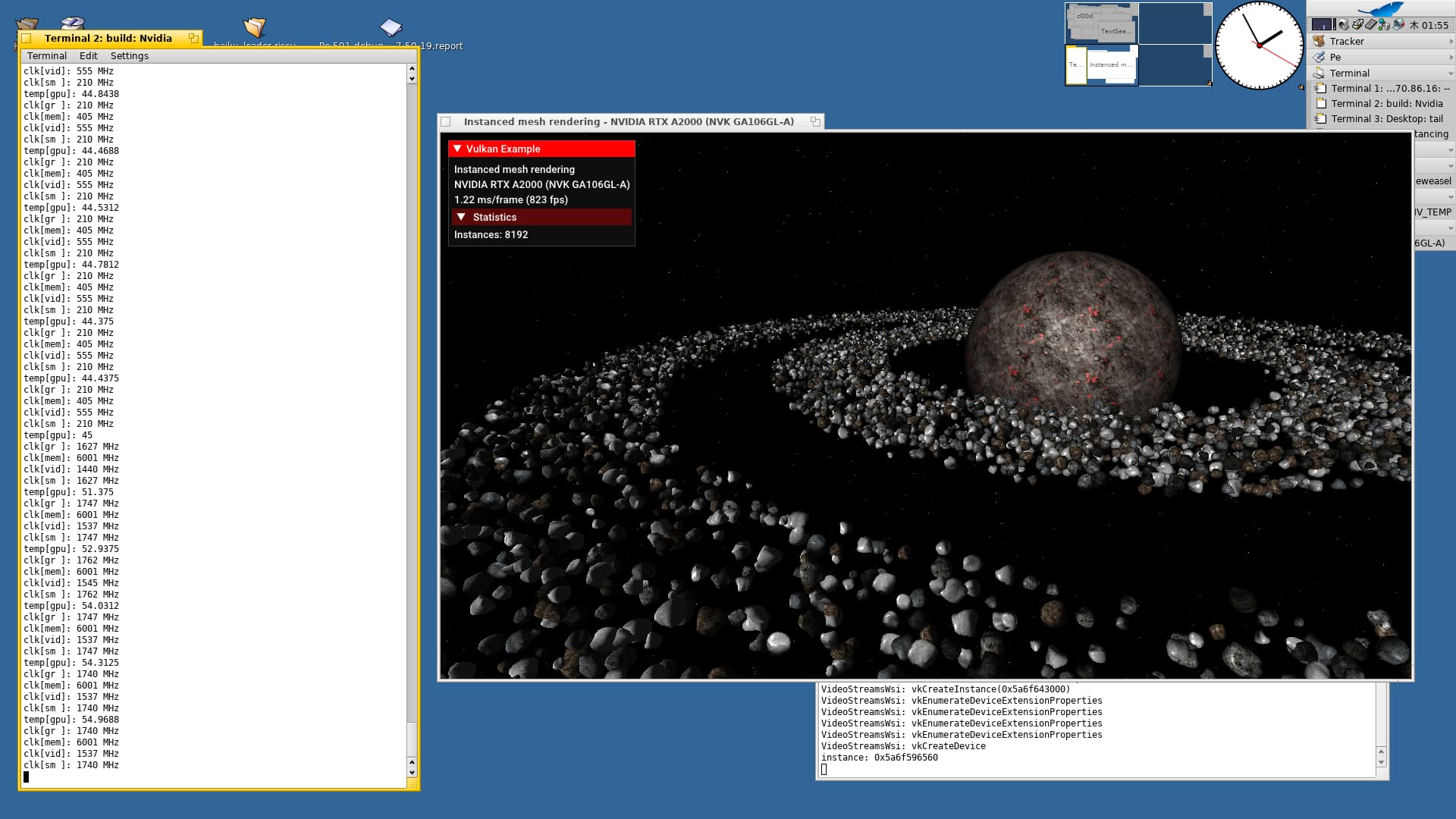
GPU monitoring. Available data can be found here.
21 Likes
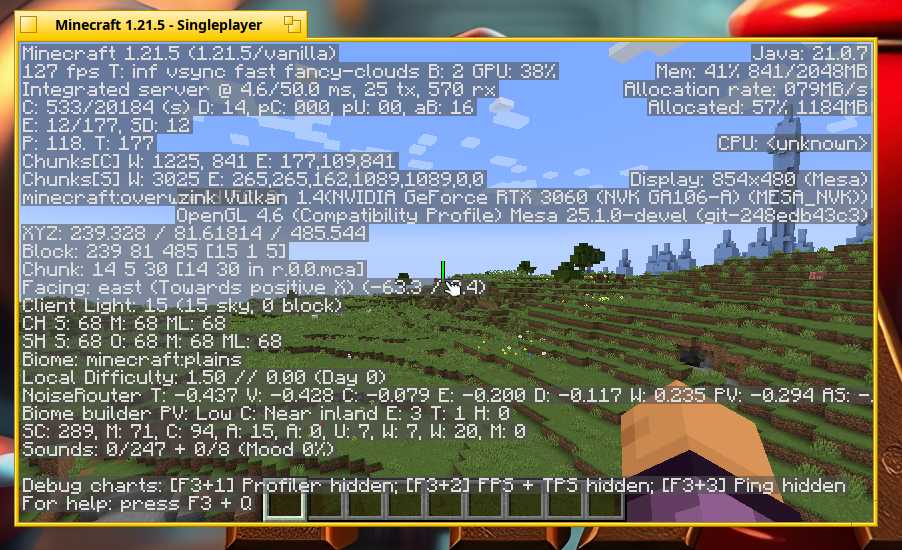
Wow that’s amazing I just saw it in the latest topics in my emails, it really surprised me!
Ahoy !
I wouldn’t ask about availability and offering tests , I would rather interested how it is if it present in a Haiku system if there is an Intel Extreme GPU in CPU as well …
→ Is there an Nvidia preferences … to set features on/off ?
→ is there a possibility to select the GPU we would like to use ?
→ is there a way to use NVidia GPU associated to specific application(s) only (where matters to use) ?
→ or if Nvidia driver finds an appropriate HW, then Intel should be / would be deactivated ?
Thanks for a reply in advance -
Kind regards,
Currently Nvidia GPU is only used for rendering. Screen output is not affected and can be done with any GPU. It is planned soon to implement modesetting too for Nvidia, but it will work only if display is connected to Nvidia GPU. For now I do not know what happen in laptops where both Intel and Nvidia GPUs are present and connected to internal screen. Maybe Intel GPU driver is needed to switch internal screen to Nvidia, Nvidia rendering should be usable in any case.
GPU for rendering can be selected in application or with environment variables. Vulkan API allow to enumerate and select GPU, so application can provide GPU selection interface.
10 Likes
Thank you - I asked for these specifically as I really have laptops -
In my present cicumstances - besides I prefer them - it is more practical, as I rent my flat, so I have no dedicated room, even a desk here actually.
It was interesting you had discussed in your reply to this eventuality - especially as I had not mention it ;-))
I grocked - so video rendering only … from all features of the modern GPU monsters.
Thank you for this clarification.
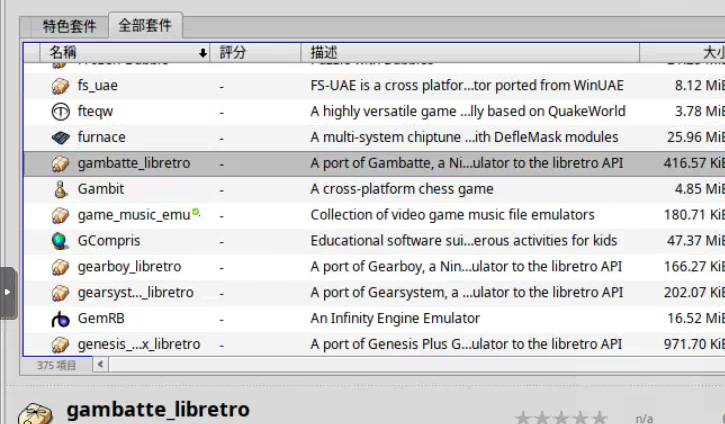
It looks like? Yes, maybe, but read the description!
, a Nintendo Game Boy emulator!
I have no clue of nvidia gpus (20 years of intel graphics 
I think NVIDIA GeForce 840M in my Yoga 15 is not supported, which ones do work?
(Would love to try it)
You can look at the wikipedia pages for the list of compatible chips.
it started with turing, so…
So GTX16xx, RTX 20xx and newer chips mainly.
2 Likes