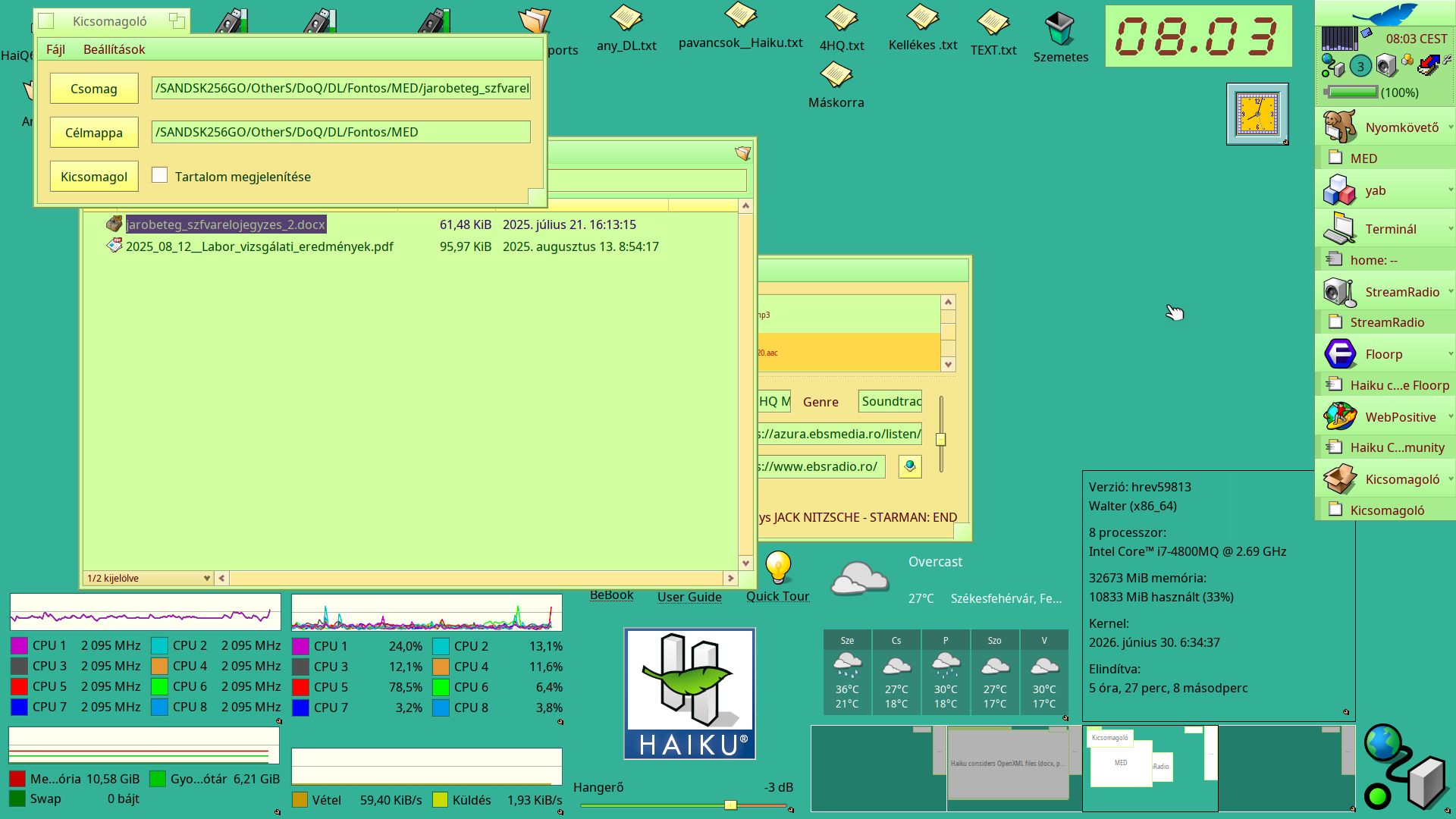
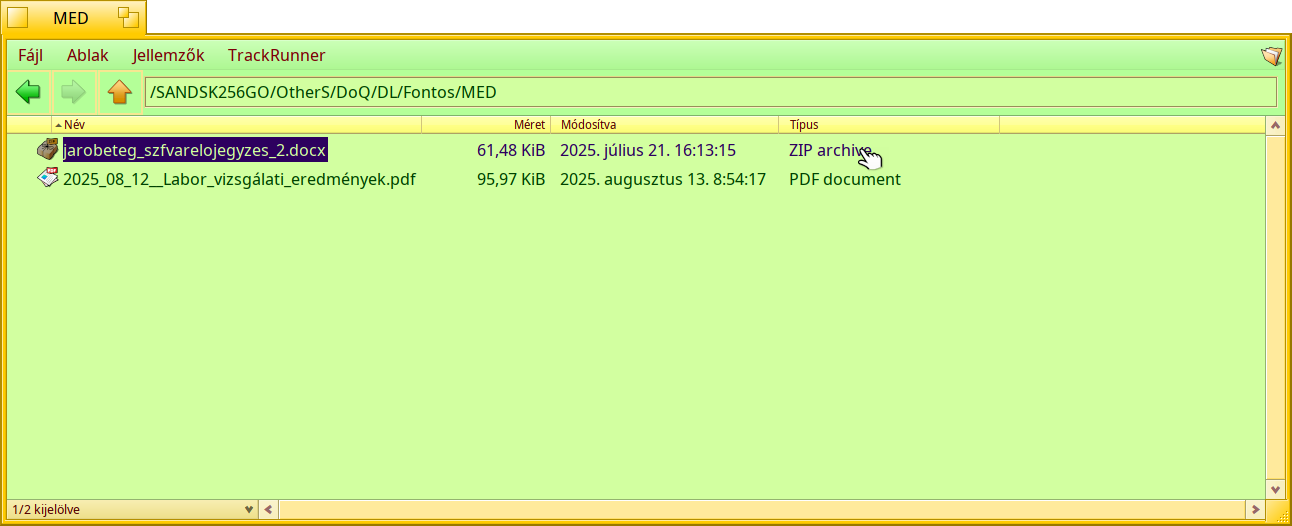
How to test a sniffer rule is working? Any tool builtin in Haiku available for that? Or, at least, some development tool in Haiku source code repository?
I think you need some test files, then remove the mimetype attribute and use mimeset -f to rescan them, and verify that the MIME rule worked.
You can test by editing the rule in the filetype preferences (no need to recompile anything).
I don’t think we have a dedicated test suite at the moment.
I failed to see where one can edit the sniffing rule directly from the File Types preflet app.
I’ll look into writing a small tool using BMineType::Check/Set sniffing rule API I guess, then.
I think you need to enable it from the “File” menu in the preferences panel?
OMG, I’m so stupid!
'‘addattr -t mime BEOS:TYPE $(file --mime-type -b “$1”) “$1”’ would do the rough job in a bfs volume, but it would not apply to other filesystems. Since file is doing its job gracefully, would it be worth reading file/magic/Magdir/msooxml at master · file/file · GitHub ?
Well, “reading” is a literal abuse here 
But thanks, it helps to see what different cases are actually known to be possible.
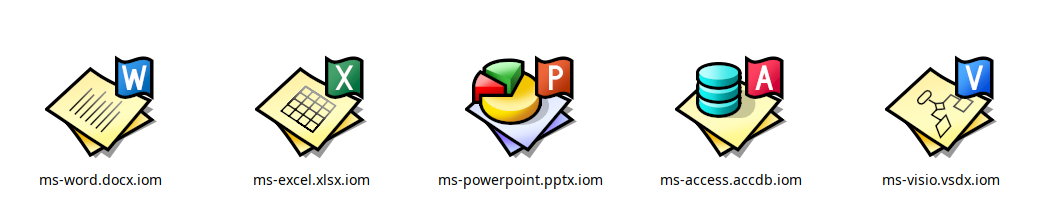
BTW @zuMi , would you agree to design vector icons for .docx, .xlsx, .pptx files ?
Reusing the base of OpenDocument vector icons, but by remplacing the small blue flag with an top right overlay of the dark blue W letter for Word, green X for Excel and red P for PowerPoint ?
I’m so bad at Icon-O-Matic, I just manage to modify the OpenDocument icons to change the color of the flag and remove the small white shape on it.

Regarding mime sniffing, alas it’s seems unreliable, most probably because I think only the first 512 or maybe 1024 bytes are provided to the sniffer (EDIT: no it doesn’t, max bytes needed is computed from all sniffing rules in fact), and alas neither the following pattern are always found in these first 512-1024 bytes :
- [Content_Types].xml
- word/*
- ppt/*
- xl/*
So, for some files its okay, but for others, as these patterns are found but later in the file, it doesn’t works.
As usual, they succeed to define an open format which isn’t reliable even for basic stuff like that.
It seems that the MimeType API in Haiku have some initial support for MimeSnifferAddon where the sniffing is not by parsing a rule string but directly by running custom code. There is no dynamic loading of such add-ons, only a base class which is use to add a TextSnifferAddon that use a somehow stripped code of file magic way to assert if a file is mostly a text file.
But maybe adding support for dynamic MimeSnifferAddon loading could allow to be more flexible for such case like OOXML file format.
2 Likes
By expanding the range of sniffing up to 64k, it works fine on any MS Office files I could test.
Finally checking for [Content_Types].xml is useless, because it can be located sometimes at the very end of the zip file, probably added last during the file writing process.
But I also guess that, then, for each file sniffing, 64k of file will always be loading, and therefore it will infer more disk IO and globally impact the MIME sniffing performance, even when for 99% of the rules the first 512 or 1024 bytes are far enough.
Anyway, here the WIP Gerrit change trying to add the MIME types for these family of files.
1 Like
How well does it do with just 1024? Does it not work at all then?
The thing is there seems to be no guarantee, you really need to parse the zip.
If whatever LibreOffice uses for docx is any indication, en empty document places the word/document.xml entry at byte 1361, word/_rels at 1070. As I add images and stuff, the document relations grows. It seems that when document.xml would get past the first 4KB the relations are moved to the end of the zip, but it also seems they didn’t take the same care when the custom properties, docProps/custom.xml, also placed in this case before document.xml, grows.
It seems 1KB won’t do, but maybe 2 or 4 KB is enough for a good chunk of documents?
I will experiment to reduce from 64k to hopefully far less, but from my experience even 4k was not enough for some of very standard .xlsx and .docx I have. for .pptx it seems okay, mostly because each slide is actually separated it seems. Dunno for Visio and Access, I don’t really have sample files for those.
Looking good  , thanks!
Sniffing these files always is best-effort. For these maybe we should really consider using the file extension as a tie breaker. Use your rule as an indication and also consider a .docx to “probably” be a docx when it also matches the zip rule
1 Like
xtn.sh - Easy and fast file sharing from the command-line. aint sure about db icon, but since slideshow file has already a 3d-ish pie chart on it, lets keep some consistency
4 Likes
I’ve reduced to 8k the range of patterns searching, as it was enough to works on all the sample files I’ve at hand.
Imported your vector icons @zuMi, thanks.
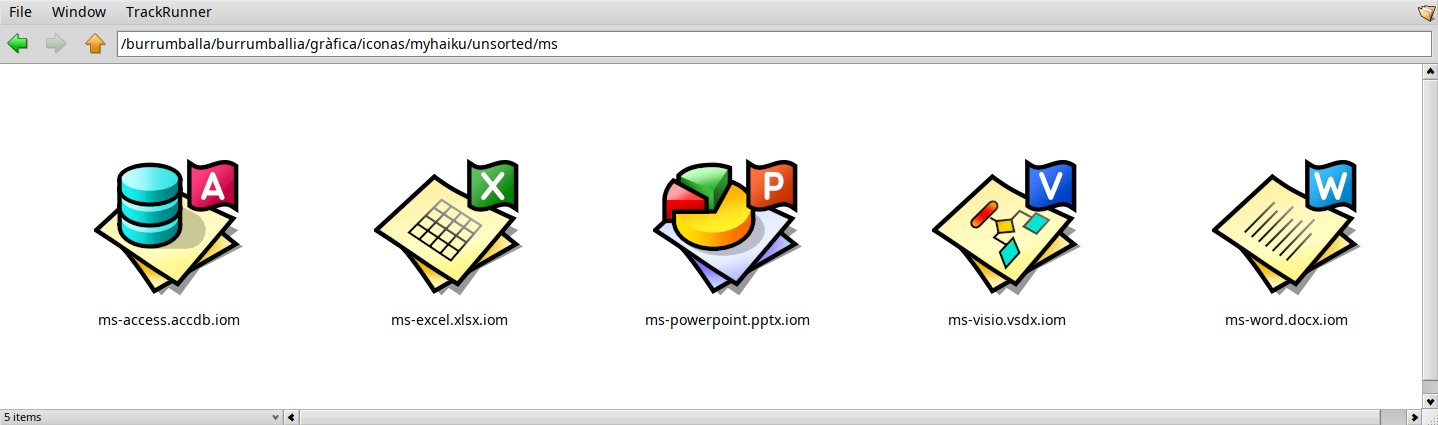
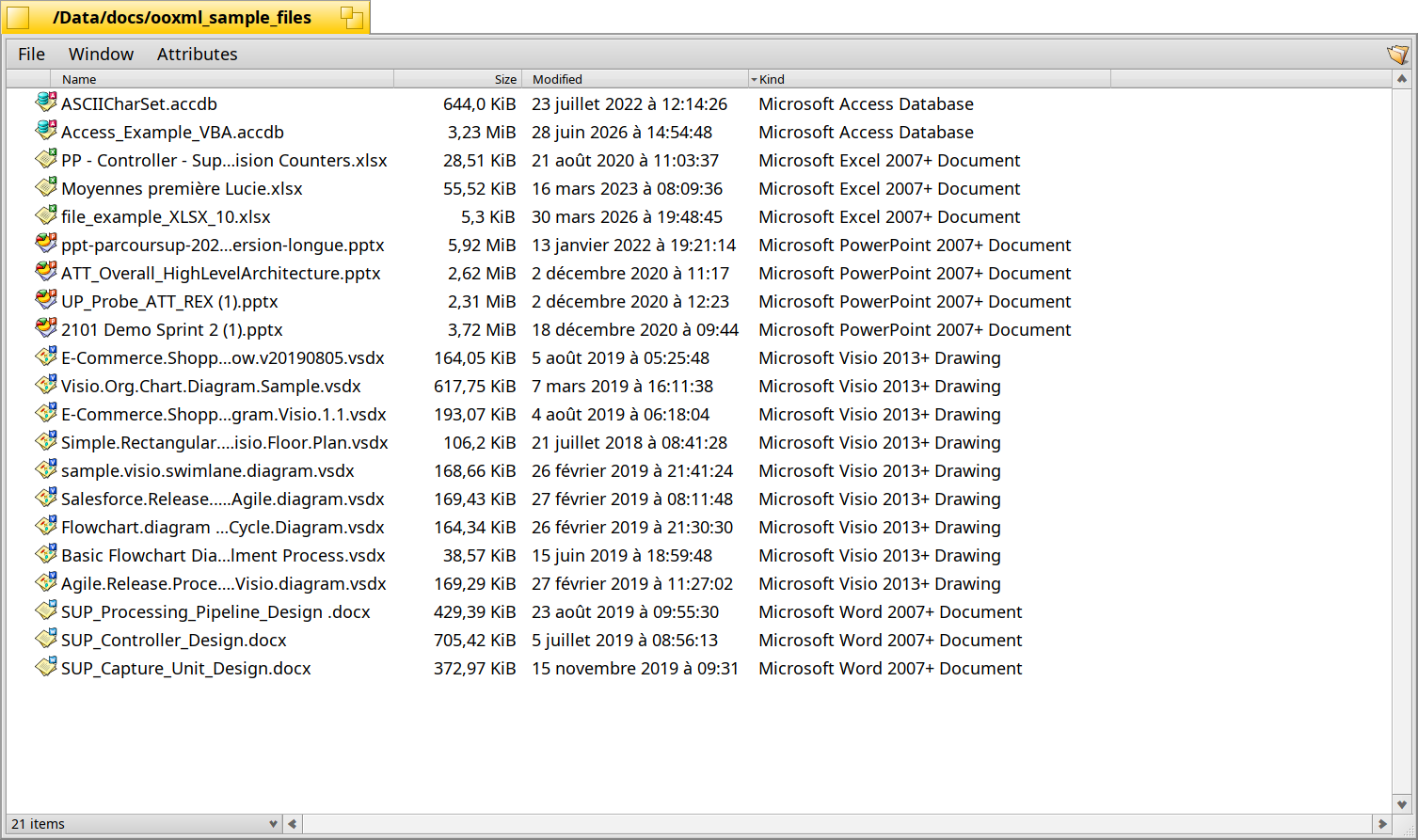
I’ve added MIME types for Microsoft Access (.accdb) and Microsot Visio 2013+ drawings (.vsdx), in order to make your work on icons for these two types of file types not done for nothing
Here the result on some samples files:
2 Likes
It’s not purity, it’s that extension in a filename is just a convention, like someone saying his name is Mr Smith : either you believe him, or you’ve a more objective way to check his identity.
Same for file. The actual content of a file is what it is, its name is just a name, and one that can be easily changed even. While changing its content without changing what it is and does is more difficult.
Looks at these virus spread by pretending they’re are some .pdf just to trigger the OS to show a PDF icon, but are in fact an executable file?
That’s why in BeOS and in Haiku therefore, the extension is only a fallback, when no sniffing rule worked.
3 Likes
The change was submitted.
To be improved if needed, and anyone having some OpenXML files which still be detected as zip file instead of the new MIME types added by these changes, please open a ticket and cc me.
3 Likes