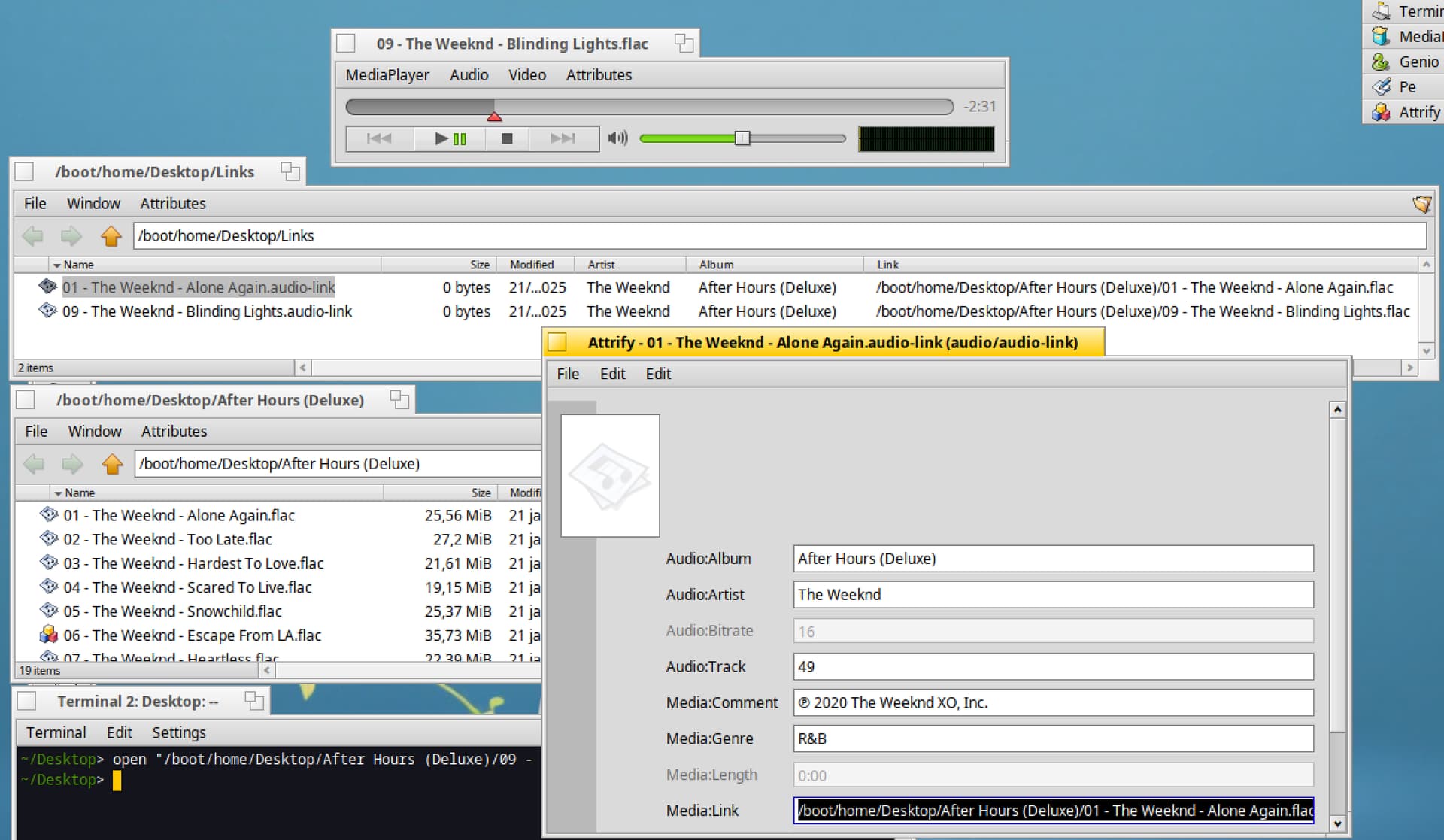
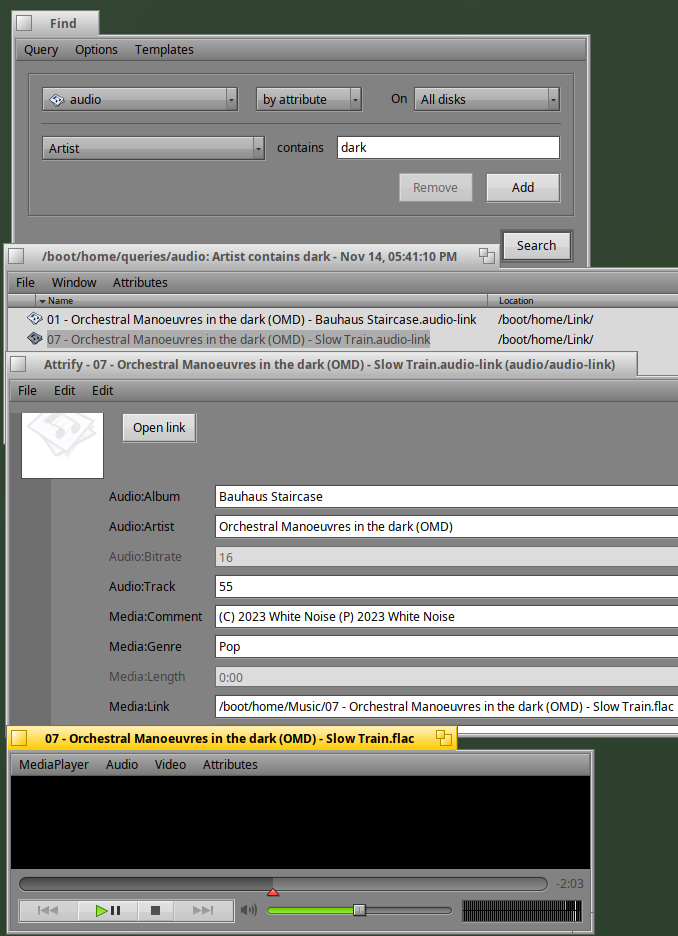
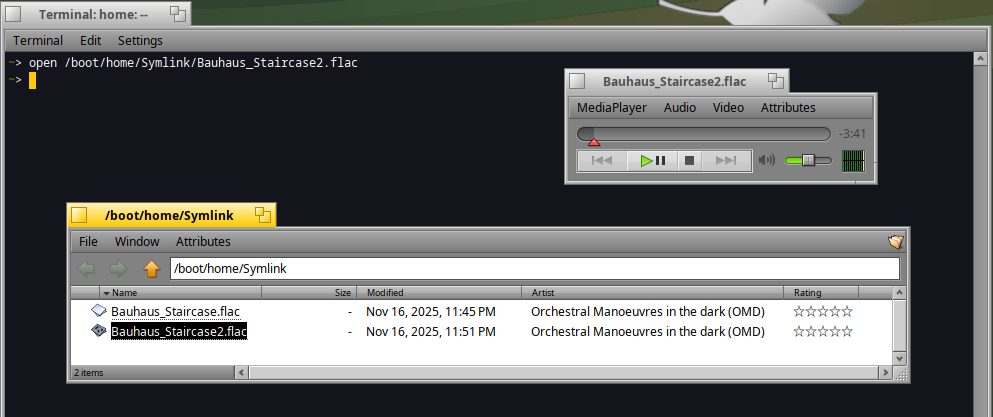
Audio files located on BFS here (but in real life, it will be on my NAS, so no BFS)
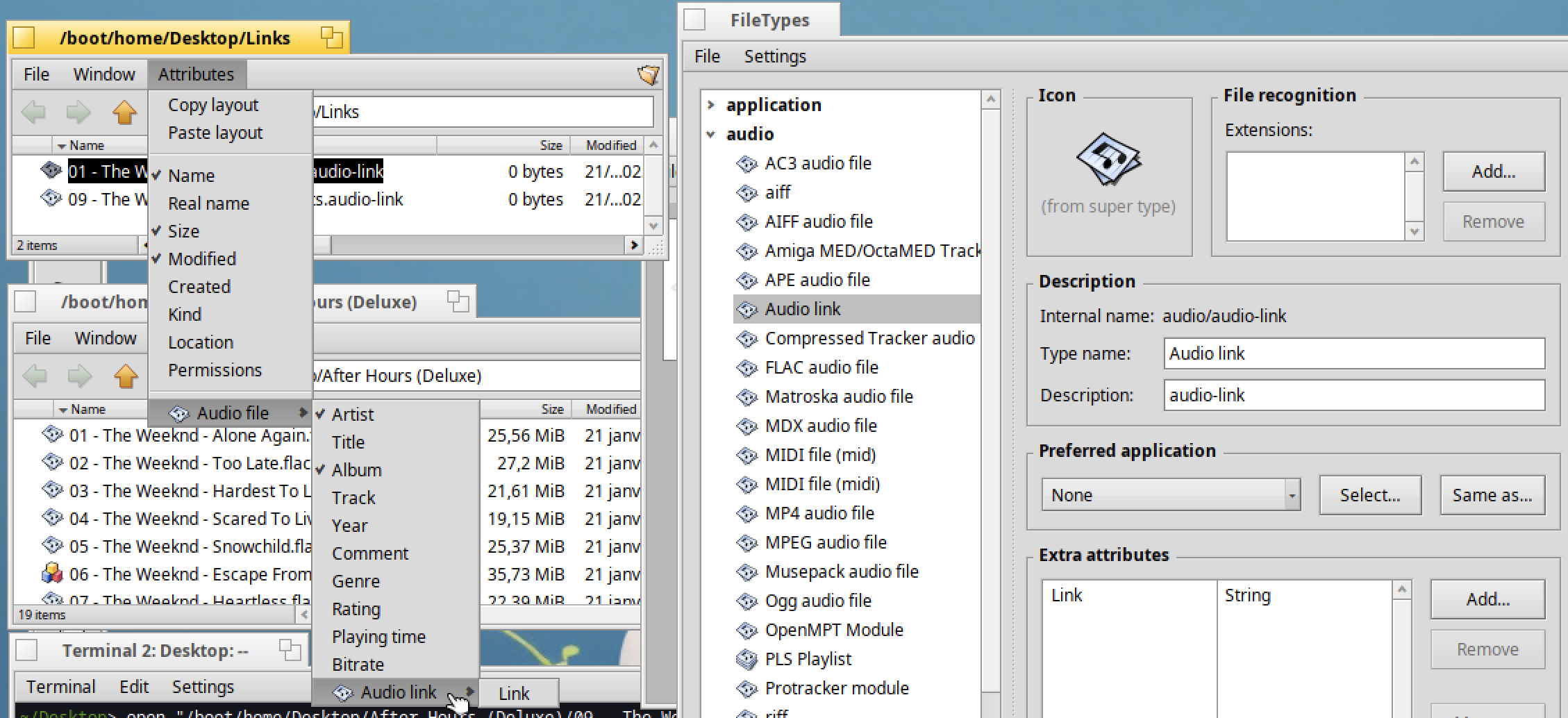
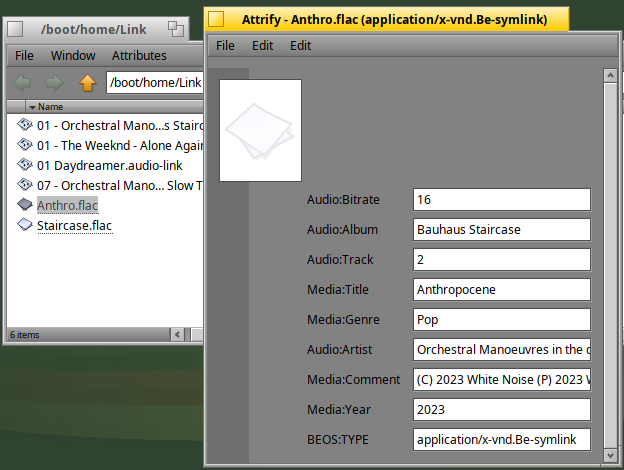
Audio link : derived from audio mime type (ie containing some audio attributes extracted from the exif of the original audio) + new attribute corresponding to the link to the original file
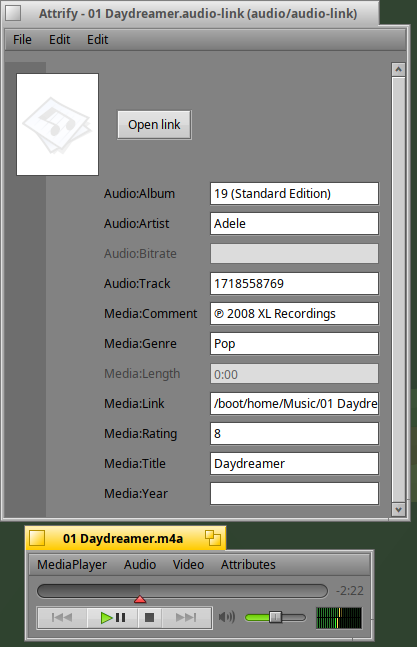
Opening attributes via Attrify application : audio mime type attributes + audio link mime type attribute (link only)
=> Once the audio links files are enriched with exif data, the search for attributes can be done with query under Haiku
you can definitely have (extended) attributes on most of the common filesystems available on Linux as well as Mac’s HFS Plus. Decompressing with a tool that handles them just might require some work… I don’t remember how I transferred some of my files with attributes intact from Haiku to ZFS a year or two ago but I’m pretty sure it’s possible with some existing tools.
The attributes on other filesystems are not typed, and,more importantly, not indexed. That makes them a lot less useful, since queries will be very slow
While it’s of course true they are much more prominent on BeOS/Haiku, my main point was that it does not need to be the case that you lose all attributes when going to a non-BFS filesystem.
In some cases using certain tools they can even be indexed although in userspace instead of at the filesystem level. Limited queries can also be practical with how fast disks can be nowadays even when not using an index (and Haiku’s indexing unfortunately leaves a lot to be desired because BeOS’s did) but I do think extended attributes are sadly underused on systems other than Haiku nowadays.
Yes, the attributes are only intended for the Haiku filesystem (bfs) and can only be used there. As soon as you copy the file to another filesystem, the attributes are gone. However, you can simply compress and extract the file with the zip command without losing them. Copying from bfs to bfs is no problem.
However, it’s important to remember that every attribute has a size, which isn’t displayed in the system (or has that changed now?). So if a new application writes new attributes to every file/program, that wouldn’t be nice in my opinion, and if I were building an anti-spyware app, I’d pay close attention to something like that ;-).
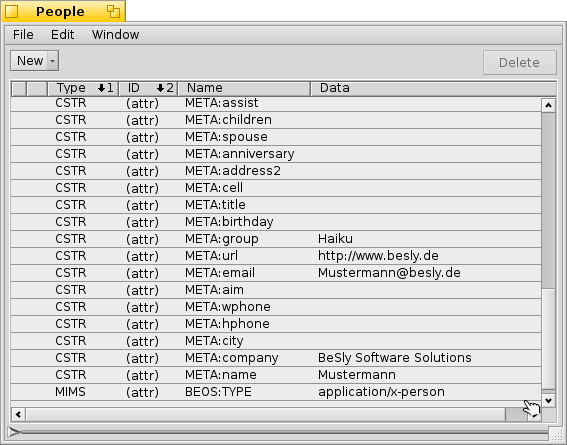
quickres is an old beos application by Dianne Hackborn
I always used this to check when creating my genealogy program myfamily (unfortunately never completed due to missing options in yab and better alternatives)
I don’t know about copy utilities but I believe you should be able to mostly transfer them to other filesystems by enabling xattr support in GNU tar / BSD tar.
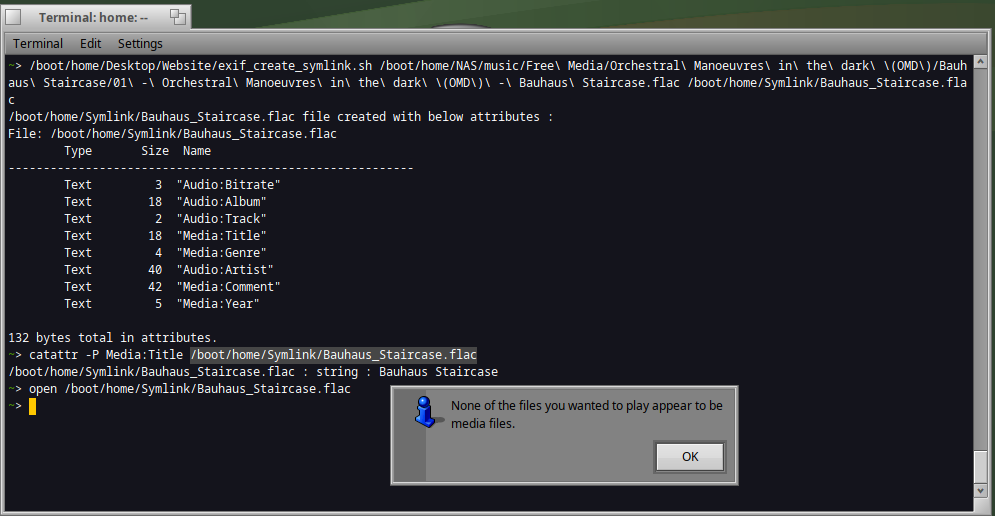
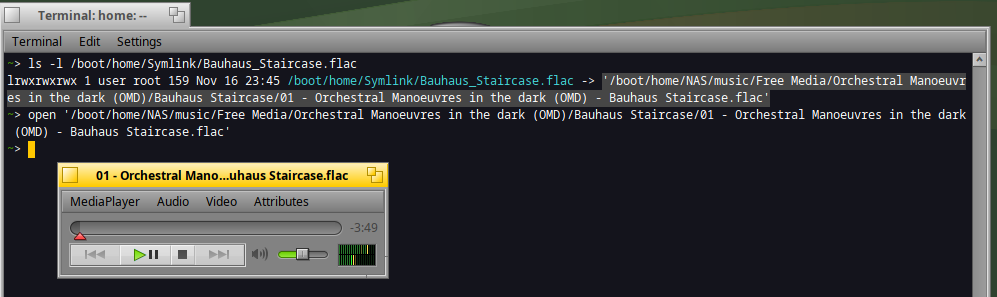
Symlinks can indeed have attributes as well. You can do that with the -P option for addattr. I use it in ACE to run the emulator with different configurations that are read from the symlink’s attributes
If I understand correctly, a symlink can have additional attributes, however if I made a symlink of an audio file or a sound file, it will not inherit the attributes from these files ?
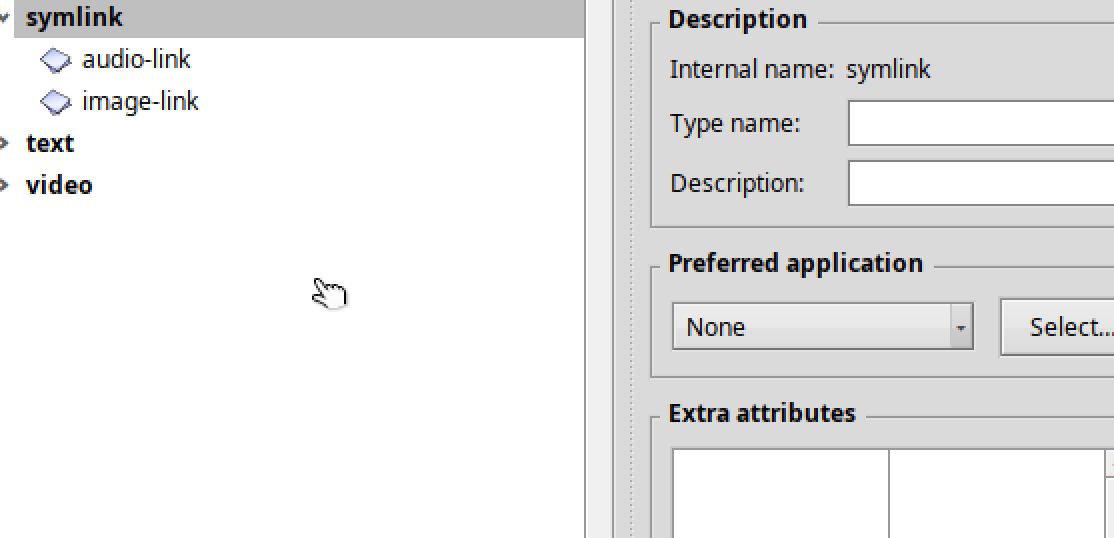
Would it be possible to create a new filetype’s group named “symlink” as below and define sub filetypes link audio, image, etc ?
The idea would be to have symlinks with attributes depending on the type of the original file