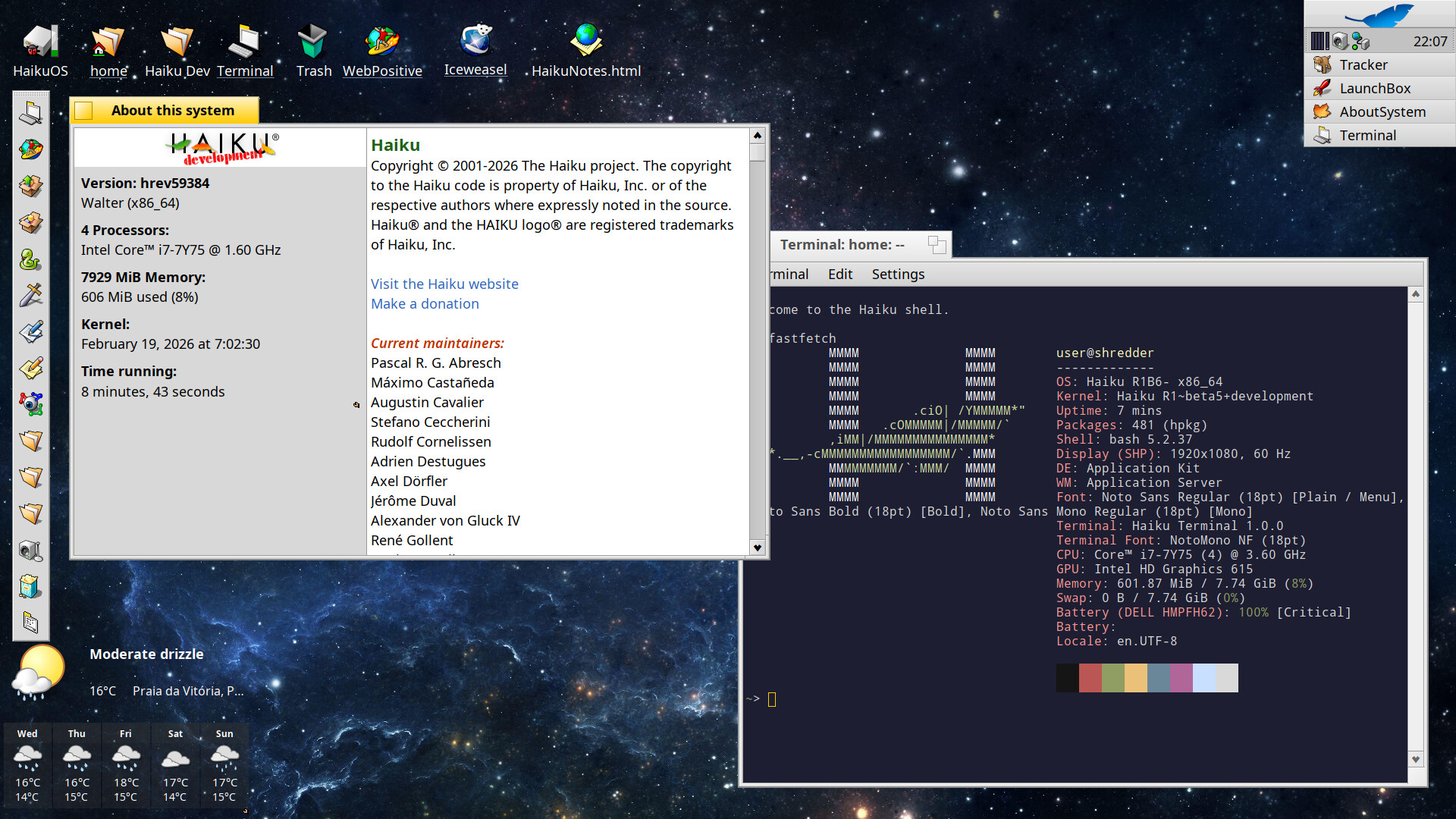
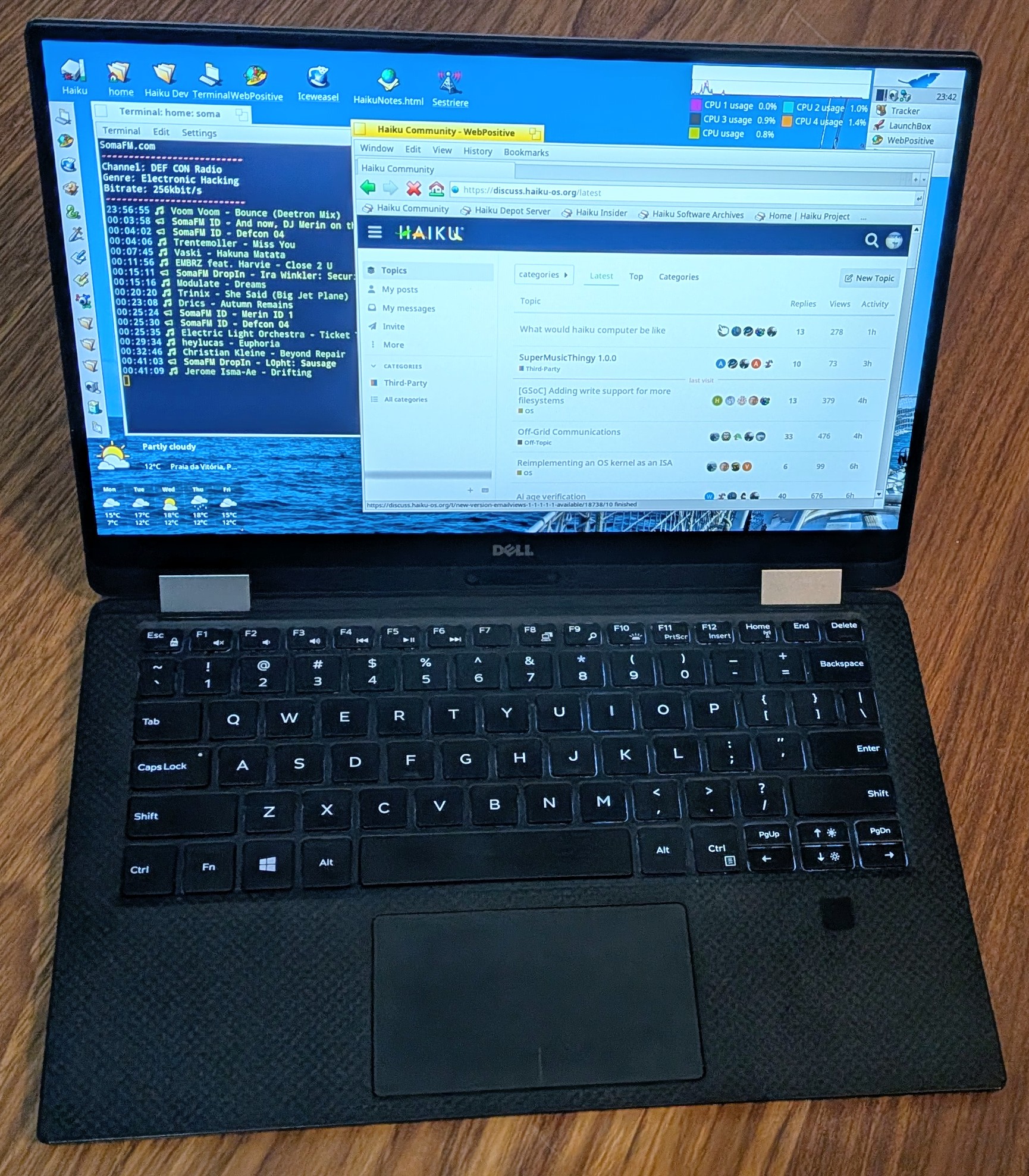
@BlueSky it sounds like I’ve had a little more luck than you. Both my desktop machine and laptop run Haiku pretty really well. I have beta5 on the desktop and the nightly on the laptop. The laptop does have a few minor issues but no showstoppers. I’ve been trying to take notes as I run into things. The biggest problem on the laptop I think it the trackpad. It won’t take my muscle-memory two-finger drag (one to click and the other to move) and infrequently will jump into a corner. I could use a normal mouse, but this laptop only has two USB-C ports–one has the power brick, and the other has the external drive. The laptop gets a little warm and I did try switching to Power saving in Process controller, but that made the system a little buggy and would hang at times. I did have to adjust font sizes to get the laptop screen to be easier to read with my old eyes!
The non-issues: Google and Proton suites both work in Iceweasel, and YouTube is okay, but I think I’ll try the yt-dl. The laptop volume keys worked and I mapped the search key to QuickLaunch. Wifi works, sound works.
Okay, I just succesfully completed a “real task”–woohoo! I normally keep electronic copies of utility bills and respective payment reciepts. Normally it is easy as both usually are in a pdf file. However, our water bill had an issue and I had to pay manually. They gave me a paper receipt. I connected up a Fujitsu ScanSnap 1500 and installed Sanity. The scanner worked like a champ and I used my normal tool, pdfunite, to put the bill and receipt together.
If I have to print something later, I may have issues. I have been unable to get my HP LaserJet M15W to print yet. It is seen by Haiku and the LED will flash on the printer when something is sent, but nothing ever prints. I’ll have to troubleshoot this more…
I downloaded the install cd image from the Internet, it was either archive.org or winworldpc.com, I can’t remember which one I finally used. I did this last year as part of my OS Museum project where my goal was to get as many old OS as possible to run in virtual machines. I do have a few vintage computers but that have their own charm of course, but I don’t really enjoy messing around with hardware any more than I have to. And the VMs need much less physical space and consume by far less energy. So today I just copied the BeOS R5 (x86 version) VM over from one of my Linux machines, installed qemu and gave it a go. Worked like a charm. Performance is not really amazing, not because of the lack of hardware virtualization support, but because the machine is really old and not that powerful.
Here’s the qemu command that I’ve used to run the VM:
qemu-system-i386 -hda beosr5.img -m 512 -cpu pentium3 -M pc,hpet=off -cpu pentium3 -boot c -netdev user,id=lan -device ne2k_pci,netdev=lan
There are already a number of tickets for intermittent crashes on MacBooks. See #19126 and related tickets.
Crashes on nightly but not the beta on Installer, though, I don’t know about. Nor hangs (unless those are the ones related to Power Saving mode, see below.) So reporting those sounds like a good idea.
I can’t rule that out completely. The machine is very old by now, the BIOS is at the latest level that’s available. I had Linux running on the machine for a long time and never experienced any of these freezes. I think I’ll install Linux alongside Haiku on the machine again to check that there are still no freezes under Linux.
How would I go about testing that the RAM is good? Can you recommend a test program for that? The BIOS doesn’t have any system test functionality apart from the normal POST.
I’ll check those and see if they apply to the crashes I experienced.
Doesn’t sound like my problem. The ticket is about PS/2 input devices, mine are USB. Also, it doesn’t appear that only the input devices are frozen. I’ve had tasks running in the terminal (compile jobs and git clone) and they froze too, as well as the music I had playing. That indicates to me that indeed the whole OS froze up. I even enabled serial debugging but there was no output at the time of the freeze. I’ll still open a ticket about it, even though I don’t have much data to provide beyond what I already described.
Are you still able to enter KDL when the system is in that frozen state? Assuming you can do it if it isn’t frozen that would suggest that “only” the app_server is frozen.
@nephele: I can now confirm that it’s not possible to enter KDL with the ALT-SysReq(Printscreen)-D key combination after the ominous “freeze” happens. I’m installing a Linux distro alongside Haiku right now to check if it happens there too.
The “freezing” problem is definitely some problem with the machine. The same hang as with Haiku occured in the memory test program included with the Linux Mint iso, as well as during the install of Linux Mint. I will try to diagnose the problem in more detail but that’s out ouf the scope of this thread.
For my little experiment here that means the focus is now on getting Haiku running on the Macbook, if possible.
I’ve installed Refind 0.14.2 on the machine, which finally enables me to get into the boot loader options when booting the haiku installer image from a USB drive (I could never get into the boot loader options from the default mac EFI boot menu).
Still no luck booting Haiku nightly, for details see ticket Making sure you're not a bot!
Next stop: Trying to install beta5
Just an update on how things are going with the dogfooding experiment on my end.
I did re-partition the drive in the laptop so that I didn’t have to boot with a USB device hanging off the side. Besides being faster, it allows me to use the one, now open USB-C port for other things. The other one is normally plugged into the charger as the battery has lost most of its capacity and needs to be replaced. I have it defaulted to boot into Haiku but can switch to Linux at the BIOS boot screen. I didn’t see much advantage in adding rEFInd just yet. The desktop is setup similarly, only with each OS with its own drive and changing the boot device at startup.
I already had been using KeePassXC for many years and it works well in Haiku. I installed Pony Express for DropBox but haven’t configured it to try it yet, but I can access DropBox in WebPositive. I did install WindowTailor after it was mentioned in the forum, and definitely like it. Another great utility I’m using is QuickLaunch.
I still need to see if I can get a printer to work. Fortunately, I haven’t needed to print anything. My SnapScan scanner works.
So far, Iceweasel works okay for sites that don’t work in WebPositive. It is a bit sluggish with some things, like Google maps for instance. I use WebPositive for as much as I can since it seems to work smoother and look nicer.