Here my experiment outputs, Vivobook X5112JA,
Irish Pro G7 does work.
AC9560 kinda recognise, however, igxwifi200 is not connected to anything at all. No MAC adress either.
Touchpad does not work.
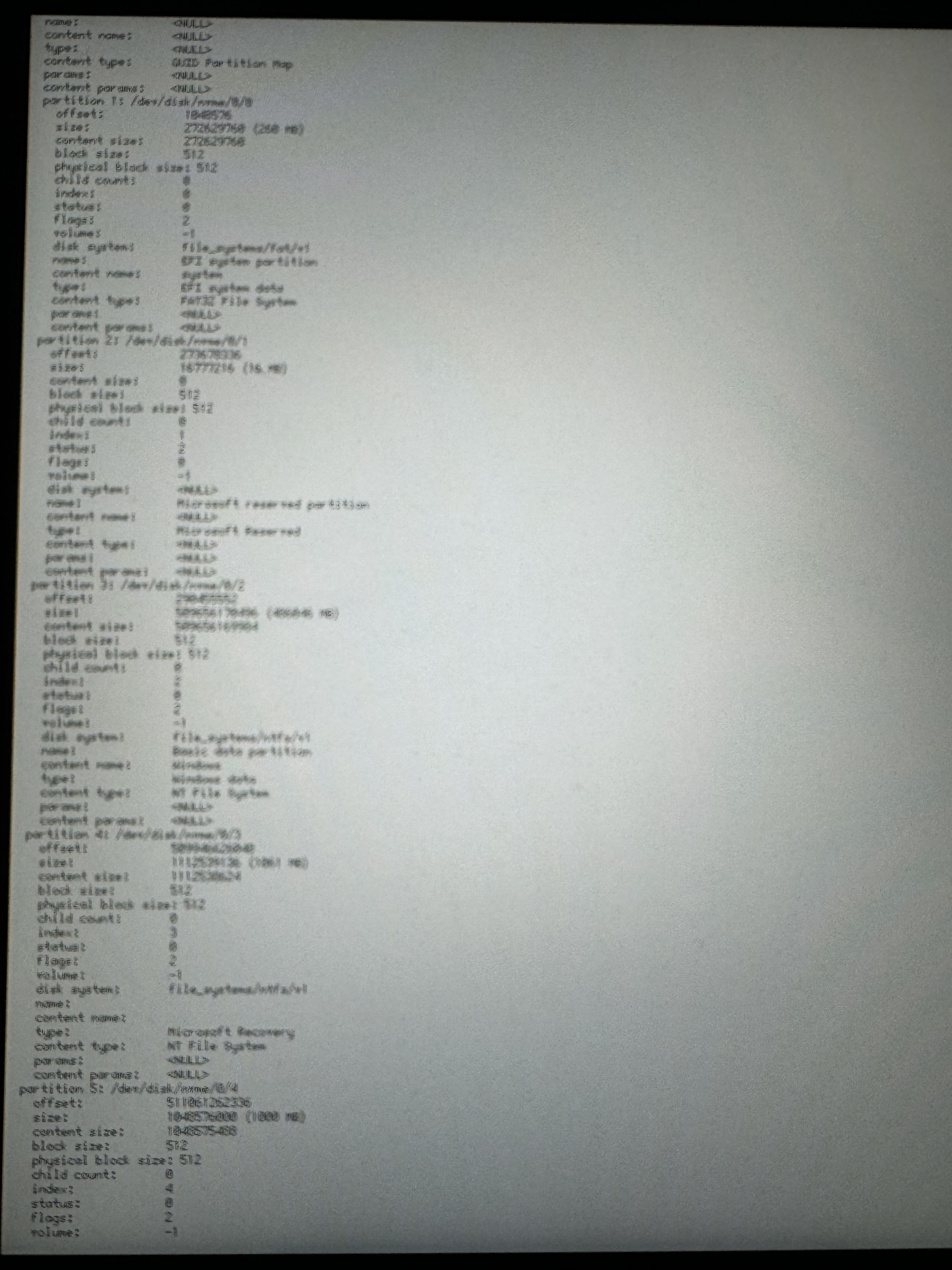
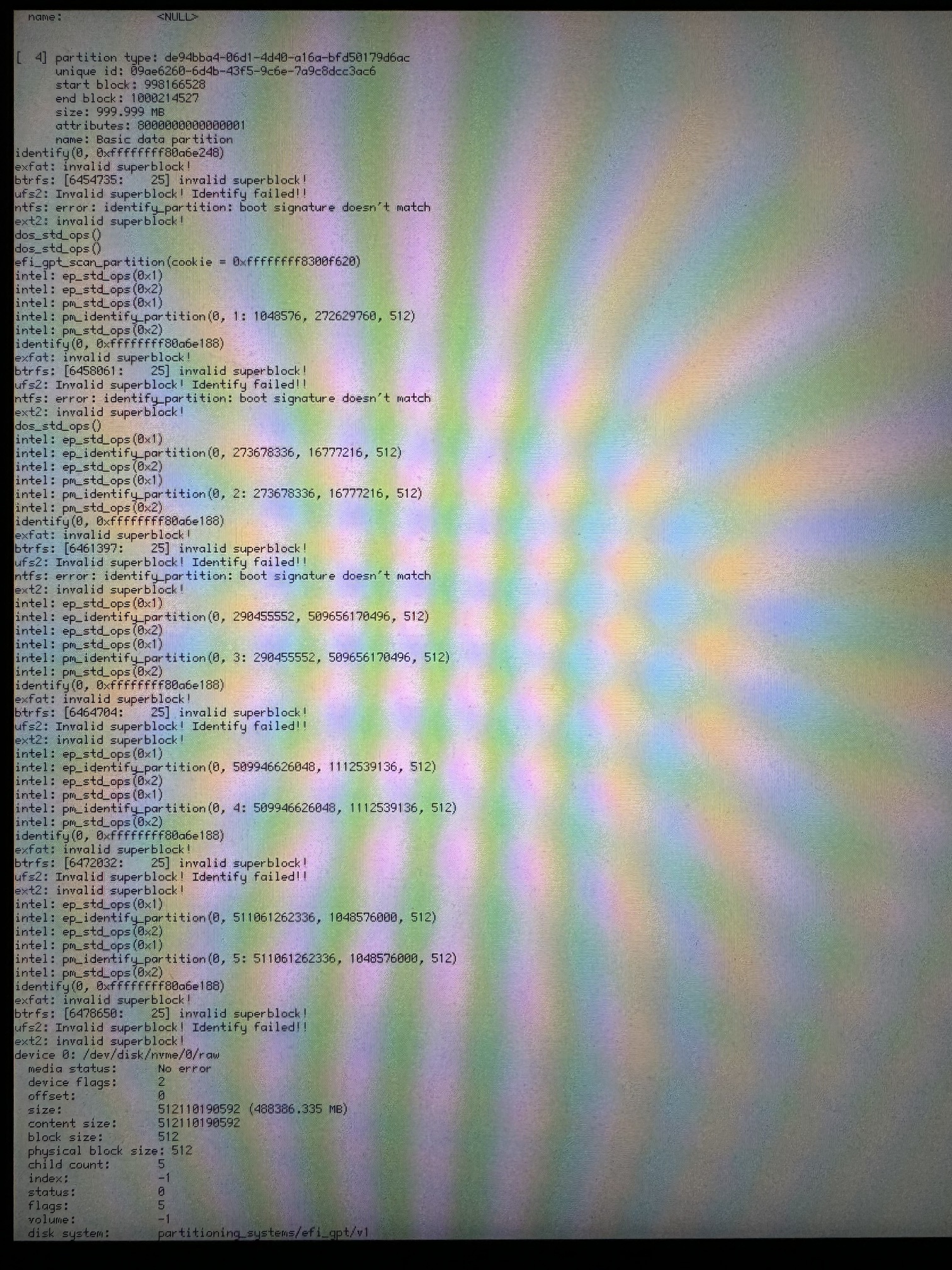
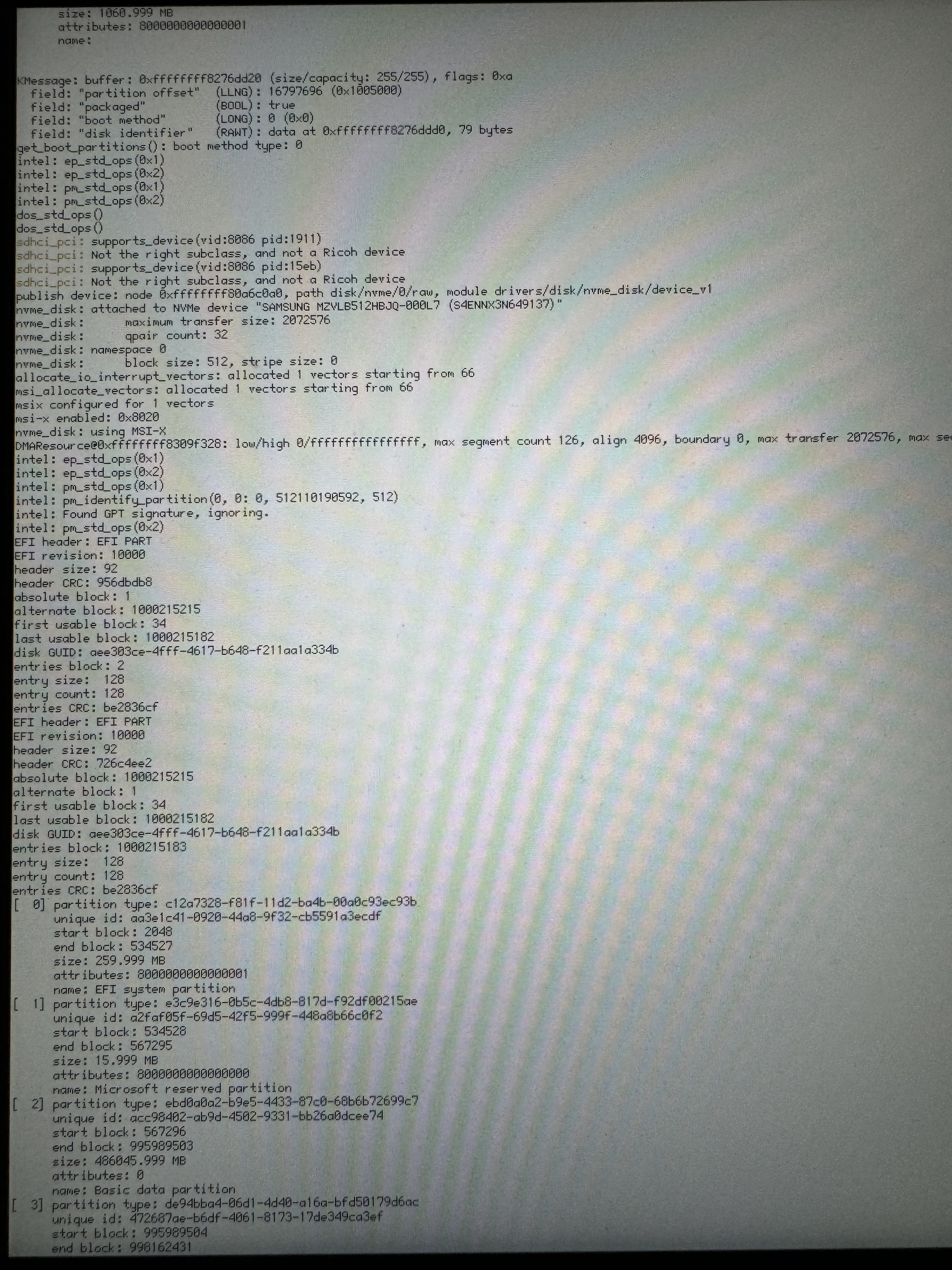
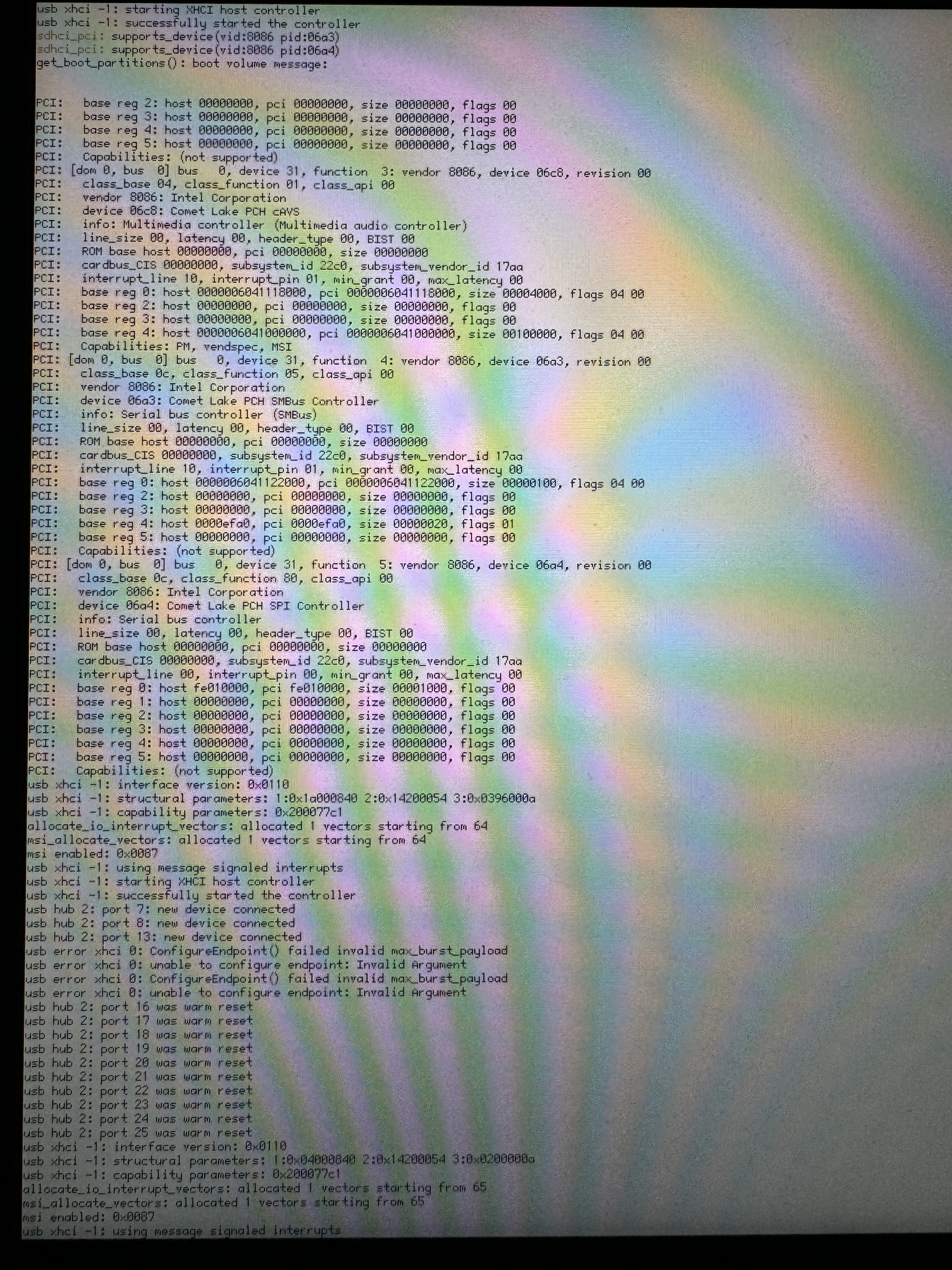
IntelSSD not seen in DriverSetup. Only the LiveUSB.
haiku-master-hrev58937-x86_64-anyboot.iso
device Bridge (Host bridge) [6|0|0]
vendor 8086: Intel Corporation
device 8a12: Ice Lake-LP Processor Host Bridge/DRAM Registers
device Display controller (VGA compatible controller, VGA controller) [3|0|0]
vendor 8086: Intel Corporation
device 8a52: Iris Plus Graphics G7
device Signal processing controller [11|80|0]
vendor 8086: Intel Corporation
device 8a03: Processor Power and Thermal Controller
device Serial bus controller (USB controller, XHCI) [c|3|30]
vendor 8086: Intel Corporation
device 34ed: Ice Lake-LP USB 3.1 xHCI Host Controller
device Hub (Unused, Full speed (or root) hub) [9|0|0]
vendor 0000: Unknown
device 0000: Unknown
  device Mass Storage (SCSI, Bulk-Only) [8|6|50]
    vendor 0781: SanDisk Corp.
    device 5567: Cruzer Blade

  device Video (Video Streaming) [e|2|1]
    vendor 13d3: IMC Networks
    device 56dd: Unknown

  device Wireless (Radio Frequency, Bluetooth) [e0|1|1]
    vendor 8087: Intel Corp.
    device 0aaa: Bluetooth 9460/9560 Jefferson Peak (JfP)
device Memory controller (RAM memory) [5|0|0]
vendor 8086: Intel Corporation
device 34ef: Ice Lake-LP DRAM Controller
device Network controller [2|80|0]
vendor 8086: Intel Corporation
device 34f0: Ice Lake-LP PCH CNVi WiFi
device Generic system peripheral (SD Host controller) [8|5|1]
vendor 8086: Intel Corporation
device 34f8: Ice Lake-LP SD Controller
device Serial bus controller [c|80|0]
vendor 8086: Intel Corporation
device 34e8: Ice Lake-LP Serial IO I2C Controller #0
device Serial bus controller [c|80|0]
vendor 8086: Intel Corporation
device 34e9: Ice Lake-LP Serial IO I2C Controller #1
device Communication controller [7|80|0]
vendor 8086: Intel Corporation
device 34e0: Ice Lake-LP Management Engine
device Mass storage controller (RAID bus controller) [1|4|0]
vendor 8086: Intel Corporation
device 282a: 82801 Mobile SATA Controller [RAID mode]
device Communication controller [7|80|0]
vendor 8086: Intel Corporation
device 34a8: Ice Lake-LP Serial IO UART Controller #0
device Serial bus controller [c|80|0]
vendor 8086: Intel Corporation
device 34aa: Ice Lake-LP Serial IO SPI Controller #0
device Bridge (ISA bridge) [6|1|0]
vendor 8086: Intel Corporation
device 3482: Ice Lake-LP LPC Controller
device Multimedia controller (Audio device) [4|3|80]
vendor 8086: Intel Corporation
device 34c8: Ice Lake-LP Smart Sound Technology Audio Controller
device Serial bus controller (SMBus) [c|5|0]
vendor 8086: Intel Corporation
device 34a3: Ice Lake-LP SMBus Controller
device Serial bus controller [c|80|0]
vendor 8086: Intel Corporation
device 34a4: Ice Lake-LP SPI Controller
 (me now goes to the doctor to get my ears checked)