If you like it ok!
But I do not know for what it is worth!
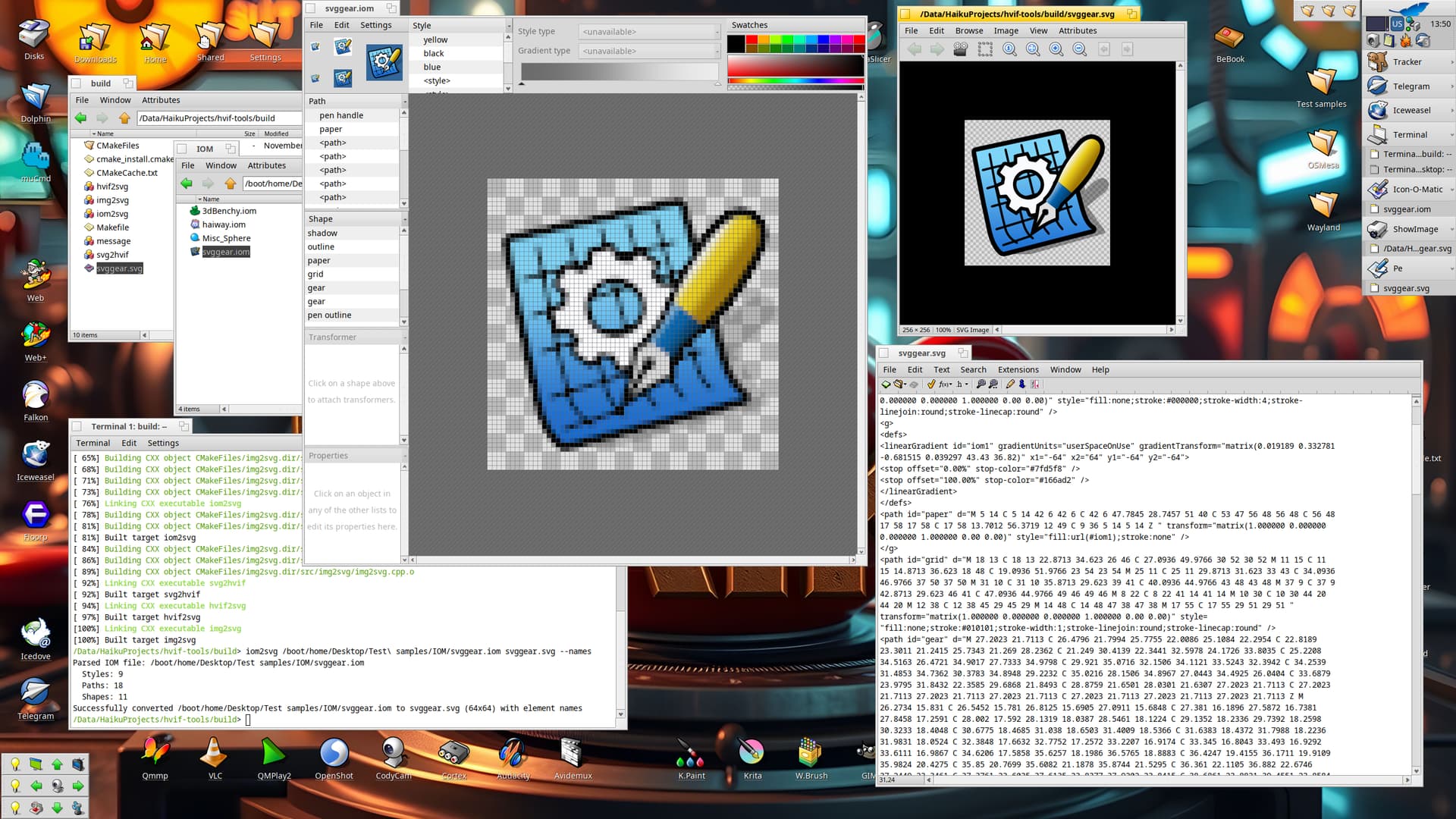
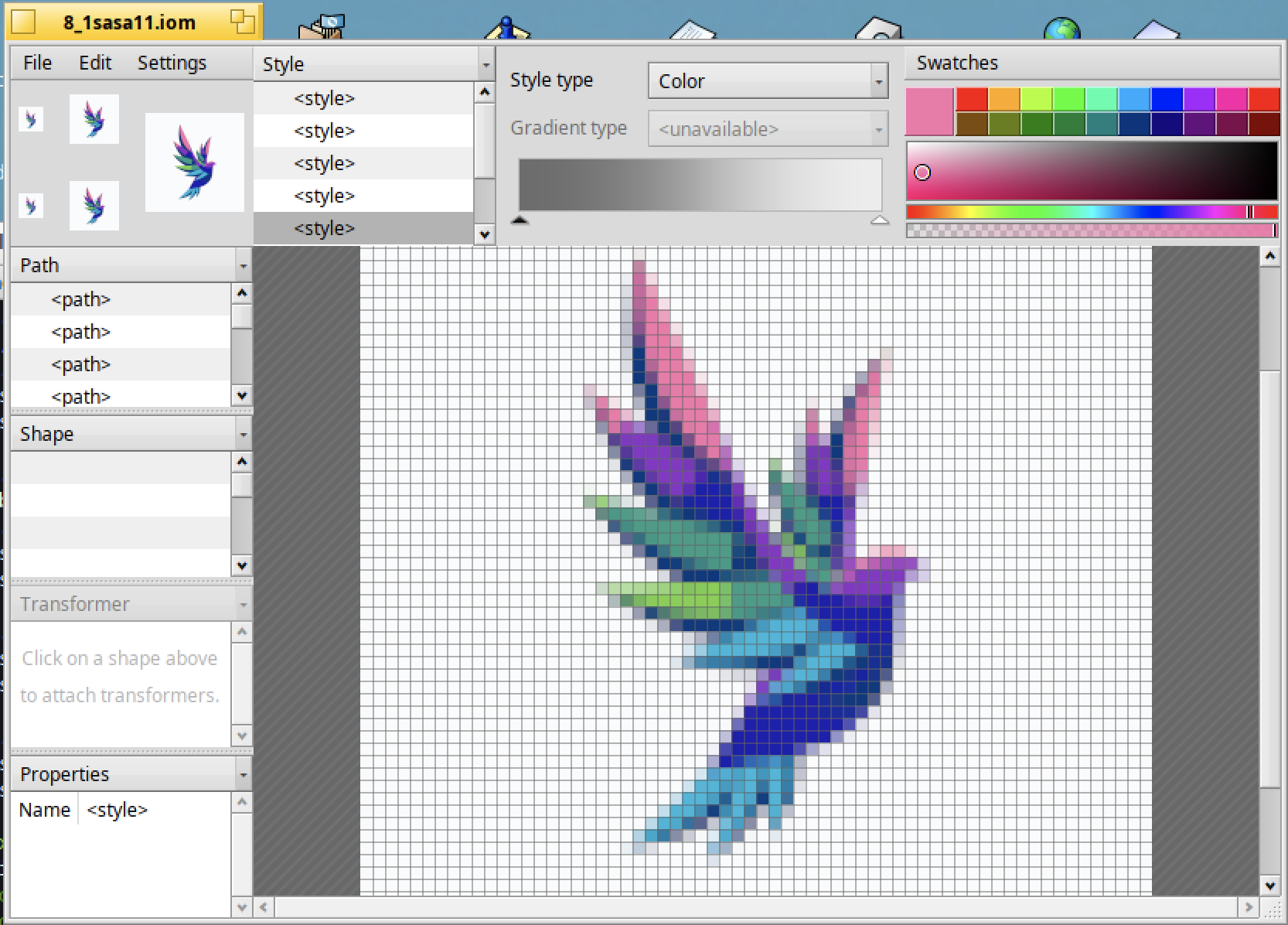
I managed to make a utility for converting the Icon-O-matic format to svg - iom2svg. The difficulty of creating a cross-platform version is that I had to implement a simplified cross-platform version of the BMessage class. Right now, it’s only for Unflatten and reading values. Everything is working fine. To implement the conversion in the opposite direction - svg2iom - I will have to finish the full version of BMessage:
9 Likes
This is wonderful.
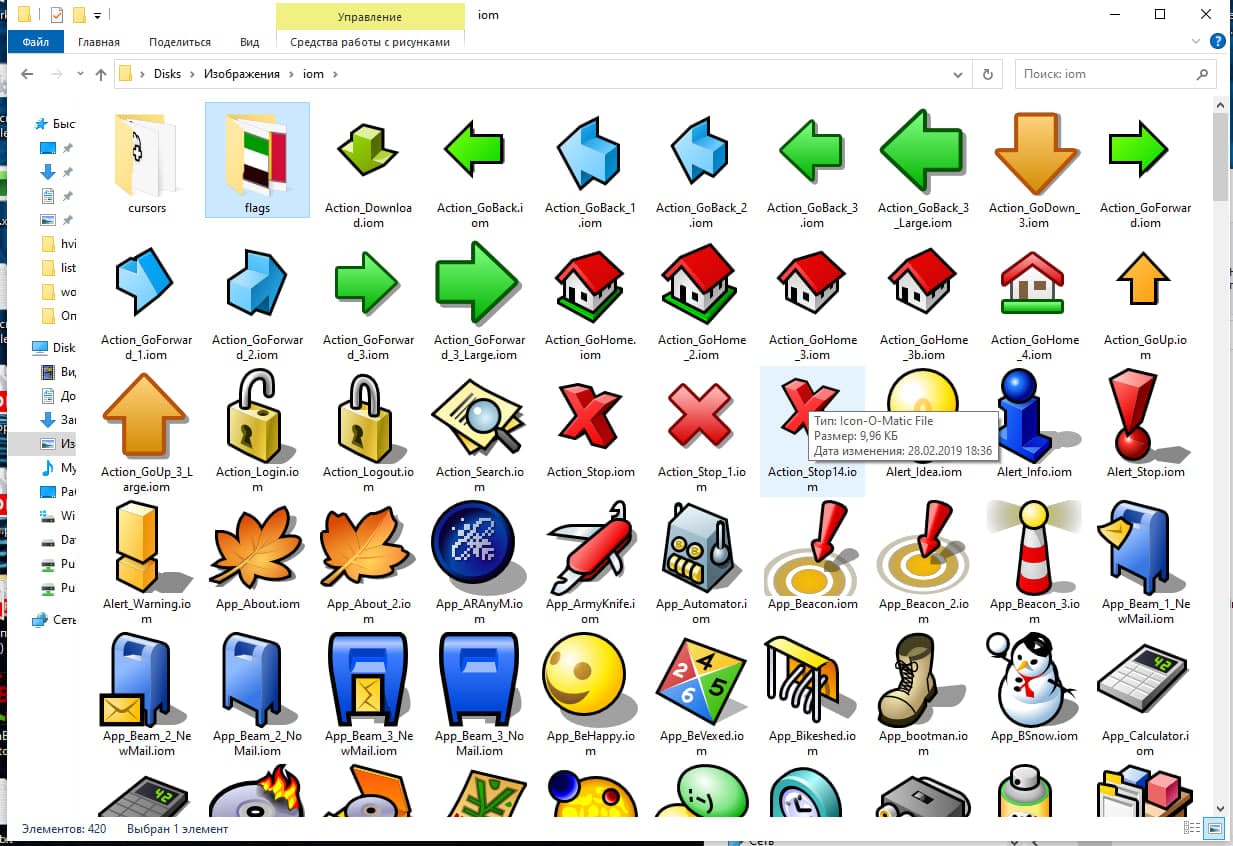
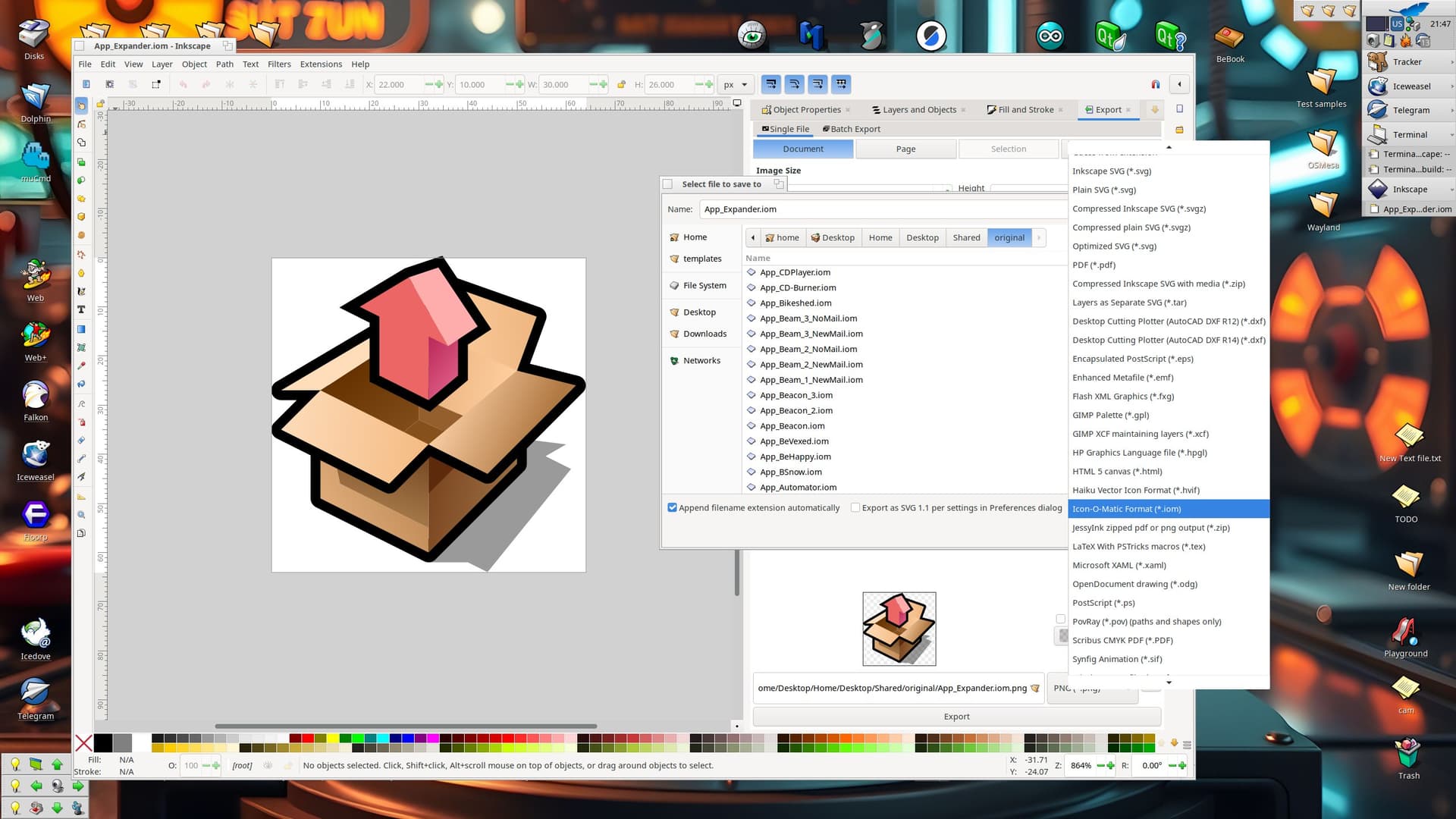
Just tested it, really cool to have a quick image to SVG to IOM icon 
Original image:

img2svg conversion result:
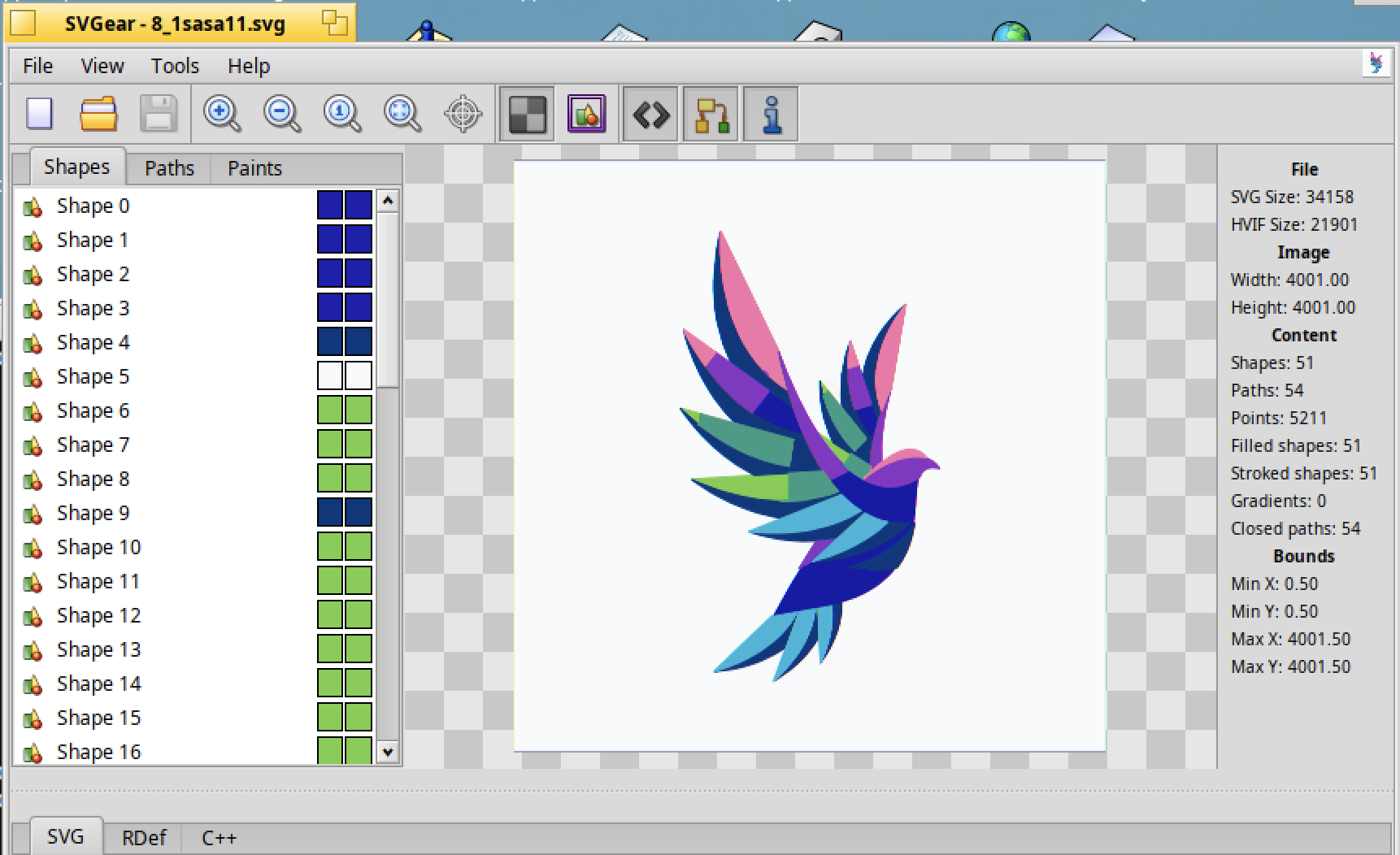
svg2iom result:
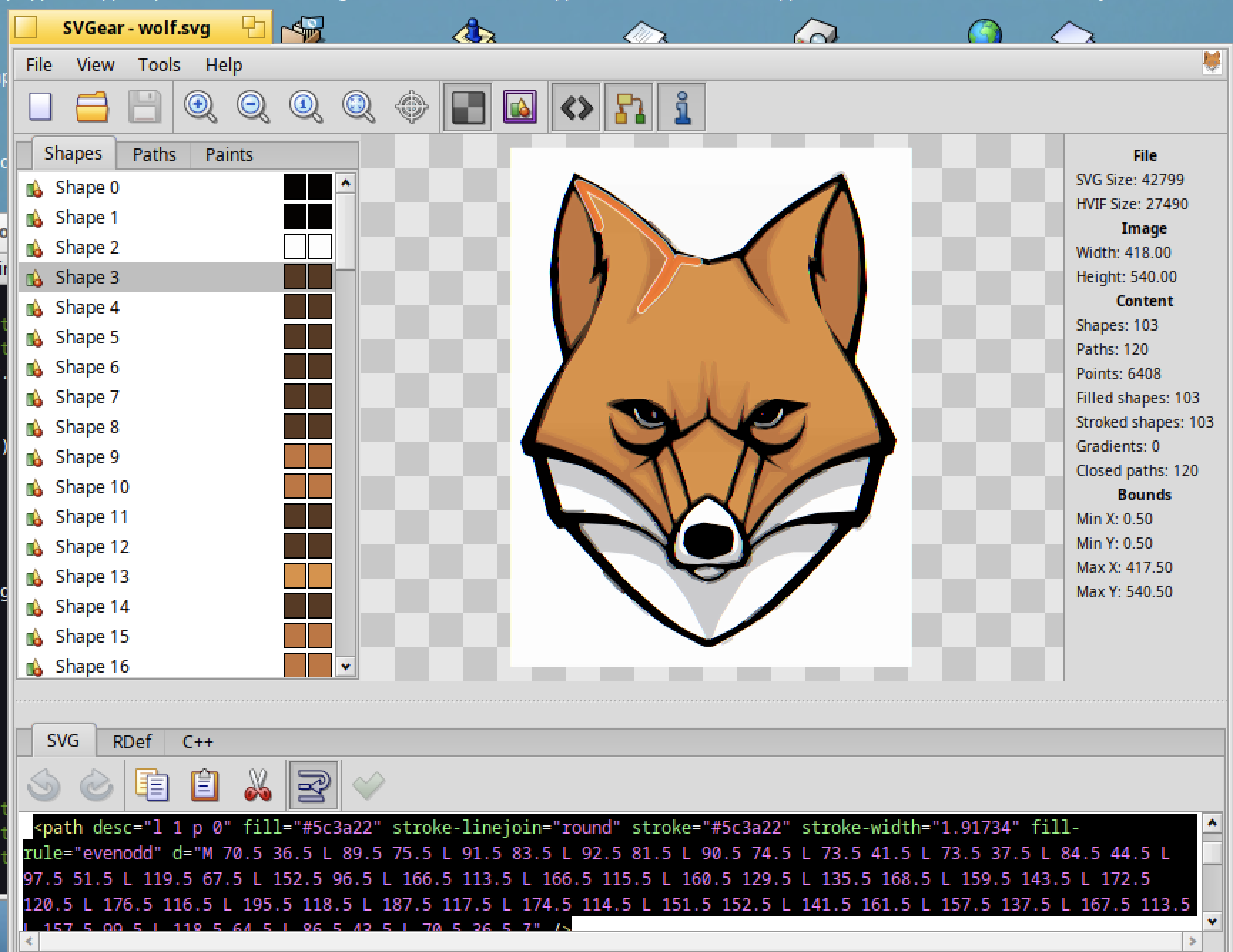
Another try, with a PNG wolf:

Converted to SVG and displayed in SVGear :
Converted to IOM :
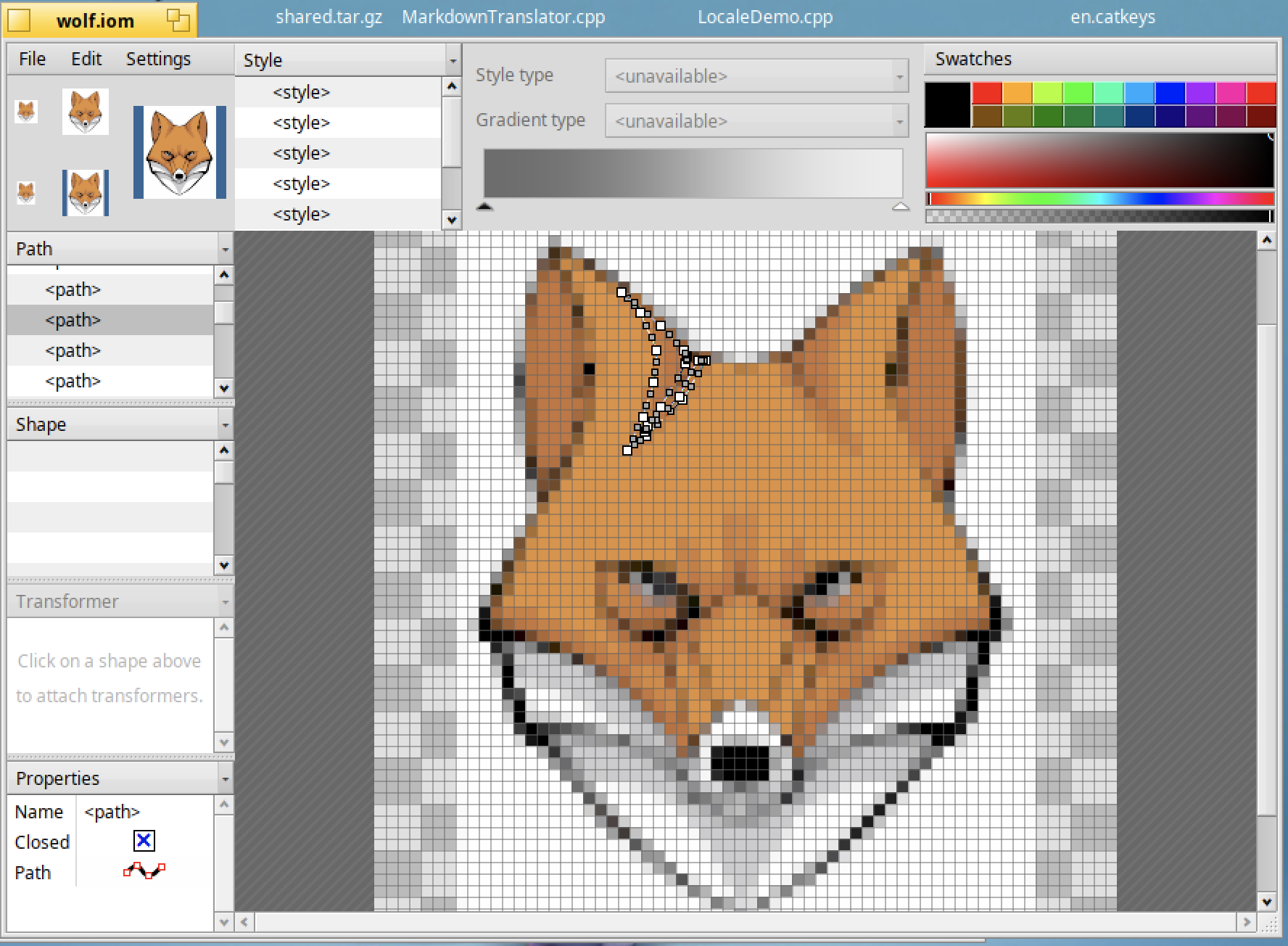
Note : cross platform hvif-tools compiled and used on MacOS successfully.
Really nice job 
8 Likes
I haven’t tested the build for macOS, and I’m glad to hear that everything went well. Were there any problems?
Everything was working fine from the few tests I’ve done
1 Like
SVGear is currently working quite fine, any plan to release it in HaikuDepot ? I have already used the version compiled from the GitHub repo
Not yet, I haven’t finished some of the things I planned to do. At the very least, this includes importing and exporting to Icon-O-Matic format. And some other improvements.
5 Likes
If I’m not wrong, it should be possible to extend - for instance - existing PNG translator to export into SVG format ?
I was wondering if having that kind of enhancements could be useful to have ShowImage exporting PNG to SVG format (or any bitmap format to SVG)
I think there is no need to add SVG support to every raster image translators, just have a translator that output SVG but support B_TRANSLATOR_BITMAP as input format.
Maybe @3dEyes could add this to his NanoSVGTranslator add-on which, currently, AFAIK, is supporting SVG → raster but not the reverse way.
2 Likes
Is it possible to create a new animation format based on HVIF in the next step?
The idea is to create a container format that treats animations as the instructions of movement of independent HVIF objects, rather than a sequence of full frames.
The format would have two sections:
- Static HVIF objects
- A dynamic timeline consist of instructions that control the transformation (position, rotation, scale, color, transparency) of these objects over time
I believe this HVIF animation can at least replace gif with better color depth and smaller file size. I’m not sure whether it can be smaller than lottie though, and what can it be applied on.
I think SVG can already do animations just fine.
Are you in a situation where:
- The compactness of HVIF matters, and
- The animation is so simple that typical compression methods (gzip, LZ algorithms, …) don’t work efficiently?
If not, maybe just use SVG and the existing tooling around it?
I see your point.
In general, SVG animation should be fine. I propose this way more for the purpose of making use the compactness of HVIF to create smallest animation possible, and what else can HVIF do except for system icons.
Would this be useful for embedded systems with low hardware specifications?
Also, as an OS targeting multimedia, vector multimedia creation might be a possible direction.
Was there once having a suggestion for svg screenshot function?
We’re already using the icons in tool bars, so theoretically, if someone wanted some transition animations there (for instance to toggle between two states), we could make use of this without needing to support full blown SVG animations.
However, I’m not sure animations fit too well in Haiku’s current interface language.
3 Likes
Animation for buttons in toolbars is already overkill.
But, to be fair, I want to remind you that NetPositive had animated gif icons on the toolbar.
Perhaps would it be useful for few deskbar applets that are indicating a status? I was thinking about netpulse or USBDeskbar as anyway their icon has to be replaced for scaling.
But if you are just indicating a change in state, like an active/inactive distinction, you can just use two separate icons, surely. Is there a need to invent an entire new AHVIF format?
Creating that would be an interesting programming challenge, and once it exists, someone will think of a use for it, perhaps as a Moe replacement. I just don’t think that your suggestion works out.
If the deskbar is going to end up blinking away like a christmas tree on steroids, that’s fine, just give me a way to turn it off.
1 Like
Hi @3dEyes and all forum readers - I’m wondering if it’s possible to try use this utility to convert the icon of an App (or folder) to svg format in run-time in my HiQDock app.
My current implementation uses the following code to read the app’s icon data and converts it into a base64 png uri and then the Qml code can read that png data as the source for the image.
Users can later add an .svg file to be the App’s icon on the dock launcher, but I would prefer to use the real hvif icon in the app resource as the ‘svg’ file so that it scales up / down smoothly (instead of this current .png implementation which is low-res / pixelated scaling)
here’s my current code:
QString MainWindow::getIconBase64UriForFile(const QString &appSignatureString)
{

entry_ref ref;
status_t stat = be_roster->FindApp(appSignatureString.toLatin1().data(), &ref);

QString fileFullPath;

if (stat == B_OK)
{
    BEntry myBEntry(&ref, TRUE);

    char name[B_FILE_NAME_LENGTH];
    myBEntry.GetName(name);
    myBEntry.GetParent(&myBEntry);
    BPath P;
    myBEntry.GetPath(&P);
    fileFullPath = QString(P.Path()) + "/" + QString(name);
}
else //probably not an app but a regular file or directory
{
    QFileInfo fileInfo(appSignatureString);
    if (fileInfo.exists()) {
          fileFullPath = appSignatureString;
    }
    else {
        return "";
    }
}

QFileInfo qFileInfo(fileFullPath);

QFileIconProvider iconProvider;
QIcon theIcon = iconProvider.icon(qFileInfo);
QByteArray byteArray;
QBuffer    buffer(&byteArray);
buffer.open(QIODevice::WriteOnly);
theIcon.pixmap(QSize(32, 32), QIcon::Normal, QIcon::On).save(&buffer, "PNG");
QString iconBase64 = QString(byteArray.toBase64());
return "data:image/png;base64," + iconBase64;
}
Any thoughts?
Note: assumption that qml code must have an .svg file for image source - I don’t think it can read/render/scale hvif format