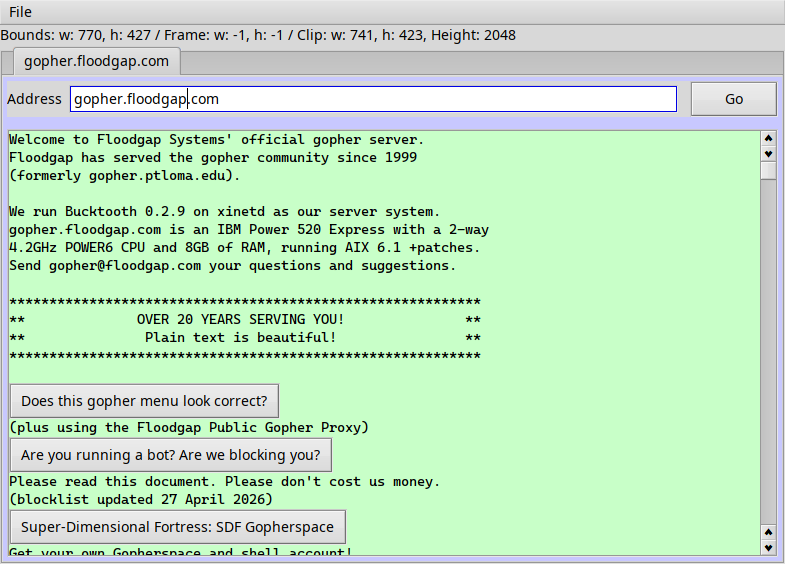
I’ve been trying to add scrolling to my native Gopher client, which as mentioned in another thread lays out content using a series of BStringViews and BButtons in a vertical column. They’re in a vertical BLayoutGroup, with glue added at the end to stop them stretching in height with the window.
Simply adding a BScrollView seemed to cause some weird behaviour, snapping the width to the content and the bars didn’t resize with the window as expected, are they compatible with layouts?
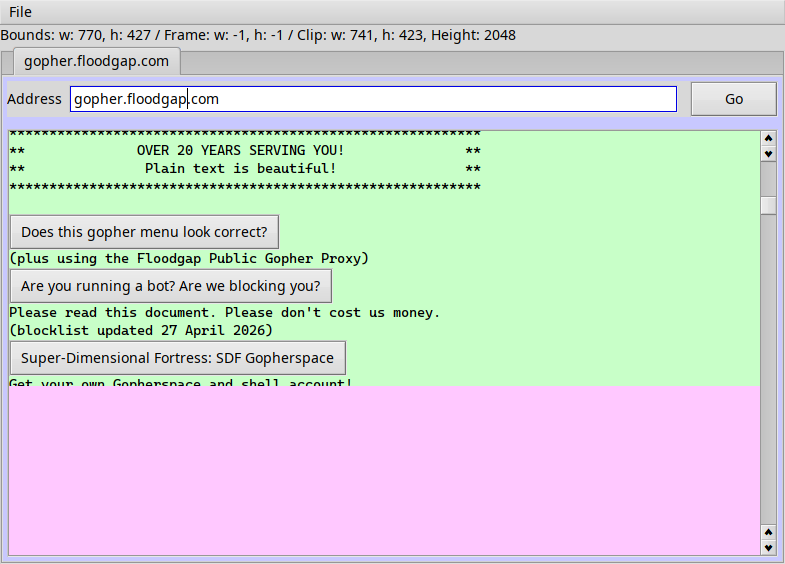
I worked around that by wrapping my view with a plan BView (scroll view aware) and then making that the target for the scroll view. Using FOLLOW_ALL_EDGES let me fix the width issue, and the height works ok. By implementing FrameResized() on the window subclass I can iterate over the contents of the layout to sum up the content height, and thus work out the correct range for the scroll bar by subtracting the height of the clipping region from that. The scroll bar does seem to scroll through the correct sweep, but the content view (the one in the wrapper) doesn’t render as it’s revealed. What do I need to hook into to fix that?
Before scrolling:
After scrolling:
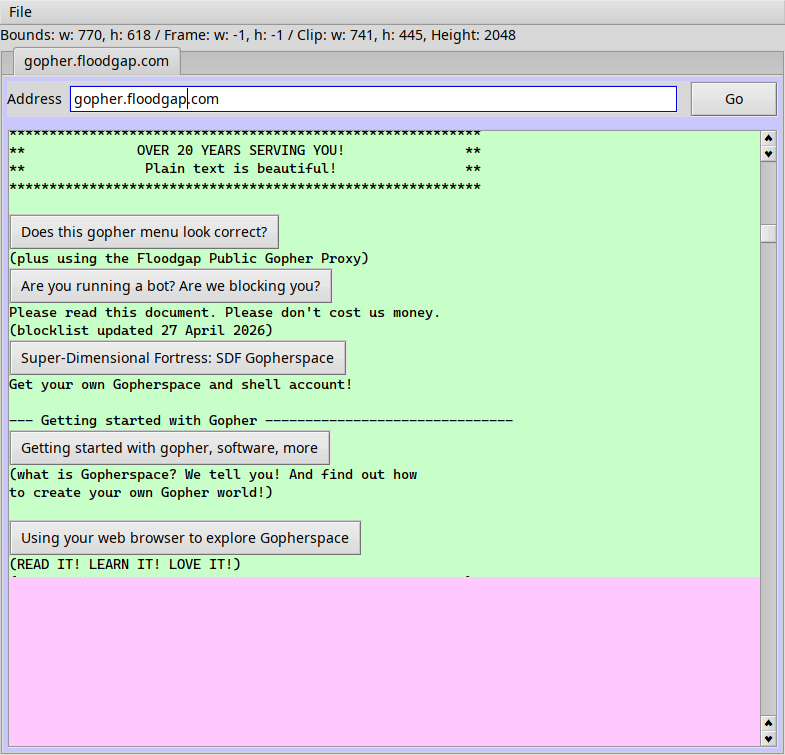
The pink area is the wrapper, the green area is the content view. As I resize the window it reveals more of the content, so I believe it’s just not aware of the scrolling that’s happening to it’s parent (wrapper) view:
Any bright ideas or things to consider? Do I need to subclass BScrollview or BScrollBar to be able to respond to the scroll value changing? Should I ditch the ScrollView and just manage scroll bars myself in this scenario?
Extra thing to mention, there is another BGroupLayout (vertical) that contains the menu, debug bar, tab bar, address controls, and wrapper. So the BScrollView itself is also within a layout.
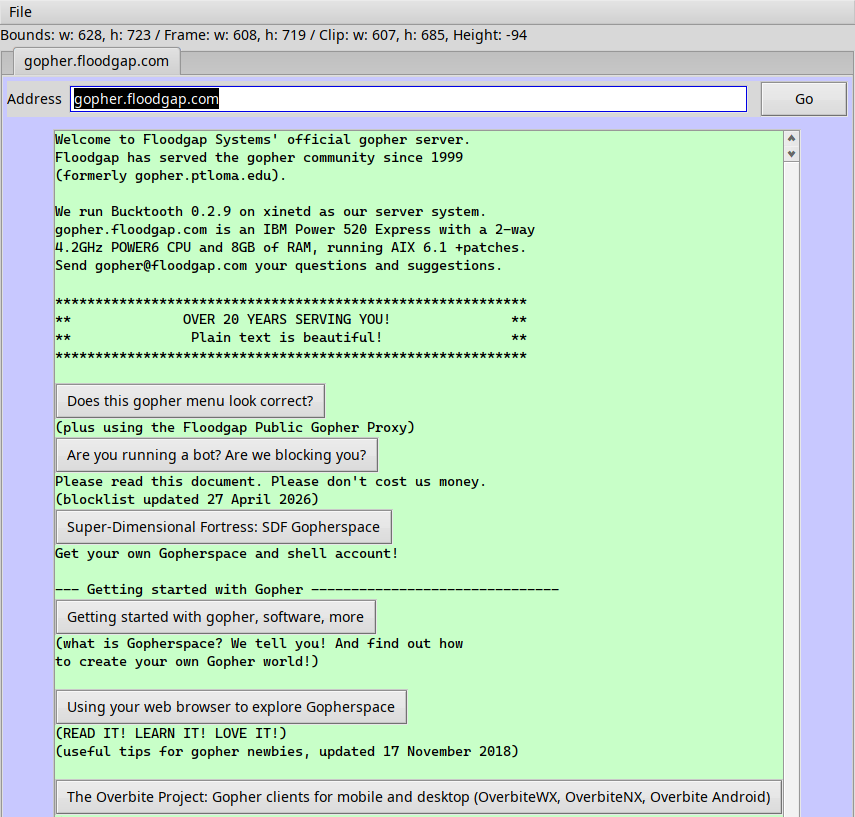
Without the wrapper (i.e. I add the BScrollView to the content view) the vertical scroll bar just extends down to the bottom of the content view, out of the window’s visible area. Even when following all sides it doesn’t fill the width of the parent layout any more:
Following all sides means you are using the non-layout constructor for the view inside your scroll view, your content view. I assume the scroll view is fine, it’s the view inside that’s the problem. You want to use the non-layout constructor (no frame) and then SetExplicitSize() to unlimited. Alternatively you could override GetPreferredSize() in your view to achieve the same effect using the non-layout constructor.
I had similar but not identical issues before, mainly using group layout inside scroll view. So I ended up with two solutions, one is doing layout manually and one is using layout builder. You can see my example codes in this gist: Cards in scrollview (Haiku OS). When there are many subviews, the manual approach seems to run better.
I cannot say I did it correctly, but you somehow need to adjust the size of content view and scroll view (and scroll bar) after resizing.
Hope it help.
I didn’t realise there was an unlimited option! Will have a look at that, might sort out the issue with the width when applying the scroll view directly to the content view
I’ll check both of those out, thanks! I did wonder about just doing it manually, but seemed a bit like busy work. Still, it’s not overly complicated!
not related to your problem, but do you have a release for this gopher client?
Oh I did post a link on the forum previously, but as you may gather from this thread it’s not really ready for general consumption just yet:
https://mattlacey.codeberg.page/
There’s a few known bugs (and no doubt some unknown), missing features (back button, file downloads) and probably general weirdness. It will be open source, I just want to get said source into a bit of a better shape before doing that. Aside from some super simple experiements over the last 25 years I’ve not really done anything with the BeAPI or even C++ in the last 20, so it’s a bit hacky right now!
2 Likes
I made some progress using B_SIZE_UNLIMITED - that definitely fixes the weirdness I was getting without the wrapper so that the content view grows with the window.
With that in place the scroll bar was still going to the bottom of the content view (so off the bottom of the window), so I updated my resize handler to set it’s height based on that view’s clip region. In the resize handler I also update the range and proportion, and it’s working well with the small exception that as I resize the window the scrollbar flickers between being disabled and not, and I can leave it at a size where it’s disabled. Not sure why, none of the numbers I’m settings (range, proportion, size) are seemingly gaining any bad values at that point!