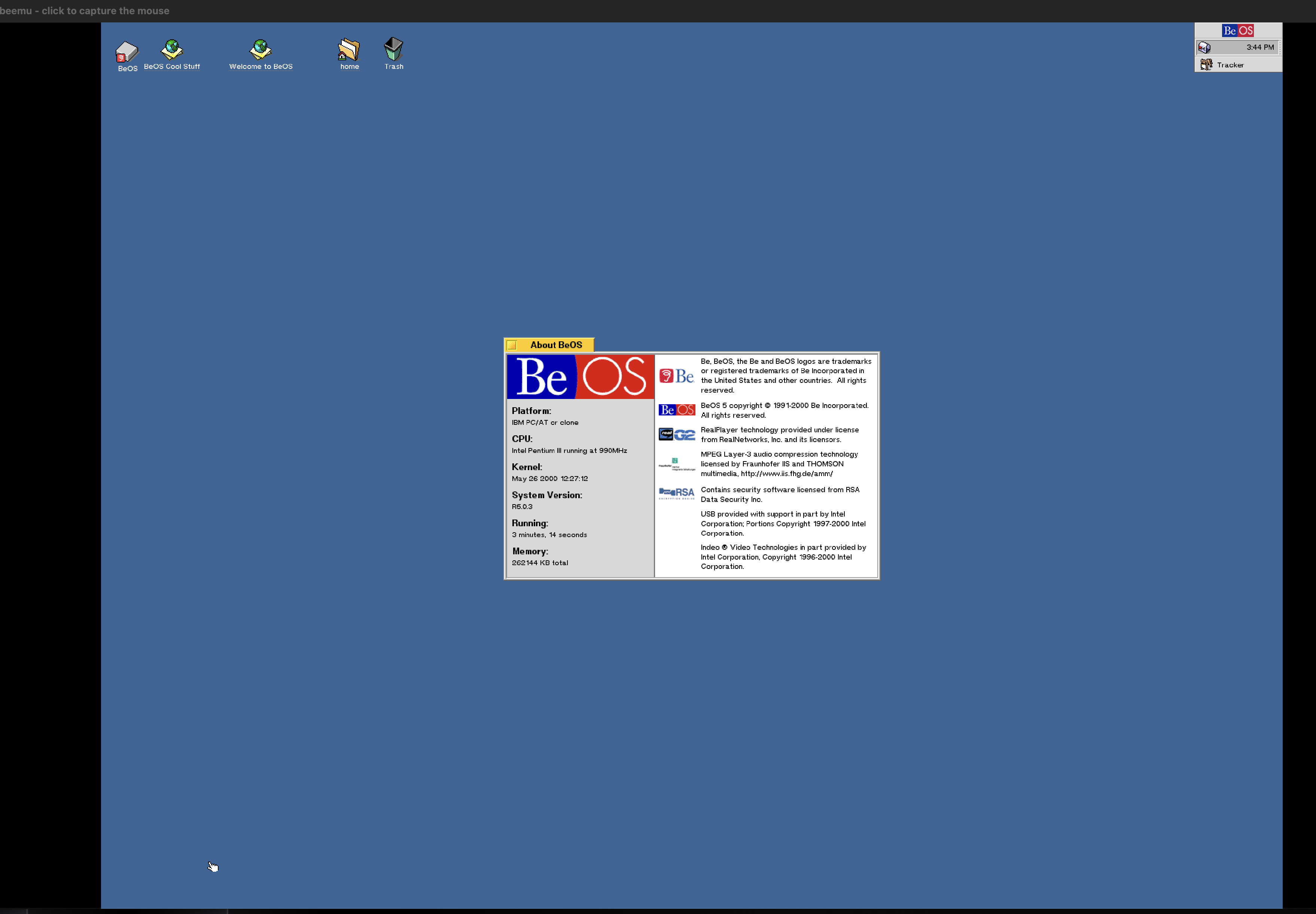
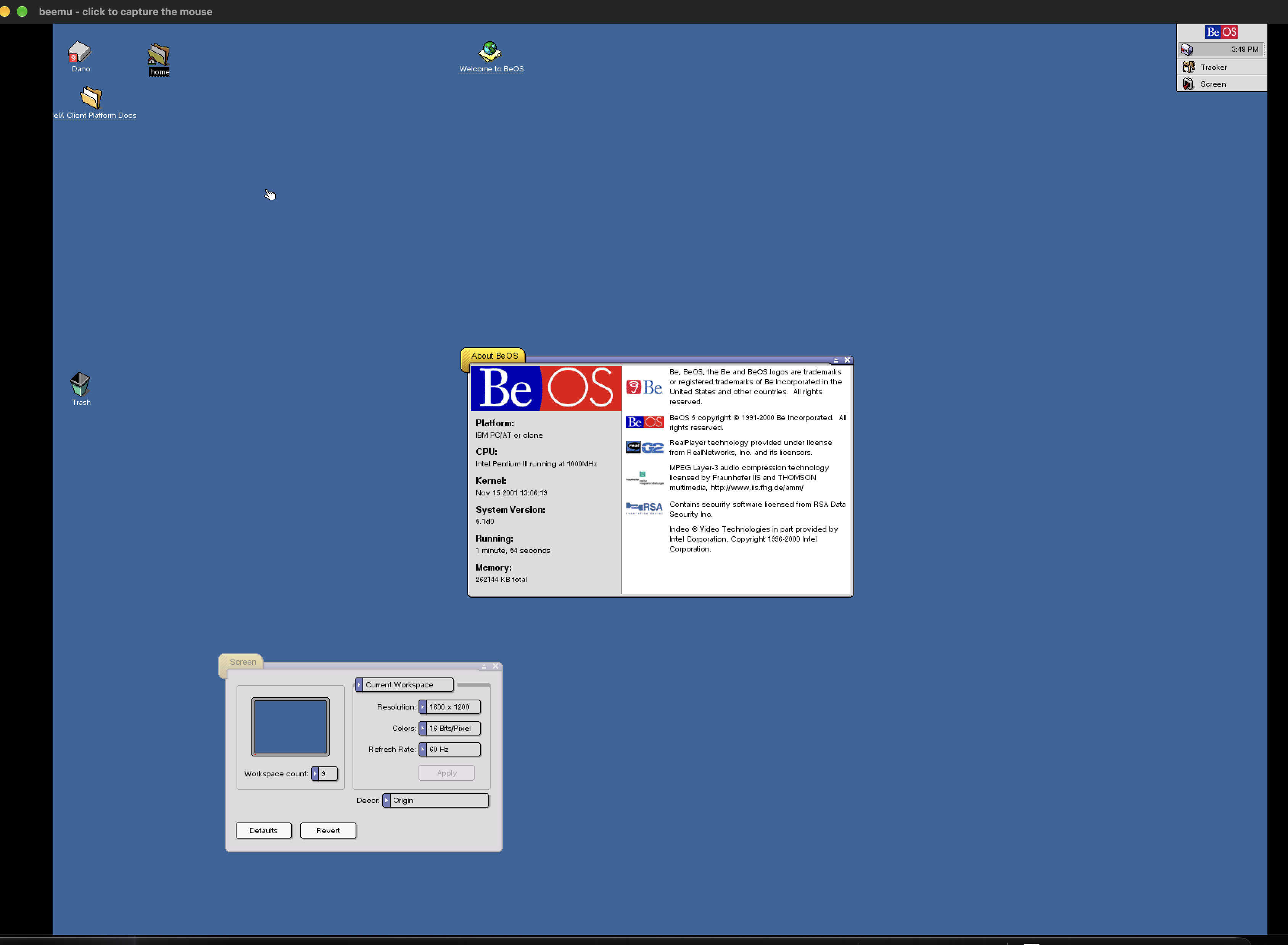
Ok, I would be lying if I said I am building an emulator for BeOS/Dano for Apple Silicon.
I am using Claude to do it, so this is an AI, my first, application and will be M Series only.
I am working on my M1 Macbook Pro and will also test on my M3 Air.
Currently it boots to desktop with 2 network cards avaiable and VESA for video. I am working on adding a Matrox G400 now. For the x86 code I am using JIT conversion similar to Rosetta for speed.
Planned is adding at least one or two more video cards, NVidia based with built in BeOS driver and maybe one with an addon 3rd party driver and maybe 3dfx.
I currently am using SDL3 for prototyping but plan on using Metal for the display.
I need to also setup some type of menu system to choose devices and save as a presetup system similar to VirtualBox, i think.
Once I get that running smoothly I will add multi processor support, currently a single PIII. I am trying to use the maximum system specs that are safe bets. I may have some bump up to take advantage of some of the user addon fixes, but unsure yet.
Likely will have a release the next time I get home in a week or two and would like some alpha testers with Apple Silicon. This is a side thing so my time with it will not necessarily be huge. I will also upload it on my github once I get to a good point.
This endeavor was inspired by Memsom and his BeBox emulator.
Does it run x86 or ppc? I believe there is more x86 software out there and to really be honest I wanted to see if I could give Claude what it needed to do it.
Yes, x86 only, no plans for doing ppc as I never used it and don’t have any ppc software. I still have a bunch of x86 software I picked up when I first got r4.5 and along the way. I built a dual Celeron dedicated for r5 back in the day.
Would like to also have full access to a real cdrom.
Currently it is ok speed-wise but the biggest thing I noticed is no jiggling mouse that I get on qemu.
Not really worth it for PowerPC as there are 2 bebox emulators and at least 2 Mac emulators that can also run BeOS.
You did a great job, but 86Box can also boot BeOS on Apple Silicon. There’s even a front end that can configure all the command line stuff for you. For me personally I wanted PowePC, which is why I ported the emulator @jrash made to MacOS. BeOS on Intel was always better supported in emulation.
For video I already have VESA and Matrox G400 and plan on one or two more that are supported out of the box with r5. I may also look at GeForce 2 or 3 as there is a 3rd party alpha driver.
If I remember correctly BeOS drivers only support 2D acceleration at least out of the box.
My beef with other emulators is I have yet to get BeOS running without fudging something and still end up with a jittery mouse and VESA video with inconsistent resolution due to Apples super high resolutions not working well with qemu or 86box.
So nice to play around with my favorite OS from the past. Installed it on my M4 with UTM. It’s not fast (ofcourse) but it’s nice to see far it has come as Haiku now. Well done guys.
It will eventually be, currently, I can only work on it while home. I am an over-the-road truck driver. Likely be a few weeks. I won’t be home until at least the 2nd week of November. But it is planned to be open source. Should be easily made to work with most x86 OS’s, but I am concentrating on R5 and Dano.