I have start to work on an arm64 port for Haiku and the end goal is full RPI5 support.
It will be interesting to see how far we can go.So far I got a minimal arm64 desktop image
working in qemu:
4-core SMP boot — All 4 CPUs active with timer interrupts and inter-CPU interrupts (ICIs) on all cores
Full userland boot — 306+ teams launched, 0 kernel panics, 0 kernel faults
Desktop GUI — Tracker (1024x768), Deskbar, clock, input_server all running
Terminal + bash — it works
Networking — DHCP via virtio_net (IP 10.0.2.15), routing works
C++ exceptions — throw/catch, nested exceptions, runtime_error all pass
Signal delivery — SIGSEGV/SIGBUS properly delivered and handled
KDL debugging — Kernel debugger accessible
Applications — AboutSystem, Clock, Locale preferences, neofetch all work
Thread-local storage — Both TPIDRRO_EL0 and TPIDR_EL0 set correctly for GCC __thread variables
Known issues (non-blocking):
Heap corruption — ~2 processes per boot (e.g., locale, Tracker) crash with kernel addresses in user heap metadata. Processes are killed, system continues.
SSH — sshd starts but connections hang (TCP connects, banner never sent)
After solving the memory issues in arm64 image, I think we are ready for next big step and try on real hardware. It will probably be a painful process until we get the serial debug to work…
Sounds amazing, more members will follow this thread as time-to-time new collaborators started to work on several ARM based Haiku desktop - 64bit and/or 32bit - and those were followed closer with high interest.
Last time, for a longer period, the 64 bit ARM was pushed forward by one of my compatriot, and recently Pulkomandy shared that he would work on 32bit ARM and posted some patches regarding network booting haiku images - amongst the others.
Your list in VM that you could reach Desktop and how many things works stable … exciting and very promising.
Have a good luck on bare metal - many of us will help you test it if it once would be available for install.
Me myself have no any RPI board, but only an old ARM tablet - a Notion Ink v1 from the pioneering era … Before iPad, before Samsung and other better table manufacturer arised with their usable product.
Otherwise I’m reading any news joyfully where Haiku become available on new platform(s).
Thank you for the kind feedback. It is a very interesting project.
I really think Haiku would be awesome on RPI. Unfortunately it seems that the Arm world is a little bit messy. Only for RPI there is big difference between RPi2, 3, 4 and 5.
It seems very hard to support all the Arm boards, especially for a small community as Haiku.
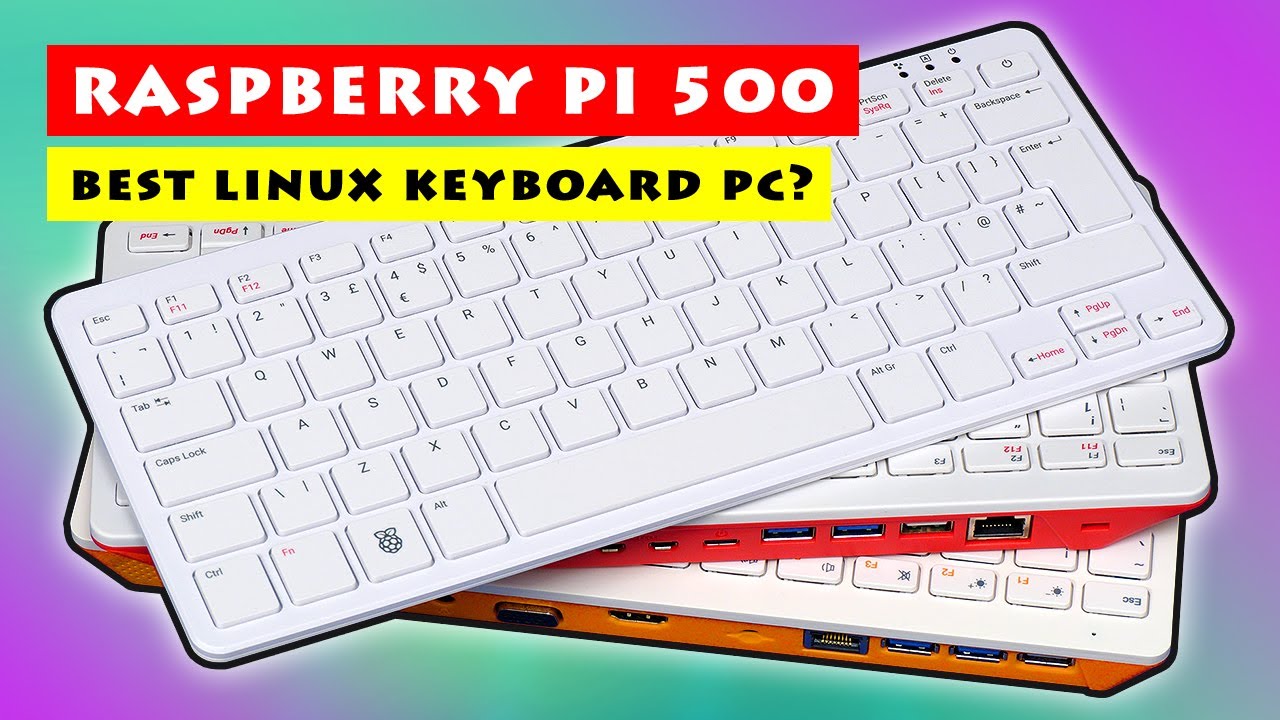
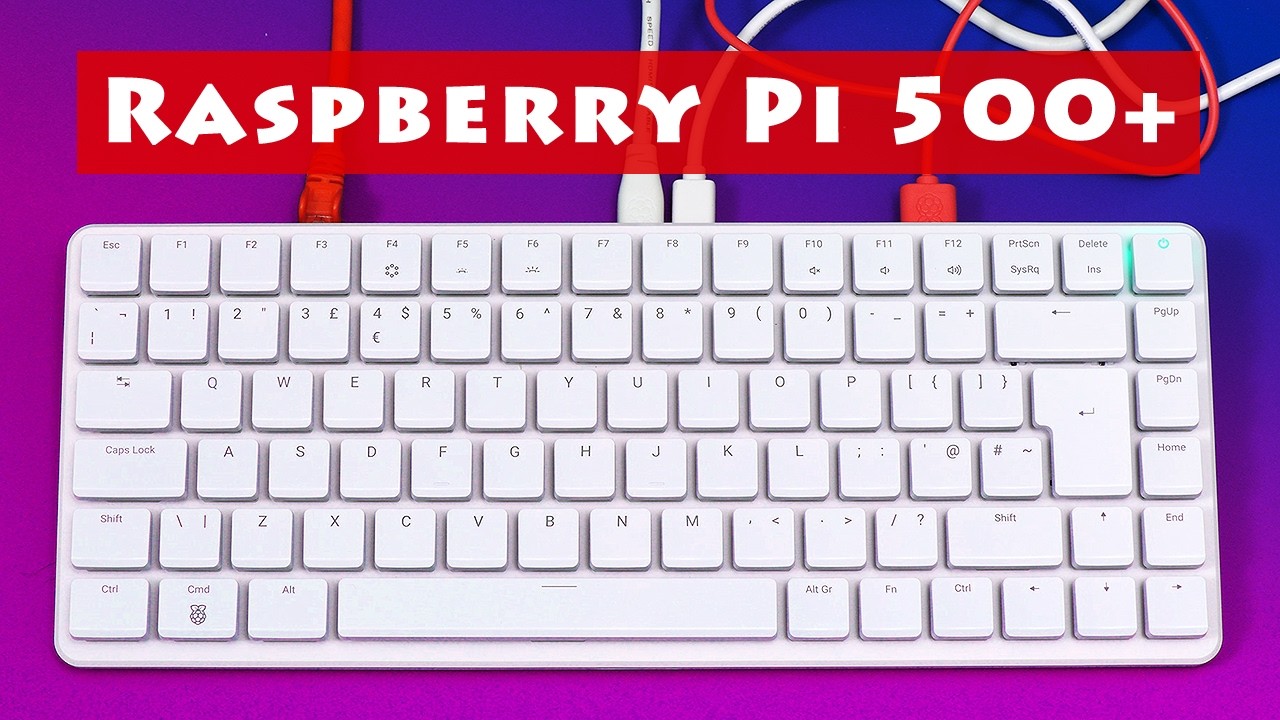
I will try my best shoot on RPI500+
It seems to be a very capable board. 8 or 16 GB ram …. 250GB SSD and a mechanical keyboard with RGB, the kids love RGB nowadays .
Wifi support seems to be a real challenge, also the GPU as well.
My approach will be to re-use X512 awesome work on Nvidia driver but for
VideoCore VII. That approach will save us months, maybe years I hope.
Not yet. I will need some advice how to setup this up properly.
I have never pushed anything to Haiku Gerrit before, and I don’t
think my work is ready yet for the masses. I am using a local Gitea
repository. It is quite easy for me to fork the repo to my Github.
Any publically available repo such as GitHub, GitLab, Codeberg etc. will be fine. Even incomplete work is useful for referencing, discussions and testing.
Great then I will go with a fork to Github.
And thank you for your feedback.
Not really related to this thread, your Nvidia driver for Haiku is awesome!!!
I use it everyday here and it is rock solid. Llama.cpp is also working great
on the GPU now!
Really good news, for me as a RPi user, (as well as Linux laptop/computers).
ARM64 RPi on RPi5/RPi500/RPi500+ will be great addition, look forward to trying it when ready, & hopefully it will be able to work on the RPi4B/RPi400 too.
Amazing, it is crazy to see progress and a desktop! It was a long time since I worked on arm64 port, but I’ll try to answer anything you want to ask.
I decided to go with ARM 8.2+ back then to simplify initial port as zstd was very immature on arm64 back then.
I also have a Raspberry Pi 400 here,previously used it as primary computer when I was still using Linux,but haven’t used it for years.
Would be nice if I could run Haiku on it.
By the way,mine shipped with a micro-HDMI-to-HDMI cable.
Excellent! I have a Pinebook Pro model from Pine64 that would be great to run Haiku on! The SoC is a Rockchip 3399, I think. It has a Mali T-860 GPU, as the link shows, and I think the
Other, ARM7 32-Bit Systems I Have
I know that ARM7 devices are ancient history to every Linux distro but Debian. Even then, the last time I installed it on my CuBox i4Pro, I had to un-gzip two files and concatenate the startup image to the rest of the distribution to even make an image! Even so, a smaller, lighter OS than Linux could still be useful. Debian worked ok for what I needed it for…until the software I wanted to run dropped 32-bit support for the database backend.
I gave away my RasPi 2 as a baptism present but I still have 32-bit ARM7 systems. The first is an ODroid XU4 which has 8 CPU cores and 2 GB of RAM. The other is a Freescale i.MX6 SoC machine with a quad-core with Vivante graphics (supported by the Etnaviv driver in Mesa) called the SolidRun CuBox-i4Pro.
at home to test it on when ready and available on Github .. as it is the targeted device.
In case ARM (or ARM64) the hardware is specific, as we could read about earlier in several forum posts, so this way there is no full generic Haiku install image, and maybe … there won’t be at all. Even the boot options are different and different softwares (firmwares) are used on them to initialize the boot process.

 .
.


 running Haiku)